


 Home
HomeTensorPix
AI Video Image Enhancement Upscaling



Helps TikTok sellers, brands, MCNs, and TAPs discover winning products and find creators.

HelpLook is an AI-powered all-in-one knowledge base tool that helps businesses quickly build knowledge bases, help centers, and...

Your AI Workspace

302.AI is an enterprise-grade AI resource platform with pay-as-you-go pricing, API access to a full range of AI models, and ready-to-use online applications.

剧火AI — AI Screenwriter + Director, a One-Person Short Drama Studio In one sentence, what is it?
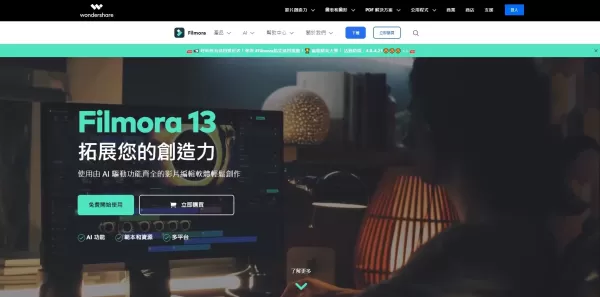
What is Filmora?Filmora is a powerful yet easy-to-use video editing software designed for creators of all skill levels. It combines an intuitive drag-and-drop interface with a rich library of effects, transitions, and advanced tools like keyframing a
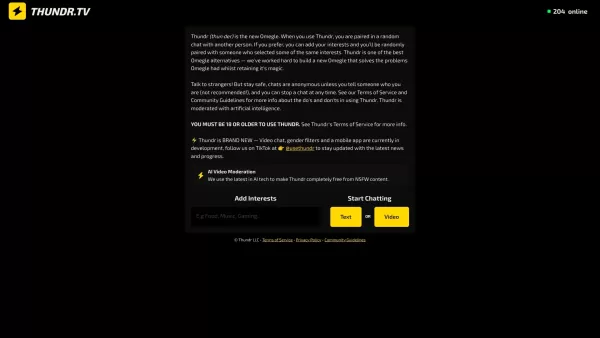
What is Thundr?Thundr is an advanced AI platform for lifelike voice conversations. It uses sophisticated artificial intelligence to simulate realistic human interaction, offering a unique and engaging communication tool. Ideal for applications from c
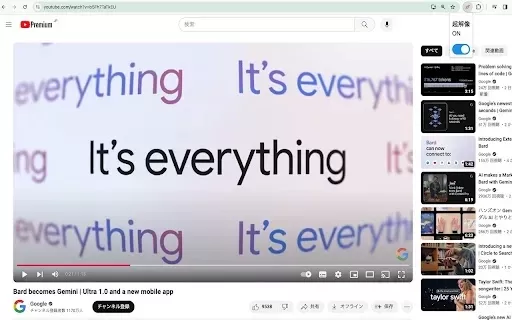
What is Video Super-Resolution?This Chrome extension utilizes sophisticated deep learning technology to upscale lower-resolution videos (such as 360p) to near-720p quality seamlessly and in real time. It intelligently boosts video clarity based on yo
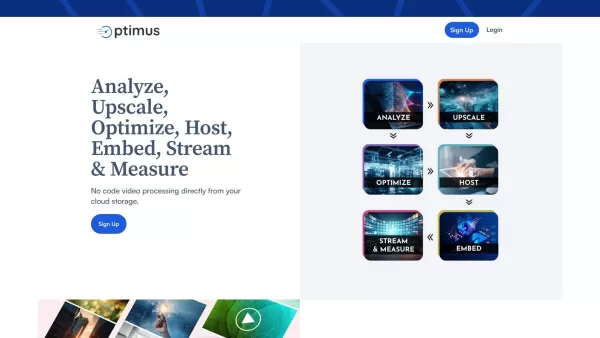
What is Optimus Drive - Optimusdrive.ai?Optimus Drive transforms media management with its sophisticated AI-driven toolkit. This platform empowers users to effortlessly optimize, upscale, and improve their media files. Leveraging patented video techn
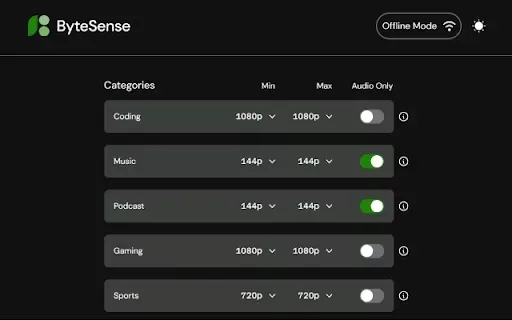
What is ByteSense?ByteSense is an innovative Chrome extension that uses smart algorithms to automatically optimize YouTube video quality based on what you're watching. This ensures a smoother, buffer-free viewing experience while also being mindful o
TensorPix Product Information
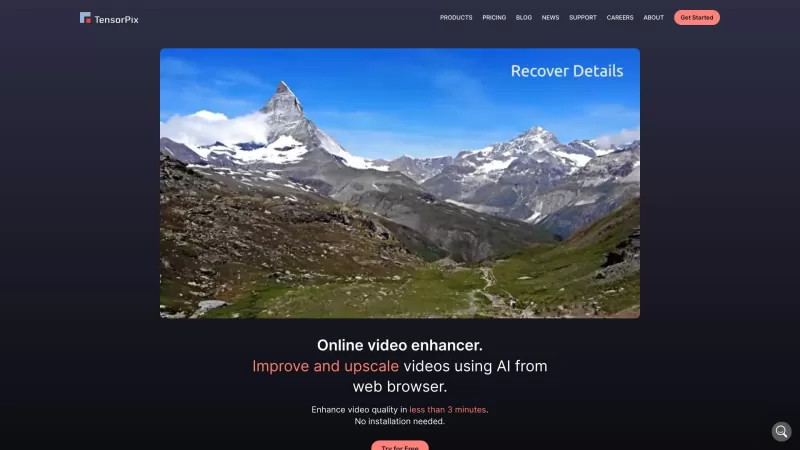
TensorPix isn't just another tool; it's like a magic wand for your videos. Imagine breathing new life into those old family clips or making your web videos pop with crystal-clear quality. That's what TensorPix does—it's an online AI video enhancer and upscaler that works wonders on your footage.
How to Use TensorPix?
Using TensorPix is a breeze. Just upload your videos to their platform, pick from a variety of AI filters, and watch as your video gets a serious upgrade. Once it's done, you can download your newly enhanced masterpiece. It's that simple!
TensorPix's Core Features
AI Video Enhancer
Ever wished you could make your videos look better without breaking a sweat? TensorPix's AI does the heavy lifting, enhancing every frame to give your video that professional touch.
Video Upscaler
Got an old video that's a bit fuzzy around the edges? TensorPix can upscale it, making it sharper and clearer. It's like giving your video a high-definition facelift!
Enhance Video Quality
Whether it's color correction, noise reduction, or just making everything look smoother, TensorPix's tools are designed to take your video from "meh" to "wow."
TensorPix's Use Cases
Enhancing Old Videos
Those nostalgic home videos from the '90s? TensorPix can bring them into the modern era, making them look as if they were shot yesterday.
Improving Video Quality for Web Pages
If you're running a website and want your videos to stand out, TensorPix can help. It's perfect for making sure your content looks its best, no matter the device.
Upscaling Animation Renders
Animators, listen up! TensorPix can upscale your renders, ensuring your hard work looks stunning at any resolution.
FAQ from TensorPix
- How does TensorPix enhance videos?
- TensorPix uses advanced AI algorithms to enhance every aspect of your video, from clarity to color balance.
- Can I use TensorPix for images?
- While TensorPix focuses on videos, some users have reported success with images, though it's not officially supported.
- Do I need to install any software?
- Nope, TensorPix is entirely online. Just upload your video and let the magic happen.
- How long does it take to enhance a video?
- It depends on the video's length and quality, but TensorPix aims to keep processing times as short as possible.
- Is TensorPix trusted by users?
- Absolutely! TensorPix has a solid reputation for delivering high-quality results and excellent customer service.
- What makes TensorPix different from other services?
- It's all about the AI—TensorPix's algorithms are specifically tuned for video enhancement, setting it apart from the rest.
- Can TensorPix enhance old movies?
- Yes, it can! Old movies can get a new lease on life with TensorPix's upscaling and enhancement features.
- Does TensorPix have a newsletter?
- Yes, you can sign up for updates and tips right on their website.
- Where is TensorPix located?
- TensorPix is based in Zagreb, Croatia, at Slavonska Avenija 6.
For any questions or issues, you can reach out to TensorPix's support team at [email protected]. More contact options are available on their contact us page.
TensorPix is brought to you by Tensorpix d.o.o., located at Slavonska Avenija 6, 10000 Zagreb, Croatia. Curious about the company? Check out their about us page.
Wondering about the cost? You can find all the details on TensorPix's pricing page.
Stay connected with TensorPix on social media:
- Facebook: https://www.facebook.com/tensorpixai
- YouTube: https://www.youtube.com/channel/UCxyMIjGELzI-yxbFXCTC2Uw
- TikTok: https://www.tiktok.com/@tensorpix
- LinkedIn: https://www.linkedin.com/company/tensorpix
- Instagram: https://www.instagram.com/tensorpix.ai
TensorPix Screenshot
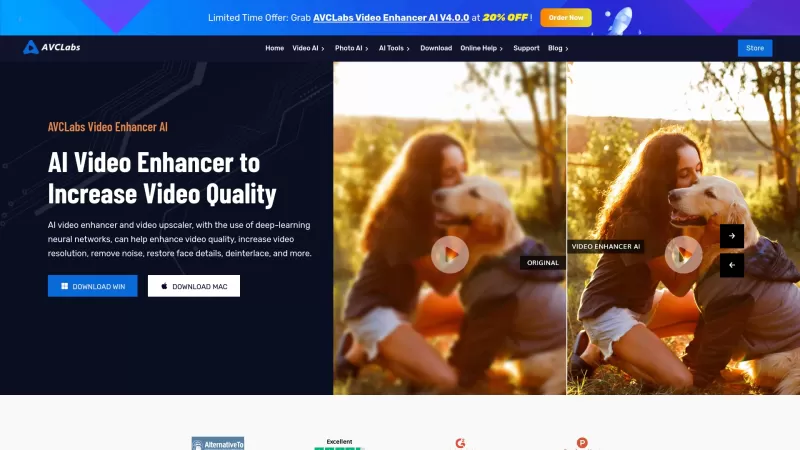
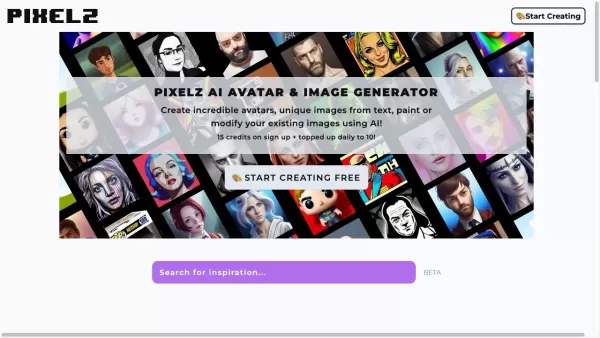
2026 Latest Top-Rated Best AI Image Restoration Tools for Fixing Blur, Noise, and Old Photo Damage. This curated list features powerful game-changing solutions that go through rigorous real-world tests to deliver outstanding results. XIX.AI provides a free vs paid comparison to help you choose the perfect option for your needs. Explore now to Discover your perfect tool for restoring damaged photos instantly and Unlock your AI edge in creative work.
 9 tools
 xix.ai

Discover the 2026 latest top-rated AI image upscalers curated for photographers. Our weekly updated rankings feature powerful, game-changing tools that restore pixelated photos with zero detail loss. Compare free vs paid options and unlock your perfect AI edge at XIX.AI.
10 tools
xix.ai

2026 Latest Best AI Tools for Video Resolution Upscaling: Discover top-rated, powerful solutions to transform low-res clips into stunning 4K cinematic motion. Our curated list, based on real-world tests and weekly updated rankings, helps you find the perfect tool to enhance video quality effortlessly. Unlock professional-grade upscaling with XIX.AI. Explore now and elevate your visual content!
10 tools
xix.ai

Discover the 2026 latest top-rated AI frame interpolation tools to upscale your hand-drawn anime into 60FPS smooth motion. XIX.AI's curated list features powerful, game-changing solutions with free vs. paid comparisons and real-world tests. Find your perfect tool to unlock buttery-smooth animation. Explore the rankings now!
10 tools
xix.ai
Discover the 2026 best AI render engines for 3D animation. Our top-rated, curated list features powerful tools to denoise, upscale sequences to 4K cinematic quality, and slash render times. Compare free vs paid options with real-world tests. Unlock your AI rendering edge at XIX.AI.
10 tools
xix.ai
Discover the 2026 latest top-rated AI image enhancers for presentations. Our curated list features powerful, game-changing tools to instantly upscale, restore, and perfect your graphics. Compare free vs paid options with real-world tests and weekly updated rankings. Unlock stunning visuals today at XIX.AI.
10 tools
xix.ai


