


 Home
HomeByteSense



Helps TikTok sellers, brands, MCNs, and TAPs discover winning products and find creators.

HelpLook is an AI-powered all-in-one knowledge base tool that helps businesses quickly build knowledge bases, help centers, and...

Your AI Workspace

302.AI is an enterprise-grade AI resource platform with pay-as-you-go pricing, API access to a full range of AI models, and ready-to-use online applications.

剧火AI — AI Screenwriter + Director, a One-Person Short Drama Studio In one sentence, what is it?
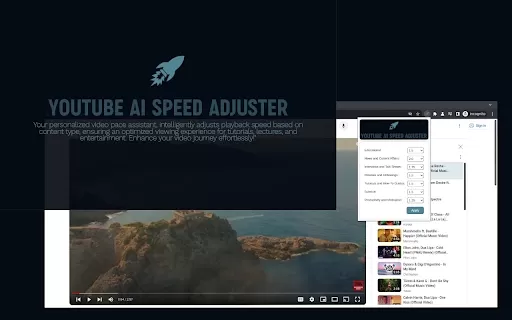
Ever felt like your YouTube videos could use a bit of a speed boost? Enter Speedtube AI Chrome Extension, a game-changer for those who want to optimize their viewing experience. It uses AI to smartly adjust the playback speed according to the type of cont
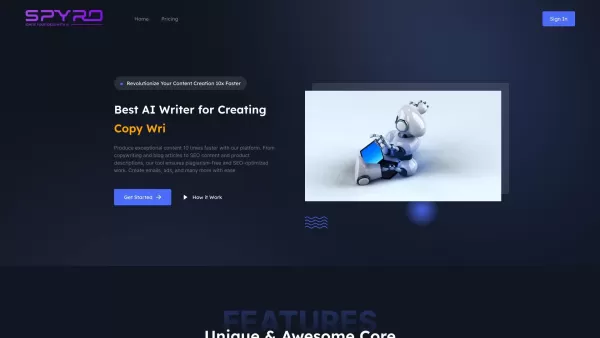
Spyro isn't just another AI writing tool; it's like having a creative powerhouse at your fingertips, making content creation not just easier, but also ten times faster. Whether you're crafting catchy copy, detailed blog articles, or SEO-optimized content, Spyro is your go-to platform. From product d
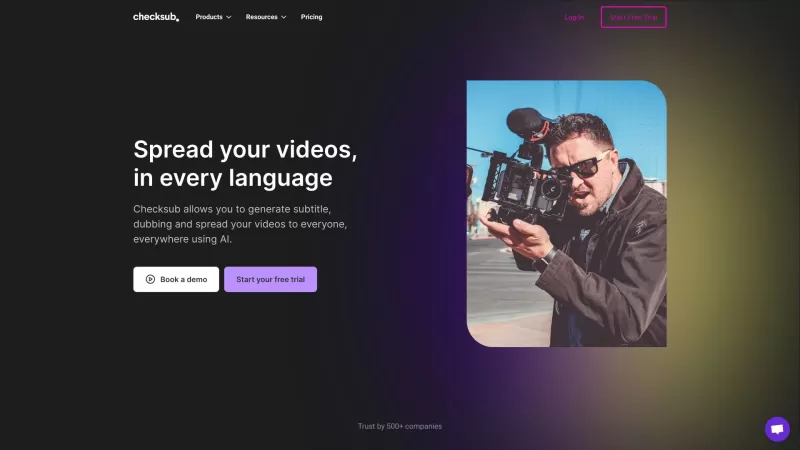
Ever wondered how to make your videos more accessible and engaging? Enter Checksub, the nifty tool that's revolutionizing the way we add subtitles to our videos. It's not just about adding text at the bottom of your screen; Checksub goes the extra mile by offering automatic subtitling, translation i
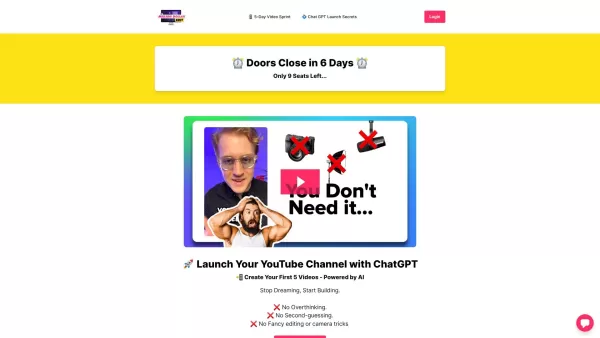
Ever dreamt of kickstarting your YouTube journey but felt overwhelmed by where to begin? Enter the 5-Day Video Sprint, a turbo-charged program designed to get your channel off the ground in just five days. It's like a crash course in YouTube mastery, guid
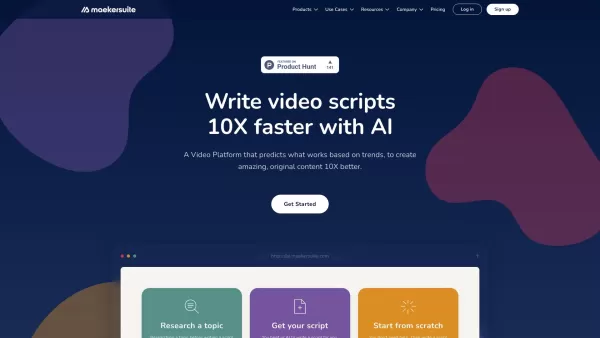
Ever wondered how to streamline your YouTube content creation process? Enter Maekersuite, your new best friend in the world of video production. This nifty tool is designed to transform your content briefs into ready-to-record YouTube scripts that range from 1 to 15 minutes. But that's not all! With
ByteSense Product Information
What is ByteSense?
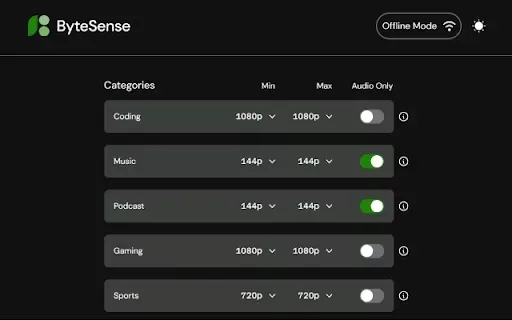
ByteSense is an innovative Chrome extension that uses smart algorithms to automatically optimize YouTube video quality based on what you're watching. This ensures a smoother, buffer-free viewing experience while also being mindful of your data usage. Whether you're streaming fast-paced action or a detailed tutorial, ByteSense handles the technical settings in real-time so you don't have to.
Who is ByteSense for?
- Everyday YouTube viewers
- Video creators and influencers
- Social media and digital marketing professionals
How to get started with ByteSense
- Step 1: Install the ByteSense extension from the Chrome Web Store.
- Step 2: Activate the extension in your Chrome browser.
- Step 3: Visit YouTube and play any video.
- Step 4: Experience optimized, interruption-free video playback automatically.
Platform
- Google Chrome
ByteSense's Core Features & Benefits
Key Features
- Automatic, dynamic video quality adjustment
- Real-time analysis of video content
- Seamless, one-click integration with YouTube
User Benefits
- A consistently superior viewing experience
- Efficient data and bandwidth consumption
- Eliminates the need for manual quality tweaks
Primary Use Cases
- Streaming entertainment at home
- Learning from educational videos
- Viewing professional demos and presentations
FAQs of ByteSense
What is ByteSense?
ByteSense is a Chrome extension that dynamically optimizes YouTube video quality by intelligently analyzing the content type.
How does ByteSense work?
It employs advanced algorithms to assess video content in real-time and automatically adjusts the streaming quality for the best balance of clarity and performance.
Is there a cost for using ByteSense?
ByteSense is completely free to download and use.
Can I turn off ByteSense?
Yes, you can easily disable it at any time through your Chrome extensions menu.
Does ByteSense affect my internet speed?
It optimizes video streaming to reduce data usage without negatively impacting your internet speed or overall performance.
Is ByteSense compatible with other browsers?
Currently, ByteSense is designed specifically as an extension for the Google Chrome browser.
Do I need to create an account to use ByteSense?
No account or sign-up is required. Simply install the extension and it's ready to use.
Can I customize settings in ByteSense?
The extension works fully automatically, but basic controls are available via the Chrome extensions management page.
Does ByteSense track my viewing history?
No. ByteSense is focused solely on video performance optimization and does not monitor or track your personal viewing history.
How can I get support for ByteSense?
For support, please visit the official ByteSense listing on the Chrome Web Store or check the provided contact links.
ByteSense Company Information
ByteSense Screenshot


2026 Latest Best Top-rated AI Object Removal Editors for portraits travel product shots! XIX.AI curates a powerful game-changing collection regularly updated with weekly rankings. These tools offer real-world tests to help you quickly remove unwanted elements, boost content quality, and save tons of time without compromising results. Must-try for anyone aiming to unlock their AI creation edge. Explore now!
 10 tools
 xix.ai

2026 Latest Best Top-rated AI Text to Speech Tools for Online Courses are curated by XIX.AI based on rigorous real-world tests and weekly updated rankings. These powerful tools help creators deliver crystal-clear audio content effortlessly, boosting writing efficiency and streamlining course production. Check out the free vs paid comparison to find your perfect fit. Explore now to unlock your AI edge in online education.
10 tools
xix.ai

2026 Latest Best Top-Rated AI Blog Title Tools for Higher Click Through Rates! XIX.AI has carefully curated a powerful, game-changing collection of top tools that go through rigorous real-world tests. You’ll find a free vs paid comparison, weekly updated rankings, and detailed insights to help you boost your blog’s traffic efficiently. Must-try options are highlighted to help you unlock your AI edge. Explore now!
10 tools
xix.ai

2026 Latest Best Top-rated AI Task Routing Tools for Support Workflows! XIX.AI has curated a highly powerful game-changing collection of must-try solutions, all undergoing rigorous real-world tests and updated weekly. These tools streamline workflows, boost productivity, and help teams deliver faster, more efficient support. Explore now to discover your perfect tool and unlock your AI edge!
17 tools
xix.ai

2026 Latest Best Top-Rated AI Citation and Paper Summary Tools Curated by XIX.AI. Get powerful game-changing solutions for quick content creation, improved writing efficiency, and boosting productivity. We offer a free vs paid comparison along with real-world tests and weekly updated rankings to help you find the must-try tool that fits your needs perfectly. Explore now to Unlock your AI edge.
10 tools
xix.ai

2026 Latest Best Top-Rated AI Productivity Tools for Daily Work! XIX.AI has curated a powerful, game-changing selection based on rigorous weekly updated rankings and real-world tests. You’ll find must-try options that boost writing efficiency, streamline content creation, and help you overcome daily work challenges. Get a free vs paid comparison to find the perfect fit for your needs. Explore now to unlock your AI edge!
9 tools
xix.ai


