


 Home
HomePatentDrawAI
AI Patent Search, Drafting & Illustration Tool



Helps TikTok sellers, brands, MCNs, and TAPs discover winning products and find creators.

HelpLook is an AI-powered all-in-one knowledge base tool that helps businesses quickly build knowledge bases, help centers, and...

Your AI Workspace

302.AI is an enterprise-grade AI resource platform with pay-as-you-go pricing, API access to a full range of AI models, and ready-to-use online applications.

剧火AI — AI Screenwriter + Director, a One-Person Short Drama Studio In one sentence, what is it?
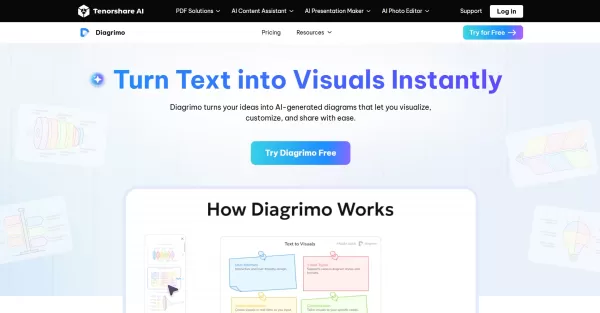
What is Diagrimo?Diagrimo is an AI-powered text-to-visual tool that helps users transform text or concepts into structured diagrams like flowcharts, SWOT analyses, pyramids, and infographics. It supports users in organizing ideas, planning projects,
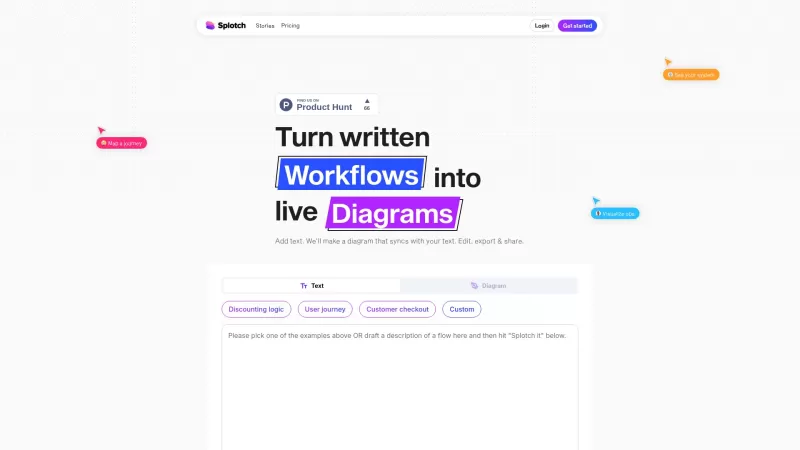
Ever heard of Splotch? It's this nifty web-based tool that's all about turning your written processes into dynamic, live diagrams. And the coolest part? These diagrams stay in sync with your text descriptions. So whether you're scribbling away or tweaking

What is ChartGen AI?ChartGen AI is an online AI-powered chart maker that instantly analyzes your data and turns natural language descriptions into professional visualizations. It supports nine chart types—including bar, line, pie, area, scatter, heat
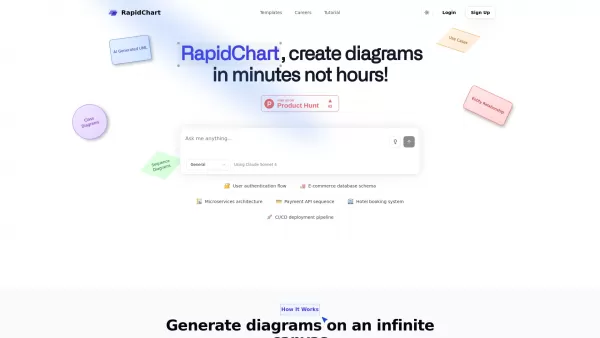
What is RapidChart?RapidChart is an innovative AI-powered diagramming solution that transforms your text descriptions or code snippets into professional technical diagrams within seconds. This advanced platform specializes in generating various archi
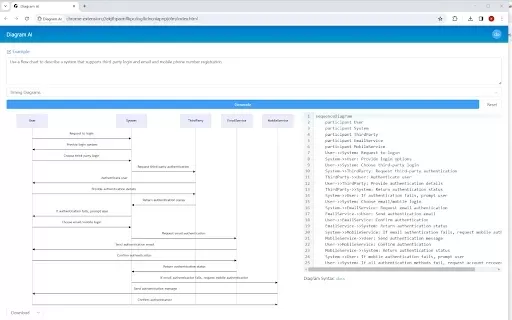
What is Diagram AI?Diagram AI leverages artificial intelligence to convert text prompts into a variety of diagrams, such as flowcharts and mind maps. This tool enables users to quickly visualize ideas and plans without requiring specialized design ex
PatentDrawAI Product Information
What is PatentDrawAI?
PatentDrawAI is an AI-powered platform that simplifies the patent process, from searching and drafting to creating technical illustrations and managing licensing. It helps users bring their ideas to market faster and more affordably by automating complex workflows. This end-to-end solution supports inventors, innovators, and legal experts, allowing them to concentrate on creativity instead of paperwork.
Who will use PatentDrawAI?
- Inventors
- Innovators
- Legal Professionals
- Patent Attorneys
- Engineers
How to use the PatentDrawAI?
- Step 1: Go to the PatentDrawAI website.
- Step 2: Create an account or log in.
- Step 3: Input your patent details and specifications.
- Step 4: Utilize the AI tools to draft and visualize your patent.
- Step 5: Review the output and refine as needed.
- Step 6: Save and download your completed patent documentation.
Platform
- Web
PatentDrawAI's Core Features & Benefits
The Core Features
- AI-Powered Patent Search
- Automated Drafting
- Technical Illustration
- Concept Engineering
- Licensing Assistance
The Benefits
- Time-Saving Efficiency
- Cost-Effective Operations
- Intuitive User Experience
- All-in-One Toolkit
- Scalable for Any Project Size
PatentDrawAI's Main Use Cases & Applications
- Preparing Patent Applications
- Creating Technical Diagrams
- Developing Product Concepts
- Drafting Licensing Agreements
- Managing Intellectual Property
PatentDrawAI's Pros & Cons
The Pros
Offers a wide range of AI features for every stage of patent and product development.
Caters to diverse users, from solo inventors to corporate legal teams.
Automates tedious tasks, significantly cutting down on manual work and time investment.
Provides flexible pricing options, including discounts for academic users.
The Cons
There is no mention of the platform being open-source.
Lacks a dedicated mobile application or community forum.
Customer support is email-based and operates during standard business hours.
To cancel a subscription, users must initiate contact via email.
PatentDrawAI's Pricing
Has free plan | No |
|---|---|
Free trial details | |
Pricing model | Paid |
Is credit card required | No |
Paid from | 49 USD |
Has lifetime plan | No |
Billing frequency | Monthly |
Details of Pricing Plan
Inventor
49 USD per month
- AI-Powered Patent Search
- Quick Patent Drafting
- Basic Market Analysis
- Patent Agent Assistant
- Trademark Agent
- Product Engineer Assistant
- Technical Diagram Generation
- Basic CAD Model Generation
- Prototype Planning
- Email Support
- Basic Consultation
Firm
799 USD per month
- Advanced Patent Agent
- Office Action Assistant
- Client Management
- Docket Management
- Priority Support
Enterprise
Custom Pricing
- Enterprise Patent Agent
- Full Product Development Suite
- Team Collaboration Platform
- Portfolio Management
- Infringement Monitoring
- Risk Assessment
- Enterprise Office Actions
- IP Enforcement Tools
- 24/7 Priority Support
- Dedicated Account Manager
For the most current pricing, visit: https://patentdrawai.com
FAQs of PatentDrawAI
What is PatentDrawAI?
PatentDrawAI is an AI-driven platform that accelerates patent-related tasks, including search, drafting, illustration, and licensing.
Who can use PatentDrawAI?
It is built for inventors, innovators, legal professionals, patent attorneys, and engineers.
How do I get started with PatentDrawAI?
Simply visit the website, register or sign in, and begin using the AI-assisted tools for patent drafting and illustration.
What platforms is PatentDrawAI compatible with?
It is a web-based platform accessible through browsers.
What are the core features of PatentDrawAI?
Key features are patent search, automated drafting, technical illustration, concept engineering, and licensing support.
What benefits does PatentDrawAI offer?
Users gain efficiency, cost savings, an easy-to-use interface, a complete set of tools, and solutions that grow with their needs.
Can PatentDrawAI help with licensing agreements?
Yes, the platform includes resources to assist in creating and managing licensing agreements.
Are there alternatives to PatentDrawAI?
Yes, alternatives include Solve Intelligence, Westinghouse.ai, IP Author by Dolcera, and The Patent Drawings Company.
How can I contact customer support?
Reach out to the support team using the email address listed on the website.
Is there a tutorial for using PatentDrawAI?
Yes, the website offers tutorials and detailed guides to help you get started.
PatentDrawAI Company Information
- PatentDrawAI
- https://patentdrawai.com
PatentDrawAI Screenshot
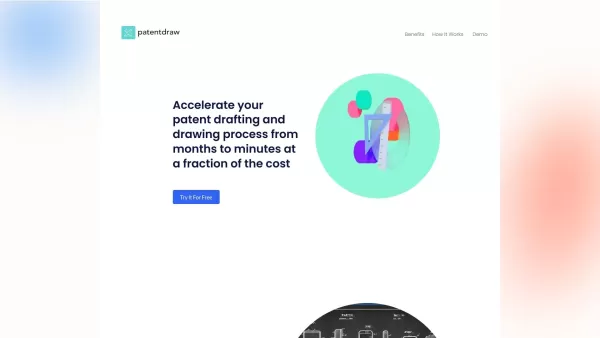


Discover the 2026 best AI patent & trademark search tools on XIX.AI. Our top-rated, curated list features powerful, game-changing solutions for scanning global IP databases. Compare free vs paid options with real-world tests and weekly updated rankings to prevent infringement and secure your ideas. Explore now and unlock your AI edge.
 10 tools
 xix.ai


