


 Home
HomeSplotch
Text-to-Diagram Live Sync Tool



Helps TikTok sellers, brands, MCNs, and TAPs discover winning products and find creators.

HelpLook is an AI-powered all-in-one knowledge base tool that helps businesses quickly build knowledge bases, help centers, and...

Your AI Workspace

302.AI is an enterprise-grade AI resource platform with pay-as-you-go pricing, API access to a full range of AI models, and ready-to-use online applications.

剧火AI — AI Screenwriter + Director, a One-Person Short Drama Studio In one sentence, what is it?
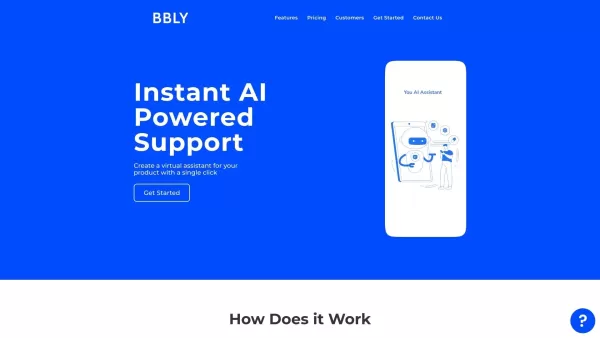
What is Bubbly?BubblyAI is a comprehensive platform that transforms data analysis for businesses. By leveraging advanced AI algorithms, it automates extracting actionable insights from complex datasets, empowering users to make confident, data-driven
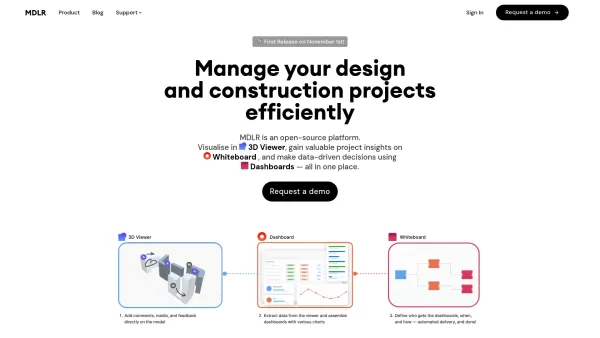
Ever wondered how to make your project management in the AEC industry not just easier, but downright exciting? Let me introduce you to MDLR, an AI-driven platform that's changing the game for architects, engineers, and construction professionals. It's lik
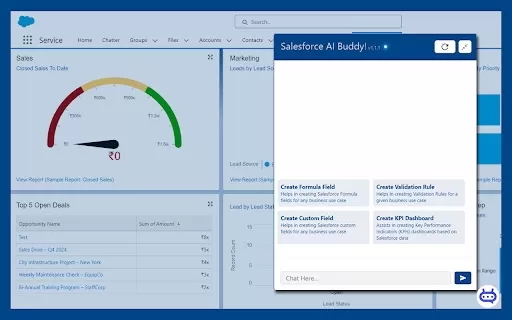
Ever wished you had a trusty sidekick to tackle those pesky Salesforce tasks? Enter Salesforce AI Buddy, the Chrome extension that's like having a tech-savvy friend by your side. This nifty tool is a game-changer for anyone diving into the world of Salesf

What is Ajelix AI Excel Tools?Ajelix provides intelligent, AI-powered tools designed to automate processes within Excel and Google Sheets, simplifying data analytics, visualization, and business intelligence for professionals and teams. Empower your
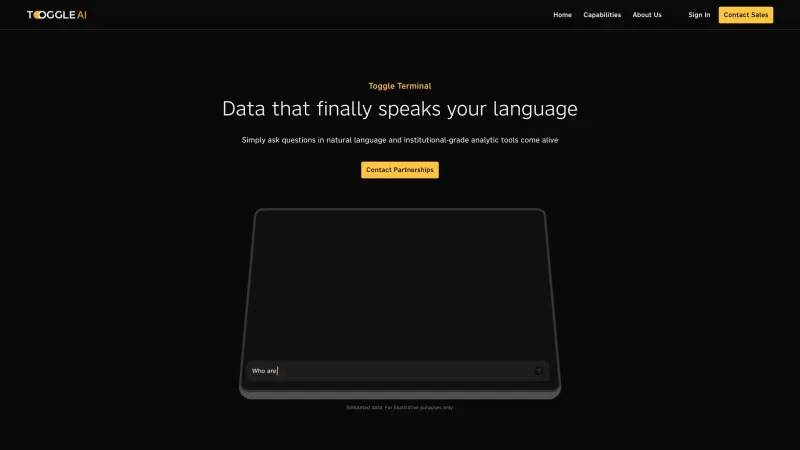
Toggle AI, or Toggle Terminal, is a game-changer in the world of data analytics. It's like having a conversation with your data, where you can ask questions in plain English and get insightful answers without needing to be a coding wizard or a spreadsheet
Splotch Product Information
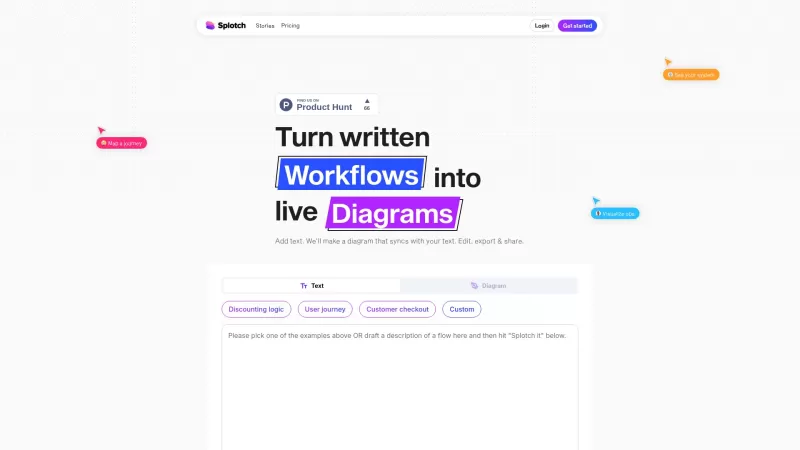
Ever heard of Splotch? It's this nifty web-based tool that's all about turning your written processes into dynamic, live diagrams. And the coolest part? These diagrams stay in sync with your text descriptions. So whether you're scribbling away or tweaking a diagram, Splotch keeps everything aligned. It's like having a smart assistant that uses AI to help you visualize and share your processes without breaking a sweat. You can whip up a diagram from your text in a flash and keep everything up-to-date as you make changes.
How to Dive into Splotch?
Getting started with Splotch is a breeze. Just jot down your process or import an existing description, and boom! Splotch conjures up a diagram in seconds. Feeling creative? Go ahead and tweak either the diagram or the text. Splotch will sync those changes like magic. And when you're ready, share your masterpiece with your team or clients. It's that simple!
Splotch's Standout Features
Real-time Sync with Text
Imagine editing your text and watching the diagram update in real-time. That's Splotch for you!
AI-Powered Diagram Editing
Splotch's AI isn't just smart; it's your diagramming buddy, making edits a breeze.
Share and Export with Ease
Need to show off your work? Splotch makes sharing and exporting as easy as pie.
Google Docs Integration and Plugins
Seamlessly integrate with Google Docs and enjoy plugin support for that extra oomph.
Customize with Manual Edits
Don't like the auto-generated stuff? No worries! Splotch lets you customize manually.
Where Can Splotch Shine?
Visualizing Operations and Workflows
Splotch is perfect for mapping out those complex operations and workflows, making them crystal clear.
E-commerce Checkout Flowcharts
Ever wanted to streamline your e-commerce checkout? Splotch can help you create flowcharts that make sense.
Software Tool Interaction Maps for Consulting
Consultants, rejoice! Splotch helps you map out how different software tools interact, making your advice more impactful.
Frequently Asked Questions about Splotch
- What kinds of text can I turn into flows?
- Splotch can handle a wide range of text, from simple process descriptions to complex workflows.
- Do I need to format my input text in a specific way?
- Nope, Splotch is pretty flexible. Just write naturally, and it'll do the rest.
- How does 2-way sync work?
- It's simple: change the text, and the diagram updates. Tweak the diagram, and the text follows suit. It's all about keeping everything in harmony.
For more support, you can reach out to Splotch via their support email or check out their customer service and refund policies on the contact us page.
Splotch Inc. is the brain behind this innovative tool. If you're ready to jump in, head over to the login page or sign up at the signup page. Curious about the cost? Check out their pricing details.
Want to see Splotch in action? Their YouTube channel is packed with demos and tips. And if you're into networking, connect with them on LinkedIn or follow their journey on Instagram.
Splotch Screenshot

2026 Latest Best Manga AI Background Generators Ranked Top-Rated! This curated collection showcases powerful game-changing tools perfect for creating high-quality chapter backgrounds, book covers, and promotional art. Every option has undergone rigorous real-world tests to ensure reliability. Get a free vs paid comparison along with detailed insights. Explore now to discover your perfect tool and unlock your AI edge in manga creation.
 6 tools
 xix.ai

2026 Latest Best Top-rated AI Object Removal Editors for portraits travel product shots! XIX.AI curates a powerful game-changing collection regularly updated with weekly rankings. These tools offer real-world tests to help you quickly remove unwanted elements, boost content quality, and save tons of time without compromising results. Must-try for anyone aiming to unlock their AI creation edge. Explore now!
10 tools
xix.ai

2026 Latest Best Top-rated AI Text to Speech Tools for Online Courses are curated by XIX.AI based on rigorous real-world tests and weekly updated rankings. These powerful tools help creators deliver crystal-clear audio content effortlessly, boosting writing efficiency and streamlining course production. Check out the free vs paid comparison to find your perfect fit. Explore now to unlock your AI edge in online education.
10 tools
xix.ai

2026 Latest Best Top-Rated AI Blog Title Tools for Higher Click Through Rates! XIX.AI has carefully curated a powerful, game-changing collection of top tools that go through rigorous real-world tests. You’ll find a free vs paid comparison, weekly updated rankings, and detailed insights to help you boost your blog’s traffic efficiently. Must-try options are highlighted to help you unlock your AI edge. Explore now!
10 tools
xix.ai

2026 Latest Best Top-rated AI Task Routing Tools for Support Workflows! XIX.AI has curated a highly powerful game-changing collection of must-try solutions, all undergoing rigorous real-world tests and updated weekly. These tools streamline workflows, boost productivity, and help teams deliver faster, more efficient support. Explore now to discover your perfect tool and unlock your AI edge!
17 tools
xix.ai

2026 Latest Best Top-Rated AI Citation and Paper Summary Tools Curated by XIX.AI. Get powerful game-changing solutions for quick content creation, improved writing efficiency, and boosting productivity. We offer a free vs paid comparison along with real-world tests and weekly updated rankings to help you find the must-try tool that fits your needs perfectly. Explore now to Unlock your AI edge.
10 tools
xix.ai


テキストからダイナミックなダイアグラムが作れるって本当に便利!Splotchで作業フローを書くのが楽しくなりました🥰 同期機能もいいけど、複雑な図形に対応できるかちょっと心配…でも無料ツールとしては十分すごい!
Splotch is super cool! 😎 I tried it for mapping my project workflow, and boom, instant diagrams that sync with my text! It’s like magic for organizing thoughts. Only gripe? Wish it had more export options. Still, a game-changer for visual thinkers!


