


 Home
HomeDiagram.chat
Create diagrams with AI



Helps TikTok sellers, brands, MCNs, and TAPs discover winning products and find creators.

HelpLook is an AI-powered all-in-one knowledge base tool that helps businesses quickly build knowledge bases, help centers, and...

Your AI Workspace

302.AI is an enterprise-grade AI resource platform with pay-as-you-go pricing, API access to a full range of AI models, and ready-to-use online applications.

剧火AI — AI Screenwriter + Director, a One-Person Short Drama Studio In one sentence, what is it?
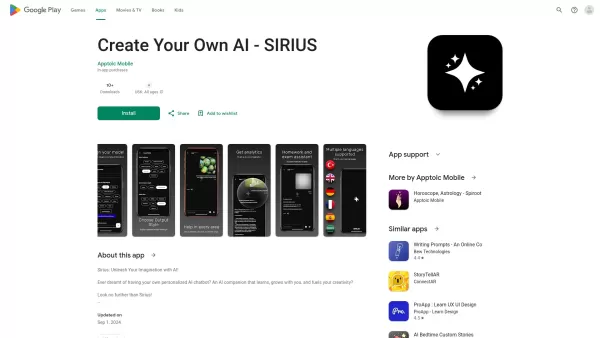
Ever wondered what it's like to have a creative buddy that's always ready to chat and inspire you? That's where Sirius AI comes into play. This isn't just any chatbot; it's your customizable companion designed to learn from you and spark your creativity.H
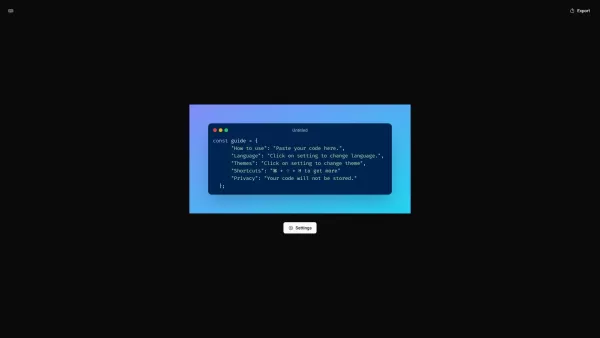
What is CodeScreenshot?Transform your code snippets into visually stunning shareable imagesHow to use CodeScreenshot?Effortlessly convert your code into professional-looking screenshots with our intuitive tool. Just paste your code, select your prefe

Flux AI Pro is an exciting platform that brings the magic of AI image generation right to your fingertips. It's powered by the innovative Flux.1 series of models, which are specifically crafted to transform your text prompts into stunning, high-quality im

Ever wondered how to pinpoint your ideal customer without the guesswork? Enter Client Crafter, a game-changer for businesses looking to nail their target audience. This nifty service leverages AI to craft detailed, personalized customer profiles that feel
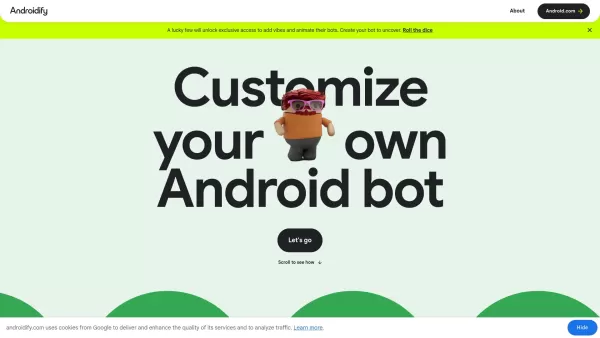
What is Androidify? Androidify is an online, AI-powered platform that lets you design your own unique Android character. You can create a bot from a selfie or a text description, using Google AI models like Gemini Flash, Gemma, and Imagen. A limited
Diagram.chat Product Information
Ever found yourself needing to whip up a diagram but dreading the hassle of starting from scratch? That's where Diagram.chat comes in—it's like having an AI artist on speed dial for your diagramming needs. Whether it's for a project, presentation, or just to get your ideas down, this tool makes creating diagrams a breeze.
Using Diagram.chat is like having a conversation with your diagram. You start with a few clicks, and before you know it, you're customizing every little detail. It's simple enough for a quick setup, yet powerful enough to let you tweak everything to your heart's content. You'll find yourself diving into the process, making it exactly what you need with just a few more clicks.
Diagram.chat's Core Features
Themes
Themes in Diagram.chat aren't just about looks; they're about setting the mood for your diagram. Whether you're aiming for professional, playful, or somewhere in between, there's a theme that'll fit your vibe.
Background Colors
Ever thought about how the right background color can make your diagram pop? With Diagram.chat, you can choose from a palette that'll make your work stand out and keep your audience engaged.
Different AI Models
The AI models at Diagram.chat are like the secret sauce. They understand what you're trying to convey and help you build diagrams that are not just accurate but also intuitive. And with different models to choose from, you can find the perfect fit for your project.
Layouts (Coming Soon)
Excited about what's on the horizon? Diagram.chat is gearing up to roll out new layouts that'll give you even more ways to organize and present your information. Keep an eye out—it's going to be a game-changer!
Diagram.chat's Use Cases
UML, Sequence, and All Sorts of Diagrams Powered by AI
From UML to sequence diagrams and beyond, Diagram.chat's AI can handle it all. Whether you're a software developer mapping out a system or a student trying to visualize a process, this tool's got you covered. It's like having a diagramming expert by your side, making complex ideas crystal clear.
FAQ from Diagram.chat
- What is Diagram.chat?
- Diagram.chat is an AI-powered tool that simplifies the creation of various types of diagrams, from UML to sequence diagrams, making it easy and intuitive for users to visualize their ideas.
- What are the core features of Diagram.chat?
- The core features include customizable themes, a variety of background colors, different AI models for diagram creation, and upcoming layouts that promise to enhance the user experience.
- What use cases does Diagram.chat support?
- It supports a wide range of use cases, including but not limited to UML diagrams, sequence diagrams, and other types of diagrams, all powered by AI to help users visualize complex concepts.
- Is Diagram.chat free to use?
- Yes, Diagram.chat offers a free version, but for more advanced features and capabilities, there are premium options available.
- Does Diagram.chat have an API?
- Yes, Diagram.chat provides an API for developers to integrate diagram creation into their own applications or workflows.
- What pricing options does Diagram.chat offer?
- Diagram.chat offers various pricing plans, including a free tier and premium subscriptions with additional features. For detailed pricing, you can visit their pricing page.
Diagram.chat Discord
Here is the Diagram.chat Discord: https://discord.gg/BMDbaxTbu7. For more Discord message, please click here(/discord/bmdbaxtbu7).
Diagram.chat Support Email & Customer service contact & Refund contact etc.
More Contact, visit the contact us page(https://diagram.chat/contact)
Diagram.chat Company
More about Diagram.chat, Please visit the about us page(https://diagram.chat/about).
Diagram.chat Login
Diagram.chat Login Link: https://diagram.chat/signin
Diagram.chat Pricing
Diagram.chat Pricing Link: https://diagram.chat/pricing
Diagram.chat Screenshot
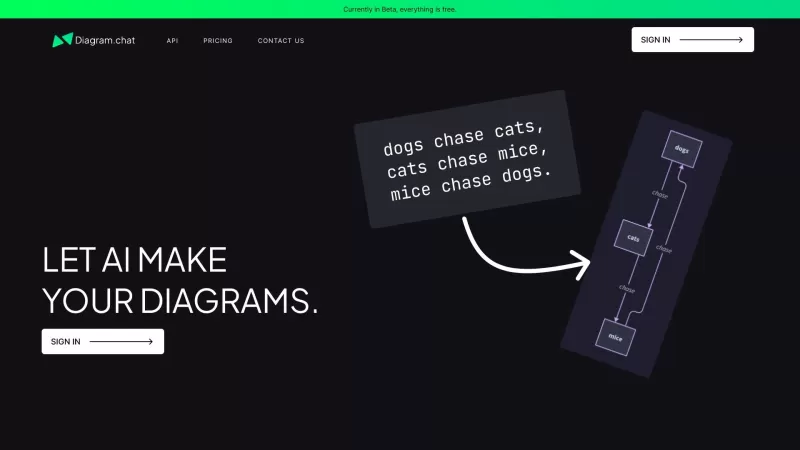
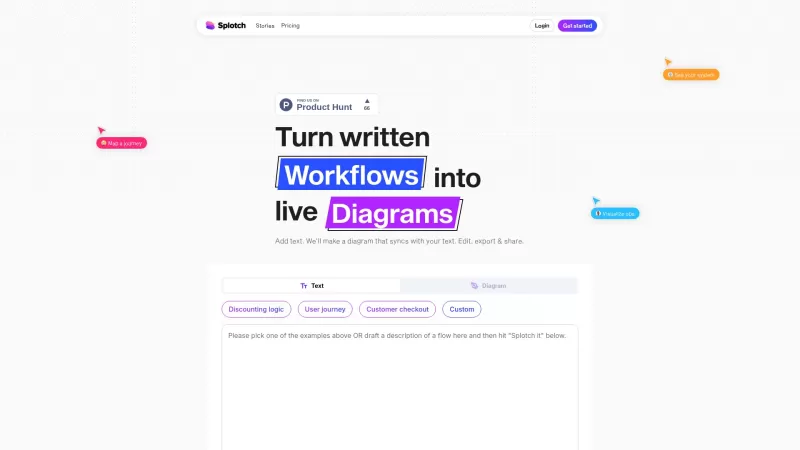
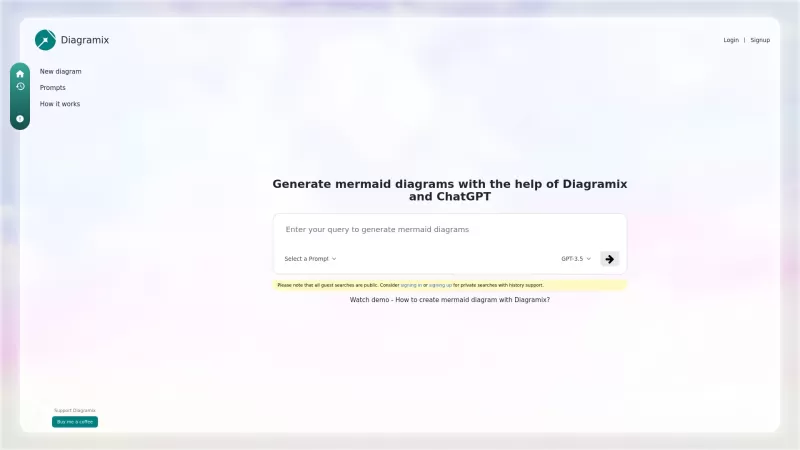
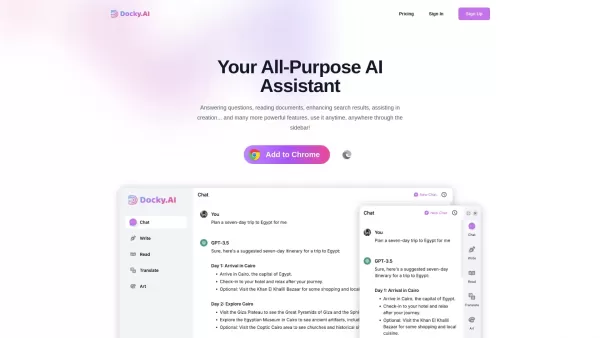
Discover the 2026 best AI flowchart and diagram makers. Explore our top-rated, curated selection at XIX.AI for effortlessly visualizing complex engineering concepts. Compare free vs paid tools with real-world tests. Unlock your visual productivity edge now.
 10 tools
 xix.ai


