


 Home
HomeDockyAI:ChatGPT sidebar Chrome extension



Helps TikTok sellers, brands, MCNs, and TAPs discover winning products and find creators.

HelpLook is an AI-powered all-in-one knowledge base tool that helps businesses quickly build knowledge bases, help centers, and...

Your AI Workspace

302.AI is an enterprise-grade AI resource platform with pay-as-you-go pricing, API access to a full range of AI models, and ready-to-use online applications.

剧火AI — AI Screenwriter + Director, a One-Person Short Drama Studio In one sentence, what is it?

Ever stumbled upon a platform where you can chat without any boundaries? That's what Uncensored AI is all about—a haven for those who crave unfiltered, unrestricted conversations, images, and videos. It's like having a chat buddy who doesn't hold back, ca

ChatUp AI is more than just your average AI platform; it's an all-in-one adult entertainment hub that packs a punch with features like NSFW AI girlfriend chats, spicy image generation, and unrestricted face swapping. Imagine diving into the world of eroti
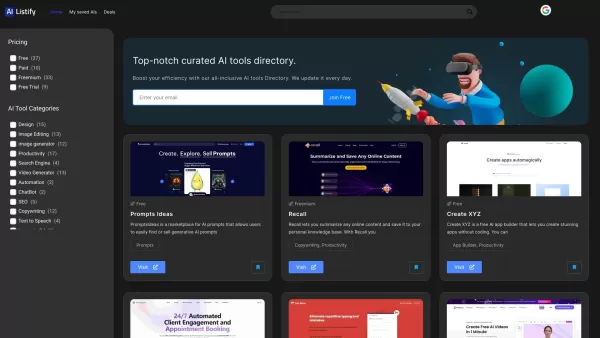
Ever stumbled upon a treasure trove of AI tools that just clicks with your needs? That's AIListify for you—a curated directory designed to catapult your AI journey to new heights. It's like having a personal guide through the ever-evolving landscape of artificial intelligence resources. How to Navi

Ever wondered what it would be like to swap faces with your favorite celebrity or see yourself in a blockbuster movie scene? Enter Face Swap AI, the ultimate web service for creating high-quality faceswaps and deepfakes. This isn't just another gimmick; i
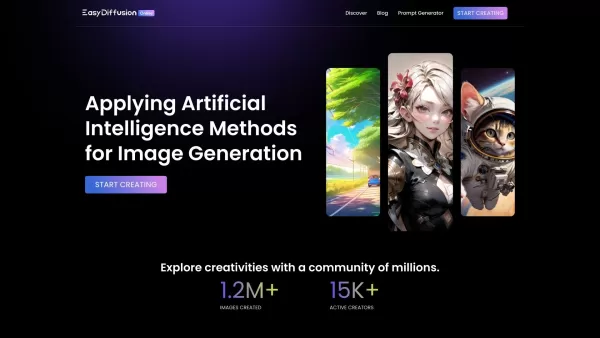
Unleash Your Creativity with EasyDiffusion Ever wondered what it would be like to turn your wildest ideas into jaw-dropping visuals? Enter EasyDiffusion—a game-changing tool that lets you do just that. It’s a free, user-friendly image generator powered by
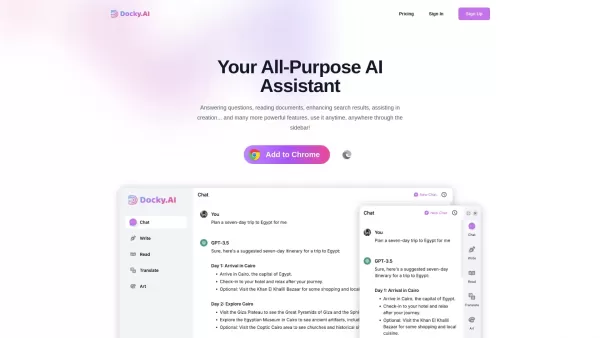
DockyAI:ChatGPT sidebar Chrome extension Product Information
What is DockyAI:ChatGPT sidebar Chrome extension?
Docky.AI is a versatile AI-powered sidebar tool that helps users with a range of tasks, such as answering questions, reading documents, and creating images. It integrates advanced AI models like ChatGPT and Claude to provide smart assistance, streamline your workflow, and boost productivity. With Docky, you can improve your content creation, manage tasks more easily, and make faster, better-informed decisions through instant access to AI insights—transforming how you work and interact with information.
Who will use DockyAI:ChatGPT sidebar Chrome extension?
- Content creators
- Marketers
- Students
- Researchers
- Professionals who need quick answers
How to use the DockyAI:ChatGPT sidebar Chrome extension?
- Step 1: Sign up or log in to the Docky.AI platform.
- Step 2: Install the Docky sidebar extension on your browser.
- Step 3: Open the Docky sidebar to access AI features.
- Step 4: Enter your questions or choose from the available tasks.
- Step 5: Use the generated responses or content as needed.
Platform
- Web
- Chrome
DockyAI:ChatGPT sidebar Chrome extension's Core Features & Benefits
The Core Features
- AI-powered question answering
- Document reading assistance
- AI image generation
- Enhanced search results
The Benefits
- Boosts productivity
- Enables faster decision-making
- Enhances creativity
- Provides easy access to AI tools
DockyAI:ChatGPT sidebar Chrome extension's Main Use Cases & Applications
- Writing and editing assistance
- Image generation
- Document summarization
- Real-time conversation support
DockyAI:ChatGPT sidebar Chrome extension's Pros & Cons
The Pros
Provides multiple AI-powered features including question answering, document reading, and enhanced search.
Available as a convenient browser sidebar extension for easy access and seamless integration.
Compatible with major browsers like Chrome and Edge.
The Cons
No information available about open-source access.
Lacks clear details on pricing tiers and usage limits on the homepage.
No direct links to mobile app stores, making it primarily accessible to desktop browser users.
DockyAI:ChatGPT sidebar Chrome extension's Pricing
Has free plan | YES |
|---|---|
Free trial details | |
Pricing model | Paid |
Is credit card required | No |
Paid from | |
Has lifetime plan | No |
Billing frequency | Monthly |
Details of Pricing Plan
Standard
- 5,000 Basic Credits per month
- Access to GPT-4o mini and other basic models
- 100 Advanced Credits per month
- Access to GPT-4o and other advanced models
- Text Assistant
- Writing Assistant
- Web Enhancement
Pro
- Unlimited Basic Credits
- Access to GPT-4o mini and other basic models
- 300 Advanced Credits per month
- Access to GPT-4o and other advanced models
- Text Assistant
- Writing Assistant
- Web Enhancement
Mega
- Unlimited Basic Credits
- Access to GPT-4o mini and other basic models
- Unlimited Advanced Credits
- Access to GPT-4o and other advanced models
- Guarantees at least 600 high-speed credits for GPT-4o or other advanced models each month; after reaching the limit, model response speed and quality may decrease
- Text Assistant
- Writing Assistant
- Web Enhancement
Discount:
Save 30% to 40% with annual billing
For the latest pricing, visit: https://docky.ai
FAQs of DockyAI:ChatGPT sidebar Chrome extension
What is Docky.AI?
Docky.AI is an AI-powered assistant designed to boost productivity through a variety of AI-driven features.
How do I use Docky.AI?
Use Docky by installing the sidebar extension and entering your questions to access its capabilities.
What AI models does Docky.AI use?
Docky.AI uses advanced models like GPT-4 and Claude to deliver intelligent assistance.
Is Docky.AI free?
Docky.AI offers several pricing plans; visit the website for specific details.
Can I generate images with Docky.AI?
Yes, Docky.AI includes an AI-powered image generation feature.
What platforms support Docky.AI?
Docky.AI is supported on web and Chrome platforms.
How does Docky enhance productivity?
Docky boosts productivity by delivering quick answers, helping with document management, and providing creative tools.
Is it easy to integrate Docky.AI into my workflow?
Yes, Docky.AI is built for easy integration as a sidebar, offering seamless access.
What types of tasks can I perform with Docky.AI?
You can use Docky.AI for writing, research, document management, and content creation.
Who can benefit from using Docky.AI?
Content creators, marketers, students, and professionals can all benefit from using Docky.AI.
DockyAI:ChatGPT sidebar Chrome extension Company Information
Website:
https://dockyai-chatgpt-sidebar-smart-assistant.en.softonic.com/chrome/extensionCompany Name:
Docky.AISupport Email:
Facebook:
NAX (Twitter):
NAYouTube:
NAInstagram:
NATikTok:
NALinkedIn:
NA
DockyAI:ChatGPT sidebar Chrome extension Screenshot
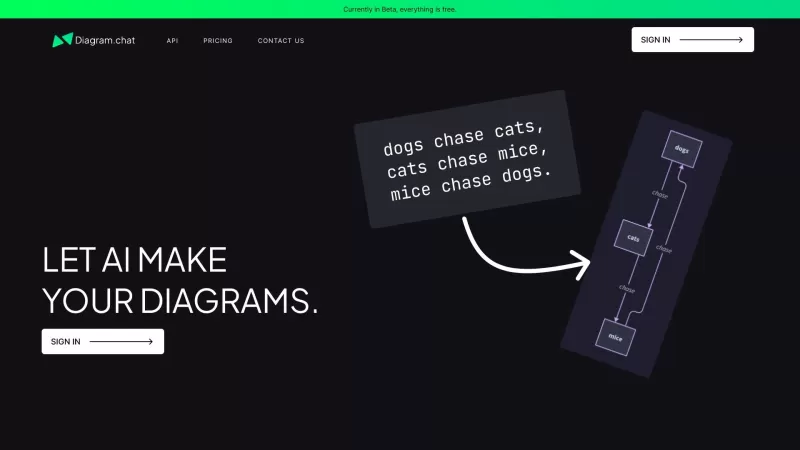
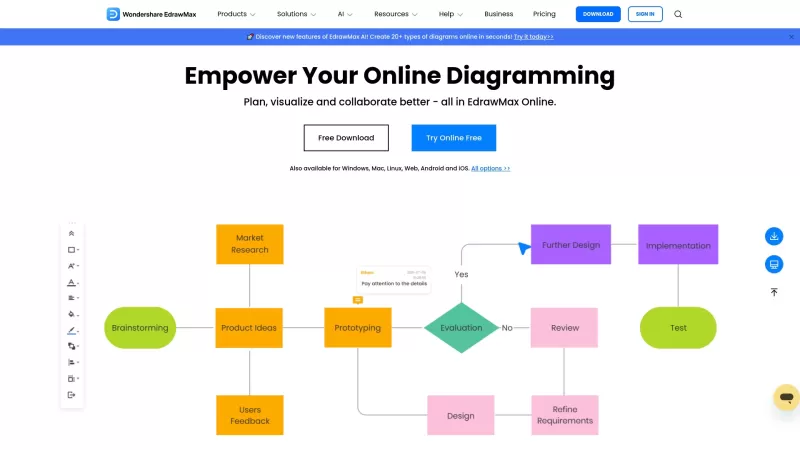
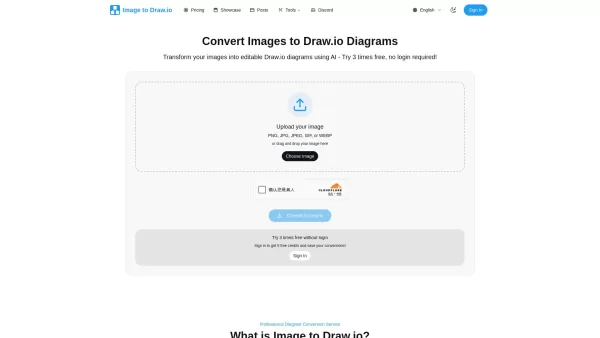

2026 Latest Best Top-rated AI Text to Speech Tools for Online Courses are curated by XIX.AI based on rigorous real-world tests and weekly updated rankings. These powerful tools help creators deliver crystal-clear audio content effortlessly, boosting writing efficiency and streamlining course production. Check out the free vs paid comparison to find your perfect fit. Explore now to unlock your AI edge in online education.
 10 tools
 xix.ai

2026 Latest Best Top-Rated AI Blog Title Tools for Higher Click Through Rates! XIX.AI has carefully curated a powerful, game-changing collection of top tools that go through rigorous real-world tests. You’ll find a free vs paid comparison, weekly updated rankings, and detailed insights to help you boost your blog’s traffic efficiently. Must-try options are highlighted to help you unlock your AI edge. Explore now!
10 tools
xix.ai

2026 Latest Best Top-rated AI Task Routing Tools for Support Workflows! XIX.AI has curated a highly powerful game-changing collection of must-try solutions, all undergoing rigorous real-world tests and updated weekly. These tools streamline workflows, boost productivity, and help teams deliver faster, more efficient support. Explore now to discover your perfect tool and unlock your AI edge!
17 tools
xix.ai

2026 Latest Best Top-Rated AI Citation and Paper Summary Tools Curated by XIX.AI. Get powerful game-changing solutions for quick content creation, improved writing efficiency, and boosting productivity. We offer a free vs paid comparison along with real-world tests and weekly updated rankings to help you find the must-try tool that fits your needs perfectly. Explore now to Unlock your AI edge.
10 tools
xix.ai

2026 Latest Best Top-Rated AI Productivity Tools for Daily Work! XIX.AI has curated a powerful, game-changing selection based on rigorous weekly updated rankings and real-world tests. You’ll find must-try options that boost writing efficiency, streamline content creation, and help you overcome daily work challenges. Get a free vs paid comparison to find the perfect fit for your needs. Explore now to unlock your AI edge!
9 tools
xix.ai

2026 Latest Best Top-Rated AI Systematic Review Tools for Research Screening are here on XIX.AI! This curated collection includes powerful, game-changing solutions that go through rigorous real-world tests to deliver accurate results. We also offer a free vs paid comparison along with weekly updated rankings to help you find the must-try option that boosts your research efficiency significantly. Explore now to unlock your AI edge in academic work!
11 tools
xix.ai


