


 Home
HomeLaxis



Helps TikTok sellers, brands, MCNs, and TAPs discover winning products and find creators.

HelpLook is an AI-powered all-in-one knowledge base tool that helps businesses quickly build knowledge bases, help centers, and...

Your AI Workspace

302.AI is an enterprise-grade AI resource platform with pay-as-you-go pricing, API access to a full range of AI models, and ready-to-use online applications.

剧火AI — AI Screenwriter + Director, a One-Person Short Drama Studio In one sentence, what is it?
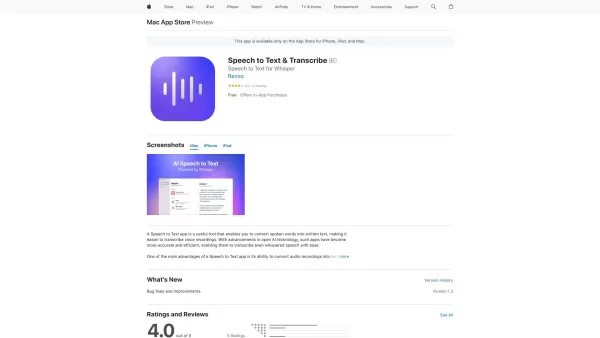
Ever found yourself in a situation where you wish you could just talk and have your words magically turn into text? Well, that's exactly what a Speech to Text app does! It's like having your very own personal transcriptionist, but without the hefty price
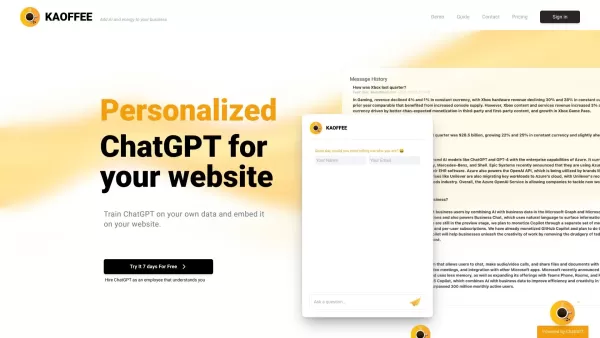
What is Kaoffee?Kaoffee is an advanced AI platform engineered to see, hear, speak, reason, and learn, optimizing business operations with intelligence. It provides a comprehensive solution, leveraging cutting-edge AI in areas like accounting, compute
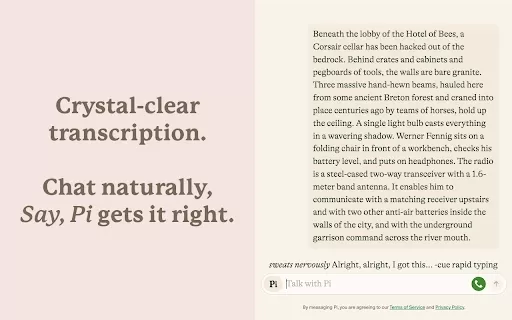
What is the Say, Pi Chrome Extension? Say, Pi revolutionizes how you interact with Inflection AI's assistant, Pi, making conversations more intuitive and efficient. This Google Chrome extension lets you talk to Pi directly using your voice, removing
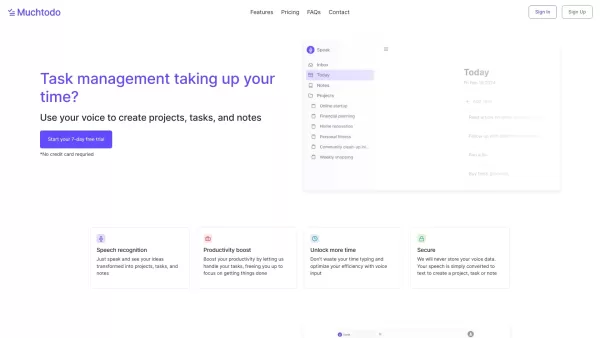
Muchtodo is more than just another app; it's your personal assistant that turns your voice into actionable projects, tasks, and notes. Imagine speaking your thoughts into existence and watching them transform right before your eyes—now that's the kind of
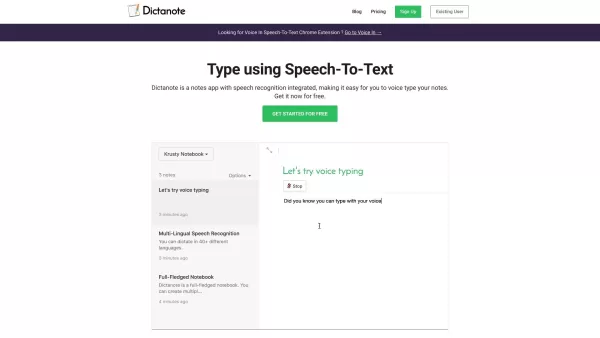
What is Dictanote?Let me tell you about Dictanote—it’s more than just a notes app; it’s like having a personal assistant who listens to you and writes down everything you say. Think of it as your ultimate tool for getting thoughts out of your head and onto paper—or rather, into digital form. With Di
Laxis Product Information
What is Laxis?
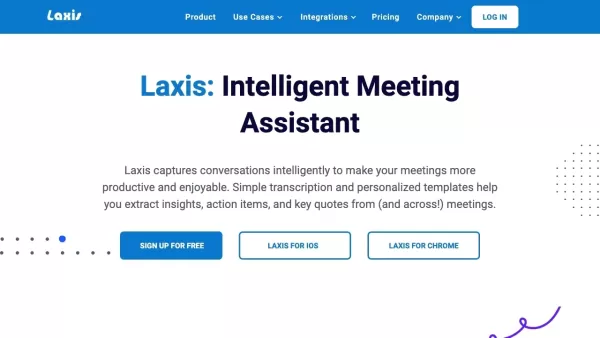
Laxis is an advanced AI meeting assistant that transcribes conversations and extracts valuable insights, action items, and key quotes. It works with platforms like Google Meet, Zoom, and will soon support Microsoft Teams. Laxis helps professionals by setting meeting agendas, offering real-time insights, and automatically generating follow-up content. Ideal for sales calls, user testing, or project updates, Laxis streamlines information management and supports smarter decision-making.
Who will use Laxis?
- Revenue Teams
- Sales Professionals
- Marketing Professionals
- Service Professionals
- UX Designers
- Product Managers
- Market Researchers
- Consultants
- Attorneys
How to use the Laxis?
- Step 1: Install Laxis on your preferred platform.
- Step 2: Integrate Laxis with your calendar and conferencing tools.
- Step 3: Schedule your meetings using Laxis.
- Step 4: Run your meetings while Laxis captures and transcribes the conversation.
- Step 5: Review real-time insights and coaching from Laxis.
- Step 6: Access automatically generated follow-up emails, action items, and meeting summaries.
Platform
- Web
- macOS
- iOS
- Android
Laxis's Core Features & Benefits
The Core Features
- Real-Time Transcription
- Automatic Meeting Summary
- Action Item Extraction
- Follow-Up Email Generation
- Insight Extraction
- Keyword Management
The Benefits
- Enhanced Meeting Productivity
- Accurate Transcriptions
- Automated Summaries and Follow-Ups
- Better Customer Engagement
- Increased Sales Effectiveness
- Efficient Information Management
Laxis's Main Use Cases & Applications
- Sales Calls
- Customer Research
- User Testing
- Marketing Analysis
- Project Updates
- Client Consultations
Laxis's Pros & Cons
The Pros
Automates lead generation, outreach, meeting transcription, and CRM updates, saving significant time for sales teams.
Provides a suite of AI agents specialized in different sales functions to boost process efficiency.
Grants access to a vast database of over 150 million global B2B contacts with verified emails and insights.
Enables hyper-personalized outreach at scale across multiple channels, including email and LinkedIn.
Real-time meeting transcriptions and summaries improve focus and follow-up actions.
Trusted by thousands of professionals and recognized by major organizations and media outlets.
The Cons
No indication of open-source availability, which limits customization and community contributions.
Potential reliance on AI accuracy may necessitate human verification in complex sales scenarios.
Pricing details require visiting an external page; no information about free tiers or trial limitations is provided directly.
Laxis's Pricing
Has free plan | No |
|---|---|
Free trial details | |
Pricing model | |
Is credit card required | No |
Paid from | |
Has lifetime plan | No |
Billing frequency |
For the latest prices, please visit: https://get.laxis.com/pricing
FAQs of Laxis
What is Laxis?
Laxis is an AI meeting assistant that transcribes conversations and creates actionable insights from meetings.
Which platforms support Laxis?
Laxis is available on Web, Android, iOS, and macOS platforms.
How does Laxis help sales teams?
Laxis improves sales meetings by offering real-time insights, automating follow-ups, and extracting key quotes and action items.
Can Laxis integrate with my calendar and conferencing tools?
Yes, Laxis integrates smoothly with popular calendar and conferencing tools.
Is Laxis beneficial for market researchers?
Yes, Laxis assists market researchers by capturing detailed insights and key information from user testing and customer meetings.
Does Laxis provide real-time transcription?
Yes, Laxis provides real-time transcription during meetings.
Can Laxis generate follow-up emails automatically?
Yes, Laxis can automatically create follow-up emails after meetings.
What kind of insights does Laxis provide?
Laxis extracts key insights, action items, and notable quotes from meeting conversations.
Who can benefit from using Laxis?
Revenue teams, UX designers, product managers, market researchers, and attorneys can all benefit from using Laxis.
Is Laxis compatible with Google Meet and Zoom?
Yes, Laxis works with Google Meet, Zoom, and will soon be compatible with Microsoft Teams.
Laxis Company Information
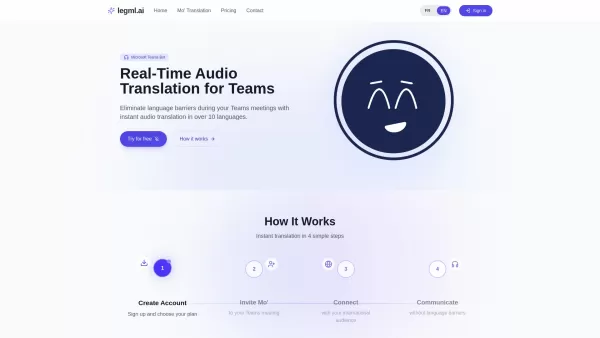
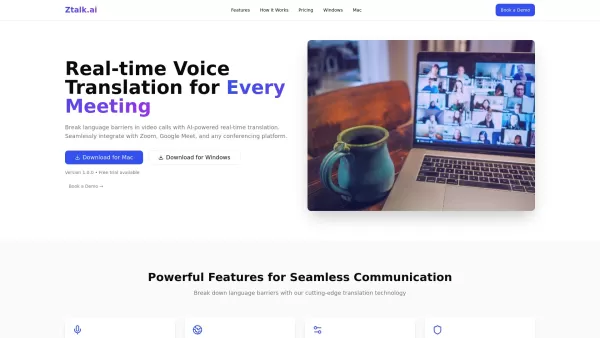
Laxis Screenshot

2026 Latest Best AI Pull Request Review Tools for GitHub Teams are here on XIX.AI! This top-rated curated list showcases powerful game-changing solutions that streamline refactoring, bug fixing, and security gap detection across all team workflows. Enjoy a free vs paid comparison along with real-world tests and detailed rankings to help you find the perfect tool that boosts productivity significantly. Explore now to unlock your AI edge!
 12 tools
 xix.ai

2026 Latest Best Top-rated AI Text to Speech Tools for Natural Voiceovers are here on XIX.AI! This curated list features powerful, game-changing options that deliver crystal-clear voices for every use case, backed by real-world tests and weekly updated rankings. Get a free vs paid comparison to find the must-try solution that boosts your productivity instantly. Explore now to Unlock your AI edge!
11 tools
xix.ai

2026 Latest Best Manga AI Background Generators Ranked Top-Rated! This curated collection showcases powerful game-changing tools perfect for creating high-quality chapter backgrounds, book covers, and promotional art. Every option has undergone rigorous real-world tests to ensure reliability. Get a free vs paid comparison along with detailed insights. Explore now to discover your perfect tool and unlock your AI edge in manga creation.
6 tools
xix.ai

2026 Latest Best Top-rated AI Object Removal Editors for portraits travel product shots! XIX.AI curates a powerful game-changing collection regularly updated with weekly rankings. These tools offer real-world tests to help you quickly remove unwanted elements, boost content quality, and save tons of time without compromising results. Must-try for anyone aiming to unlock their AI creation edge. Explore now!
10 tools
xix.ai

2026 Latest Best Top-rated AI Text to Speech Tools for Online Courses are curated by XIX.AI based on rigorous real-world tests and weekly updated rankings. These powerful tools help creators deliver crystal-clear audio content effortlessly, boosting writing efficiency and streamlining course production. Check out the free vs paid comparison to find your perfect fit. Explore now to unlock your AI edge in online education.
10 tools
xix.ai

2026 Latest Best Top-Rated AI Blog Title Tools for Higher Click Through Rates! XIX.AI has carefully curated a powerful, game-changing collection of top tools that go through rigorous real-world tests. You’ll find a free vs paid comparison, weekly updated rankings, and detailed insights to help you boost your blog’s traffic efficiently. Must-try options are highlighted to help you unlock your AI edge. Explore now!
10 tools
xix.ai


