


 Home
HomeSpeech to Text
Convert spoken words into written text.



Helps TikTok sellers, brands, MCNs, and TAPs discover winning products and find creators.

HelpLook is an AI-powered all-in-one knowledge base tool that helps businesses quickly build knowledge bases, help centers, and...

Your AI Workspace

302.AI is an enterprise-grade AI resource platform with pay-as-you-go pricing, API access to a full range of AI models, and ready-to-use online applications.

剧火AI — AI Screenwriter + Director, a One-Person Short Drama Studio In one sentence, what is it?
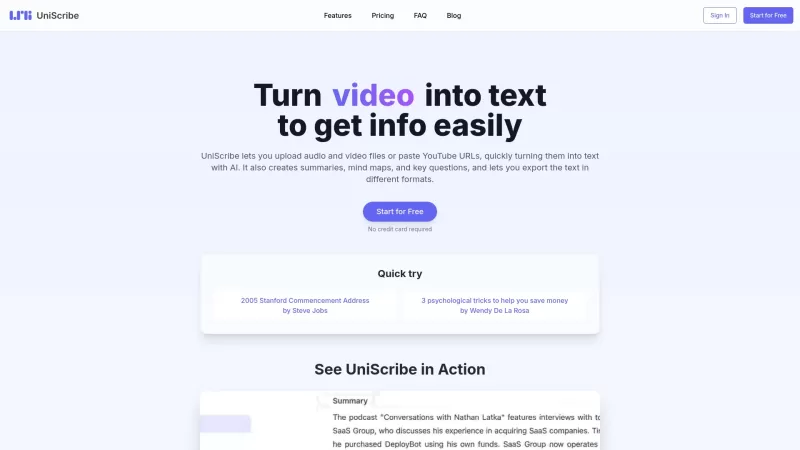
UniScribe is more than just a tool—it's a game-changer for anyone dealing with audio and video content. It's the go-to platform for transforming your spoken words into written text, and it does so with incredible efficiency. Whether you're working with audio files or videos, or even just a YouTube U
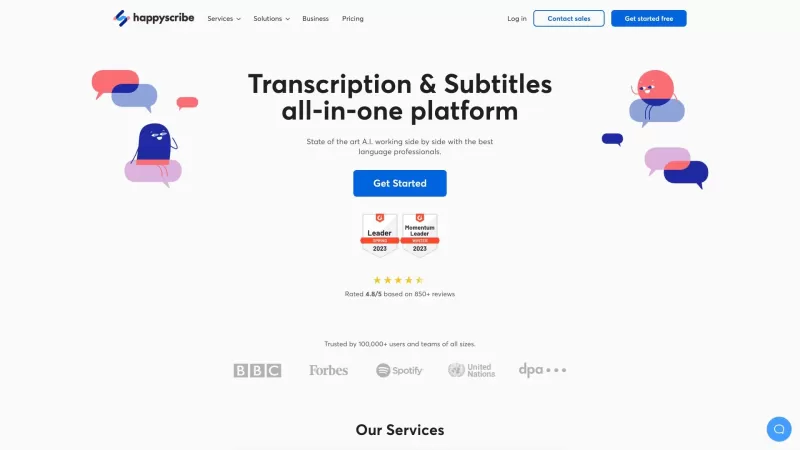
Discover the magic of Happy Scribe, your go-to service for turning audio into text with stunning accuracy across multiple languages and formats. Whether you're dealing with podcasts, interviews, or video content, Happy Scribe has got you covered with both automatic and human transcription options.Ho
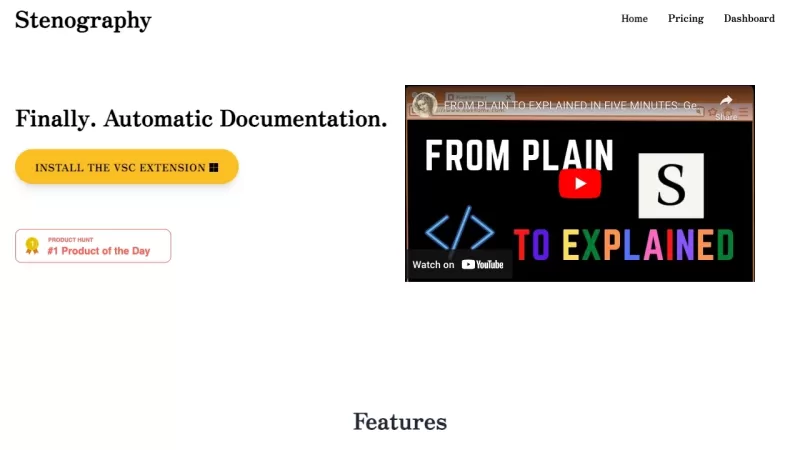
Ever wondered how those court reporters manage to capture every word with such speed and precision? Well, that's where the magic of stenography comes into play. It's a technique that transforms the spoken word into written text at lightning speed, and it'
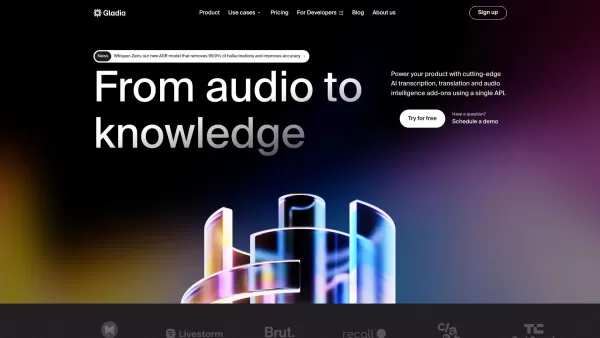
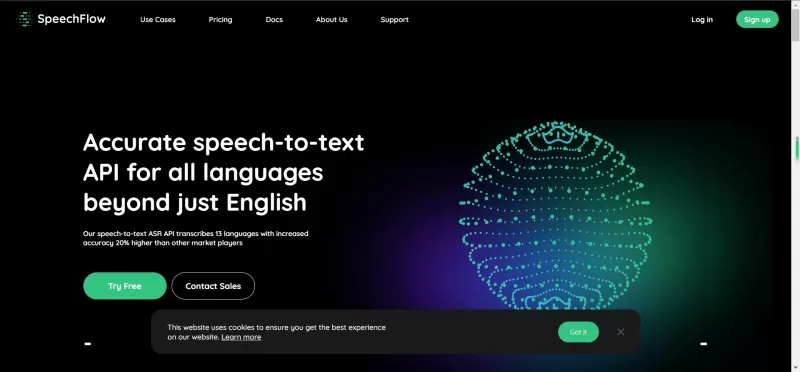
What is Gladia? Gladia offers an AI-driven Speech-to-Text API that delivers transcription, translation, and audio intelligence capabilities. It leverages an enhanced version of OpenAI's Whisper model for fast, precise, and scalable conversion of audi
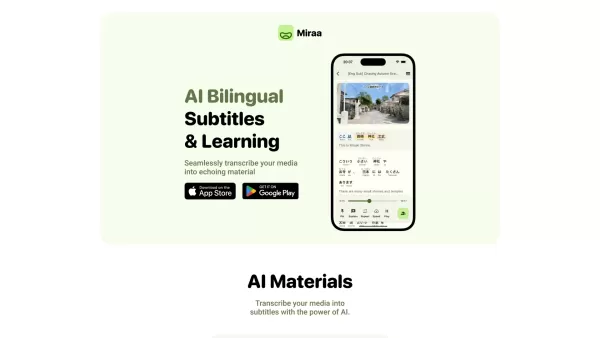
Ever wondered how you could level up your language learning game? Say hello to Miraa AI, brought to you by Myoland! This innovative tool transforms any video into a bilingual learning experience, complete with subtitles, real-time translations, shadowing
Speech to Text Product Information
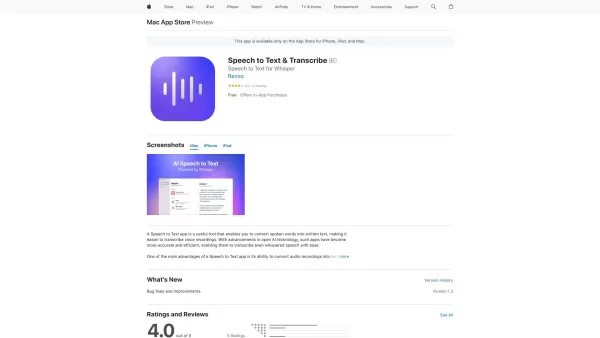
Ever found yourself in a situation where you wish you could just talk and have your words magically turn into text? Well, that's exactly what a Speech to Text app does! It's like having your very own personal transcriptionist, but without the hefty price tag. This nifty tool listens to your spoken words and converts them into written text, making it a breeze to transcribe those voice recordings you've been hoarding.
How to Use Speech to Text?
Using a Speech to Text app is as easy as pie. Just fire up the app, hit that microphone button, and start talking. Make sure you speak clearly—your device's microphone is listening! Before you know it, your words will be dancing across the screen in real-time, turning into neat little lines of text.
Speech to Text's Core Features
What makes Speech to Text apps so awesome? Let me break it down for you:
- Real-time speech to text conversion: No more waiting around. Your words turn into text as you speak.
- Accurate transcription of voice recordings: Say goodbye to those garbled, indecipherable transcripts.
- Support for multiple languages: Whether you're speaking English, Spanish, or Mandarin, the app's got you covered.
- Ability to edit and format the transcribed text: Make it yours. Tweak, edit, and format to your heart's content.
- Option to save transcriptions as text files: Keep your transcripts safe and sound as handy text files.
Speech to Text's Use Cases
So, when should you whip out your Speech to Text app? Here are some scenarios:
- Transcribing interviews or meetings: Capture every word without missing a beat.
- Taking notes during lectures or presentations: Keep up with the fast talkers and never miss a key point again.
- Creating subtitles for videos: Make your videos accessible to everyone, everywhere.
- Assisting individuals with hearing impairments: A helping hand for those who need it most.
FAQ from Speech to Text
- What devices does the Speech to Text app support?
- Speech to Text apps typically support a wide range of devices, including smartphones, tablets, and computers. Just check the app's compatibility before downloading.
- Can the app transcribe multiple speakers?
- Yes, many Speech to Text apps are smart enough to differentiate between multiple speakers, making them perfect for group settings.
- Is the transcribed text editable?
- Absolutely! You can edit the transcribed text to correct any errors or make it fit your style.
- Can I save the transcribed text as a file?
- Of course! Most apps let you save your transcriptions as text files, so you can keep them for future reference or share them with others.
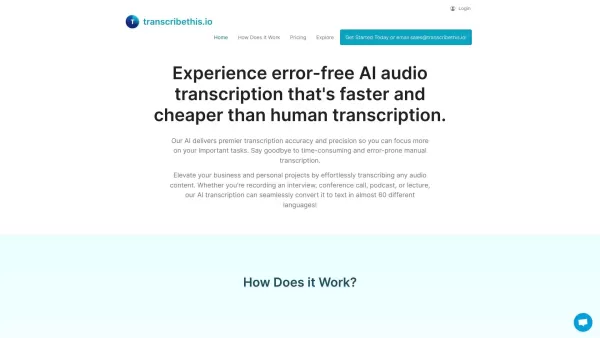
Speech to Text Screenshot


2026 Latest Best Top-rated AI Object Removal Editors for portraits travel product shots! XIX.AI curates a powerful game-changing collection regularly updated with weekly rankings. These tools offer real-world tests to help you quickly remove unwanted elements, boost content quality, and save tons of time without compromising results. Must-try for anyone aiming to unlock their AI creation edge. Explore now!
 10 tools
 xix.ai

2026 Latest Best Top-rated AI Text to Speech Tools for Online Courses are curated by XIX.AI based on rigorous real-world tests and weekly updated rankings. These powerful tools help creators deliver crystal-clear audio content effortlessly, boosting writing efficiency and streamlining course production. Check out the free vs paid comparison to find your perfect fit. Explore now to unlock your AI edge in online education.
10 tools
xix.ai

2026 Latest Best Top-Rated AI Blog Title Tools for Higher Click Through Rates! XIX.AI has carefully curated a powerful, game-changing collection of top tools that go through rigorous real-world tests. You’ll find a free vs paid comparison, weekly updated rankings, and detailed insights to help you boost your blog’s traffic efficiently. Must-try options are highlighted to help you unlock your AI edge. Explore now!
10 tools
xix.ai

2026 Latest Best Top-rated AI Task Routing Tools for Support Workflows! XIX.AI has curated a highly powerful game-changing collection of must-try solutions, all undergoing rigorous real-world tests and updated weekly. These tools streamline workflows, boost productivity, and help teams deliver faster, more efficient support. Explore now to discover your perfect tool and unlock your AI edge!
17 tools
xix.ai

2026 Latest Best Top-Rated AI Citation and Paper Summary Tools Curated by XIX.AI. Get powerful game-changing solutions for quick content creation, improved writing efficiency, and boosting productivity. We offer a free vs paid comparison along with real-world tests and weekly updated rankings to help you find the must-try tool that fits your needs perfectly. Explore now to Unlock your AI edge.
10 tools
xix.ai

2026 Latest Best Top-Rated AI Productivity Tools for Daily Work! XIX.AI has curated a powerful, game-changing selection based on rigorous weekly updated rankings and real-world tests. You’ll find must-try options that boost writing efficiency, streamline content creation, and help you overcome daily work challenges. Get a free vs paid comparison to find the perfect fit for your needs. Explore now to unlock your AI edge!
9 tools
xix.ai


這個語音轉文字工具簡直是懶人救星😆,開會時拿來錄音轉逐字稿超級方便,雖然偶爾會把專有名詞辨識成奇怪詞彙,但整體準確度還不錯,希望未來能支援更多方言啦!


