


 Home
HomeDeckBird.ai



Helps TikTok sellers, brands, MCNs, and TAPs discover winning products and find creators.

HelpLook is an AI-powered all-in-one knowledge base tool that helps businesses quickly build knowledge bases, help centers, and...

Your AI Workspace

302.AI is an enterprise-grade AI resource platform with pay-as-you-go pricing, API access to a full range of AI models, and ready-to-use online applications.

剧火AI — AI Screenwriter + Director, a One-Person Short Drama Studio In one sentence, what is it?
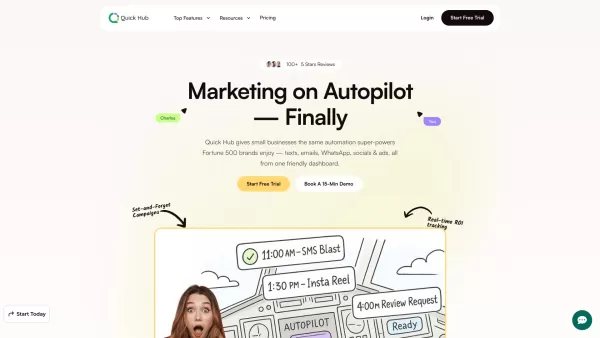
What is Quick Hub? Quick Hub empowers small business owners and marketing teams by automating their marketing with AI-driven social media, customer engagement, and promotional workflows. It provides small businesses with the same advanced automation
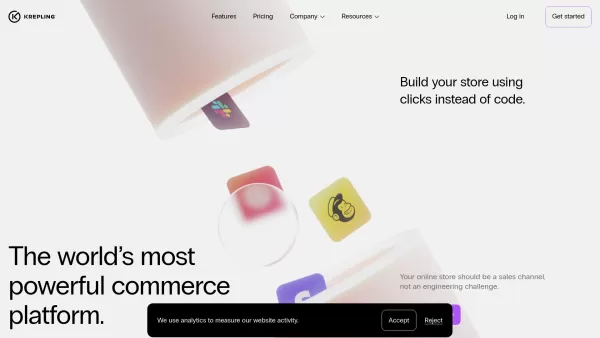
What is Krepling?Krepling is an all-in-one cloud commerce platform that empowers entrepreneurs and businesses to launch and grow their digital operations. This innovative solution combines website building, hosting, and business management tools into
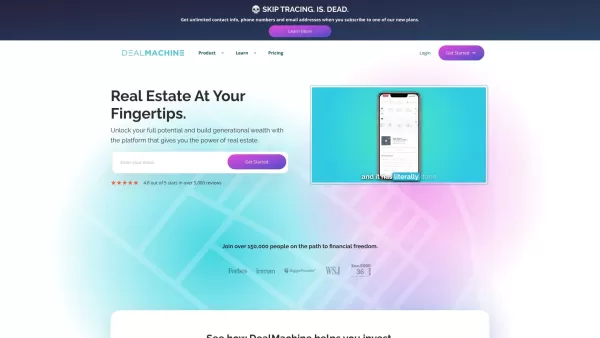
Imagine you're on a quest to conquer the real estate world. Now, picture having a trusty sidekick by your side, guiding you through the maze of lead generation, skip tracing, and direct mail marketing. That sidekick is DealMachine, an all-in-one platform
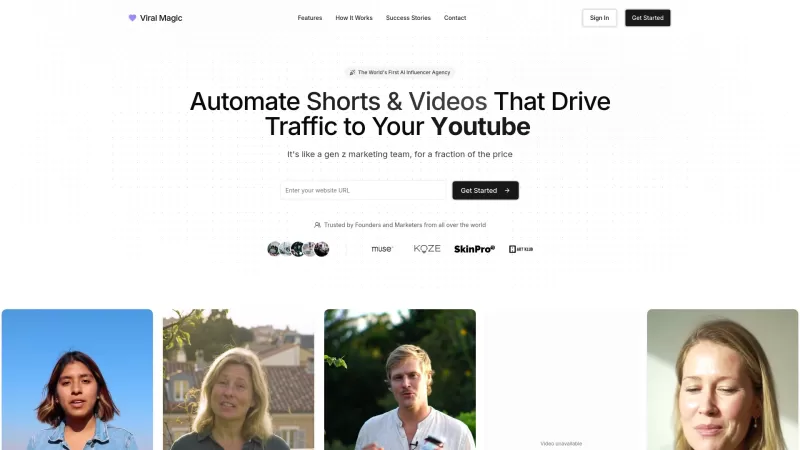
Ever wondered how to make your brand go viral without breaking a sweat? Enter Viral Magic AI, your go-to AI-driven influencer marketing agency. This isn't just another tool; it's like having a team of digital wizards at your fingertips, ready to catapult your brand's presence across various platform
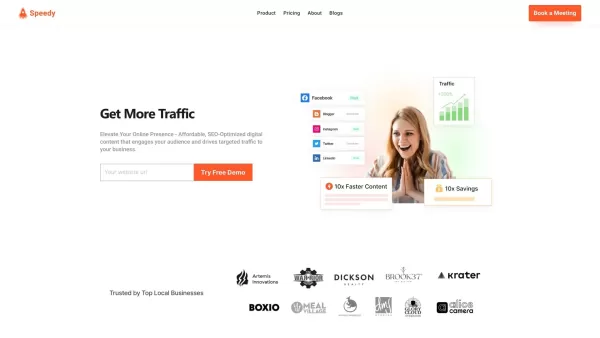
What is Speedy?SpeedyBrand transforms content marketing with AI, enabling businesses to generate high-quality, personalized, and SEO-optimized blogs and social media posts. It adapts to your brand's unique tone, providing efficient content creation t
DeckBird.ai Product Information
What is DeckBird.ai?
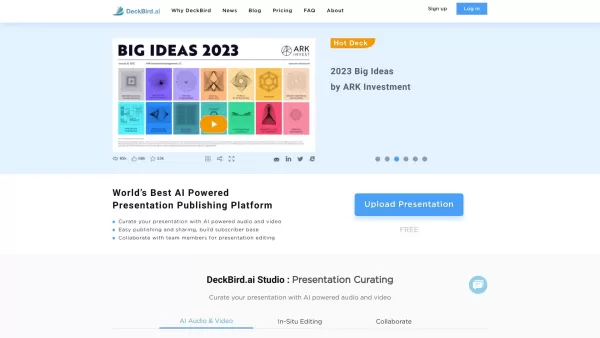
DeckBird.ai is an advanced AI-powered presentation sharing platform designed to help businesses create more impactful presentations. It transforms static presentation files into automated webinars, making it easy to distribute compelling content via email, websites, and social media. The platform also includes an AI studio for adding voice and video narration to boost presentation effectiveness. Additional features such as simple sharing through messaging apps, meeting scheduling, and CRM integration help optimize business workflows.
Who uses DeckBird.ai?
- Marketing Professionals
- Sales Teams
- Business Owners
- Educators
- Product Managers
- Event Coordinators
How to use DeckBird.ai
- Step 1: Go to the DeckBird.ai website and create an account.
- Step 2: Upload your presentation files to the platform’s AI Studio.
- Step 3: Use the AI Studio to incorporate voice and video narration into your presentation.
- Step 4: Embed the resulting self-running webinar into emails, websites, or social media.
- Step 5: Share your presentation using generated links on messaging apps and social networks.
- Step 6: Use DeckBird’s integrated tools to manage meetings, CRM, and team collaboration.
Platform
- Web
DeckBird.ai's Core Features & Benefits
Core Features
- AI Studio for voice and video narration
- Embed presentations in emails and websites
- Easy sharing to messaging apps and social networks
- Meeting scheduling
- CRM integration
Benefits
- Improved presentation engagement
- More efficient sharing
- Streamlined business processes
- Comprehensive team collaboration
- Enhanced customer relationship management
DeckBird.ai's Main Use Cases & Applications
- Creating self-running webinars for marketing campaigns
- Embedding educational content in e-learning platforms
- Enhancing sales pitches with interactive presentations
- Organizing and sharing event content seamlessly
- Improving remote team collaboration and scheduling
DeckBird.ai's Pros & Cons
Pros
AI-powered slide creation saves time on presentation preparation.
User-friendly interface with smart design recommendations.
Automates content organization and design tasks.
Boosts productivity for frequent presentation creators.
Cons
Not open-source, limiting customization and community input.
No dedicated mobile app available on major app stores.
AI creativity may be limited depending on user requirements.
Pricing details are not fully disclosed on the homepage; an account may be needed for specifics.
DeckBird.ai Pricing
Has free plan | Yes |
|---|---|
Free trial details | |
Pricing model | Freemium |
Is credit card required | No |
Paid from | 60 USD |
Has lifetime plan | No |
Billing frequency | Monthly |
Details of Pricing Plan
Basic
0 USD
- Ideal for anyone looking to share presentations
- File storage and email sending are subject to limits
- 100 MB file storage space
- 1,000 emails per month sending quota
Pro
60 USD
- For business professionals
- Includes all Basic features, plus more file storage
- 1 GB file storage space
- 10,000 emails per month per user
- Prioritized bandwidth and CDN
- Pay annually and save 20%
Company
3000 USD
- For small and medium-sized companies
- Includes 3 user seats
- All Pro features, plus team collaboration and management
- 10 GB file storage space
- 10,000 emails per month per user
- Prioritized bandwidth and CDN
Enterprise
USD
- For company-wide use across multiple teams
- Contact for custom pricing
- Unlimited file storage
- Unlimited email sending via your own email server or Microsoft/Gmail
- Dedicated bandwidth
Discount:
Pay annually to save 20%
For the latest pricing, visit: https://deckbird.ai
DeckBird.ai FAQs
What is DeckBird.ai?
DeckBird.ai is an AI-powered presentation sharing tool that converts presentation files into self-running webinars.
How do I use DeckBird.ai?
Sign up on the DeckBird.ai website, upload your presentation, add narration using the AI studio, and share or embed the webinar.
What platforms does DeckBird.ai support?
DeckBird.ai is available on web platforms.
Can I embed presentations in emails?
Yes, DeckBird.ai lets you embed presentations directly into emails.
Does DeckBird.ai offer CRM integration?
Yes, CRM integration is one of DeckBird.ai’s features.
Can I schedule meetings with DeckBird.ai?
Yes, the platform includes meeting scheduling capabilities.
Is DeckBird.ai suitable for educational purposes?
Yes, educators can use it to create engaging educational webinars.
Are there any alternatives to DeckBird.ai?
Yes, alternatives include SlideShare, Prezi, DocSend, Google Slides, and Microsoft PowerPoint.
Does DeckBird.ai support voice and video narration?
Yes, the AI Studio supports both voice and video narration.
What are the benefits of using DeckBird.ai?
Benefits include better engagement, efficient sharing, streamlined operations, enhanced collaboration, and improved CRM.
DeckBird.ai Company Information
- DeckBird.ai
- https://deckbird.ai
DeckBird.ai Screenshot

2026 Latest Best Top-rated AI Object Removal Editors for portraits travel product shots! XIX.AI curates a powerful game-changing collection regularly updated with weekly rankings. These tools offer real-world tests to help you quickly remove unwanted elements, boost content quality, and save tons of time without compromising results. Must-try for anyone aiming to unlock their AI creation edge. Explore now!
 10 tools
 xix.ai

2026 Latest Best Top-rated AI Text to Speech Tools for Online Courses are curated by XIX.AI based on rigorous real-world tests and weekly updated rankings. These powerful tools help creators deliver crystal-clear audio content effortlessly, boosting writing efficiency and streamlining course production. Check out the free vs paid comparison to find your perfect fit. Explore now to unlock your AI edge in online education.
10 tools
xix.ai

2026 Latest Best Top-Rated AI Blog Title Tools for Higher Click Through Rates! XIX.AI has carefully curated a powerful, game-changing collection of top tools that go through rigorous real-world tests. You’ll find a free vs paid comparison, weekly updated rankings, and detailed insights to help you boost your blog’s traffic efficiently. Must-try options are highlighted to help you unlock your AI edge. Explore now!
10 tools
xix.ai

2026 Latest Best Top-rated AI Task Routing Tools for Support Workflows! XIX.AI has curated a highly powerful game-changing collection of must-try solutions, all undergoing rigorous real-world tests and updated weekly. These tools streamline workflows, boost productivity, and help teams deliver faster, more efficient support. Explore now to discover your perfect tool and unlock your AI edge!
17 tools
xix.ai

2026 Latest Best Top-Rated AI Citation and Paper Summary Tools Curated by XIX.AI. Get powerful game-changing solutions for quick content creation, improved writing efficiency, and boosting productivity. We offer a free vs paid comparison along with real-world tests and weekly updated rankings to help you find the must-try tool that fits your needs perfectly. Explore now to Unlock your AI edge.
10 tools
xix.ai

2026 Latest Best Top-Rated AI Productivity Tools for Daily Work! XIX.AI has curated a powerful, game-changing selection based on rigorous weekly updated rankings and real-world tests. You’ll find must-try options that boost writing efficiency, streamline content creation, and help you overcome daily work challenges. Get a free vs paid comparison to find the perfect fit for your needs. Explore now to unlock your AI edge!
9 tools
xix.ai


Just tried DeckBird.ai for a client pitch and it's a game-changer! Turning our old PowerPoint into an interactive webinar was surprisingly smooth. The AI narration felt a bit robotic at times, but the analytics on viewer engagement are super useful. Saves us so much time compared to manual demos. Hope they add more voice options soon! 🚀


