


 Home
HomeConceptViz



Helps TikTok sellers, brands, MCNs, and TAPs discover winning products and find creators.

HelpLook is an AI-powered all-in-one knowledge base tool that helps businesses quickly build knowledge bases, help centers, and...

Your AI Workspace

302.AI is an enterprise-grade AI resource platform with pay-as-you-go pricing, API access to a full range of AI models, and ready-to-use online applications.

剧火AI — AI Screenwriter + Director, a One-Person Short Drama Studio In one sentence, what is it?
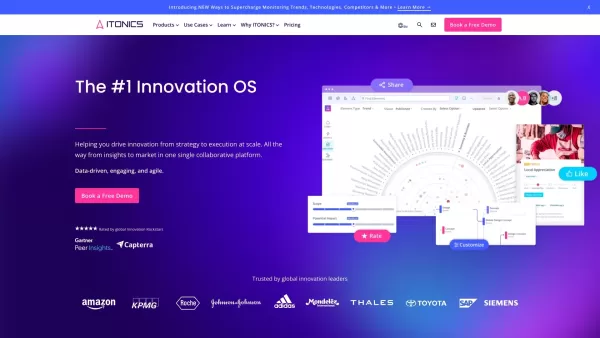
What is ITONICS?The ITONICS Innovation Operating System (OS) is an end-to-end platform designed to manage the entire innovation lifecycle. Powered by AI, it consolidates all innovation activities—from scouting trends and technologies to managing idea
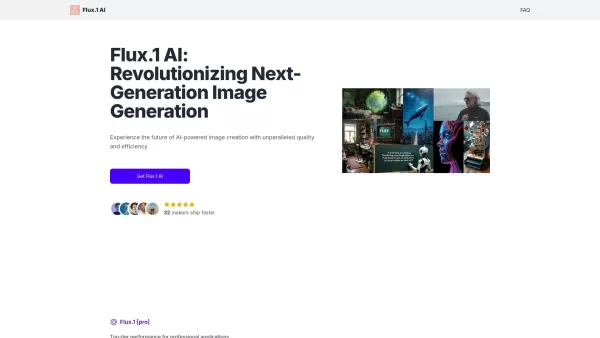
What is Flux.1 AI?Flux.1 AI is a sophisticated, AI-powered image synthesis tool that transforms text descriptions into stunning, high-quality visuals. Built on a cutting-edge 12-billion-parameter hybrid architecture, it delivers exceptional detail an
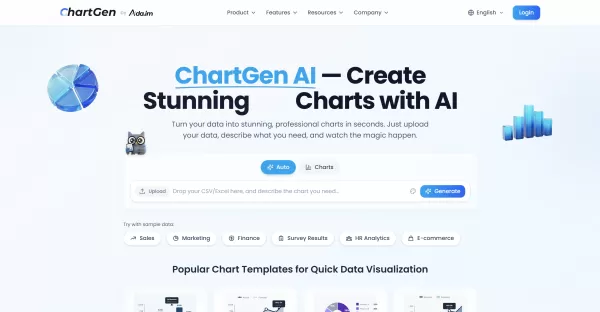
What is ChartGen AI?ChartGen AI is an online AI-powered chart maker that instantly analyzes your data and turns natural language descriptions into professional visualizations. It supports nine chart types—including bar, line, pie, area, scatter, heat
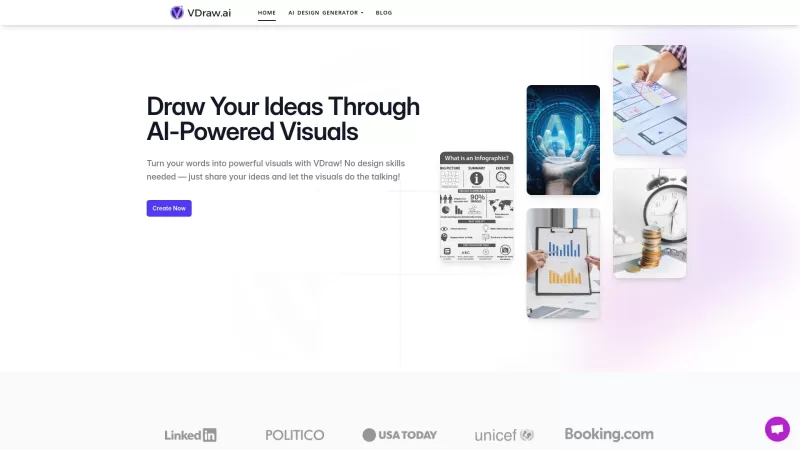
Ever wished you could turn your brilliant ideas into stunning visuals without having to master the art of design? That's where VDraw AI comes in! It's your personal artist, transforming your words into powerful visuals that speak volumes. No design skills
What is Graphlit?Graphlit is an innovative AI agent built for data visualization. Simply upload your raw data to create interactive graphs, charts, and diagrams that simplify complex information. This tool is ideal for businesses and analysts seeking
ConceptViz Product Information
What Is ConceptViz?
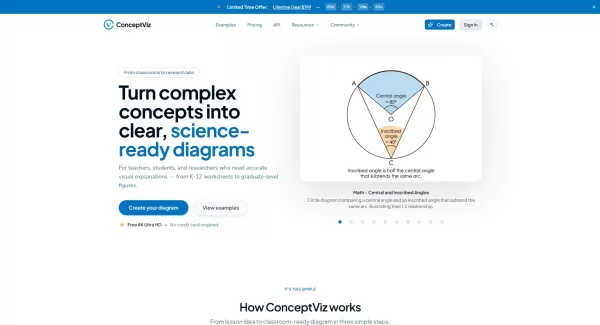
ConceptViz is an AI-powered diagram generator designed to create STEM visuals for education and research. Users type plain‑English descriptions or select presets across physics, biology, chemistry, earth and space, and math. The service produces clear, high‑contrast diagrams optimized for slides, print, or publication. Features include grade and subject presets, 2K/4K export, credit‑based generation, batch generation, history storage, and options for fast or priority generation to streamline lesson and figure creation.
Who Will Use ConceptViz?
- K–12 science and math teachers
- University lecturers and researchers
- Graduate students and PhD candidates
- Instructional designers and curriculum developers
- Lab instructors and department coordinators
- Textbook and worksheet authors
How to Use ConceptViz
- Step 1: Sign up for a free account on the ConceptViz web app.
- Step 2: Choose a subject and grade preset (e.g., physics high school, biology graduate).
- Step 3: Type a short plain‑English description of the diagram you need or select an example.
- Step 4: Generate the diagram and review variations; use batch generation if needed.
- Step 5: Download the high‑resolution PNG (2K/4K) and drop it into slides, worksheets, or publication figures.
Platform
- Web
ConceptViz's Core Features & Benefits
Core Features
- AI‑generated science and math diagrams from text prompts
- Subject and grade presets for classroom‑ready visuals
- High‑resolution exports (2K/4K) optimized for slides and print
- Batch generation and credit‑based usage system
- Publication‑ready presets for researchers
- History storage, priority generation, and account plans
Benefits
- Saves prep time for lessons and presentations
- Produces consistent, projector‑friendly diagrams
- No drawing or design skills required
- High‑resolution output suitable for posters and publications
- Customizable via text prompts and reusable presets
Main Use Cases and Applications of ConceptViz
- Creating lecture slides and classroom presentations
- Generating worksheet and handout images for K–12 classes
- Preparing publication‑quality figures for theses, journals, and conferences
- Designing lab setup diagrams and protocol visuals
- Making assessment items and exam diagrams
- Rapid prototyping of visuals for educational materials and training
Pros and Cons of ConceptViz
Pros
Fast and easy generation of clear scientific diagrams
High‑resolution exports suitable for print and slides
Subject‑ and grade‑specific presets reduce setup time
Designed for classroom readability and projector use
Affordable plans and occasional lifetime deal options
Cons
Credit‑based limits may require a subscription for heavy use
Primarily focused on STEM diagrams, not general illustration
Limited offline or native desktop app support (web‑based)
May need manual tweaks for highly specialized or complex figures
Potential for occasional inaccuracies in automatically generated labels
Pricing of ConceptViz
Free Plan Available | YES |
|---|---|
Free Trial Details | |
Pricing Model | Freemium |
Credit Card Required | No |
Starting At | 10 USD |
Lifetime Plan Available | YES |
Billing Frequency | Monthly |
Pricing Plan Details
Free
0 USD
- 4K Ultra HD generation
- Access to all subjects and grade presets
- Slide‑friendly aspect ratio (16:9)
- Classroom use allowed
- Generate 1 diagram at a time
- 7‑day history storage
- Fast generation speed
- No watermark removal
- Commercial use
- Priority queue or support
- One‑time bonus: 3 diagram credits
Standard
10 USD
- 80 diagram credits per month
- 4K Ultra HD generation
- Fast generation speed
- No watermark — projector‑ready
- Slide and worksheet friendly layouts (16:9 and A4)
- Commercial use license included
- Batch: 4 images/task × 3 tasks (up to 12)
- 30‑day history storage
- Priority queue
- Priority support
Pro
20 USD
- 160 diagram credits per month
- 4K Ultra HD generation
- Fast generation speed
- Batch: 4 images/task × 5 tasks (up to 20)
- Priority generation queue during busy hours
- Priority support (24‑hour email response target)
- Early access to new subject presets and features
- 90‑day history storage
- Team/department seats (coming soon)
Lifetime Deal
199 USD
- 1,500 diagram credits (one‑time)
- All Pro features included forever
- Fast generation speed
- 2K/4K export for posters and print
- Generate up to 5 diagrams simultaneously
- Priority generation queue
- 180‑day history storage
- Early access to new features
- Feature request priority
- 1‑on‑1 customer support
Discount:
Use code NEWYEAR20 to get 20% off Standard and Pro plans. The Lifetime Deal saves 45% (was $359/year).
For the latest pricing, visit: https://conceptviz.app/pricing
FAQs for ConceptViz
Does ConceptViz Use AI to Generate Diagrams?
Yes, ConceptViz uses AI to convert plain‑English descriptions into clear, subject‑specific diagrams tailored for education and research.
What Subjects and Grade Levels Are Supported?
ConceptViz supports physics, biology, chemistry, earth and space, and math with presets for U.S. grade bands from elementary through graduate‑level research.
How Do Credits and Pricing Work?
Plans allocate monthly diagram credits; generation consumes credits depending on resolution (1K/2K = 1 credit, 4K = 1.5 credits). Free, monthly, and lifetime deal options are available.
Can I Use Generated Diagrams for Commercial or Classroom Use?
Yes, paid plans include a commercial use license, and classroom use is explicitly allowed. Check the license page for details.
What Export Formats and Resolutions Are Available?
ConceptViz provides high‑resolution PNG exports optimized for slides (16:9) and print, including 2K and 4K options.
Is There an API for Integration?
The site lists an API under Product. Check the Product > API page for documentation, access details, and pricing.
Can I Customize Labels, Colors, or Layouts?
You can refine your text prompts and presets to influence labels and layout. For very detailed custom edits, external graphic tools may be used after export.
How Long Is Diagram History Stored?
History storage varies by plan (free plans have limited history; paid plans offer longer retention, such as 30–180 days depending on tier).
What Support Options Are Available?
Support options include email support ([email protected]), priority support on higher‑tier plans, and a feedback or roadmap portal for the community.
Is There a Refund or Cancellation Policy?
ConceptViz lists license, terms, refund, and privacy pages. Review the Refund and Terms pages for the current cancellation and refund policy.
Company Information for ConceptViz
- ConceptViz
- https://conceptviz.app
ConceptViz Screenshot

2026 Latest Best Manga AI Background Generators Ranked Top-Rated! This curated collection showcases powerful game-changing tools perfect for creating high-quality chapter backgrounds, book covers, and promotional art. Every option has undergone rigorous real-world tests to ensure reliability. Get a free vs paid comparison along with detailed insights. Explore now to discover your perfect tool and unlock your AI edge in manga creation.
 6 tools
 xix.ai

2026 Latest Best Top-rated AI Object Removal Editors for portraits travel product shots! XIX.AI curates a powerful game-changing collection regularly updated with weekly rankings. These tools offer real-world tests to help you quickly remove unwanted elements, boost content quality, and save tons of time without compromising results. Must-try for anyone aiming to unlock their AI creation edge. Explore now!
10 tools
xix.ai

2026 Latest Best Top-rated AI Text to Speech Tools for Online Courses are curated by XIX.AI based on rigorous real-world tests and weekly updated rankings. These powerful tools help creators deliver crystal-clear audio content effortlessly, boosting writing efficiency and streamlining course production. Check out the free vs paid comparison to find your perfect fit. Explore now to unlock your AI edge in online education.
10 tools
xix.ai

2026 Latest Best Top-Rated AI Blog Title Tools for Higher Click Through Rates! XIX.AI has carefully curated a powerful, game-changing collection of top tools that go through rigorous real-world tests. You’ll find a free vs paid comparison, weekly updated rankings, and detailed insights to help you boost your blog’s traffic efficiently. Must-try options are highlighted to help you unlock your AI edge. Explore now!
10 tools
xix.ai

2026 Latest Best Top-rated AI Task Routing Tools for Support Workflows! XIX.AI has curated a highly powerful game-changing collection of must-try solutions, all undergoing rigorous real-world tests and updated weekly. These tools streamline workflows, boost productivity, and help teams deliver faster, more efficient support. Explore now to discover your perfect tool and unlock your AI edge!
17 tools
xix.ai

2026 Latest Best Top-Rated AI Citation and Paper Summary Tools Curated by XIX.AI. Get powerful game-changing solutions for quick content creation, improved writing efficiency, and boosting productivity. We offer a free vs paid comparison along with real-world tests and weekly updated rankings to help you find the must-try tool that fits your needs perfectly. Explore now to Unlock your AI edge.
10 tools
xix.ai


