


 Home
HomeGraphlit



Helps TikTok sellers, brands, MCNs, and TAPs discover winning products and find creators.

HelpLook is an AI-powered all-in-one knowledge base tool that helps businesses quickly build knowledge bases, help centers, and...

Your AI Workspace

302.AI is an enterprise-grade AI resource platform with pay-as-you-go pricing, API access to a full range of AI models, and ready-to-use online applications.

剧火AI — AI Screenwriter + Director, a One-Person Short Drama Studio In one sentence, what is it?

What is AI Excel Bot?AI Excel Bot uses advanced AI algorithms to help you build complex Excel and Google Sheets formulas in seconds. By leveraging natural language processing, it makes writing, editing, and understanding formulas much easier. Whether
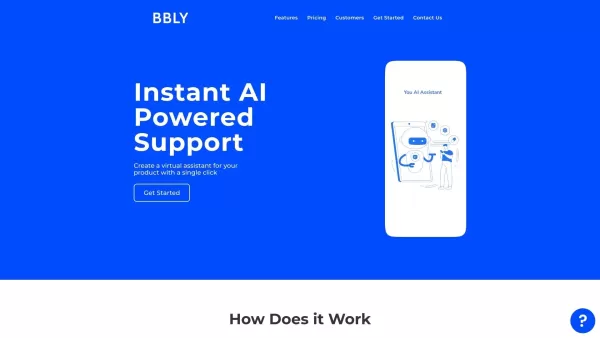
What is Bubbly?BubblyAI is a comprehensive platform that transforms data analysis for businesses. By leveraging advanced AI algorithms, it automates extracting actionable insights from complex datasets, empowering users to make confident, data-driven
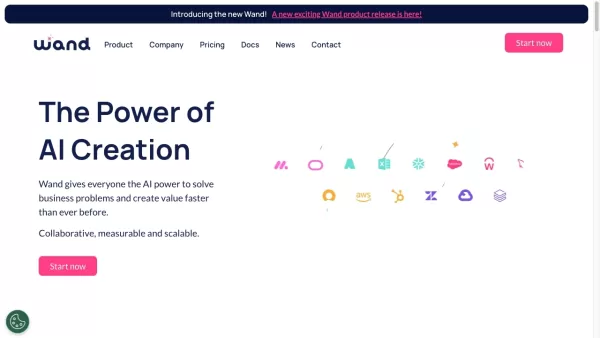
Ever felt like you're stuck trying to solve complex business issues, but your tech skills just aren't up to snuff? Enter Wand, your new best friend in the world of AI. This tool is designed to be a game-changer, allowing anyone, regardless of their techni
Ever wondered how to keep elections transparent and fair? Meet REVISOR - Your Unblinking Poll Watcher, a cutting-edge software package that leverages the power of neural networks to ensure the integrity of electoral processes. This tool is like having an
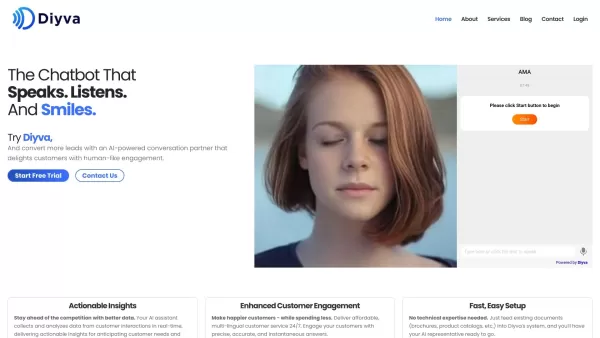
Ever wondered what Diya is all about? Well, let me introduce you to this fantastic AI-powered multilingual virtual assistant that's revolutionizing the way websites interact with their visitors. Diya isn't just any virtual assistant; it comes with a human
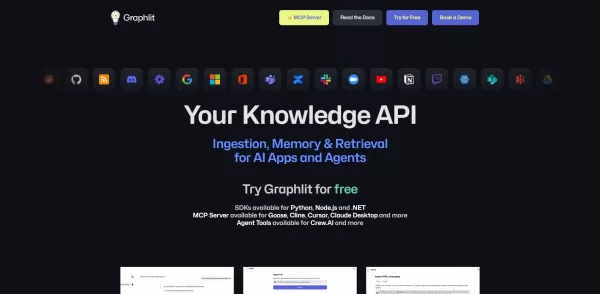
Graphlit Product Information
What is Graphlit?
Graphlit is an innovative AI agent built for data visualization. Simply upload your raw data to create interactive graphs, charts, and diagrams that simplify complex information. This tool is ideal for businesses and analysts seeking to uncover data trends and insights swiftly, without requiring deep technical knowledge. It also provides robust customization features, enabling users to adapt visual outputs to their exact requirements, thereby enhancing data-driven decision-making.
Who will use Graphlit?
- Data Analysts
- Business Professionals
- Students
- Researchers
How to use Graphlit?
- Step 1: Create an account on the Graphlit website.
- Step 2: Log into your account.
- Step 3: Enter your raw data in the provided space.
- Step 4: Select your preferred visualization style.
- Step 5: Adjust and personalize the visualization.
- Step 6: Export or share your final visual creation.
Platform
- Web
- macOS
- Windows
Graphlit's Core Features & Benefits
The Core Features
- Data ingestion and processing
- Multiple visualization types (charts, graphs)
- Customizable output options
- Interactive visual elements
- Data trend and pattern analysis
The Benefits
- Makes data interpretation straightforward
- Improves decision-making with clear visuals
- Accelerates the data visualization workflow
- Features an intuitive, easy-to-use interface
- Accessible for users with non-technical backgrounds
Graphlit's Main Use Cases & Applications
- Visualizing sales trends and performance
- Developing educational charts for reports and presentations
- Presenting survey results in an easy-to-grasp format
- Tracking project metrics with visual dashboards
Graphlit's Pros & Cons
The Pros
Accepts data from numerous sources and in multiple formats
Integrates with leading large language and multimodal models
Provides semantic vector search and automatic content summarization
A cloud-native, serverless platform requiring no infrastructure setup
Offers native SDKs for popular programming languages (Python, Node.js, .NET)
Supports multi-tenancy with Role-Based Access Control (RBAC) and encrypted storage
Features flexible, usage-based pricing with a free tier to begin
The Cons
Limited details on potential limitations or user-reported issues
No dedicated mobile applications or browser extensions offered
Pricing can depend on content specifics, which may make accurate estimation challenging
Graphlit's Pricing
Has free plan | YES |
|---|---|
Free trial details | Free to start, no credit card needed |
Pricing model | Freemium |
Is credit card required | No |
Paid from | 49 USD |
Has lifetime plan | No |
Billing frequency | Monthly |
Details of Pricing Plan
Free
0 USD
- Ingest any content type (PDFs, MP3s, web pages)
- Create content feeds (RSS, Web, Notion, blob storage)
- Search content by text or vector similarity
- Filter content using metadata
- Build chatbot conversations based on your content
- Configure custom content workflows
- Includes Deepgram audio transcription
- Includes all vector embeddings and prompt completions
- Supports multi-tenant applications
- Includes 100 credits
- Up to 1GB of content storage
- Up to 1000 content items
- Up to 3 feeds
- Up to 100 chatbot conversations
- Community Discord support
Hobby
49 USD
- Everything included in the Free tier
- Usage billed at $0.10 per credit
- Up to 10GB content storage
- Up to 10,000 content items
- Unlimited feeds
- Unlimited chatbot conversations
- Email and community Discord support
Starter
199 USD
- Everything included in the Hobby tier
- Usage billed at $0.09 per credit (10% discount)
- Up to 100GB content storage
- Unlimited content items
- Unlimited feeds
- Unlimited chatbot conversations
- Priority email and private Slack support
Growth
999 USD
- Everything included in the Starter tier
- Usage billed at $0.08 per credit (20% discount)
- Unlimited content storage
- Unlimited content items
- Unlimited feeds
- Unlimited chatbot conversations
- Priority email and private Slack support
- Dedicated technical contact
- SLA (coming soon)
- SOC 2 compliance (coming soon)
Discount:
10% off on Starter tier, 20% off on Growth tier usage pricing
For the latest prices, please visit: https://www.graphlit.com/#pricing
FAQs of Graphlit
What type of data can I input?
You can input various data formats, with a focus on CSV and Excel files.
Is Graphlit free to use?
Graphlit provides both free and paid subscription plans.
Can I customize my visualizations?
Yes, Graphlit offers comprehensive customization for all visual outputs.
How do I share my visual outputs?
You can easily share visualizations by exporting them as images or PDF files.
Is there a limit to the data I can upload?
Data upload limits vary according to your subscription plan.
Can Graphlit handle real-time data?
Currently, Graphlit is optimized for static data uploads rather than real-time streams.
What interface does Graphlit use?
Graphlit operates through an intuitive, web-based interface for user convenience.
Is training required to use Graphlit?
No, Graphlit is designed for immediate use and does not require special training.
Can I access Graphlit on mobile devices?
Graphlit is primarily accessed via web browsers on desktop and laptop computers.
Does Graphlit provide support?
Yes, Graphlit offers customer support through email and chat channels.
Graphlit Company Information
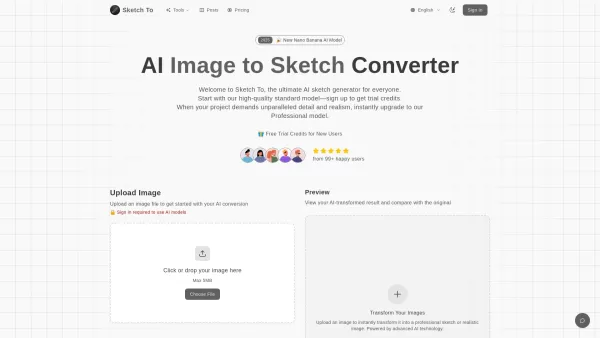
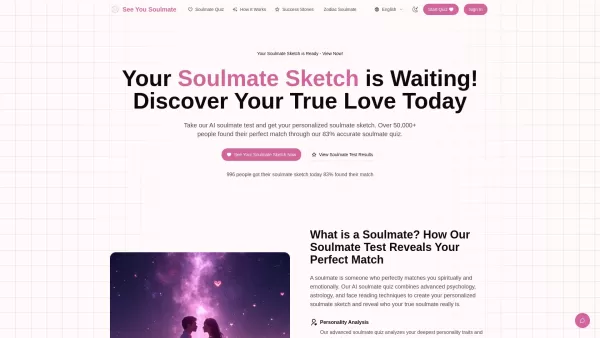
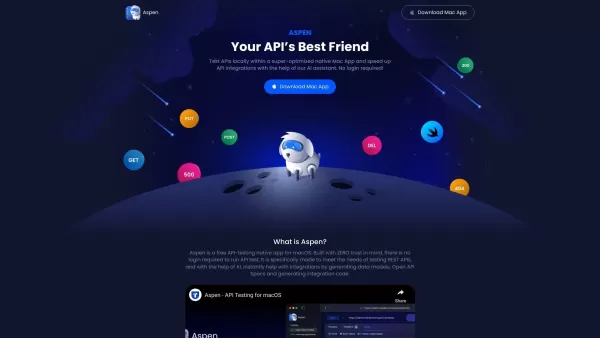
Graphlit Screenshot


2026 Latest Best Top-rated AI Text to Speech Tools for Natural Voiceovers are here on XIX.AI! This curated list features powerful, game-changing options that deliver crystal-clear voices for every use case, backed by real-world tests and weekly updated rankings. Get a free vs paid comparison to find the must-try solution that boosts your productivity instantly. Explore now to Unlock your AI edge!
 11 tools
 xix.ai

2026 Latest Best Manga AI Background Generators Ranked Top-Rated! This curated collection showcases powerful game-changing tools perfect for creating high-quality chapter backgrounds, book covers, and promotional art. Every option has undergone rigorous real-world tests to ensure reliability. Get a free vs paid comparison along with detailed insights. Explore now to discover your perfect tool and unlock your AI edge in manga creation.
6 tools
xix.ai

2026 Latest Best Top-rated AI Object Removal Editors for portraits travel product shots! XIX.AI curates a powerful game-changing collection regularly updated with weekly rankings. These tools offer real-world tests to help you quickly remove unwanted elements, boost content quality, and save tons of time without compromising results. Must-try for anyone aiming to unlock their AI creation edge. Explore now!
10 tools
xix.ai

2026 Latest Best Top-rated AI Text to Speech Tools for Online Courses are curated by XIX.AI based on rigorous real-world tests and weekly updated rankings. These powerful tools help creators deliver crystal-clear audio content effortlessly, boosting writing efficiency and streamlining course production. Check out the free vs paid comparison to find your perfect fit. Explore now to unlock your AI edge in online education.
10 tools
xix.ai

2026 Latest Best Top-Rated AI Blog Title Tools for Higher Click Through Rates! XIX.AI has carefully curated a powerful, game-changing collection of top tools that go through rigorous real-world tests. You’ll find a free vs paid comparison, weekly updated rankings, and detailed insights to help you boost your blog’s traffic efficiently. Must-try options are highlighted to help you unlock your AI edge. Explore now!
10 tools
xix.ai

2026 Latest Best Top-rated AI Task Routing Tools for Support Workflows! XIX.AI has curated a highly powerful game-changing collection of must-try solutions, all undergoing rigorous real-world tests and updated weekly. These tools streamline workflows, boost productivity, and help teams deliver faster, more efficient support. Explore now to discover your perfect tool and unlock your AI edge!
17 tools
xix.ai


