


 Home
HomeBanva
Banva Subtitle Generator Editor 50+ Languages



Helps TikTok sellers, brands, MCNs, and TAPs discover winning products and find creators.

HelpLook is an AI-powered all-in-one knowledge base tool that helps businesses quickly build knowledge bases, help centers, and...

Your AI Workspace

302.AI is an enterprise-grade AI resource platform with pay-as-you-go pricing, API access to a full range of AI models, and ready-to-use online applications.

剧火AI — AI Screenwriter + Director, a One-Person Short Drama Studio In one sentence, what is it?
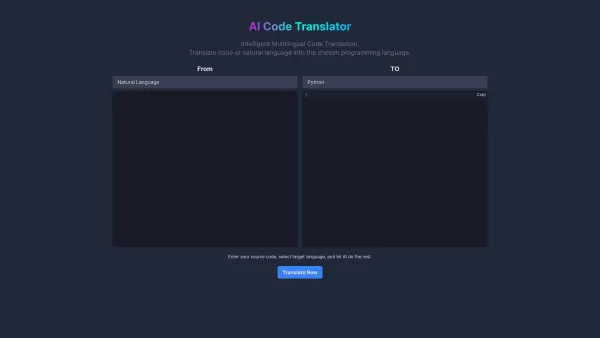
Ever wondered what happens when you hand over your code to a digital wizard capable of turning one language into another? Enter AI Code Translator, the ultimate online translator for programmers. Whether you’re juggling Python and Java or trying to conver
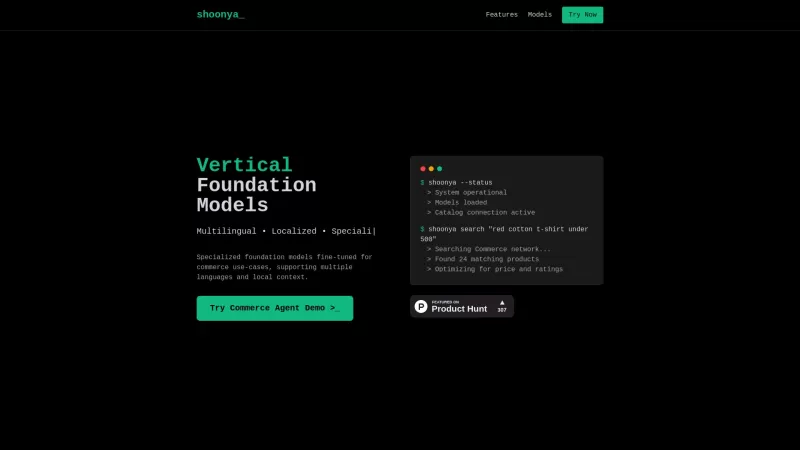
Shoonya is a game-changer in the world of commerce, offering specialized foundation models that are fine-tuned to enhance retail and shopping experiences. What sets Shoonya apart is its ability to cater to multiple languages and understand localized contexts, making it a versatile tool for businesse
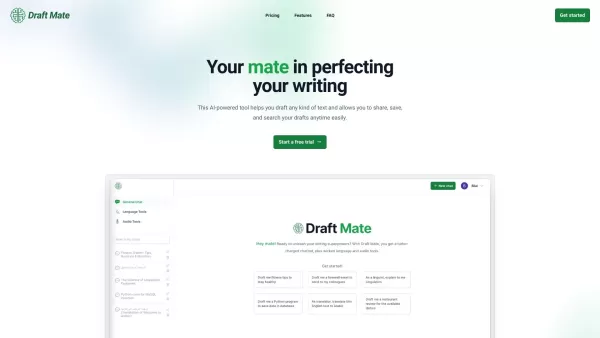
Introducing DraftMate: The Ultimate Writing Companion Picture this: you're sitting at your desk, staring at a blank screen, trying to craft the perfect email, blog post, or even a chapter for your novel. Sounds familiar? Well, DraftMate is here to make yo
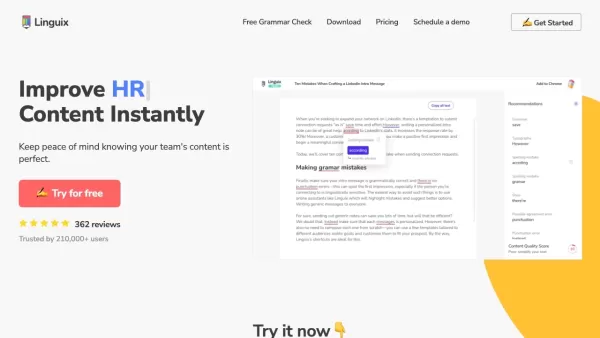
Ever find yourself staring at a blank screen, trying to craft the perfect email or nail that final paper? Enter Linguix, your new best friend in the world of writing. This free writing assistant isn't just another tool; it's like having a personal ed
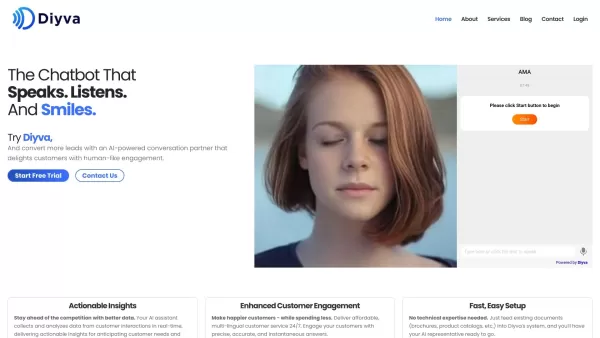
Ever wondered what Diya is all about? Well, let me introduce you to this fantastic AI-powered multilingual virtual assistant that's revolutionizing the way websites interact with their visitors. Diya isn't just any virtual assistant; it comes with a human
Banva Product Information
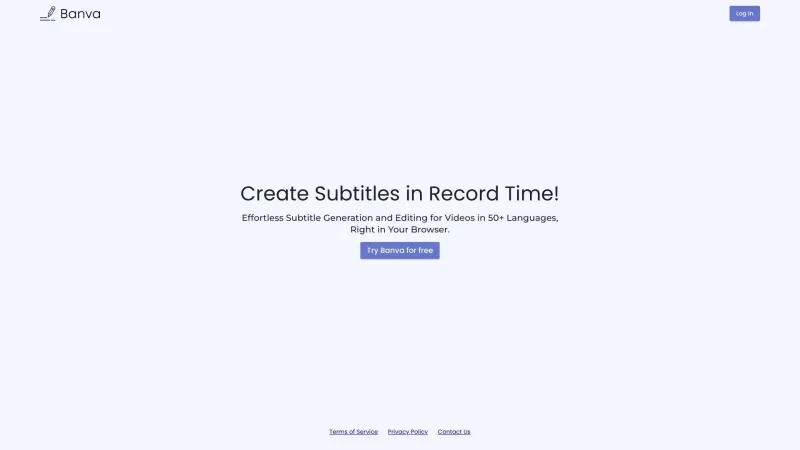
Ever wondered how to add that extra touch to your videos with subtitles without breaking a sweat? Enter Banva, your go-to solution for seamless subtitle generation and editing. This tool isn't just another app—it's a powerhouse that churns out accurate subtitles in over 50 languages, all accessible through your trusty web browser. Whether you're a content creator or just need subtitles for personal use, Banva has got your back with its comprehensive suite of editing tools.
How to Use Banva?
Getting started with Banva is as easy as pie. Just hop onto their website using any web browser you fancy. Once you're there, pick the language you want your subtitles in and upload your video or audio file. Before you know it, Banva's magic kicks in, generating subtitles that are spot-on. But wait, there's more! If you feel like tweaking things a bit, dive into their user-friendly editor suite. It's all about making your subtitles perfect, your way.
Banva's Core Features
Banva isn't messing around when it comes to features. From lightning-fast subtitle generation to a robust editor that lets you fine-tune every detail, they've thought of everything. Whether you're looking to add subtitles in multiple languages or just need to make a few quick edits, Banva's got the tools to make it happen. And the best part? It's all right there in your browser, no downloads needed!
Banva's Use Cases
So, who's using Banva? Well, it's perfect for anyone looking to add subtitles to their videos—think YouTubers, filmmakers, educators, you name it. If you need to reach a global audience or just want to make your content more accessible, Banva's your best bet. It's like having a multilingual assistant at your fingertips, ready to make your content shine.
FAQ from Banva
- Can Banva generate subtitles in multiple languages?
- Absolutely! Banva supports over 50 languages, so your content can reach audiences far and wide.
- Is Banva accessible through a web browser?
- Yep, you can use Banva directly in your web browser—no need to download anything.
- Can I make edits to the automatically generated subtitles?
- Of course! Banva's editor suite lets you tweak your subtitles to your heart's content.
- What file formats are supported for uploading media?
- Banva accepts a wide range of formats, making it easy to upload whatever you've got.
- Does Banva offer real-time editing features?
- Yes, you can make real-time edits, ensuring your subtitles are just right before you hit publish.
For any more questions or support, you can reach out to Banva's team through their contact page at https://banva.io/contact-us. And if you're ready to dive in, log into Banva at https://banva.io/. Curious about the pricing? Check it out at https://banva.io/. For more insights, don't forget to visit their YouTube channel at https://www.youtube.com/channel/UCco6GwxdRXRT5_-HXlIHoCw, connect on LinkedIn at https://www.linkedin.com/company/91144356, or follow them on Twitter at https://twitter.com/BanvaSubs.
Banva Screenshot
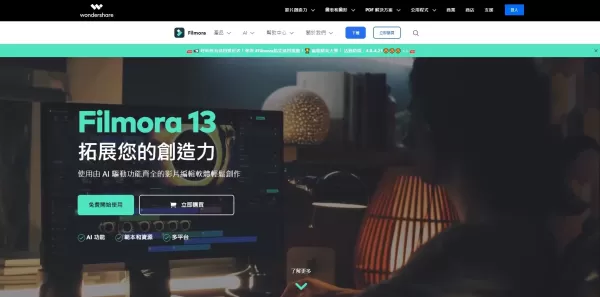
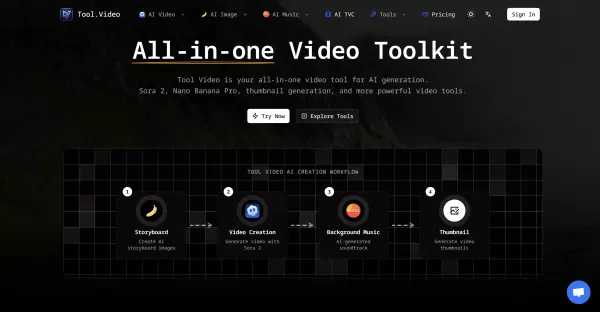

2026 Latest Best Top-rated AI Object Removal Editors for portraits travel product shots! XIX.AI curates a powerful game-changing collection regularly updated with weekly rankings. These tools offer real-world tests to help you quickly remove unwanted elements, boost content quality, and save tons of time without compromising results. Must-try for anyone aiming to unlock their AI creation edge. Explore now!
 10 tools
 xix.ai

2026 Latest Best Top-rated AI Text to Speech Tools for Online Courses are curated by XIX.AI based on rigorous real-world tests and weekly updated rankings. These powerful tools help creators deliver crystal-clear audio content effortlessly, boosting writing efficiency and streamlining course production. Check out the free vs paid comparison to find your perfect fit. Explore now to unlock your AI edge in online education.
10 tools
xix.ai

2026 Latest Best Top-Rated AI Blog Title Tools for Higher Click Through Rates! XIX.AI has carefully curated a powerful, game-changing collection of top tools that go through rigorous real-world tests. You’ll find a free vs paid comparison, weekly updated rankings, and detailed insights to help you boost your blog’s traffic efficiently. Must-try options are highlighted to help you unlock your AI edge. Explore now!
10 tools
xix.ai

2026 Latest Best Top-rated AI Task Routing Tools for Support Workflows! XIX.AI has curated a highly powerful game-changing collection of must-try solutions, all undergoing rigorous real-world tests and updated weekly. These tools streamline workflows, boost productivity, and help teams deliver faster, more efficient support. Explore now to discover your perfect tool and unlock your AI edge!
17 tools
xix.ai

2026 Latest Best Top-Rated AI Citation and Paper Summary Tools Curated by XIX.AI. Get powerful game-changing solutions for quick content creation, improved writing efficiency, and boosting productivity. We offer a free vs paid comparison along with real-world tests and weekly updated rankings to help you find the must-try tool that fits your needs perfectly. Explore now to Unlock your AI edge.
10 tools
xix.ai

2026 Latest Best Top-Rated AI Productivity Tools for Daily Work! XIX.AI has curated a powerful, game-changing selection based on rigorous weekly updated rankings and real-world tests. You’ll find must-try options that boost writing efficiency, streamline content creation, and help you overcome daily work challenges. Get a free vs paid comparison to find the perfect fit for your needs. Explore now to unlock your AI edge!
9 tools
xix.ai


