


 Home
HomeTool.Video



Helps TikTok sellers, brands, MCNs, and TAPs discover winning products and find creators.

HelpLook is an AI-powered all-in-one knowledge base tool that helps businesses quickly build knowledge bases, help centers, and...

Your AI Workspace

302.AI is an enterprise-grade AI resource platform with pay-as-you-go pricing, API access to a full range of AI models, and ready-to-use online applications.

剧火AI — AI Screenwriter + Director, a One-Person Short Drama Studio In one sentence, what is it?

What is AIShowX?AIShowX represents the next generation of creative tools - a comprehensive online platform powered by artificial intelligence that empowers anyone to produce professional-quality videos, images, and audio content with remarkable ease.
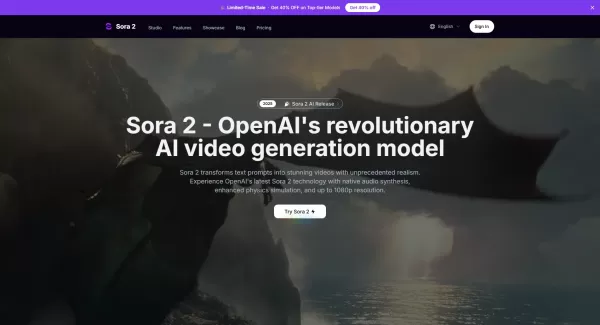
What is Sora 2 Video Generator?Sora 2 is an advanced AI video generation service built on OpenAI's Sora 2 model. It transforms text prompts and optional reference images into realistic short videos, typically lasting up to 20 seconds. Key features in
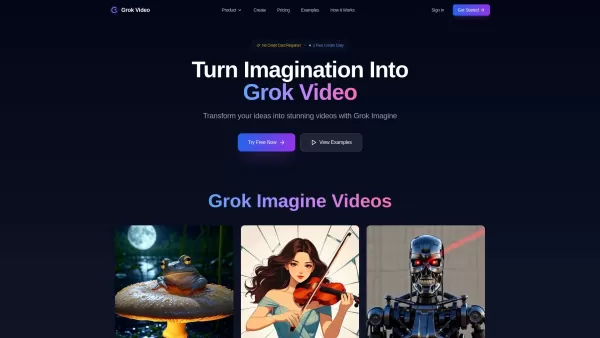
What is Grok Video AI? Grok Video AI revolutionizes content creation by transforming simple inputs into professional-quality videos. This cutting-edge platform leverages artificial intelligence to convert text descriptions and static images into dyn
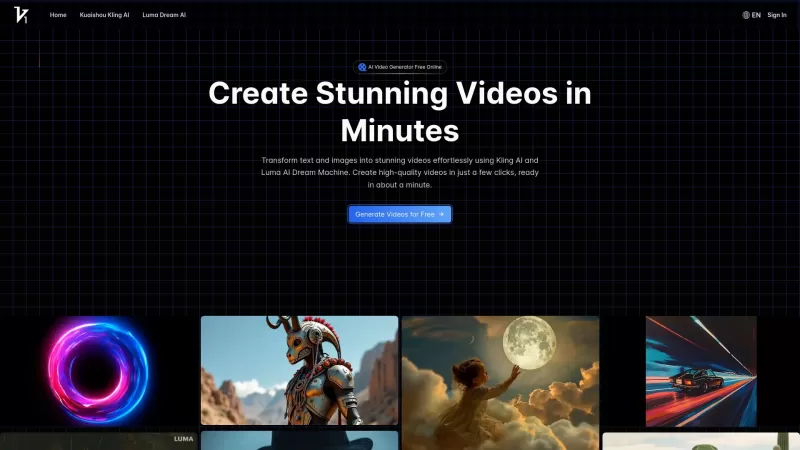
Vidful.ai is a game-changer for anyone looking to create engaging videos without breaking a sweat. This AI-powered platform is like your personal video wizard, turning your text and images into dynamic, professional-looking videos in no time. Whether you'
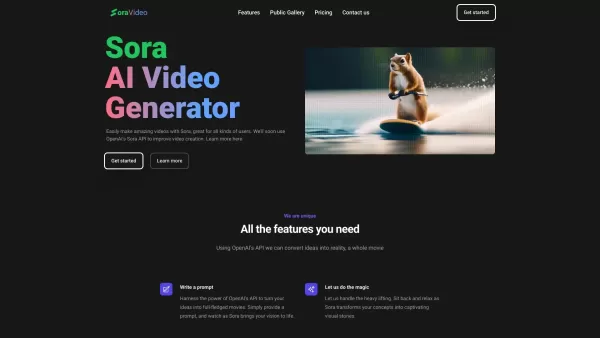
Ever wondered what Sora Video AI is all about? It's like having a magic wand for video creation! This tool, powered by OpenAI's official Sora technology, transforms your text into stunning videos with just a few clicks. Whether you're a creator, marketer,
Tool.Video Product Information
What Is Tool.Video?
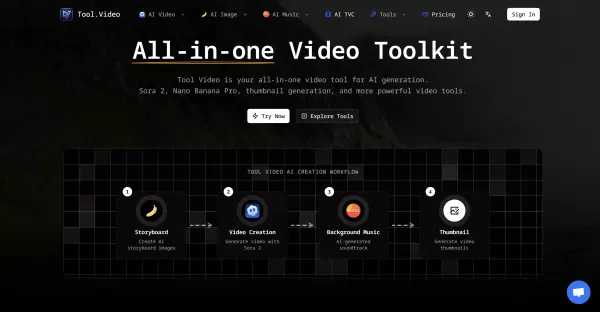
Tool.Video is a web-based toolkit that integrates multiple AI engines to generate videos from text prompts, create images, compose music, and produce optimized thumbnails. It features Sora 2 for text-to-video, Nano Banana Pro for image generation, Suno 5 for audio, along with utilities such as watermarking, trimming, and thumbnail automation. The platform emphasizes fast HD exports, flexible style options, and API support for seamless integration into production workflows.
Who Uses Tool.Video?
- Content creators and YouTubers
- Advertisers and marketing teams
- Social media managers
- Independent filmmakers and video editors
- App and product teams needing automated video assets
- Developers integrating video generation via API
How to Use Tool.Video?
- Step 1: Go to https://tool.video and create an account or log in.
- Step 2: Choose a tool (Sora 2 for text-to-video, Nano Banana Pro for images, Suno 5 for music, or utilities like the thumbnail generator).
- Step 3: Enter your text prompt or upload source images or video, then configure style, resolution, and duration options.
- Step 4: Adjust advanced settings such as aspect ratio, frame rate, audio preferences, and watermark options.
- Step 5: Generate the asset and preview the result; iterate on prompts or settings if needed.
- Step 6: Export the final HD video or asset, download the files, or use the API to integrate outputs into your workflow.
Platform
- Web
Tool.Video's Core Features & Benefits
The Core Features
- Text-to-video generation with Sora 2
- AI image generation (Nano Banana Pro)
- AI music generation (Suno 5)
- AI-powered thumbnail creator
- Video utilities: trimmer, watermark adder/remover
- Multi-engine selection and API access
- HD export and fast generation
The Benefits
- Create professional videos quickly without large production teams
- All-in-one workflow for video, image, and audio assets
- API support for automation and integration
- Built-in utilities to finalize and optimize videos
- Flexible multi-model options to suit different styles
Tool.Video's Main Use Cases & Applications
- Generate marketing and TVC ads quickly using AI video models
- Produce short-form social videos and thumbnails for platforms like YouTube and TikTok
- Create storyboards and image assets for pre-production
- Automatically generate background music and soundtracks for videos
- Trim, watermark, or batch-process video assets via web tools or API
Tool.Video's Pros & Cons
The Pros
A comprehensive suite that combines video, image, and audio AI tools
Fast generation and HD export capabilities
API support for developers and automation
Multiple AI engines for flexible creative control
Built-in utilities reduce the need for external editors
The Cons
No public GitHub repository or clearly defined open-source components
Primarily web-based; limited native desktop or mobile apps
Generated results may require iteration to reach production quality
Potential costs for frequent or high-resolution usage
Tool.Video Pricing
Free Plan Offered? | Yes |
|---|---|
Free Trial Details | |
Pricing Model | Pay-as-you-go |
Credit Card Required? | No |
Starting Price | 4 USD |
Lifetime Plan Available? | No |
Billing Frequency | Monthly |
Pricing Plan Details
Starter
4 USD
- 1,200 credits per year (100 per month)
- 10x Sora 2 Video (10s) or 8x (15s) per month
- 5x Suno Music Generation per month
- 10x Nano Banana Pro Image per month
- 20x Sora Watermark Removal per month
- 100x Video Thumbnail per month
- 50x Video Watermark Adder per month
- 5x AI Video Thumbnail Generator per month
- Email support
Standard
15 USD
- 6,000 credits per year (500 per month)
- 50x Sora 2 Video (10s) or 41x (15s) per month
- 25x Suno Music Generation per month
- 50x Nano Banana Pro Image per month
- 100x Sora Watermark Removal per month
- 250x Video Watermark Adder per month
- 25x AI Video Thumbnail Generator per month
- Priority processing
- API access
- Higher resolution output (4K)
Premium
50 USD
- 24,000 credits per year (2,000 per month)
- 200x Sora 2 Video (10s) or 166x (15s) per month
- 100x Suno Music Generation per month
- 200x Nano Banana Pro Image per month
- 400x Sora Watermark Removal per month
- 1,000x Video Watermark Adder per month
- 100x AI Video Thumbnail Generator per month
- MCP integration
- Bulk processing
- Priority support
- Commercial license
Discount:
Save 40% on annual subscriptions
For the latest prices, please visit: https://tool.video/pricing
Frequently Asked Questions About Tool.Video
What Is Tool.Video?
Tool.Video is an all-in-one web platform offering AI-powered video, image, and music generation tools, along with utilities and API access.
Which AI Models Does Tool.Video Use?
Tool.Video integrates models like Sora 2 for text-to-video, Nano Banana Pro for images, and Suno 5 for music generation.
Can I Export HD Videos?
Yes, the platform supports HD exports and optimized output formats for professional use.
Is There an API for Automation?
Yes, Tool.Video provides API support to integrate generation and utilities into developer workflows.
Does Tool.Video Offer Thumbnail Generation?
Yes, it includes an AI-powered thumbnail generator that selects strong frames and composes thumbnails automatically.
Are There Video Editing Utilities?
Yes, utilities include a video trimmer, watermark adder/remover, and other export tools.
What File Formats Are Supported?
Common video and image formats such as MP4, WebP, JPG, and PNG are supported for export and processing.
Is Tool.Video Free to Use?
Tool.Video offers a free tier or trial, but advanced features and high-volume usage typically require paid plans; see the pricing page for details.
Who Is Tool.Video For?
It is designed for content creators, marketers, social media managers, filmmakers, and developers needing automated video assets.
How Fast Are Generation Times?
Generation times vary by model and settings, but the platform emphasizes fast turnaround, with most assets ready in minutes.
Tool.Video Company Information
Tool.Video Launch Badges: Use website badges to drive support from your community for your Creati.ai Launch. They are easy to embed on your homepage or footer.
How to Install?
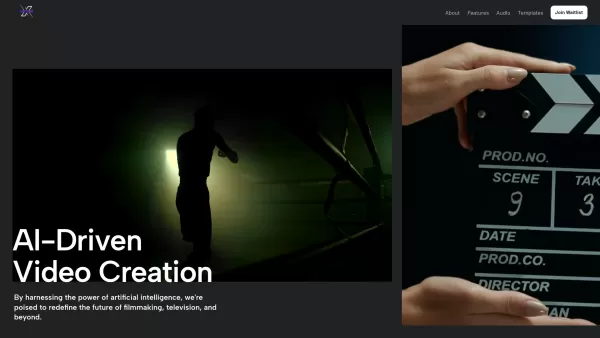
Tool.Video Screenshot

2026 Latest Best Top-rated AI Object Removal Editors for portraits travel product shots! XIX.AI curates a powerful game-changing collection regularly updated with weekly rankings. These tools offer real-world tests to help you quickly remove unwanted elements, boost content quality, and save tons of time without compromising results. Must-try for anyone aiming to unlock their AI creation edge. Explore now!
 10 tools
 xix.ai

2026 Latest Best Top-rated AI Text to Speech Tools for Online Courses are curated by XIX.AI based on rigorous real-world tests and weekly updated rankings. These powerful tools help creators deliver crystal-clear audio content effortlessly, boosting writing efficiency and streamlining course production. Check out the free vs paid comparison to find your perfect fit. Explore now to unlock your AI edge in online education.
10 tools
xix.ai

2026 Latest Best Top-Rated AI Blog Title Tools for Higher Click Through Rates! XIX.AI has carefully curated a powerful, game-changing collection of top tools that go through rigorous real-world tests. You’ll find a free vs paid comparison, weekly updated rankings, and detailed insights to help you boost your blog’s traffic efficiently. Must-try options are highlighted to help you unlock your AI edge. Explore now!
10 tools
xix.ai

2026 Latest Best Top-rated AI Task Routing Tools for Support Workflows! XIX.AI has curated a highly powerful game-changing collection of must-try solutions, all undergoing rigorous real-world tests and updated weekly. These tools streamline workflows, boost productivity, and help teams deliver faster, more efficient support. Explore now to discover your perfect tool and unlock your AI edge!
17 tools
xix.ai

2026 Latest Best Top-Rated AI Citation and Paper Summary Tools Curated by XIX.AI. Get powerful game-changing solutions for quick content creation, improved writing efficiency, and boosting productivity. We offer a free vs paid comparison along with real-world tests and weekly updated rankings to help you find the must-try tool that fits your needs perfectly. Explore now to Unlock your AI edge.
10 tools
xix.ai

2026 Latest Best Top-Rated AI Productivity Tools for Daily Work! XIX.AI has curated a powerful, game-changing selection based on rigorous weekly updated rankings and real-world tests. You’ll find must-try options that boost writing efficiency, streamline content creation, and help you overcome daily work challenges. Get a free vs paid comparison to find the perfect fit for your needs. Explore now to unlock your AI edge!
9 tools
xix.ai


