


 Home
HomeWriteMyEmail - Chrome Extension
AI Email Drafting and Response Tool



Helps TikTok sellers, brands, MCNs, and TAPs discover winning products and find creators.

HelpLook is an AI-powered all-in-one knowledge base tool that helps businesses quickly build knowledge bases, help centers, and...

Your AI Workspace

302.AI is an enterprise-grade AI resource platform with pay-as-you-go pricing, API access to a full range of AI models, and ready-to-use online applications.

剧火AI — AI Screenwriter + Director, a One-Person Short Drama Studio In one sentence, what is it?
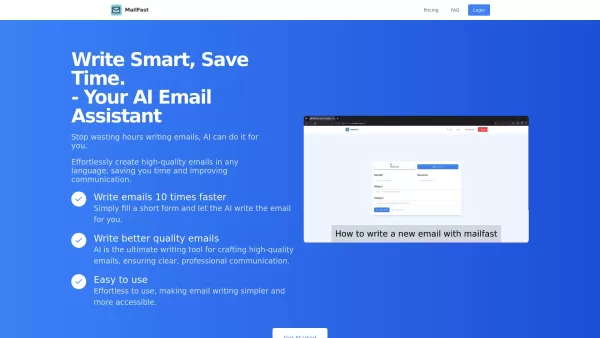
Ever found yourself staring at a blank email, wondering how to get your point across without sounding like a robot? Enter MailFast—an AI-powered email writing tool that's here to save the day. It's like having a personal email assistant that whips up high
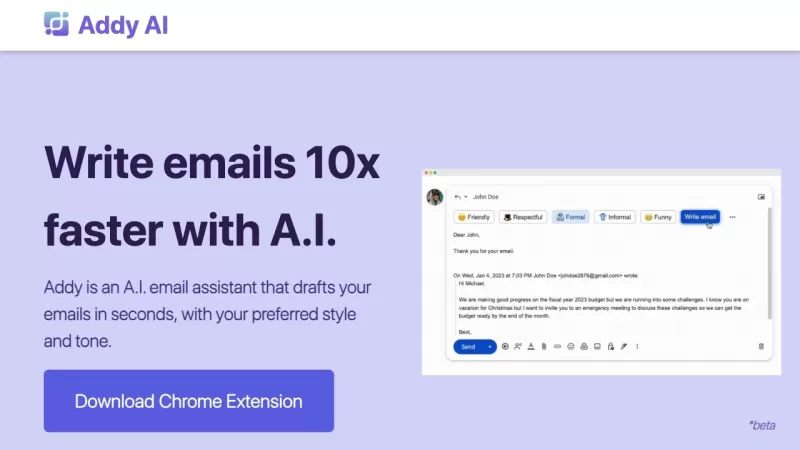
Ever wished you had a personal assistant to handle your emails? Meet Addy, your new AI-powered email buddy that can whip up emails in seconds, perfectly tailored to your style and tone. Whether you're crafting a formal business email or a casual note to a
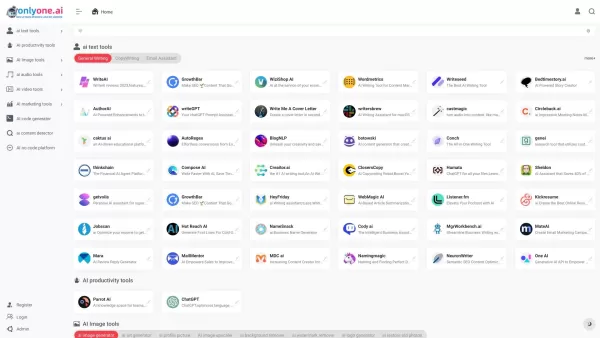
Only one AI is your go-to destination for a comprehensive collection of AI tools, boasting the largest directory on the web. Whether you're a tech enthusiast or a professional looking to streamline your workflow, this platform has something for every
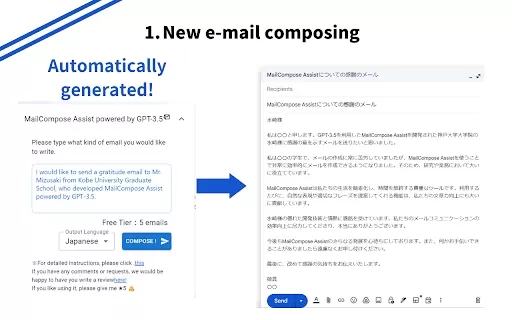
What is the Mail Composition Assist AI Chrome Extension? Mail Composition Assist is a tool designed to save you time when writing emails in Gmail and Outlook. It helps users navigate the complexities of formal language and culturally-specific email e
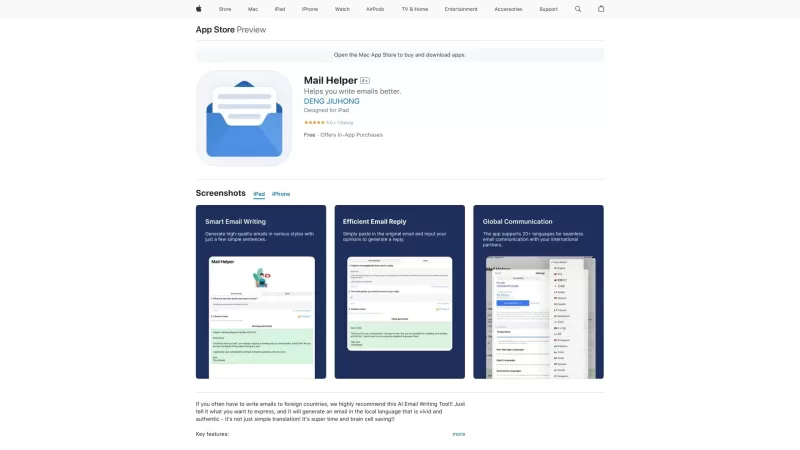
Ever found yourself drowning in a sea of emails, wishing for a lifeline? Enter Mail Helper, your personal on-the-go email assistant that's here to transform your email experience. It's not just about sending and receiving emails anymore; it's about doing
WriteMyEmail - Chrome Extension Product Information
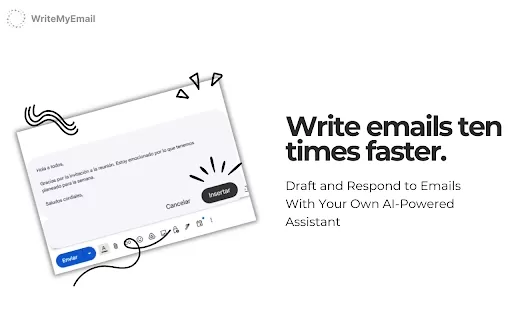
Ever found yourself staring at your inbox, wondering how to respond to that tricky email or draft a professional message without spending ages on it? Enter WriteMyEmail, your new best friend in the world of email communication. This nifty AI-powered Chrome extension is here to make your life easier by whipping up smart email drafts and responses in a snap. No more tab-switching chaos; just smooth, efficient communication at your fingertips.
So, how do you harness the power of WriteMyEmail? It's as easy as pie. Just pop in your email context or request, and watch the AI work its magic. Before you know it, you'll have a well-crafted draft or response ready to go. Feel free to tweak it to your heart's content before hitting send. It's like having a personal email assistant right in your browser!
Core Features of WriteMyEmail
- **AI-generated email drafts**: Say goodbye to writer's block. Whether you need a quick reply or a detailed business proposal, WriteMyEmail's got you covered with its smart drafting capabilities.
- **Smart response suggestions**: No more staring at the screen, trying to come up with the perfect reply. WriteMyEmail suggests responses tailored to your email's context, saving you time and effort.
- **No need to switch tabs**: Everything you need is right there in your browser. Draft, edit, and send without the hassle of juggling multiple windows.
Use Cases for WriteMyEmail
- **Draft quick replies to common inquiries**: Whether it's a customer asking about your hours or a colleague needing a status update, WriteMyEmail helps you respond in a flash.
- **Generate professional emails for business communication**: Need to impress a potential client or coordinate with your team? WriteMyEmail crafts emails that sound polished and professional.
- **Respond to customer queries efficiently**: Keep your customers happy with timely, well-thought-out responses generated by WriteMyEmail's AI.
FAQ from WriteMyEmail
- Is WriteMyEmail free to use?
- Yep, you can use WriteMyEmail for free, but premium features might require a subscription. Check it out and see what works best for you!
- Can I customize the AI-generated emails?
- Absolutely! The AI gives you a starting point, but you can tweak the drafts to fit your style and needs before sending them off.
WriteMyEmail - Chrome Extension Screenshot


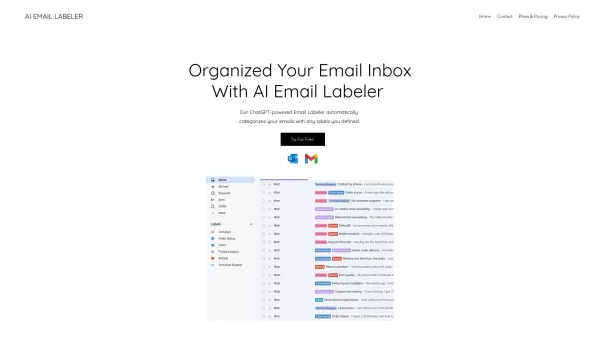

2026 Latest Best AI Email Management Tools Top-rated among thousands of options, these powerful tools help you triage messages, draft replies quickly, and streamline follow-ups to save valuable time. XIX.AI offers a curated list with free vs paid comparison, real-world tests, and weekly updated rankings. Must-try for anyone looking to boost writing efficiency and unlock their AI edge. Explore now!
 11 tools
 xix.ai


This Chrome extension is a lifesaver! I used to spend ages drafting emails, but WriteMyEmail helps me respond quickly and professionally. The AI suggestions are spot-on. Highly recommend! 👍


