


 Home
HomeMailFast
AI Email Writing Tool for Better Communication



Helps TikTok sellers, brands, MCNs, and TAPs discover winning products and find creators.

HelpLook is an AI-powered all-in-one knowledge base tool that helps businesses quickly build knowledge bases, help centers, and...

Your AI Workspace

302.AI is an enterprise-grade AI resource platform with pay-as-you-go pricing, API access to a full range of AI models, and ready-to-use online applications.

剧火AI — AI Screenwriter + Director, a One-Person Short Drama Studio In one sentence, what is it?
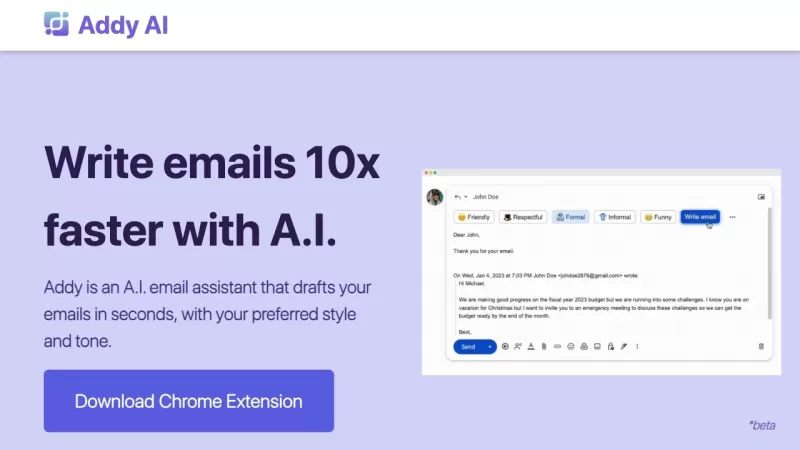
Ever wished you had a personal assistant to handle your emails? Meet Addy, your new AI-powered email buddy that can whip up emails in seconds, perfectly tailored to your style and tone. Whether you're crafting a formal business email or a casual note to a
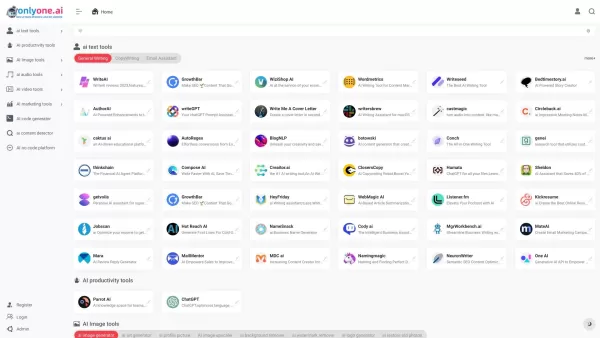
Only one AI is your go-to destination for a comprehensive collection of AI tools, boasting the largest directory on the web. Whether you're a tech enthusiast or a professional looking to streamline your workflow, this platform has something for every
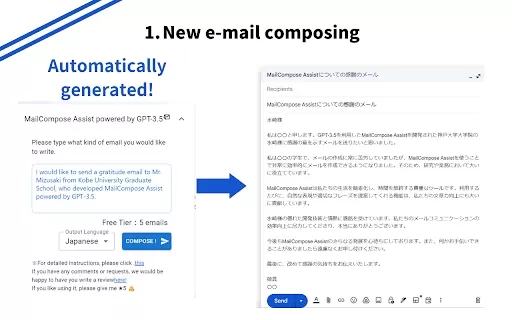
What is the Mail Composition Assist AI Chrome Extension? Mail Composition Assist is a tool designed to save you time when writing emails in Gmail and Outlook. It helps users navigate the complexities of formal language and culturally-specific email e
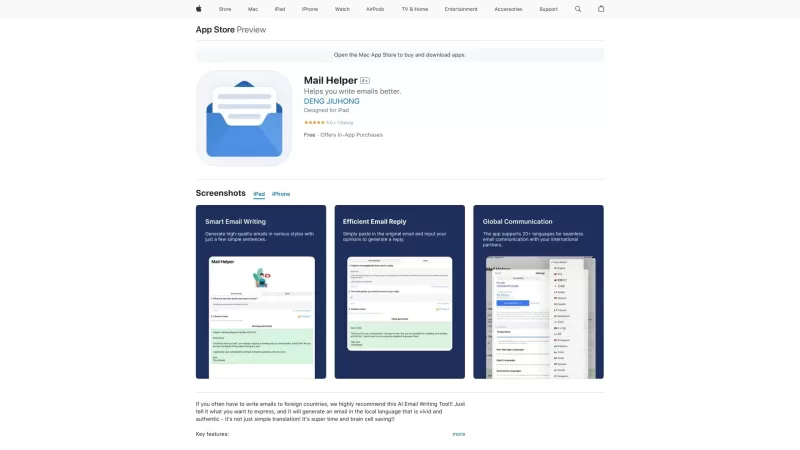
Ever found yourself drowning in a sea of emails, wishing for a lifeline? Enter Mail Helper, your personal on-the-go email assistant that's here to transform your email experience. It's not just about sending and receiving emails anymore; it's about doing
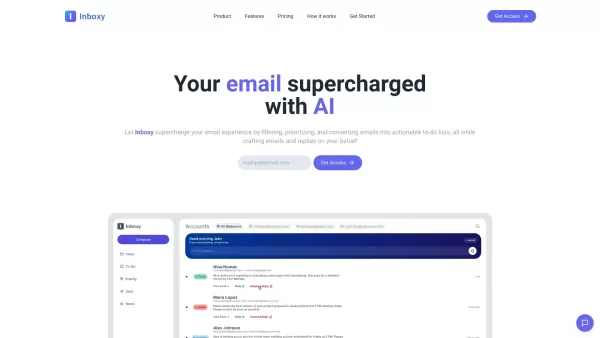
Ever felt overwhelmed by the sheer volume of emails flooding your inbox? That's where Inboxy comes to the rescue. It's not just another email tool; it's an AI-powered email assistant designed to make your life easier. Think of it as your personal email gu
MailFast Product Information
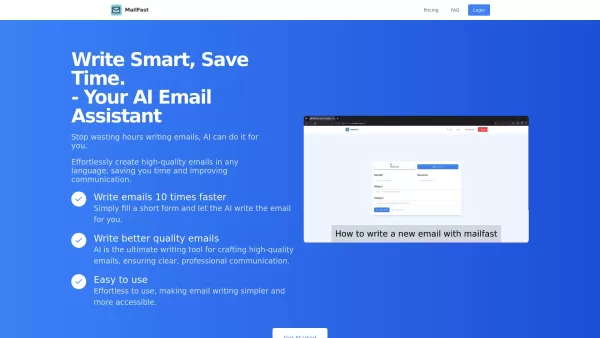
Ever found yourself staring at a blank email, wondering how to get your point across without sounding like a robot? Enter MailFast—an AI-powered email writing tool that's here to save the day. It's like having a personal email assistant that whips up high-quality emails in a flash, making your communication smoother and giving you back some precious time.
How to Use MailFast?
So, you're ready to turbocharge your email writing? Here's how you get started with MailFast:Just fill out a quick form, and let the AI work its magic. It'll generate your email in no time, making the whole process as easy as pie.
MailFast's Core Features
Write Emails 10 Times Faster Imagine crafting emails at lightning speed. With MailFast, you can turn hours of email writing into minutes. It's like having a superpower for your inbox.Generate High-Quality Emails in Any Language
Whether you're writing to a colleague in Tokyo or a client in Paris, MailFast has got you covered. It generates professional emails in any language you need, ensuring you never get lost in translation.
User-Friendly Interface
No need to be a tech wizard to use MailFast. Its interface is so intuitive, you'll feel like a pro from the get-go. It's all about making your life easier, after all.
MailFast's Use Cases
Quickly Draft Professional Emails for Work or Personal Use Whether it's a follow-up email to a client or a heartfelt message to a friend, MailFast helps you draft professional emails in a snap. Say goodbye to writer's block and hello to efficient communication.FAQ from MailFast
- Can I use MailFast on mobile?
- Yes, you can! MailFast is designed to be accessible on your mobile device, so you can craft emails on the go.
- How do I cancel my subscription?
- Canceling your subscription is easy. Just head over to your account settings and follow the prompts to cancel anytime.
- How does the free plan work?
- The free plan lets you experience the core features of MailFast. You can send a limited number of emails per month, perfect for giving it a test drive before upgrading.
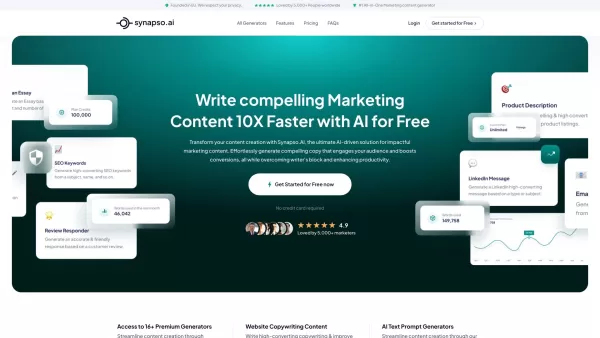
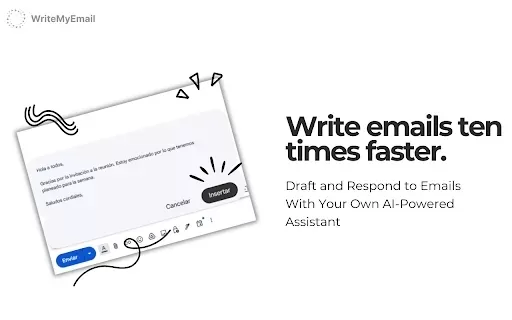
MailFast Screenshot
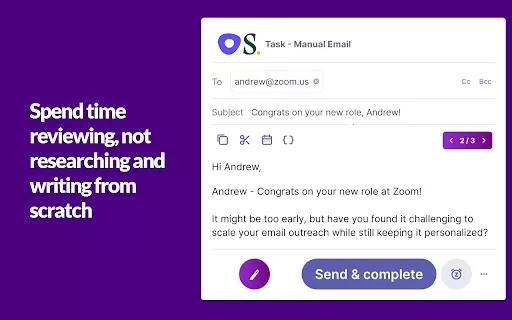
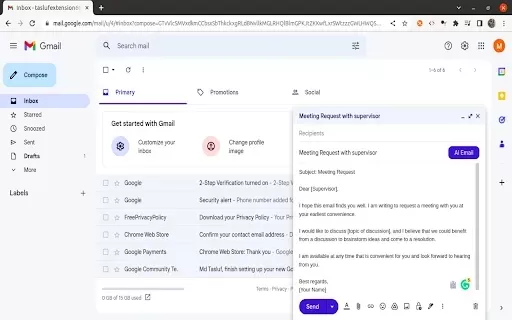
Discover the 2026 latest top-rated AI writing assistants for professionals. XIX.AI's curated list features powerful, game-changing tools to draft emails, reports, and proposals faster. Compare free vs paid options with real-world tests and weekly updated rankings. Unlock your AI edge and boost productivity today.
 10 tools
 xix.ai

2026 Latest: Our expertly curated selection features the top-rated AI tools for email automation to drastically boost your communication efficiency. Compare powerful, game-changing options with free vs paid insights and weekly updated rankings. Discover your perfect tool on XIX.AI now!
10 tools
xix.ai


MailFast is a game-changer! 😎 I used to spend ages crafting emails, but now it’s like boom—professional email done in seconds. It nails the tone, though sometimes I tweak it a bit to sound more 'me'. Only gripe? Wish it had more quirky templates for fun emails!


