


 Home
HomeVeo 3 AI Video Generator
Google AI Video Tool: Sync Audio & Video



Helps TikTok sellers, brands, MCNs, and TAPs discover winning products and find creators.

HelpLook is an AI-powered all-in-one knowledge base tool that helps businesses quickly build knowledge bases, help centers, and...

Your AI Workspace

302.AI is an enterprise-grade AI resource platform with pay-as-you-go pricing, API access to a full range of AI models, and ready-to-use online applications.

剧火AI — AI Screenwriter + Director, a One-Person Short Drama Studio In one sentence, what is it?

What is AIShowX?AIShowX represents the next generation of creative tools - a comprehensive online platform powered by artificial intelligence that empowers anyone to produce professional-quality videos, images, and audio content with remarkable ease.
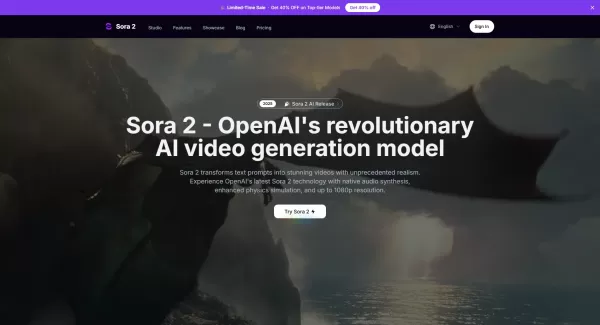
What is Sora 2 Video Generator?Sora 2 is an advanced AI video generation service built on OpenAI's Sora 2 model. It transforms text prompts and optional reference images into realistic short videos, typically lasting up to 20 seconds. Key features in
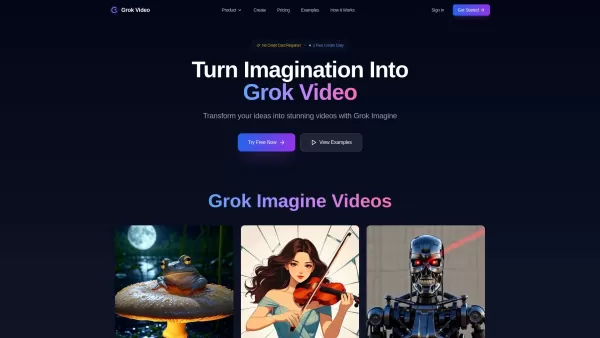
What is Grok Video AI? Grok Video AI revolutionizes content creation by transforming simple inputs into professional-quality videos. This cutting-edge platform leverages artificial intelligence to convert text descriptions and static images into dyn
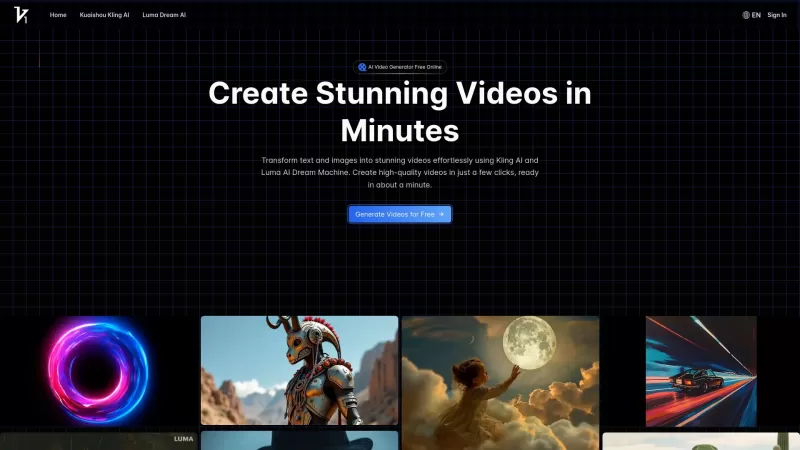
Vidful.ai is a game-changer for anyone looking to create engaging videos without breaking a sweat. This AI-powered platform is like your personal video wizard, turning your text and images into dynamic, professional-looking videos in no time. Whether you'
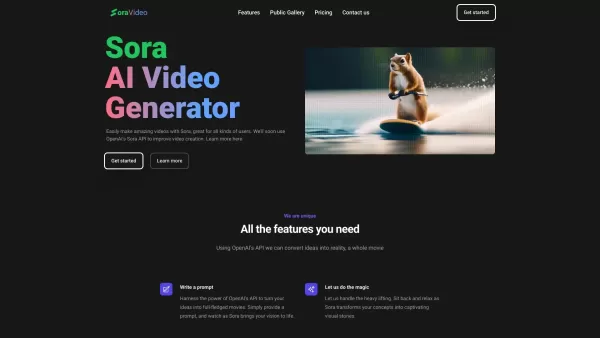
Ever wondered what Sora Video AI is all about? It's like having a magic wand for video creation! This tool, powered by OpenAI's official Sora technology, transforms your text into stunning videos with just a few clicks. Whether you're a creator, marketer,
Veo 3 AI Video Generator Product Information
What is Veo 3 AI Video Generator?
Veo 3 represents Google's breakthrough in AI-powered video creation, producing lifelike videos complete with perfectly synchronized audio elements. This advanced tool transforms text prompts into dynamic video content featuring realistic sound effects, natural dialogue, and immersive ambient audio, making it a game-changer for content creators.
How to Use Veo 3 AI Video Generator
Crafting professional videos with Veo 3 follows an intuitive workflow: 1. Access your account through the login portal 2. Input creative prompts either via text descriptions or reference images 3. Fine-tune audio requirements including specific sound effects and speech patterns 4. Initiate generation and refine your output before final export
Veo 3 AI Video Generator's Core Features
Native Audio Generation
The system automatically produces contextual soundscapes matching your video content
Realistic Lip Sync
Advanced algorithms ensure character mouth movements precisely align with spoken dialogue
Physics-Based Video Simulation
All generated content adheres to real-world physical properties and motion dynamics
Multi-Input Prompts
Supports both textual descriptions and visual references for precise creative direction
Integration with Flow App
Seamlessly connects with professional editing tools for cinematic production workflows
Available on Vertex AI
Enterprise-grade deployment options through Google's AI platform infrastructure
Veo 3 AI Video Generator's Use Cases
- Professional Content Creation: Generate broadcast-quality videos with production-ready audio synchronization
- Character Animation: Create animated sequences with perfectly timed facial expressions and speech
- Social Media Production: Rapidly generate platform-optimized video content with custom sound design
- Filmmaking Prototyping: Visualize scenes with temporary audio before actual production
- Comedy Skits: Produce humorous videos with AI-generated dialogue and sound effects
FAQ from Veo 3 AI Video Generator
- What is Veo 3?
- Can Veo 3 generate videos longer than 8 seconds?
- Can I use Veo 3 for commercial projects?
- What types of audio can Veo 3 generate?
- Can I use Veo 3 videos on social media?
- Is Veo 3 easy to use for beginners?
- How does Veo 3 compare to other AI video tools?
- What makes Veo 3 different from other AI video tools?
- Can I cancel my subscription anytime?
- How are credits calculated within the app?
- Can I use the generated videos commercially?
- What is your refund policy?
- Will my unused credits roll over to the next month or billing cycle?
- Can I change my plan later?
- How can I get technical support?
- What should I do if I run out of my credits mid-month?
Veo 3 AI Video Generator Support
For customer service inquiries including technical support and refund requests, please contact: [email protected]. Additional contact options available on the official contact page.
Company Information
Veo 3 AI Video Generator is developed by VO3 AI. For complete corporate details and company background, visit the about us page.
Account Access
Existing users can login at: Veo 3 AI Login
Pricing Information
Explore subscription plans and credit packages on the pricing page.
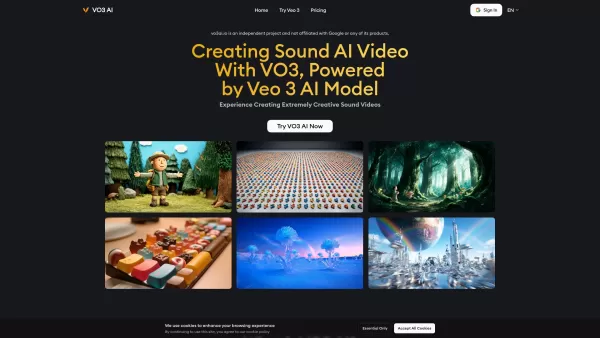
Veo 3 AI Video Generator Screenshot
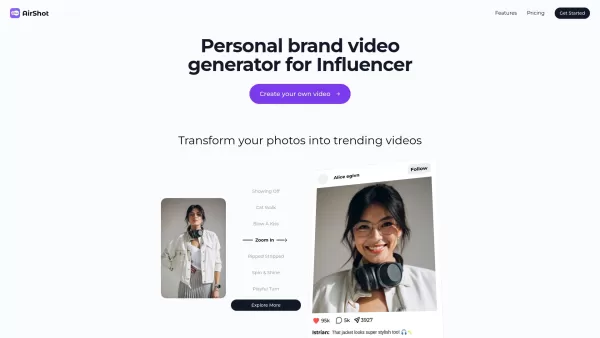

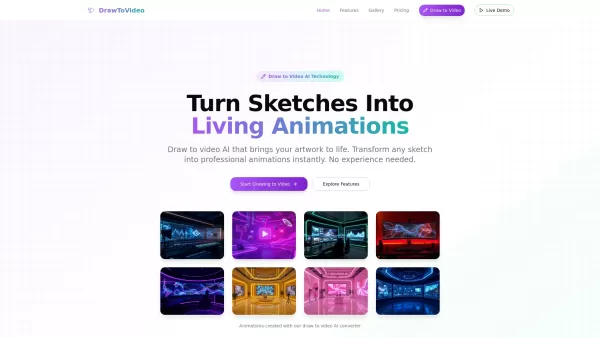
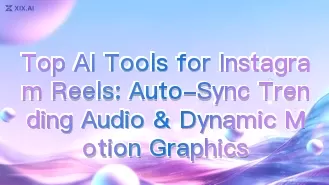
Discover the 2026 best AI tools for Instagram Reels on XIX.AI. Our curated, top-rated list features powerful solutions for auto-syncing trending audio and creating dynamic motion graphics. Compare free vs paid options with real-world tests. Unlock your creative edge and start producing viral content today.
 10 tools
 xix.ai
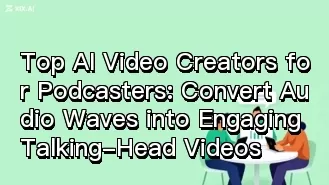
Discover the 2026 best AI video creators for podcasters at XIX.AI. Our curated, top-rated list features powerful tools that convert your audio into engaging talking-head videos effortlessly. Compare free vs paid options with real-world tests and weekly updated rankings. Unlock your visual storytelling edge now.
10 tools
xix.ai

Discover the 2026 best AI tools to turn photos into videos online, all curated and ranked. Our top-rated picks include free, no-signup options for instant animation. Explore real-world tests, free vs. paid comparisons, and weekly updated rankings on XIX.AI. Find your perfect video creation tool today!
10 tools
xix.ai


