


 Home
HomeSora 2 Video Generator
Sora 2: AI Video Generator with Audio & Motion



Helps TikTok sellers, brands, MCNs, and TAPs discover winning products and find creators.

HelpLook is an AI-powered all-in-one knowledge base tool that helps businesses quickly build knowledge bases, help centers, and...

Your AI Workspace

302.AI is an enterprise-grade AI resource platform with pay-as-you-go pricing, API access to a full range of AI models, and ready-to-use online applications.

剧火AI — AI Screenwriter + Director, a One-Person Short Drama Studio In one sentence, what is it?

What is AIShowX?AIShowX represents the next generation of creative tools - a comprehensive online platform powered by artificial intelligence that empowers anyone to produce professional-quality videos, images, and audio content with remarkable ease.
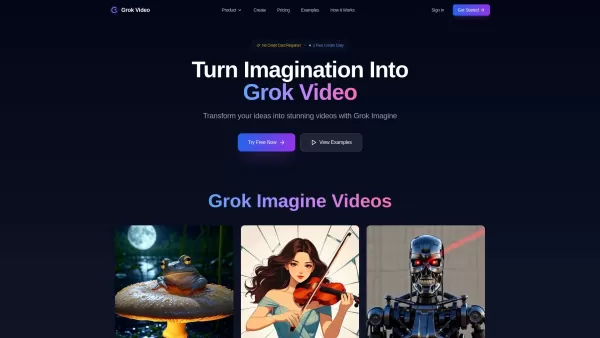
What is Grok Video AI? Grok Video AI revolutionizes content creation by transforming simple inputs into professional-quality videos. This cutting-edge platform leverages artificial intelligence to convert text descriptions and static images into dyn
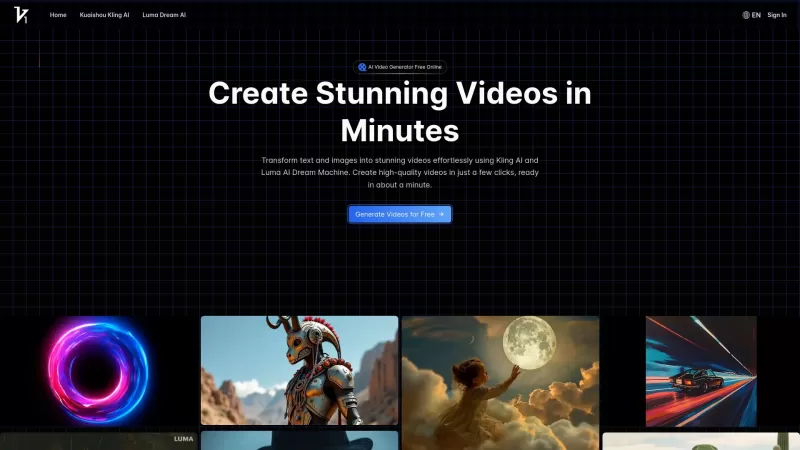
Vidful.ai is a game-changer for anyone looking to create engaging videos without breaking a sweat. This AI-powered platform is like your personal video wizard, turning your text and images into dynamic, professional-looking videos in no time. Whether you'
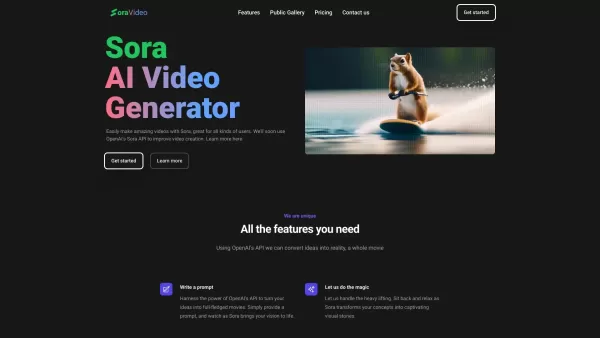
Ever wondered what Sora Video AI is all about? It's like having a magic wand for video creation! This tool, powered by OpenAI's official Sora technology, transforms your text into stunning videos with just a few clicks. Whether you're a creator, marketer,
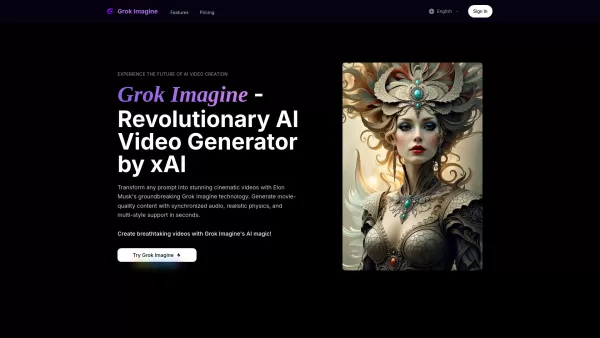
Discover Grok ImagineGrok Imagine represents a breakthrough in AI-powered video creation developed by xAI. Built on the sophisticated Aurora model, this cutting-edge platform instantly transforms text descriptions into cinematic-quality videos comple
Sora 2 Video Generator Product Information
What is Sora 2 Video Generator?
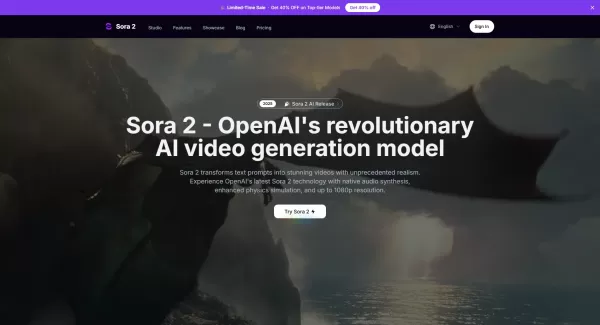
Sora 2 is an advanced AI video generation service built on OpenAI's Sora 2 model. It transforms text prompts and optional reference images into realistic short videos, typically lasting up to 20 seconds. Key features include built-in audio synthesis for dialogue and ambient sound, improved physics simulation for natural motion, and editing tools like Remix and Reframe for polishing results. Users can select resolution, aspect ratio, and length before generating, iterating, and finally downloading or sharing their videos. The platform operates on a credit-based pricing system with tiered plans for creators, professionals, and studios, offering benefits like private generation, watermark-free outputs on paid plans, and commercial licensing.
Who will use Sora 2 Video Generator?
- Filmmakers and directors
- Advertising and marketing teams
- Content creators and YouTubers
- Social media creators (TikTok, Instagram Reels)
- Game developers (for trailers and previsualization)
- Educators and e-learning producers
- Designers and storyboard artists
- Agencies and production studios
How to use the Sora 2 Video Generator?
- Step 1: Go to https://sora-2.co and sign up or log in to your account.
- Step 2: Open the Video Generator and choose your mode (Text-to-Video or Image-to-Video).
- Step 3: Select the model quality (Sora 2 or Sora 2 Pro), resolution, and target aspect ratio (16:9, 1:1, or 9:16).
- Step 4: (Optional) Upload a reference image to guide the style and composition of the first frame.
- Step 5: Enter your prompt detailing the scene, characters, actions, and any audio instructions.
- Step 6: Set the video length and other options like turning the watermark on or off (varies by free/paid tier).
- Step 7: Click Generate, wait for processing, review the result, and use Remix/Reframe tools to refine if needed.
- Step 8: Download the final video or share it; upgrade your plan or buy credits for higher resolution, longer durations, and commercial licensing.
Platform
- Web
Sora 2 Video Generator's Core Features & Benefits
The Core Features
- Text-to-video generation (Sora 2 model)
- Image-to-video / Reference image support
- Native audio synthesis with synchronized dialogue
- Enhanced physics and realistic motion simulation
- Remix and Reframe editing tools
- Multiple aspect ratios (16:9, 1:1, 9:16)
- 720p and 1080p output (1080p on Pro plans)
- Credits-based pricing and subscription plans
- Private generation and watermark-free paid outputs
- Commercial license and priority support for top tiers
The Benefits
- Enables rapid prototyping and lowers production costs
- Delivers cinematic results with synchronized audio and video
- Flexible multimodal workflows combining text and images
- Editable outputs with remix/reframe for fast iteration
- Optimized for social media and professional aspect ratios
- Tiered pricing suitable for hobbyists to professional studios
Sora 2 Video Generator's Main Use Cases & Applications
- Prototyping for TV and online commercials
- Creating multilingual educational videos and explainers
- Narrative previsualization and short film storyboarding
- Music visualization and performance videos
- Broadcast media packages and news backgrounds
- Game trailers, cinematic sequences, and promotional content
- Social media clips optimized for vertical and square formats
- Rapid creative concept visualization for agencies
Sora 2 Video Generator's Pros & Cons
The Pros
Produces high-quality, realistic short videos
Integrates native audio synthesis with visuals
Accepts multimodal input (text + images) for greater control
Offers powerful editing (Remix/Reframe) to iterate on results
Supports multiple aspect ratios for various social platforms
Includes commercial licensing and private generation options
The Cons
Maximum video length is short (~20 seconds), limiting long-form use
1080p and Pro features are locked behind paid tiers
Credit-based model can become costly for heavy users
May face challenges with extremely complex physical interactions
No public GitHub or open-source release linked on the site
Sora 2 Video Generator's Pricing
Has free plan | YES |
|---|---|
Free trial details | |
Pricing model | Freemium |
Is credit card required | No |
Paid from | 18 USD |
Has lifetime plan | No |
Billing frequency | Monthly |
Details of Pricing Plan
Pro (700 Credits)
30 USD
- 700 credits per month
- Credits never expire
- 1080p Video Resolution
- Reference Image Support
- Audio Generation
- No Watermark
- Private Generation
- Reframe / Remix Video
- Commercial License
Hobby (400 Credits)
18 USD
- 400 credits per month
- Credits never expire
- 1080p Video Resolution
- Reference Image Support
- Audio Generation
- No Watermark
- Private Generation
- Reframe / Remix Video
- Commercial License
Pro Max (1500 Credits)
60 USD
- 1500 credits per month
- Credits never expire
- 1080p Video Resolution
- Reference Image Support
- Audio Generation
- No Watermark
- Private Generation
- Reframe / Remix Video
- Priority Support
- Commercial License
Discount:
Save 40%
For the latest prices, please visit: https://sora-2.co/#pricing
FAQs of Sora 2 Video Generator
What is Sora 2 and how does it work
Sora 2 is OpenAI's latest text-to-video model, accessible via the Sora 2 website. It uses a diffusion-transformer architecture to convert text prompts and optional reference images into short videos, featuring native audio synthesis and physics-aware motion modeling.
What video length and resolutions are supported
Sora 2 generates videos up to approximately 20 seconds by default. Supported resolutions include 720p and 1080p, with 1080p typically available on paid Pro plans.
Can I use reference images to control the output
Yes. You can upload a reference image to guide the style, composition, and first frame, which helps improve consistency across the generated video.
Does Sora 2 generate audio and dialogue
Yes. Sora 2 includes native audio synthesis, so generated videos can feature synchronized audio, dialogue, and environmental sounds.
Are generated videos allowed for commercial use
Most paid subscription plans include commercial licensing. Check your specific plan details, as some entry-level packages may not grant full commercial rights.
What editing features are available after generation
Sora 2 offers features like Remix (to reimagine or replace elements), Reframe (to change aspect ratio), Re-cut, looping, and style presets, allowing you to refine outputs without starting over.
How does pricing work
Sora 2 uses a credits-based model with multiple subscription tiers (Hobby, Pro, Pro Max) and pay-as-you-go options. Higher tiers provide more credits, priority support, and access to Pro features like 1080p output.
Is there a watermark on generated videos
Free outputs may include a watermark. Paid plans remove the watermark; note that remixed videos may have specific watermark rules as outlined on the platform.
What aspect ratios are supported for social platforms
Sora 2 supports common formats, including horizontal 16:9, square 1:1, and vertical 9:16, making it suitable for platforms like YouTube, Instagram, and TikTok.
How long does generation typically take
Generation time varies based on complexity and resolution. Typical render times for short videos range from about one to two minutes, with longer times for high-complexity or Pro 1080p outputs.
Sora 2 Video Generator Company Information
- sora-2.co
- https://sora-2.co
Sora 2 Video Generator Screenshot

Discover the 2026 best AI motion graphics generators for kinetic typography and intro titles. Our top-rated, curated list features powerful, game-changing tools. Compare free vs paid options with real-world tests. Create engaging videos fast and boost your production. Explore the rankings on XIX.AI now!
 10 tools
 xix.ai
Discover the 2026 best AI motion synthesis tools for creating realistic dance and acrobatics videos from text prompts. Explore our top-rated, curated list with free vs paid comparisons, real-world tests, and weekly updated rankings. Find your perfect game-changing tool at XIX.AI. Start creating dynamic videos today!
10 tools
xix.ai
Discover the 2026 best AI tools for Instagram Reels on XIX.AI. Our curated, top-rated list features powerful solutions for auto-syncing trending audio and creating dynamic motion graphics. Compare free vs paid options with real-world tests. Unlock your creative edge and start producing viral content today.
10 tools
xix.ai
Discover the 2026 best AI video generators for action sports. Our top-rated, curated list features powerful tools that master high-velocity motion physics for seamless, dynamic footage. Compare free vs paid options with real-world tests. Find your game-changing creative partner at XIX.AI. Explore the rankings now!
10 tools
xix.ai
Discover the 2026 best AI frame interpolation tools for stop motion. XIX.AI's curated list features top-rated, powerful solutions to instantly smooth choppy Lego brick animations. Compare free vs paid options with real-world tests and weekly updated rankings. Unlock your AI edge and create flawless animations today.
10 tools
xix.ai
Discover the 2026 best AI slow-motion generators at XIX.AI. Our curated, top-rated list features powerful tools that transform text into cinematic, high-frame-rate sensory exploits. Compare free vs paid options with real-world tests and weekly updated rankings. Unlock your creative edge and start producing stunning visuals today.
10 tools
xix.ai


