


 Home
HomeSlides.bot: AI Presentation Maker



Helps TikTok sellers, brands, MCNs, and TAPs discover winning products and find creators.

HelpLook is an AI-powered all-in-one knowledge base tool that helps businesses quickly build knowledge bases, help centers, and...

Your AI Workspace

302.AI is an enterprise-grade AI resource platform with pay-as-you-go pricing, API access to a full range of AI models, and ready-to-use online applications.

剧火AI — AI Screenwriter + Director, a One-Person Short Drama Studio In one sentence, what is it?
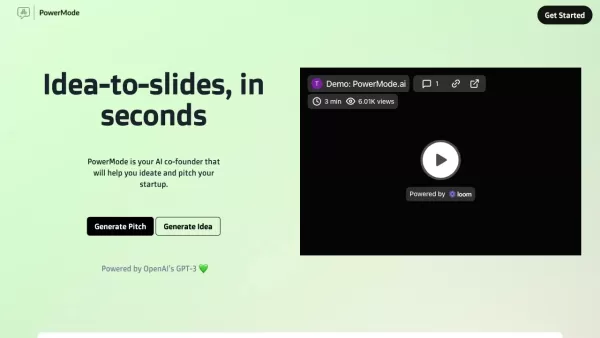
What is PowerMode AI?PowerMode AI is a cutting-edge platform that transforms how presentations are built. By responding to a series of prompts, users can harness its powerful AI builder to produce complete, professional-grade decks in seconds. This A
What is PPTAI - Free AI Presentation Maker?PPTAI uses advanced AI technology to transform your ideas and topics into professional, engaging PowerPoint presentations. Ideal for business, education, or research, the platform analyzes your content needs
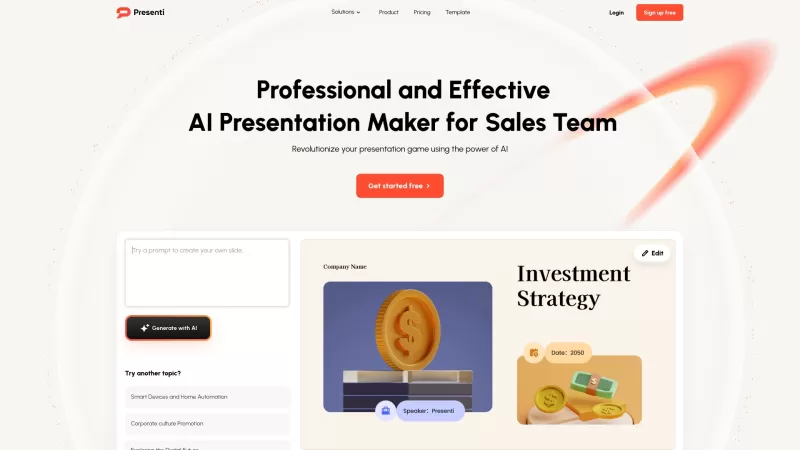
Ever found yourself scrambling to whip up a presentation at the last minute? Well, say hello to Presenti, your new best friend in the world of slide-making. This nifty AI tool is like a magician, turning your Docs and PDFs into slick, professional slides
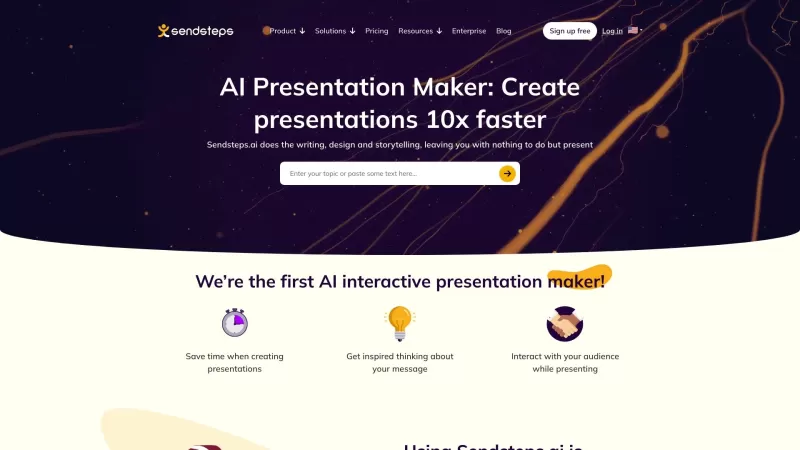
Sendsteps is revolutionizing the way we create and deliver presentations with its cutting-edge AI-powered platform. It's not just a tool; it's a game-changer for anyone who's ever struggled with putting together an engaging presentation. With Sendsteps, y
Ever found yourself staring at a blank slide, wondering how to turn your brilliant ideas into a stunning presentation? Enter the AI Presentation Maker—a game-changer that harnesses the power of artificial intelligence to whip up professional slides withou
Slides.bot: AI Presentation Maker Product Information
What is Slides.bot: AI Presentation Maker?
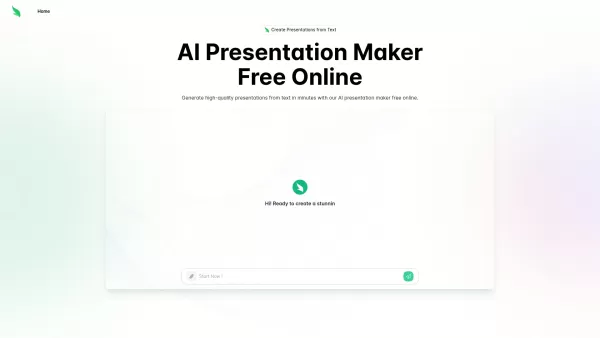
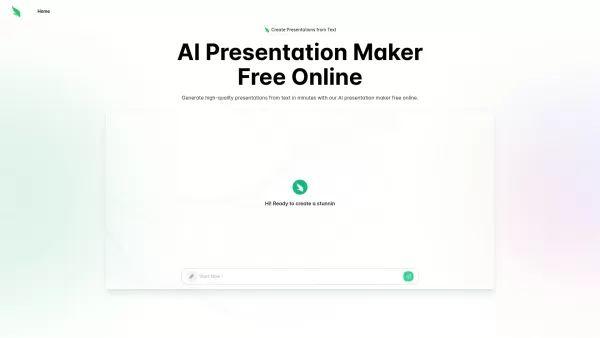
Slides.bot is a free, AI-powered online tool that transforms your text into professionally styled slides. It uses smart algorithms to automate the design process, enabling you to produce customized presentations quickly without needing design expertise. Choose from a variety of templates to create visually appealing slides for school, work, or personal projects, all while saving significant time and effort.
Who will use Slides.bot: AI Presentation Maker?
- Students
- Educators
- Business Professionals
- Content Creators
- Marketing Teams
- Event Organizers
How to use the Slides.bot: AI Presentation Maker?
- Step 1: Go to the Slides.bot website.
- Step 2: Create a free account.
- Step 3: Select a presentation template.
- Step 4: Enter or paste your text content.
- Step 5: Personalize the slides using the editing tools.
- Step 6: Download or share your finished presentation.
Platform
- Web
Slides.bot: AI Presentation Maker's Core Features & Benefits
The Core Features
- AI Text-to-Slide Conversion
- Automatic Slide Generation
- Editable Design Templates
- Quick and Intuitive Interface
- Multiple Export Formats
The Benefits
- Drastically reduces presentation prep time
- No graphic design experience required
- Generates professional-quality decks
- Adaptable templates for diverse purposes
- Completely free with transparent pricing
Slides.bot: AI Presentation Maker's Main Use Cases & Applications
- Crafting academic lectures and reports
- Building business plans and proposals
- Designing compelling sales decks
- Preparing conference and seminar materials
- Creating event and workshop visuals
Slides.bot: AI Presentation Maker's Pros & Cons
The Pros
Completely free online access
Rapid, automated slide generation from text input
Versatile, customizable templates for any occasion
Supports multiple languages for international users
Easy-to-use platform with downloads in popular formats
The Cons
No open-source codebase or public GitHub repository mentioned
Details on advanced editing tools or third-party integrations are limited
Output quality may depend on the clarity of the provided text
Slides.bot: AI Presentation Maker's Pricing
Has free plan | Yes |
|---|---|
Free trial details | |
Pricing model | |
Is credit card required | No |
Paid from | |
Has lifetime plan | No |
Billing frequency |
For the latest prices, please visit: https://slides.bot
FAQs of Slides.bot: AI Presentation Maker
What is Slides.bot?
Slides.bot is an AI tool that automatically creates presentation slides from your text.
How do I create a presentation?
Pick a design, add your text, and adjust the layout using the customization options.
Is there a fee to use Slides.bot?
It is free to use with no subscription fees or hidden costs.
Can I customize my slides?
Yes, you have full control to customize slides with different templates and design elements.
What file formats can I download my presentation in?
Presentations can be downloaded in PDF and PowerPoint (PPTX) formats.
Do I need design skills to use Slides.bot?
No design skills are necessary; the AI handles the visual layout.
Can I share my presentations online?
Yes, you can generate and share a link to your presentation online.
What types of presentations can I create?
It's suitable for academic, business, sales, event, and personal presentations.
Is my data secure with Slides.bot?
User data is protected and not sold or shared with external parties.
Can I use it on mobile devices?
Slides.bot is currently optimized for use on desktop and mobile web browsers.
Slides.bot: AI Presentation Maker Company Information
Website:
https://slides.bot/Company Name:
Slides BotSupport Email:
Facebook:
Not AvailableX(Twitter):
Not AvailableYouTube:
Not AvailableInstagram:
Not AvailableTiktok:
Not AvailableLinkedIn:
Not Available
Slides.bot: AI Presentation Maker Screenshot

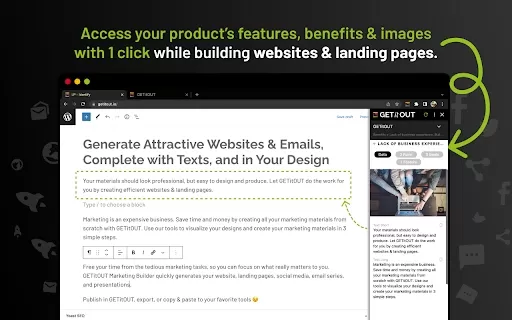

2026 Latest Best Top-rated AI Object Removal Editors for portraits travel product shots! XIX.AI curates a powerful game-changing collection regularly updated with weekly rankings. These tools offer real-world tests to help you quickly remove unwanted elements, boost content quality, and save tons of time without compromising results. Must-try for anyone aiming to unlock their AI creation edge. Explore now!
 10 tools
 xix.ai

2026 Latest Best Top-rated AI Text to Speech Tools for Online Courses are curated by XIX.AI based on rigorous real-world tests and weekly updated rankings. These powerful tools help creators deliver crystal-clear audio content effortlessly, boosting writing efficiency and streamlining course production. Check out the free vs paid comparison to find your perfect fit. Explore now to unlock your AI edge in online education.
10 tools
xix.ai

2026 Latest Best Top-Rated AI Blog Title Tools for Higher Click Through Rates! XIX.AI has carefully curated a powerful, game-changing collection of top tools that go through rigorous real-world tests. You’ll find a free vs paid comparison, weekly updated rankings, and detailed insights to help you boost your blog’s traffic efficiently. Must-try options are highlighted to help you unlock your AI edge. Explore now!
10 tools
xix.ai

2026 Latest Best Top-rated AI Task Routing Tools for Support Workflows! XIX.AI has curated a highly powerful game-changing collection of must-try solutions, all undergoing rigorous real-world tests and updated weekly. These tools streamline workflows, boost productivity, and help teams deliver faster, more efficient support. Explore now to discover your perfect tool and unlock your AI edge!
17 tools
xix.ai

2026 Latest Best Top-Rated AI Citation and Paper Summary Tools Curated by XIX.AI. Get powerful game-changing solutions for quick content creation, improved writing efficiency, and boosting productivity. We offer a free vs paid comparison along with real-world tests and weekly updated rankings to help you find the must-try tool that fits your needs perfectly. Explore now to Unlock your AI edge.
10 tools
xix.ai

2026 Latest Best Top-Rated AI Productivity Tools for Daily Work! XIX.AI has curated a powerful, game-changing selection based on rigorous weekly updated rankings and real-world tests. You’ll find must-try options that boost writing efficiency, streamline content creation, and help you overcome daily work challenges. Get a free vs paid comparison to find the perfect fit for your needs. Explore now to unlock your AI edge!
9 tools
xix.ai


