


 Home
HomeSendsteps
Sendsteps AI for Interactive Presentations



Helps TikTok sellers, brands, MCNs, and TAPs discover winning products and find creators.

HelpLook is an AI-powered all-in-one knowledge base tool that helps businesses quickly build knowledge bases, help centers, and...

Your AI Workspace

302.AI is an enterprise-grade AI resource platform with pay-as-you-go pricing, API access to a full range of AI models, and ready-to-use online applications.

剧火AI — AI Screenwriter + Director, a One-Person Short Drama Studio In one sentence, what is it?
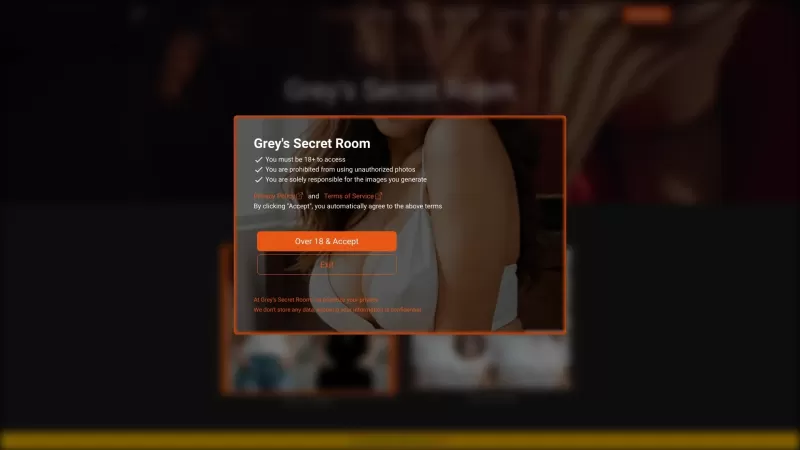
Ever wondered what it's like to try on a whole new wardrobe without leaving your room? Grey's Secret Room brings that fantasy to life with its cutting-edge AI technology. This innovative platform allows you to experiment with different styles and even swa
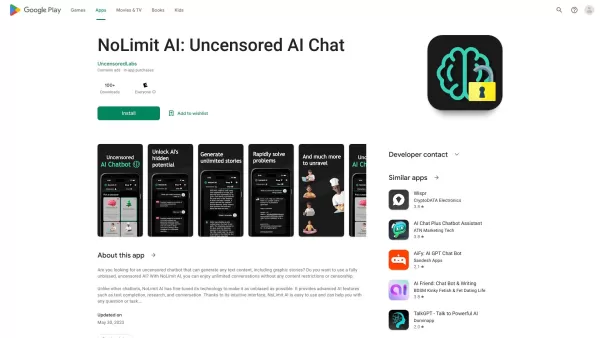
If you're looking for a chat experience that breaks the mold, let me introduce you to NoLimit IA—an app that promises to keep the conversation flowing without any boundaries. Think of it as your go-to place for engaging in unfiltered chats with AI ch
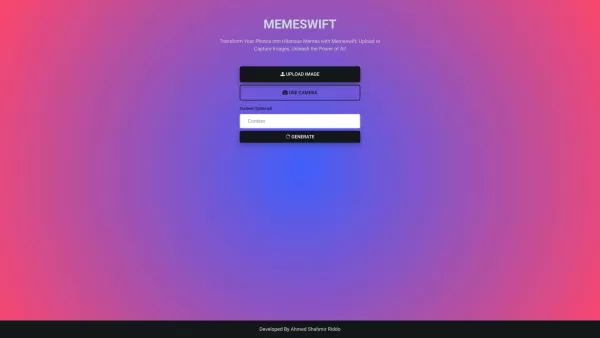
MemeSwift is like the Swiss Army knife of humor—it’s an AI-powered meme generator designed to turn your photos into laugh-out-loud-worthy memes. Whether you’re looking to poke fun at yourself or your friends, this tool makes it easy to craft something fun
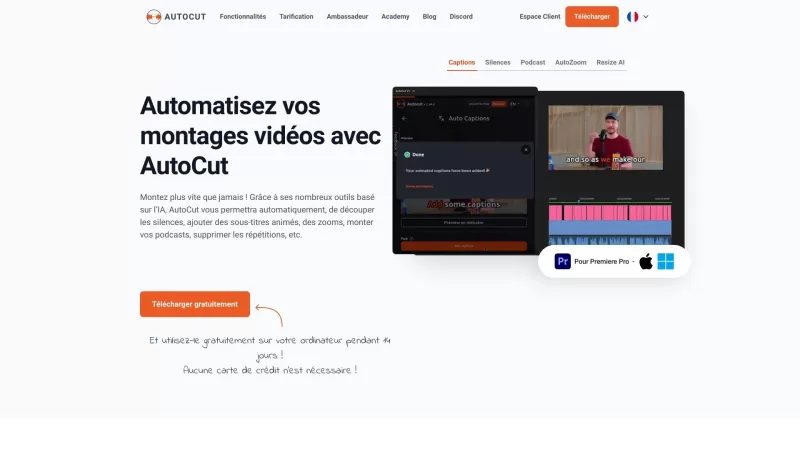
Ever wished you had a magic wand for video editing? Meet AutoCut, the Premiere Pro plugin that's like your very own AI editing assistant. It does everything from adding those snazzy animated subtitles to cutting out those awkward silences. Whether you're
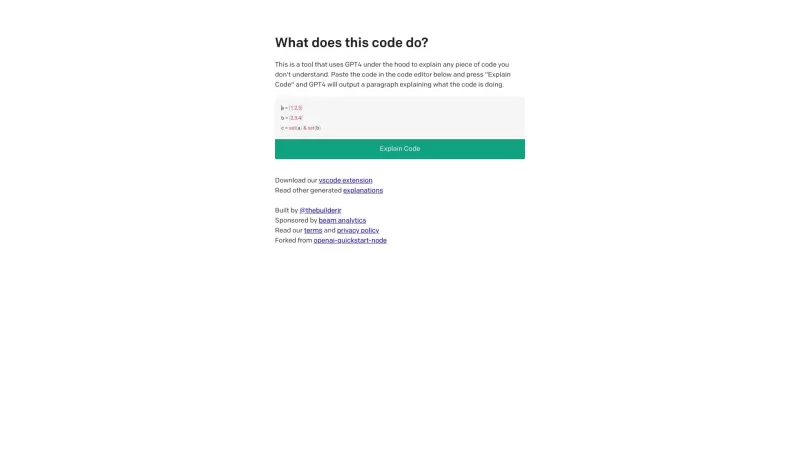
Ever found yourself staring at a piece of code, scratching your head and wondering, "What on earth does this do?" Well, that's where Code Explain comes in—your trusty AI-powered sidekick that's here to make sense of any code that's got you puzzled. It's l
Sendsteps Product Information
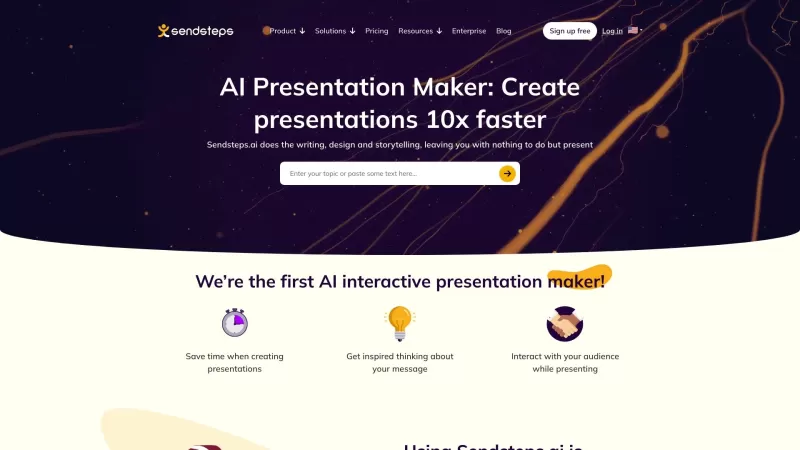
Sendsteps is revolutionizing the way we create and deliver presentations with its cutting-edge AI-powered platform. It's not just a tool; it's a game-changer for anyone who's ever struggled with putting together an engaging presentation. With Sendsteps, you can whip up a stunning presentation in no time, thanks to its AI assistance. Whether you're a business professional racing against the clock, a teacher aiming to captivate your students, or an event organizer looking to make your event unforgettable, Sendsteps is your go-to solution.
How to Use Sendsteps?
Getting started with Sendsteps is as easy as pie. Here's how you can dive in:
Create Your AI Presentation: Kick things off by using the AI presentation maker. You can start from scratch, upload a document, or even import your existing PowerPoint slides. The choice is yours!
Set the Details: Tailor your presentation by specifying the language, who your audience is, and giving it a catchy title. This step ensures your presentation hits the mark.
Present with Flair: Once your presentation is ready, complete with design, content, pictures, and interactive elements, you're all set to present. You can practice beforehand with speaker notes or jump straight into presenting.
Engage and Impress: With Sendsteps, you're not just presenting; you're engaging your audience in real-time. Whether through interactive activities, live Q&A sessions, word clouds, or quizzes, your audience will be hooked from start to finish.
Sendsteps's Core Features
AI Presentation Maker: Create presentations with AI assistance
Imagine creating a professional, engaging presentation without breaking a sweat. That's what the AI Presentation Maker offers. It's like having a personal assistant that understands your vision and brings it to life.
Interactive Presentation: Engage your audience with interactive activities
Gone are the days of one-sided presentations. With Sendsteps, you can keep your audience involved with interactive elements that make every presentation a two-way conversation.
Live Q&A: Facilitate real-time questions and answers during presentations
Ever wished you could instantly answer your audience's burning questions? Sendsteps makes it possible with its Live Q&A feature, turning your presentation into an interactive learning experience.
Live Word Cloud: Generate word clouds based on audience responses
Want to see what's on your audience's mind? The Live Word Cloud feature lets you visualize their thoughts in real-time, making your presentation dynamic and responsive.
Live Quiz: Conduct live quizzes for audience engagement
Keep your audience on their toes with a live quiz. It's a fun way to reinforce your message and see how well your audience is following along.
Sendsteps's Use Cases
Business Professionals
For the busy business professional, Sendsteps is a lifesaver. It streamlines the creation process, allowing you to focus on delivering your message effectively. Plus, the interactive features ensure your meetings are more productive and engaging.
Students/Teachers
In the classroom, Sendsteps is a game-changer. Teachers can save time on preparation and deliver more interactive lessons that boost student engagement and understanding. It's a win-win for both teachers and students.
Event Organizers
If you're organizing an event, Sendsteps can elevate the experience to the next level. Interactive activities create a buzz, making your event memorable and engaging for all participants.
FAQ from Sendsteps
- What is Sendsteps?
- Sendsteps is an AI-powered tool designed to simplify and enhance the creation and delivery of interactive presentations.
- How do I use Sendsteps?
- To use Sendsteps, start by creating an AI presentation, customize it according to your audience and purpose, and then present with interactive elements to engage your audience effectively.
- What are the core features of Sendsteps?
- The core features include an AI Presentation Maker, interactive presentation tools, Live Q&A, Live Word Cloud, and Live Quiz functionalities.
- What are the use cases of Sendsteps?
- Sendsteps is perfect for business professionals to enhance meetings, for students and teachers to improve classroom engagement, and for event organizers to create memorable experiences.
For any additional questions or support, you can reach out to Sendsteps via their support email. More contact options are available on their contact us page. To learn more about the company, visit their about us page. You can also log in to your Sendsteps account at Sendsteps Login, or sign up for a new account at Sendsteps Sign up. For pricing details, check out their pricing page.
Stay connected with Sendsteps on social media: follow them on Facebook, subscribe to their YouTube channel, connect on LinkedIn, and keep up with the latest on Twitter and Instagram.
Sendsteps Screenshot


2026 Latest Best Top-rated AI Object Removal Editors for portraits travel product shots! XIX.AI curates a powerful game-changing collection regularly updated with weekly rankings. These tools offer real-world tests to help you quickly remove unwanted elements, boost content quality, and save tons of time without compromising results. Must-try for anyone aiming to unlock their AI creation edge. Explore now!
 10 tools
 xix.ai

2026 Latest Best Top-rated AI Text to Speech Tools for Online Courses are curated by XIX.AI based on rigorous real-world tests and weekly updated rankings. These powerful tools help creators deliver crystal-clear audio content effortlessly, boosting writing efficiency and streamlining course production. Check out the free vs paid comparison to find your perfect fit. Explore now to unlock your AI edge in online education.
10 tools
xix.ai

2026 Latest Best Top-Rated AI Blog Title Tools for Higher Click Through Rates! XIX.AI has carefully curated a powerful, game-changing collection of top tools that go through rigorous real-world tests. You’ll find a free vs paid comparison, weekly updated rankings, and detailed insights to help you boost your blog’s traffic efficiently. Must-try options are highlighted to help you unlock your AI edge. Explore now!
10 tools
xix.ai

2026 Latest Best Top-rated AI Task Routing Tools for Support Workflows! XIX.AI has curated a highly powerful game-changing collection of must-try solutions, all undergoing rigorous real-world tests and updated weekly. These tools streamline workflows, boost productivity, and help teams deliver faster, more efficient support. Explore now to discover your perfect tool and unlock your AI edge!
17 tools
xix.ai

2026 Latest Best Top-Rated AI Citation and Paper Summary Tools Curated by XIX.AI. Get powerful game-changing solutions for quick content creation, improved writing efficiency, and boosting productivity. We offer a free vs paid comparison along with real-world tests and weekly updated rankings to help you find the must-try tool that fits your needs perfectly. Explore now to Unlock your AI edge.
10 tools
xix.ai

2026 Latest Best Top-Rated AI Productivity Tools for Daily Work! XIX.AI has curated a powerful, game-changing selection based on rigorous weekly updated rankings and real-world tests. You’ll find must-try options that boost writing efficiency, streamline content creation, and help you overcome daily work challenges. Get a free vs paid comparison to find the perfect fit for your needs. Explore now to unlock your AI edge!
9 tools
xix.ai


Just tried Sendsteps for a quick team update and wow, it actually made my slides look decent for once! 😂 The AI suggestions were surprisingly on point, though I'm low-key worried it might make us all lazy presenters. Still, anything that saves me from staring at blank slides is a win in my book.
Been using Sendsteps for a few weeks now, and it really does take a lot of the pain out of building presentations. The AI suggestions for slide structure and content feel smart, not generic. My last talk was way more interactive too with the built-in polls. Feels like a step above the usual PowerPoint grind! 👏
Sendsteps suena increíble, justo lo que necesito para no morir de aburrimiento en las reuniones 😅 ¿La IA realmente entiende cómo hacer una presentación que mantenga a la gente despierta? Eso sería un milagro. ¡Me apunto a probarla, aunque me dé un poco de miedo que luego todos usen el mismo estilo!
Sendsteps 정말 좋아요! AI 기능 덕분에 흥미로운 슬라이드를 쉽게 만들 수 있어요. 다만, 제안이 가끔 빗나가는 게 아쉽네요. 그래도 전체적으로 훌륭한 도구예요. 프레젠테이션 싫어하는 분들께 추천해요! 😄
Sendsteps is awesome for presentations! It makes creating engaging slides so much easier with its AI features. Sometimes the suggestions are a bit off, but it's a great tool overall. Definitely worth trying out if you hate making presentations! 😄


