


 Home
HomeSecureGenie AI
AI Data Privacy Extension: SecureGenie AI for Secure Text Automation



Helps TikTok sellers, brands, MCNs, and TAPs discover winning products and find creators.

HelpLook is an AI-powered all-in-one knowledge base tool that helps businesses quickly build knowledge bases, help centers, and...

Your AI Workspace

302.AI is an enterprise-grade AI resource platform with pay-as-you-go pricing, API access to a full range of AI models, and ready-to-use online applications.

剧火AI — AI Screenwriter + Director, a One-Person Short Drama Studio In one sentence, what is it?
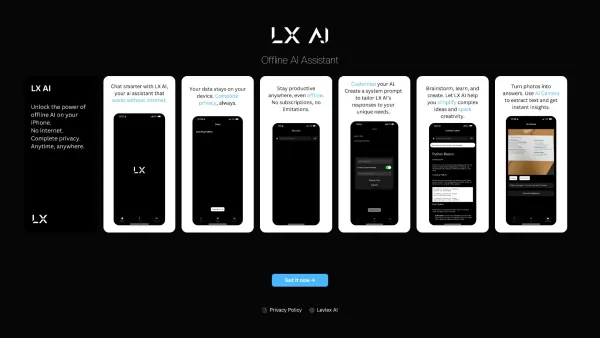
What Exactly Is LX AI?Ever wished you could have an AI assistant that doesn't constantly phone home to some distant server? Meet LX AI - your personal offline intelligence. Unlike most AI services that require constant internet access, this little powerhouse runs entirely on your device. That means
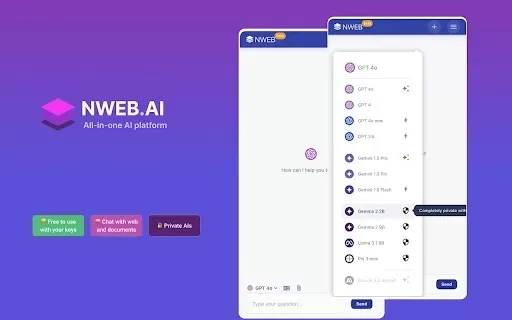
What is NWEB AI: ChatGPT, Gemini & Private AIs for Websites/Docs (Free with BYO Key)?NWEB AI allows you to engage with top AI models such as ChatGPT, Gemini, and Claude right in your browser. This extension is free when you use your own API keys, gua

What is Memno? Memno is your AI executive assistant for daily life, functioning as a personal knowledge graph. It remembers your voice memos, brilliant ideas, contract details, and meeting notes. By connecting scattered information from photos, docum
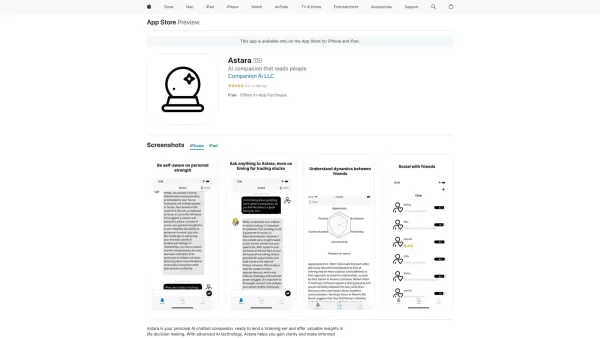
What is Astara?Astara is your personal AI chatbot companion, built to keep your conversations private and secure. It delivers smart decision support by attentively listening to your thoughts and offering valuable insights. Powered by sophisticated AI

Ever wondered what makes a chat-bot truly stand out? Meet HybridAI, a game-changer in the world of digital communication. It's not just another AI; it's a blend of cutting-edge technology and a touch of human warmth. HybridAI isn't about replacing human i
SecureGenie AI Product Information
What is SecureGenie AI?
SecureGenie AI is the world's first privacy-first AI browser extension. It handles tasks like automated replies and translations while keeping your data completely secure. It works by focusing on safeguarding your sensitive information, allowing you to interact smoothly with websites. Unlike conventional AI tools, SecureGenie AI guarantees your personal data is never read or stored, delivering a powerful combination of utility and privacy for users who value security in their online communications.
Who is SecureGenie AI for?
- Privacy-conscious individuals
- Businesses looking to automate tasks
- Freelancers and remote teams
- Students who require translation help
How to use SecureGenie AI
- Step 1: Install the SecureGenie AI extension from the Chrome Web Store.
- Step 2: Launch the extension and set up your preferences.
- Step 3: Go to any webpage where you wish to use SecureGenie AI.
- Step 4: Utilize the AI to automatically generate replies or translate text.
- Step 5: Check and tailor the AI's responses to fit your specific requirements.
Platform
- Chrome
SecureGenie AI's Core Features & Benefits
Core Features
- Automated text replies
- Customizable translation settings
- Privacy-by-design architecture
- Intuitive, easy-to-use interface
Key Benefits
- Superior data protection
- Boosted productivity
- Seamless communication
- Full user control over interactions
Primary Use Cases & Applications
- Automating professional communications
- Improving access to educational materials
- Enhancing remote teamwork
- Providing multilingual capabilities
FAQs about SecureGenie AI
What is SecureGenie AI?
SecureGenie AI is a privacy-centric AI browser extension that automates text replies and translations.
How does it ensure privacy?
It functions without ever accessing or storing your personal data, ensuring all interactions are secure.
What platforms does it support?
SecureGenie AI is currently available as an extension for the Chrome browser.
Can it translate multiple languages?
Yes, it offers translation support for a broad array of languages.
Is it suitable for business use?
Yes, it is designed to be effective for both individual users and businesses.
How do I set it up?
Just install the extension from the Chrome Web Store and adjust your settings.
What if I encounter issues?
Our customer support team is available to help resolve any problems you may have.
How is it different from other AI tools?
Its main distinction is an unwavering commitment to user privacy, unlike many standard AI tools that may use your data.
Is it free to use?
SecureGenie AI provides a free version with core features, plus optional premium upgrades.
Is there a mobile version?
Currently, SecureGenie AI is exclusively available for the Chrome browser on desktop.
SecureGenie AI Company Details
Website:
https://secureai.usCompany Name:
Secure AI CorporationSupport Email:
Facebook:
NAX(Twitter):
NAYouTube:
NAInstagram:
NATiktok:
NALinkedIn:
NA
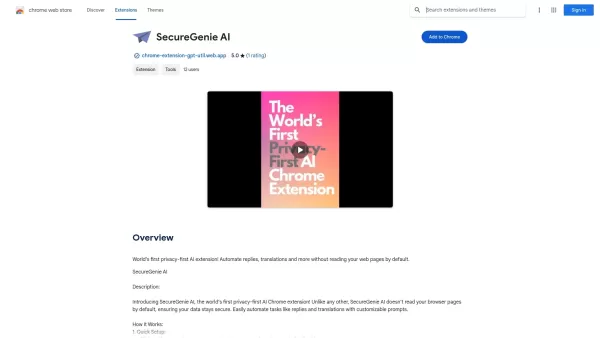
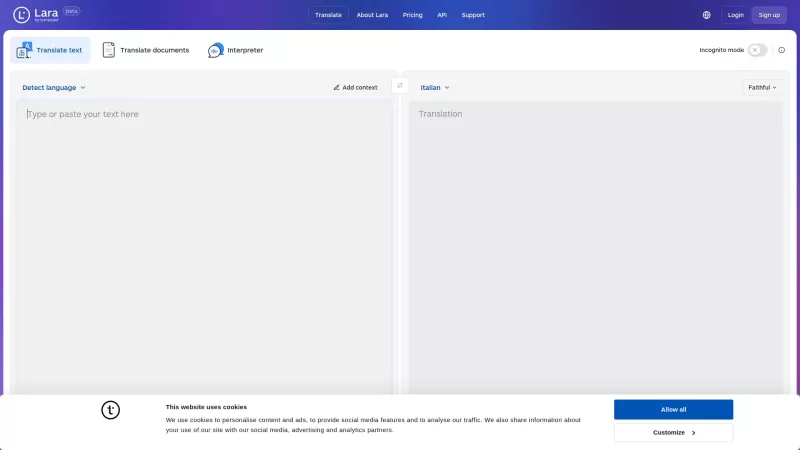
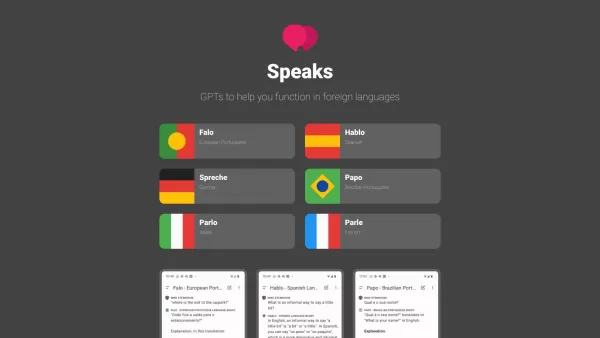
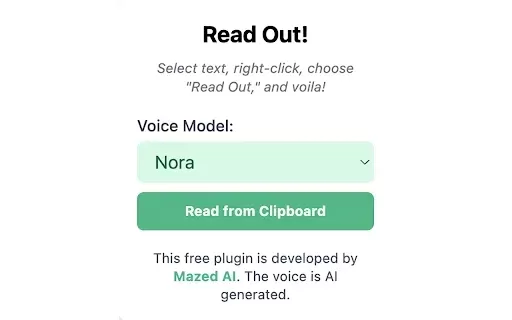
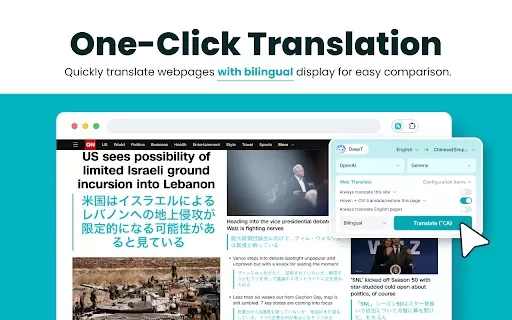
SecureGenie AI Screenshot

2026 Latest Best Top-rated AI Object Removal Editors for portraits travel product shots! XIX.AI curates a powerful game-changing collection regularly updated with weekly rankings. These tools offer real-world tests to help you quickly remove unwanted elements, boost content quality, and save tons of time without compromising results. Must-try for anyone aiming to unlock their AI creation edge. Explore now!
 10 tools
 xix.ai

2026 Latest Best Top-rated AI Text to Speech Tools for Online Courses are curated by XIX.AI based on rigorous real-world tests and weekly updated rankings. These powerful tools help creators deliver crystal-clear audio content effortlessly, boosting writing efficiency and streamlining course production. Check out the free vs paid comparison to find your perfect fit. Explore now to unlock your AI edge in online education.
10 tools
xix.ai

2026 Latest Best Top-Rated AI Blog Title Tools for Higher Click Through Rates! XIX.AI has carefully curated a powerful, game-changing collection of top tools that go through rigorous real-world tests. You’ll find a free vs paid comparison, weekly updated rankings, and detailed insights to help you boost your blog’s traffic efficiently. Must-try options are highlighted to help you unlock your AI edge. Explore now!
10 tools
xix.ai

2026 Latest Best Top-rated AI Task Routing Tools for Support Workflows! XIX.AI has curated a highly powerful game-changing collection of must-try solutions, all undergoing rigorous real-world tests and updated weekly. These tools streamline workflows, boost productivity, and help teams deliver faster, more efficient support. Explore now to discover your perfect tool and unlock your AI edge!
17 tools
xix.ai

2026 Latest Best Top-Rated AI Citation and Paper Summary Tools Curated by XIX.AI. Get powerful game-changing solutions for quick content creation, improved writing efficiency, and boosting productivity. We offer a free vs paid comparison along with real-world tests and weekly updated rankings to help you find the must-try tool that fits your needs perfectly. Explore now to Unlock your AI edge.
10 tools
xix.ai

2026 Latest Best Top-Rated AI Productivity Tools for Daily Work! XIX.AI has curated a powerful, game-changing selection based on rigorous weekly updated rankings and real-world tests. You’ll find must-try options that boost writing efficiency, streamline content creation, and help you overcome daily work challenges. Get a free vs paid comparison to find the perfect fit for your needs. Explore now to unlock your AI edge!
9 tools
xix.ai


