


 Home
HomeRead Out: AI Reader
AI Reader: Free Text to Speech Chrome Extension



Helps TikTok sellers, brands, MCNs, and TAPs discover winning products and find creators.

HelpLook is an AI-powered all-in-one knowledge base tool that helps businesses quickly build knowledge bases, help centers, and...

Your AI Workspace

302.AI is an enterprise-grade AI resource platform with pay-as-you-go pricing, API access to a full range of AI models, and ready-to-use online applications.

剧火AI — AI Screenwriter + Director, a One-Person Short Drama Studio In one sentence, what is it?
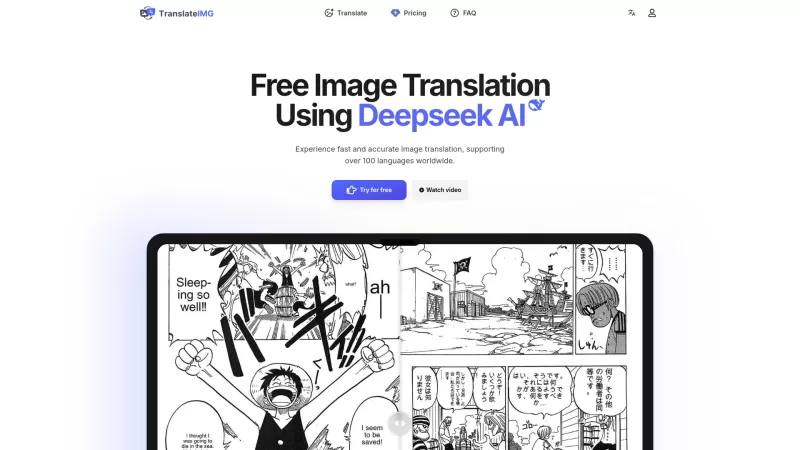
Ever stumbled upon an image with text in a language you can't understand? That's where Deepseek R1 comes in, a nifty online tool that transforms text within images into over 100 different languages. Whether it's a manga page, an e-commerce product descrip
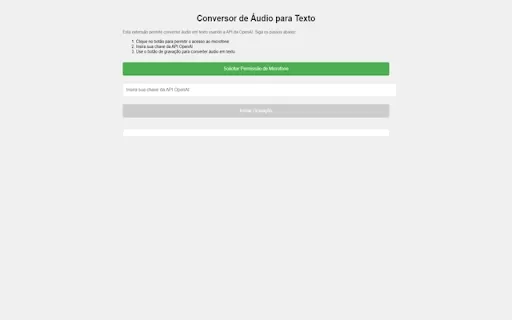
Ever wished you could magically transform your audio recordings into neatly typed text? Well, the Conversor de Áudio para Texto AI Chrome extension is here to make that wish come true! This nifty tool harnesses the power of OpenAI's advanced API to turn y
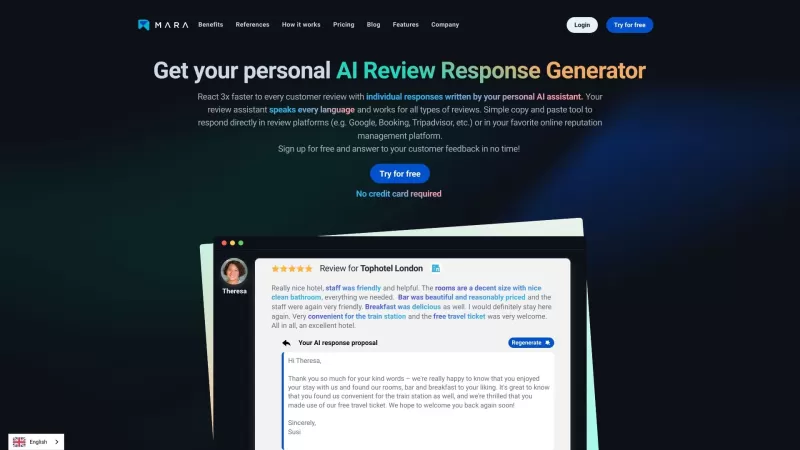
Ever found yourself staring blankly at customer reviews, wondering how to respond in a way that feels genuine and personal? That's where the AI Review Response Generator comes in—a nifty tool designed to take the hassle out of crafting those responses. Cr
Ever wondered how to breathe life into your scripts without spending hours in a recording booth? Meet Cugent, your new best friend in the world of AI voiceovers. This nifty tool takes your scripts—whether they're in PDF, Docs, or just plain text—and transforms them into professional, high-quality vo
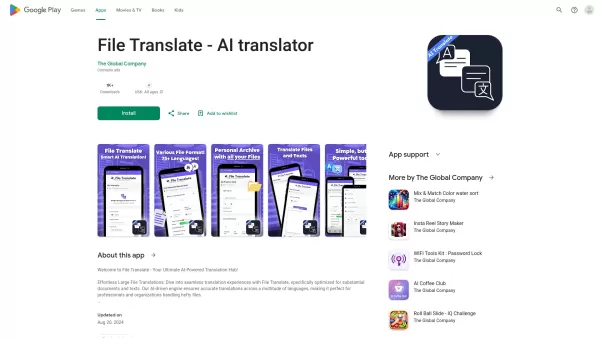
Ever found yourself staring at a mountain of documents, wishing you could magically translate them into another language? Well, that's where File Translator AI comes in—your new best friend for tackling those translation woes. This isn't just any translat
Read Out: AI Reader Product Information
What is Read Out: AI Reader?
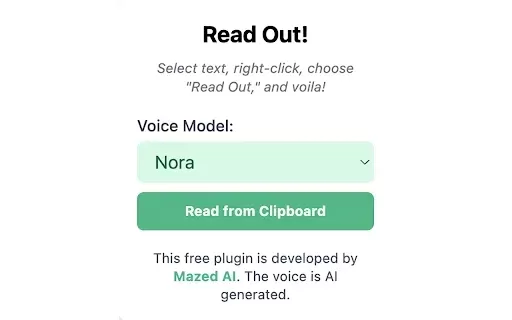
Read Out: AI Reader is a cutting-edge browser extension that transforms any selected text into clear, natural speech. Powered by advanced artificial intelligence, this tool offers multilingual text-to-speech capabilities, serving as a perfect aid for students, working professionals, and anyone wanting to improve their reading routine. From articles and emails to various documents, this Chrome extension enables you to listen to your content in real time, helping you digest information effortlessly while multitasking.
Who will benefit from using Read Out: AI Reader?
- Students and researchers
- Busy professionals
- Individuals with visual challenges
- Those learning a new language
- People who enjoy consuming audio-based content
How to use Read Out: AI Reader
- Step 1: Install the extension from the Chrome Web Store.
- Step 2: Simply highlight the text you wish to hear aloud.
- Step 3: Right-click and select 'Read Out' from the menu.
- Step 4: Fine-tune voice and speed preferences in the settings if desired.
- Step 5: Sit back and listen as your text is spoken clearly.
Platform
- Google Chrome
Read Out: AI Reader's Core Features & Benefits
The Core Features
- Multilingual text-to-speech conversion
- Multiple AI-powered voice choices
- Instant, real-time text reading
The Benefits
- Boosts understanding and retention
- Increases accessibility for all users
- Helps users save valuable time
Read Out: AI Reader's Main Use Cases & Applications
- Reading online articles and blogs
- Listening to emails and messages
- Supporting study and research
- Practicing language pronunciation
FAQs of Read Out: AI Reader
What languages does Read Out support?
Read Out supports a wide array of languages, promoting accessibility worldwide.
Is Read Out free to use?
Yes, it is completely free and available on the Chrome Web Store.
Can I adjust the speech speed?
Absolutely, you can easily customize the speaking rate in the settings panel.
Does it work offline?
No, an active internet connection is required for full functionality.
What type of content can I use Read Out with?
It works with nearly any selectable text in your browser, from articles and PDFs to emails.
How do I install the extension?
Go to the Chrome Web Store, find Read Out, and click the 'Add to Chrome' button.
Can I choose different voices?
Yes, multiple AI-generated voices are available for selection.
Is it user-friendly for beginners?
Certainly, its interface is straightforward and designed for ease of use.
What devices can I use Read Out on?
It works on any desktop or laptop computer that runs the Chrome browser.
Is there a limit on the text length?
No strict limit exists, though very lengthy texts may be processed in sections.
Read Out: AI Reader Company Information
Website:
https://5-letter-words.comCompany Name:
NASupport Email:
NAFacebook:
NAX(Twitter):
NAYouTube:
NAInstagram:
NATiktok:
NALinkedIn:
NA
Read Out: AI Reader Screenshot



2026 Latest Best AI Pull Request Review Tools for GitHub Teams are here on XIX.AI! This top-rated curated list showcases powerful game-changing solutions that streamline refactoring, bug fixing, and security gap detection across all team workflows. Enjoy a free vs paid comparison along with real-world tests and detailed rankings to help you find the perfect tool that boosts productivity significantly. Explore now to unlock your AI edge!
 12 tools
 xix.ai

2026 Latest Best Top-rated AI Text to Speech Tools for Natural Voiceovers are here on XIX.AI! This curated list features powerful, game-changing options that deliver crystal-clear voices for every use case, backed by real-world tests and weekly updated rankings. Get a free vs paid comparison to find the must-try solution that boosts your productivity instantly. Explore now to Unlock your AI edge!
11 tools
xix.ai

2026 Latest Best Manga AI Background Generators Ranked Top-Rated! This curated collection showcases powerful game-changing tools perfect for creating high-quality chapter backgrounds, book covers, and promotional art. Every option has undergone rigorous real-world tests to ensure reliability. Get a free vs paid comparison along with detailed insights. Explore now to discover your perfect tool and unlock your AI edge in manga creation.
6 tools
xix.ai

2026 Latest Best Top-rated AI Object Removal Editors for portraits travel product shots! XIX.AI curates a powerful game-changing collection regularly updated with weekly rankings. These tools offer real-world tests to help you quickly remove unwanted elements, boost content quality, and save tons of time without compromising results. Must-try for anyone aiming to unlock their AI creation edge. Explore now!
10 tools
xix.ai

2026 Latest Best Top-rated AI Text to Speech Tools for Online Courses are curated by XIX.AI based on rigorous real-world tests and weekly updated rankings. These powerful tools help creators deliver crystal-clear audio content effortlessly, boosting writing efficiency and streamlining course production. Check out the free vs paid comparison to find your perfect fit. Explore now to unlock your AI edge in online education.
10 tools
xix.ai

2026 Latest Best Top-Rated AI Blog Title Tools for Higher Click Through Rates! XIX.AI has carefully curated a powerful, game-changing collection of top tools that go through rigorous real-world tests. You’ll find a free vs paid comparison, weekly updated rankings, and detailed insights to help you boost your blog’s traffic efficiently. Must-try options are highlighted to help you unlock your AI edge. Explore now!
10 tools
xix.ai


