


 Home
HomeScribble to Art
AI App: Turn Sketches into Art in Different Styles



Helps TikTok sellers, brands, MCNs, and TAPs discover winning products and find creators.

HelpLook is an AI-powered all-in-one knowledge base tool that helps businesses quickly build knowledge bases, help centers, and...

Your AI Workspace

302.AI is an enterprise-grade AI resource platform with pay-as-you-go pricing, API access to a full range of AI models, and ready-to-use online applications.

剧火AI — AI Screenwriter + Director, a One-Person Short Drama Studio In one sentence, what is it?
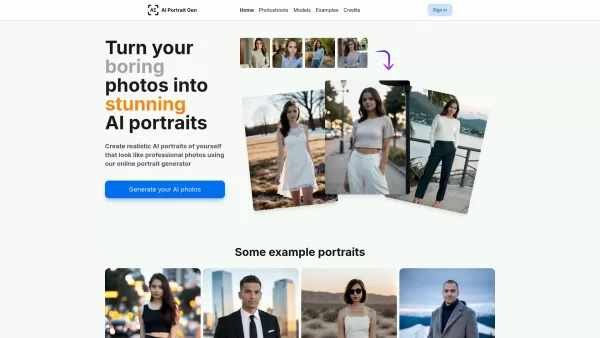
What is AI Portrait Gen? AI Portrait Gen is a tool that allows you to generate incredibly realistic portrait photos of yourself or anyone else, as if they were taken by a professional photographer. With this tool, you can easily customize every detail—from your outfit and location to the overall sty
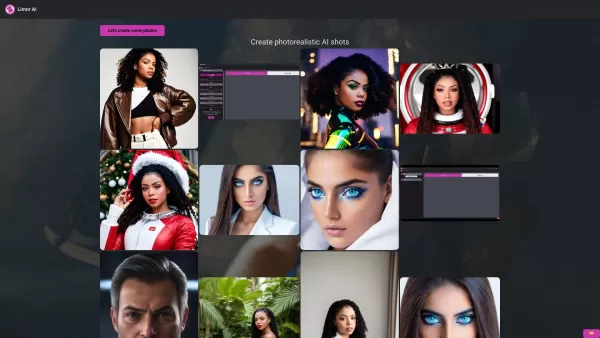
Limnr-AI is your go-to tool for crafting stunning, personalized photorealistic AI photos that look so real, you'd swear they were taken with a camera. Whether you're looking to create images that capture the essence of reality or venture into the whi
Scribble to Art Product Information
What is Scribble to Art?
Scribble to Art is nothing short of magical for anyone who loves to draw—or even doodle. This AI-powered app takes your sketches and turns them into jaw-dropping works of art in countless styles. Whether you’re sketching directly inside the app or uploading something you’ve already drawn, Scribble to Art breathes new life into your creations. From realistic masterpieces to anime-inspired gems, retro vibes, low-poly art, Studio Ghibli vibes, and more—you name it, this app can handle it.
It’s like having a personal art gallery curator who knows exactly how to elevate your scribbles into something truly special.
How to Use Scribble to Art
Using Scribble to Art is as straightforward as it gets. Here’s the lowdown:
Open the app and decide if you want to create a fresh sketch or upload an existing one.
- If you’re sketching, choose your canvas, grab some virtual brushes, and dive in.
- If you’re uploading, simply select the image from your gallery. Easy-peasy!
Once your sketch is ready, pick the style you want to apply. Think of it as dressing up your drawing in its dream outfit. Anime? Realistic? Studio Ghibli? Done.
Hit the magic button and watch the AI work its charm. In no time, your humble sketch will transform into something breathtaking.
When it’s finished, you can admire your masterpiece and share it with the world—or keep it all to yourself. Your call!
Scribble to Art’s Core Features
Scribble to Art isn’t just another app—it’s a game-changer packed with incredible features:
AI-Powered Magic: At its heart, Scribble to Art uses cutting-edge AI to turn your sketches into polished pieces. No manual tweaking required—just pure artistic wizardry.
Style Variety Galore: Need something retro? Anime-inspired? Or maybe you’re into low-poly vibes? Scribble to Art has got you covered with dozens of styles to choose from.
Paint or Upload: Whether you prefer creating directly in the app or enhancing pre-existing sketches, this tool caters to both.
User-Friendly Design: Even if you’re not a tech guru, you’ll find navigating the app a breeze. Its intuitive interface ensures everyone—from beginners to pros—can enjoy it.
Stunning Results: Let’s face it: the real star here is the final output. Scribble to Art consistently delivers jaw-dropping results that look like they came straight out of a professional artist’s portfolio.
Scribble to Art’s Use Cases
This app isn’t just for fun—it’s practical too! Here’s how people are putting it to good use:
Professional Artists: Take rough drafts and polish them up for clients or galleries. It’s like having a secret weapon in your creative arsenal.
Creative Exploration: Ever wondered what your doodles would look like as anime characters? Or how your retro sketches would pop in a low-poly format? Scribble to Art lets you experiment fearlessly.
Personal Touch: Turn your random scribbles into keepsakes. Imagine gifting framed versions of your transformed art to loved ones—it’ll be unforgettable.
Digital Media: Illustrators and concept artists can use it to enhance their work for games, movies, books, and more.
Social Media & Presentations: Add flair to your Instagram feed, TikTok videos, or business presentations. Who wouldn’t want to stand out like that?
Frequently Asked Questions
Here’s where you’ll find answers to the nitty-gritty details:
Can I use Scribble to Art on my phone or tablet?
Absolutely! The app is designed to work seamlessly across mobile devices.How long does it take to transform a sketch?
It depends on the complexity of your sketch, but most transformations are quick—usually under a minute.Can I export the artwork?
Yes! You can save your creations to your device or share them directly online.Are there customization options for art styles?
While the app offers preset styles, you can tweak settings to suit your taste.Can I undo or edit my sketch during the process?
Unfortunately, once you’ve started applying a style, you can’t go back. But hey, that’s why previews exist!
Contact Us
Need help or have feedback? Reach out via email: [email protected]. For all things customer service, visit our contact page.
About Scribble to Art
Scribble to Art is brought to you by Connekt.Studio. Learn more about the team behind the magic at our About Us page.
Pricing
Check out the pricing plans at this link.
Social Media
Stay connected:
- Facebook: Follow us here
- YouTube: Subscribe here
- LinkedIn: Connect here
- Twitter: Follow us here
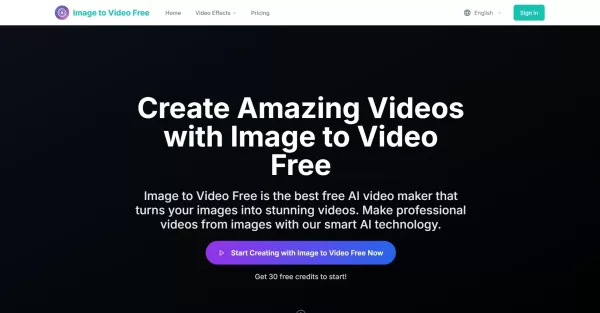
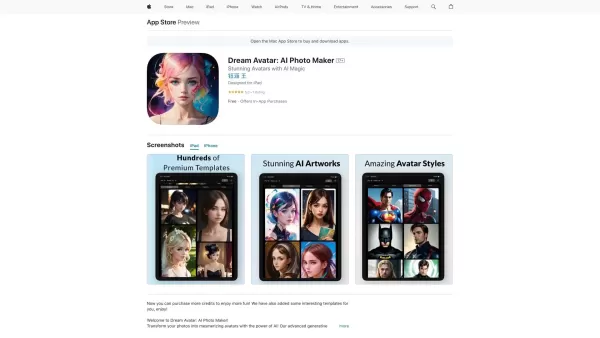
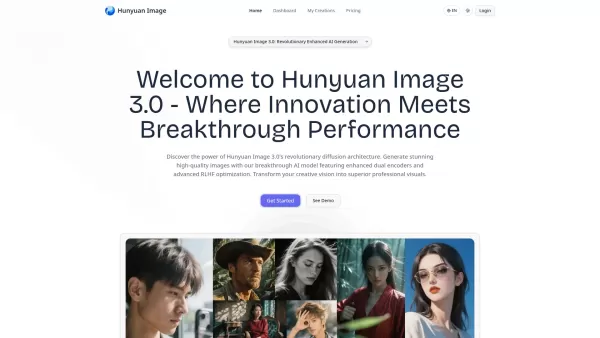
Scribble to Art Screenshot

2026 Latest Best Manga AI Background Generators Ranked Top-Rated! This curated collection showcases powerful game-changing tools perfect for creating high-quality chapter backgrounds, book covers, and promotional art. Every option has undergone rigorous real-world tests to ensure reliability. Get a free vs paid comparison along with detailed insights. Explore now to discover your perfect tool and unlock your AI edge in manga creation.
 6 tools
 xix.ai

2026 Latest Best Top-rated AI Object Removal Editors for portraits travel product shots! XIX.AI curates a powerful game-changing collection regularly updated with weekly rankings. These tools offer real-world tests to help you quickly remove unwanted elements, boost content quality, and save tons of time without compromising results. Must-try for anyone aiming to unlock their AI creation edge. Explore now!
10 tools
xix.ai

2026 Latest Best Top-rated AI Text to Speech Tools for Online Courses are curated by XIX.AI based on rigorous real-world tests and weekly updated rankings. These powerful tools help creators deliver crystal-clear audio content effortlessly, boosting writing efficiency and streamlining course production. Check out the free vs paid comparison to find your perfect fit. Explore now to unlock your AI edge in online education.
10 tools
xix.ai

2026 Latest Best Top-Rated AI Blog Title Tools for Higher Click Through Rates! XIX.AI has carefully curated a powerful, game-changing collection of top tools that go through rigorous real-world tests. You’ll find a free vs paid comparison, weekly updated rankings, and detailed insights to help you boost your blog’s traffic efficiently. Must-try options are highlighted to help you unlock your AI edge. Explore now!
10 tools
xix.ai

2026 Latest Best Top-rated AI Task Routing Tools for Support Workflows! XIX.AI has curated a highly powerful game-changing collection of must-try solutions, all undergoing rigorous real-world tests and updated weekly. These tools streamline workflows, boost productivity, and help teams deliver faster, more efficient support. Explore now to discover your perfect tool and unlock your AI edge!
17 tools
xix.ai

2026 Latest Best Top-Rated AI Citation and Paper Summary Tools Curated by XIX.AI. Get powerful game-changing solutions for quick content creation, improved writing efficiency, and boosting productivity. We offer a free vs paid comparison along with real-world tests and weekly updated rankings to help you find the must-try tool that fits your needs perfectly. Explore now to Unlock your AI edge.
10 tools
xix.ai


