


 Home
HomeImage to Video Free
Image to Video Free: AI Video Maker



Helps TikTok sellers, brands, MCNs, and TAPs discover winning products and find creators.

HelpLook is an AI-powered all-in-one knowledge base tool that helps businesses quickly build knowledge bases, help centers, and...

Your AI Workspace

302.AI is an enterprise-grade AI resource platform with pay-as-you-go pricing, API access to a full range of AI models, and ready-to-use online applications.

剧火AI — AI Screenwriter + Director, a One-Person Short Drama Studio In one sentence, what is it?

What is Banana AI - Free AI Photo Editor?Banana AI is a free, AI-driven photo editor that uses Google's Nano Banana technology (Gemini 2.5 Flash Image) to transform your pictures with simple text commands. Easily remove unwanted objects, swap backgro

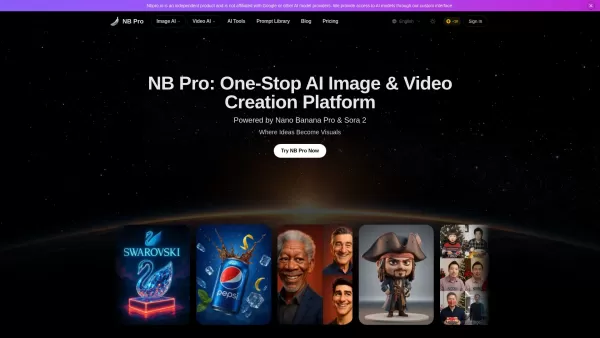
What is Deepfake Maker Nano Banana AI? Nano Banana AI is an advanced artificial intelligence platform that generates stunning images from text descriptions and facilitates seamless image-to-image transformations. This cutting-edge AI model revolution

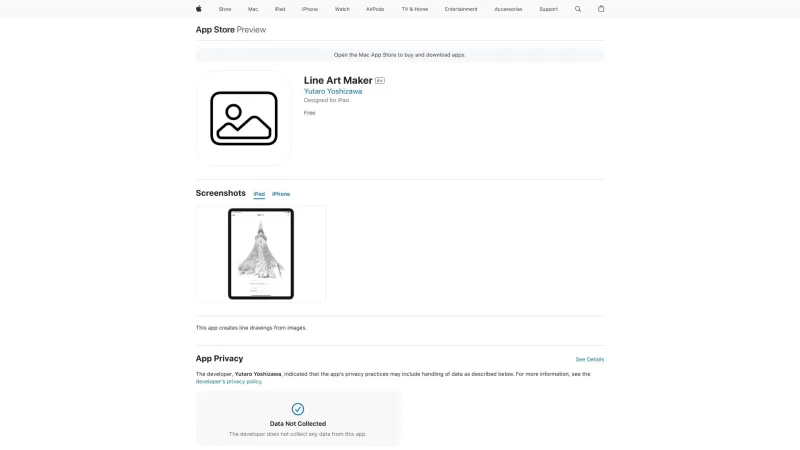
What is Line Art Maker?Line Art Maker is an intuitive application that effortlessly transforms your photos into stunning line drawings. Powered by sophisticated algorithms, it precisely identifies outlines and turns your images into detailed sketches

What is TranslateImages?AI Image Translator is an advanced tool that precisely translates text embedded in images, keeping the original layout and format intact. It supports over a dozen languages, such as English, Hindi, Arabic, Chinese, Japanese, K

What is Nano Banana | Nanana AI? Nanana AI is the leading AI image generator and AI image editor on the market. It taps into the full potential of Google's revolutionary Nano Banana model to offer unmatched image creation and editing power. As an ear
Image to Video Free Product Information
What is Image to Video Free?
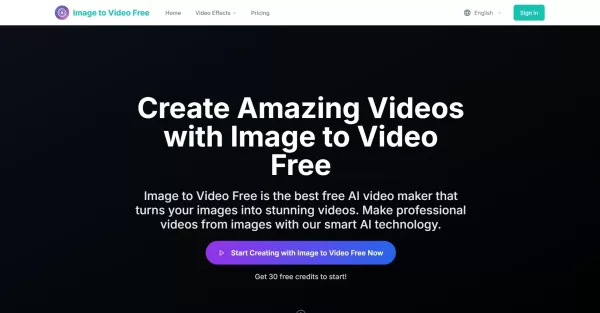
Image to Video Free is an AI-powered online platform that transforms your static images into professional videos through artificial intelligence. Simply upload your images (JPG, PNG, or WebP), pick a visual style, and the system brings them to life with fluid animations, seamless transitions, motion effects, and soundscapes. Requiring no downloads or installation, it provides branded visuals, watermark-free downloads, and multiple quality options up to 4K. Ideal for marketing, e-commerce, education, and creative projects, it offers a straightforward video creation process.
Who uses Image to Video Free?
- Marketing specialists and brand managers
- Content creators and social media influencers
- Motion designers and video editors
- E-commerce and sales teams
- Educators and trainers
- Freelancers and creative agencies
How to use Image to Video Free
- Step 1: Upload an image in JPG, PNG, or WebP format.
- Step 2: Describe your video concept and choose a motion style and quality.
- Step 3: Let AI generate the video automatically.
- Step 4: Download the watermark-free video and share it online.
Platform
- Web
Image to Video Free's Core Features & Benefits
Core Features
- AI-powered video creation from still images
- Multiple dynamic motion styles and templates
- Watermark-free HD and 4K video exports
- Support for JPG, PNG, and WebP formats
- Custom intros, outros, and logo integration
- No downloads or video editing experience needed
Benefits
- Quick and easy video production
- High-quality animated videos
- Cost-efficient marketing and content creation
- Intuitive, browser-based interface
- Creative flexibility with preset options
- For both personal and commercial use
Main Use Cases & Applications
- Marketing and promotional videos for brands
- Social media posts and viral video content
- E-commerce product showcases
- Educational content and tutorials
- Creative storytelling and personal slideshows
- Photography and architectural visualization
Image to Video Free's Pros & Cons
Pros
Fully web-based—no software installation required
Watermark-free exports, even in the free plan
High-resolution outputs up to 4K available
Wide variety of motion styles and branding features
Easy and intuitive for users of all skill levels
Cons
Web only—no dedicated mobile app
Free usage is limited by a credit system
No built-in integration with social platforms
Some advanced editing features are still in development
Image to Video Free's Pricing
Has free plan | YES |
|---|---|
Free trial details | |
Pricing model | Freemium |
Is credit card required | No |
Paid from | 29.9 USD |
Has lifetime plan | No |
Billing frequency | Monthly |
Pricing Plan Details
Basic
29.9 USD
- 1,000 credits
- Up to 720p resolution
- Standard Video Quality
- Basic editing tools
- Standard customer support
Standard
39.9 USD
- 1,500 credits
- Up to 1080p resolution
- Enhanced video quality
- Priority support
- License for commercial use
Pro
89.9 USD
- 5,000 credits
- Up to 1080p resolution
- Premium video quality
- Expert support
- Commercial license included
For current pricing, visit: https://www.imagetovideofree.com/pricing
FAQs About Image to Video Free
What is Image to Video Free?
A free, AI-based web tool that animates your static images into engaging videos.
How do I use Image to Video Free?
Upload an image, pick a style, generate the video using AI, then download and share it anywhere.
How long does video generation take?
Processing usually takes 2–15 minutes, depending on video length and resolution.
Can I use it for commercial projects?
Yes, commercial use is permitted with paid subscription plans.
Are the videos watermark-free?
Yes, all video exports are watermark-free, including those on the free plan.
What image formats are accepted?
Upload images in JPG, PNG, or WebP format.
Is there a credit system for generating videos?
Yes, video creation uses credits; free and paid plans include different credit amounts.
Do I need to download software?
No, the platform is entirely web-based and runs in your browser.
What video resolutions are available?
You can export videos up to 4K depending on your selected plan.
Can I add custom branding?
Yes, you can include custom intros, outros, logos, and color palettes.
Image to Video Free Company Information
- Image to Video Free
- https://www.imagetovideofree.com
Image to Video Free Screenshot

2026 Latest Best Photoshop AI retouch tools for ecommerce apparel, skin cleanup, and color consistency! This top-rated curated list features powerful game-changing solutions that help you boost writing efficiency, streamline content creation, and achieve perfect visual results effortlessly. Each tool has undergone real-world tests through weekly updated rankings, complete with free vs paid comparison details. Backed by XIX.AI, it’s the must-try guide for anyone aiming to unlock your AI edge. Explore now!
 10 tools
 xix.ai

2026 Latest Best Top-Rated AI Prompt Libraries for optimizing all types of ChatGPT workflows. XIX.AI has curated a powerful, game-changing collection that goes through rigorous real-world tests to ensure top performance. You can find detailed free vs paid comparisons and expert rankings to help you choose the must-try tools that boost your productivity and unlock your AI edge. Explore now!
11 tools
xix.ai

2026 Latest Best AI Quiz Builder Platforms for Teachers, Tutors, and Cohort-Based Learning Programs! XIX.AI has curated a top-rated list of powerful game-changing tools that go through real-world tests to deliver accurate rankings. These must-try platforms help boost writing efficiency, streamline content creation, and simplify quiz design across all learning scenarios. Explore now to discover your perfect tool for unlocking your AI edge in teaching!
13 tools
xix.ai

2026 Latest Best AI Pull Request Review Tools for GitHub Teams are here on XIX.AI! This top-rated curated list showcases powerful game-changing solutions that streamline refactoring, bug fixing, and security gap detection across all team workflows. Enjoy a free vs paid comparison along with real-world tests and detailed rankings to help you find the perfect tool that boosts productivity significantly. Explore now to unlock your AI edge!
12 tools
xix.ai

2026 Latest Best Top-rated AI Text to Speech Tools for Natural Voiceovers are here on XIX.AI! This curated list features powerful, game-changing options that deliver crystal-clear voices for every use case, backed by real-world tests and weekly updated rankings. Get a free vs paid comparison to find the must-try solution that boosts your productivity instantly. Explore now to Unlock your AI edge!
11 tools
xix.ai

2026 Latest Best Manga AI Background Generators Ranked Top-Rated! This curated collection showcases powerful game-changing tools perfect for creating high-quality chapter backgrounds, book covers, and promotional art. Every option has undergone rigorous real-world tests to ensure reliability. Get a free vs paid comparison along with detailed insights. Explore now to discover your perfect tool and unlock your AI edge in manga creation.
6 tools
xix.ai


