


 Home
HomeReplyAssistant
AI Keyboard App for Efficient Messaging | GPT-Powered Translation



Helps TikTok sellers, brands, MCNs, and TAPs discover winning products and find creators.

HelpLook is an AI-powered all-in-one knowledge base tool that helps businesses quickly build knowledge bases, help centers, and...

Your AI Workspace

302.AI is an enterprise-grade AI resource platform with pay-as-you-go pricing, API access to a full range of AI models, and ready-to-use online applications.

剧火AI — AI Screenwriter + Director, a One-Person Short Drama Studio In one sentence, what is it?
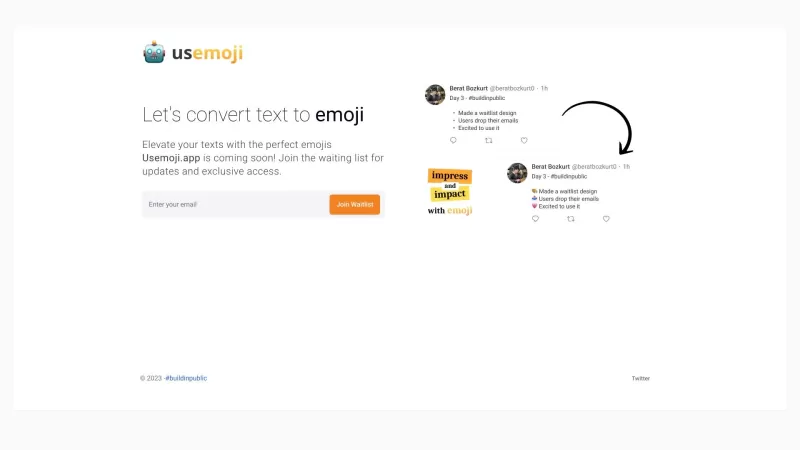
Ever found yourself staring at your phone, wondering which emoji would perfectly capture the vibe of your message? Enter Usemoji.app, your new best friend for spicing up your texts and boosting engagement. This nifty tool lets you select any piece of text
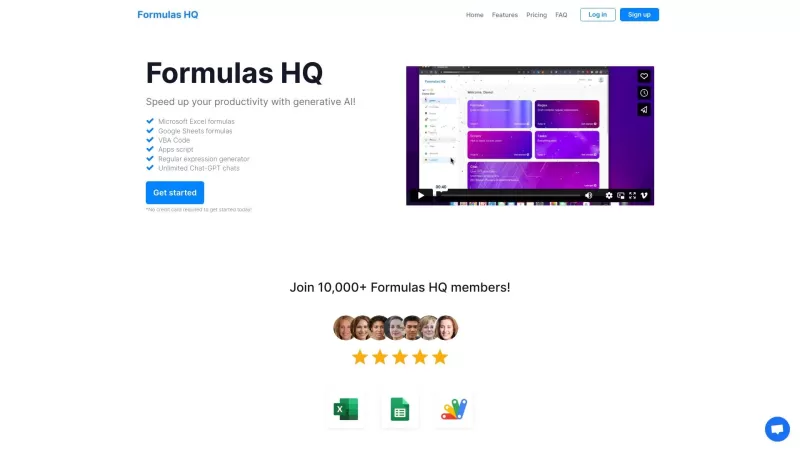
Ever found yourself stuck trying to master those pesky Excel or Google Sheets formulas? Enter Formulas HQ, your ultimate ally in navigating the labyrinth of spreadsheets. It's not just any tool; it's a generative AI powerhouse designed to churn out precis
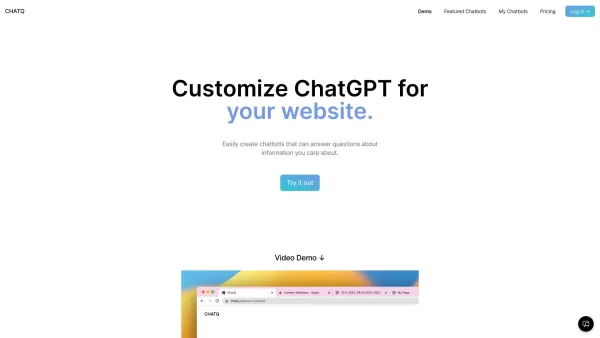
ChatQ is an innovative web application built with create-react-app, designed to enhance your website's live chat functionality. It's like having a personal assistant on your site, helping you connect with visitors in real-time. Whether you're providing cu
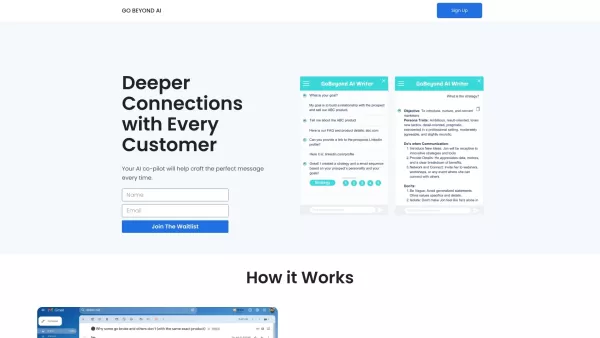
Ever wondered how to make your messages hit the mark every single time? That's where Go Beyond AI comes into play. It's not just another tool; it's your personal AI co-pilot, designed to help you craft the perfect message tailored to your goals and the re
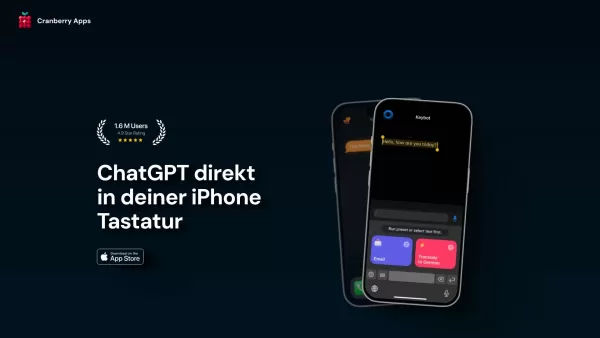
Cranberry Apps isn't just another app; it's a vibrant platform designed to sprinkle a bit of fun and simplicity into your everyday life. Whether you're looking to streamline your routine or just add a bit of joy, Cranberry Apps has got you covered. How to
ReplyAssistant Product Information
What Exactly Is ReplyAssistant?
Ever wish you had a personal texting assistant? That's ReplyAssistant in a nutshell. It's not just another keyboard app - it's your messaging sidekick, powered by AI to make every conversation smoother, faster, and more fun. Whether you're crafting the perfect response or just trying to type without typos, this little helper has your back.
Getting Started With ReplyAssistant
Ready to upgrade your texting game? Here's the lowdown:
- Grab it from the App Store (yes, iOS only for now)
- Head to Settings → General → Keyboard to enable it
- Start typing smarter in Messages, WhatsApp, or wherever you chat
Why You'll Love ReplyAssistant
Your New Typing Superpowers
- AI that actually gets what you're trying to say (creepy but cool)
- Auto-correct that doesn't make you look silly
- Custom looks so your keyboard matches your vibe
- GIFs and emojis at your fingertips (because sometimes words aren't enough)
- Plays nice with all your iOS apps
When You'll Use It Most
Picture this:
- When your group chat is blowing up and you need to reply fast
- When autocorrect keeps sabotaging your texts
- When you want to spice up convos with the perfect reaction GIF
- When you're tired of boring keyboard designs
Common Questions Answered
- Android version coming soon?
- iOS only for now, but stay tuned!
- What's the damage to my wallet?
- Free to download with optional premium features.
- Is my privacy protected?
- We don't store your messages - your convos stay yours.
- Can I turn off the AI help?
- Absolutely! Customize how much (or little) assistance you want.
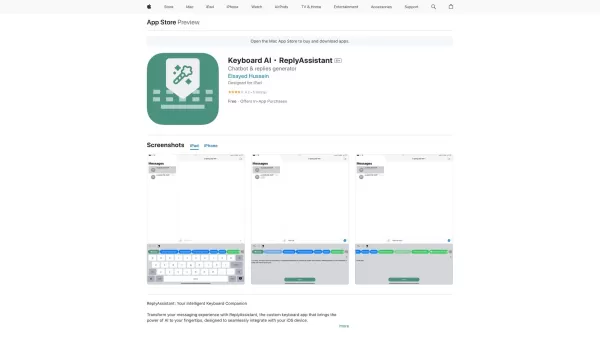
ReplyAssistant Screenshot


2026 Latest Best AI Quiz Builder Platforms for Teachers, Tutors, and Cohort-Based Learning Programs! XIX.AI has curated a top-rated list of powerful game-changing tools that go through real-world tests to deliver accurate rankings. These must-try platforms help boost writing efficiency, streamline content creation, and simplify quiz design across all learning scenarios. Explore now to discover your perfect tool for unlocking your AI edge in teaching!
 13 tools
 xix.ai

2026 Latest Best AI Pull Request Review Tools for GitHub Teams are here on XIX.AI! This top-rated curated list showcases powerful game-changing solutions that streamline refactoring, bug fixing, and security gap detection across all team workflows. Enjoy a free vs paid comparison along with real-world tests and detailed rankings to help you find the perfect tool that boosts productivity significantly. Explore now to unlock your AI edge!
12 tools
xix.ai

2026 Latest Best Top-rated AI Text to Speech Tools for Natural Voiceovers are here on XIX.AI! This curated list features powerful, game-changing options that deliver crystal-clear voices for every use case, backed by real-world tests and weekly updated rankings. Get a free vs paid comparison to find the must-try solution that boosts your productivity instantly. Explore now to Unlock your AI edge!
11 tools
xix.ai

2026 Latest Best Manga AI Background Generators Ranked Top-Rated! This curated collection showcases powerful game-changing tools perfect for creating high-quality chapter backgrounds, book covers, and promotional art. Every option has undergone rigorous real-world tests to ensure reliability. Get a free vs paid comparison along with detailed insights. Explore now to discover your perfect tool and unlock your AI edge in manga creation.
6 tools
xix.ai

2026 Latest Best Top-rated AI Object Removal Editors for portraits travel product shots! XIX.AI curates a powerful game-changing collection regularly updated with weekly rankings. These tools offer real-world tests to help you quickly remove unwanted elements, boost content quality, and save tons of time without compromising results. Must-try for anyone aiming to unlock their AI creation edge. Explore now!
10 tools
xix.ai

2026 Latest Best Top-rated AI Text to Speech Tools for Online Courses are curated by XIX.AI based on rigorous real-world tests and weekly updated rankings. These powerful tools help creators deliver crystal-clear audio content effortlessly, boosting writing efficiency and streamlining course production. Check out the free vs paid comparison to find your perfect fit. Explore now to unlock your AI edge in online education.
10 tools
xix.ai


Just tried ReplyAssistant and it's a game-changer for my group chats! The AI suggestions are surprisingly on-point, especially when I'm stuck mid-conversation. Saves me so much time overthinking replies 😂 My only worry is getting too lazy to type full sentences now!
返信に悩む時間が減ってストレスフリーになりました!AIが状況に合った提案をくれるので、特にビジネスメールを書く時が楽ちん😊 たまに変な文章も出るけど、そこがまた愛嬌かな笑


