


 Home
HomeRemove Backgrounds AI
AI Background Remover for Videos



Helps TikTok sellers, brands, MCNs, and TAPs discover winning products and find creators.

HelpLook is an AI-powered all-in-one knowledge base tool that helps businesses quickly build knowledge bases, help centers, and...

Your AI Workspace

302.AI is an enterprise-grade AI resource platform with pay-as-you-go pricing, API access to a full range of AI models, and ready-to-use online applications.

剧火AI — AI Screenwriter + Director, a One-Person Short Drama Studio In one sentence, what is it?

What is Makefilm?Makefilm revolutionizes video creation as a comprehensive AI-powered platform that streamlines professional-quality video production. This innovative solution combines multiple smart tools into one seamless workflow - transforming te
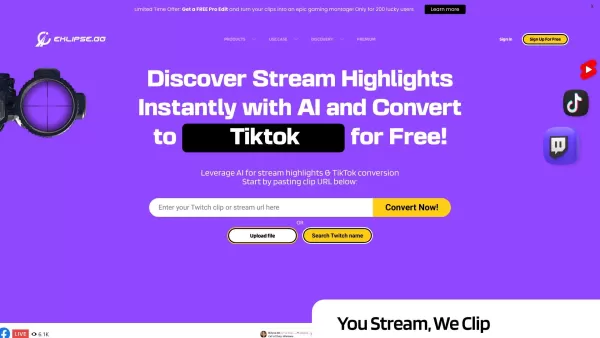
What is Eklipse? Eklipse is an AI-driven gaming highlight clipper that automatically identifies and captures the most exciting moments from your live streams and videos. It seamlessly converts content from Twitch, YouTube, Facebook, and Kick into rea
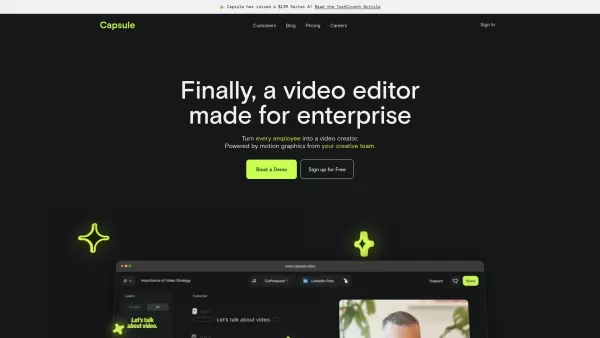
Capsule is an innovative tool designed to revolutionize video editing for content and marketing teams. It harnesses the power of AI to streamline the video creation process, ensuring not only speed but also fostering collaboration and maintaining brand co
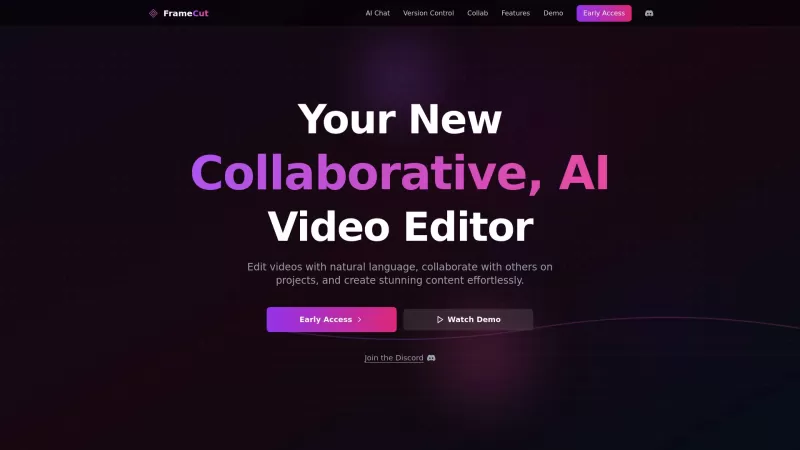
Ever wondered what Frame AI is all about? Well, buckle up because it's not your average video editor. Frame AI is like having a super-smart assistant that lets you edit videos in a way that feels almost magical. Imagine being able to collaborate on video

What is HiClip? HiClip is an AI-powered video clipping tool that instantly converts long videos into popular short-form content such as Shorts, Reels, and TikToks. It uses artificial intelligence to pinpoint high-engagement moments, automatically add
Remove Backgrounds AI Product Information
What is Remove Backgrounds AI?
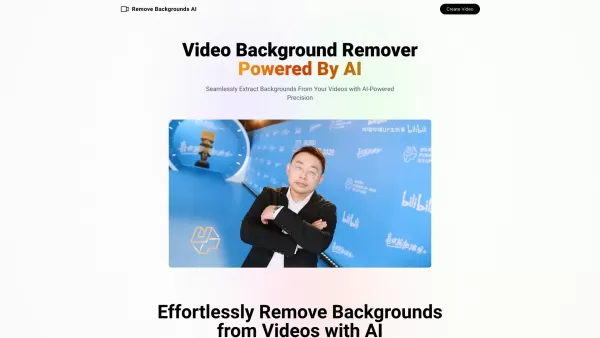
Remove Backgrounds AI is an advanced video background removal tool powered by artificial intelligence. It specializes in precise human video matting, cleanly separating subjects from their surroundings. Built on a custom AI model, it delivers fast, accurate processing—a perfect solution for content creators, videographers, and social media influencers aiming to elevate their video quality.
Who uses Remove Backgrounds AI?
- Content creators
- Videographers
- Social media influencers
- Marketing professionals
- E-commerce businesses
How to use Remove Backgrounds AI
- Step 1: Go to the Remove Backgrounds AI website (removebackgroundsai.com).
- Step 2: Upload the video file you want to edit.
- Step 3: Let the AI process your video automatically.
- Step 4: Download your new video with the background removed.
Platform
- Web-based
Remove Backgrounds AI's Core Features & Benefits
Core Features
- AI-powered video background removal
- Specialized human video matting
- Custom AI model
- High accuracy and fast processing
Key Benefits
- Saves time and effort
- Improves video quality
- Great for professional and personal projects
- Easy-to-use online platform
Main Use Cases & Applications
- Creating professional marketing videos
- Enhancing personal vlogs
- Improving social media content
- Producing e-commerce product videos
Remove Backgrounds AI's Pros & Cons
Pros
Simple, user-friendly interface—no advanced editing skills needed
Fast and precise AI-driven background removal
Delivers professional-looking video results
Includes commercial usage rights
Strong commitment to data security and privacy
Affordable pricing at $4.99 for videos up to 3 minutes
Cons
Processed videos do not include audio
Video length is limited to 3 minutes
No public GitHub repository or open-source project
Requires internet connection and email for video upload
Remove Backgrounds AI's Pricing
Free plan available | No |
|---|---|
Free trial details | |
Pricing model | Pay-as-you-go |
Credit card required | No |
Starting price | 4.99 USD |
Lifetime plan offered | No |
Billing frequency |
Pricing Plan Details
Single Video
4.99 USD
- Process videos up to 3 minutes long
- Background removal for human subjects
- Output video without sound
- Delivered by email within 5–10 minutes
For the most current pricing, visit: https://www.removebackgroundsai.com
FAQs about Remove Backgrounds AI
How do I upload a video?
Go to removebackgroundsai.com and click the "Upload Video" button to begin.
Is it free to use?
Pricing information is available on the website. Some features may be free, while others require payment.
What is human video matting?
Human video matting is the process of precisely isolating a person from the background in a video clip.
How long does processing take?
Processing times vary based on video length and detail, but it typically completes in just a few minutes.
Can I use this for images as well?
Currently, the tool is designed specifically for video background removal.
Is there a file size limit?
Yes, file size limits may apply. Please check the website for the latest specifications.
How accurate is the background removal?
The AI technology ensures high accuracy, particularly for videos with human subjects.
Do I need to download any software?
No, it’s a completely online tool—no software installation is necessary.
Can I use it on mobile devices?
Yes, the website is accessible through mobile web browsers.
What formats are supported?
The tool accepts common video file formats. Visit the site for a full list of supported file types.
Remove Backgrounds AI Company Information
- Remove Backgrounds AI
- https://www.removebackgroundsai.com
- https://twitter.com/francis_vesica
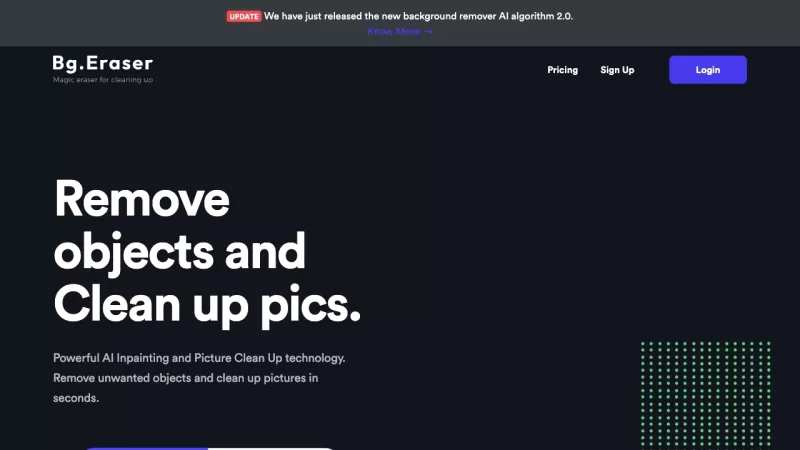
Remove Backgrounds AI Screenshot



2026 Latest Top AI 3D-to-2D Background Tools: Discover the best curated selection for generating consistent, stunning manga and anime-style environments. Our expert-ranked list compares free vs paid options, featuring powerful tools tested for workflow efficiency and artistic control. Find your perfect solution to transform 3D models into beautiful 2D backgrounds. Explore the rankings on XIX.AI and unlock your creative edge today.
 10 tools
 xix.ai


