


 Home
HomeHiClip
AI Agent Creates Viral Shorts from Long Videos



Helps TikTok sellers, brands, MCNs, and TAPs discover winning products and find creators.

HelpLook is an AI-powered all-in-one knowledge base tool that helps businesses quickly build knowledge bases, help centers, and...

Your AI Workspace

302.AI is an enterprise-grade AI resource platform with pay-as-you-go pricing, API access to a full range of AI models, and ready-to-use online applications.

剧火AI — AI Screenwriter + Director, a One-Person Short Drama Studio In one sentence, what is it?

What is Munch Studio? Munch Studio is an AI-powered platform that manages the complete social media presence for small businesses. It accelerates online growth by delivering ready-to-publish, brand-aligned, timely, and fully managed social content. T

Munch is not just another tool in the content creator's arsenal; it's a game-changer. Imagine being able to take your lengthy video content and, with the magic of AI, transform it into bite-sized, engaging clips that are ready to be shared across social m
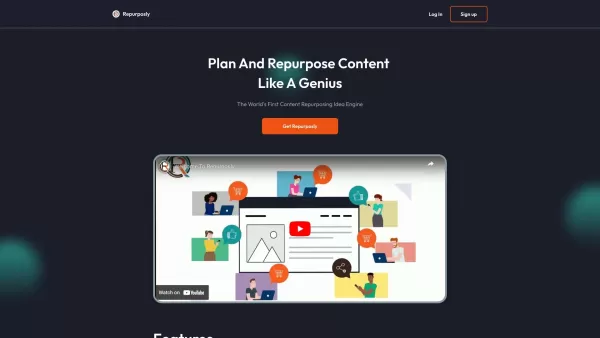
If you're always on the hunt for fresh content ideas, let me introduce you to Repurposly—your new best friend in the world of content creation. This tool is like a wizard that takes your existing content and spins it into gold, transforming it into a
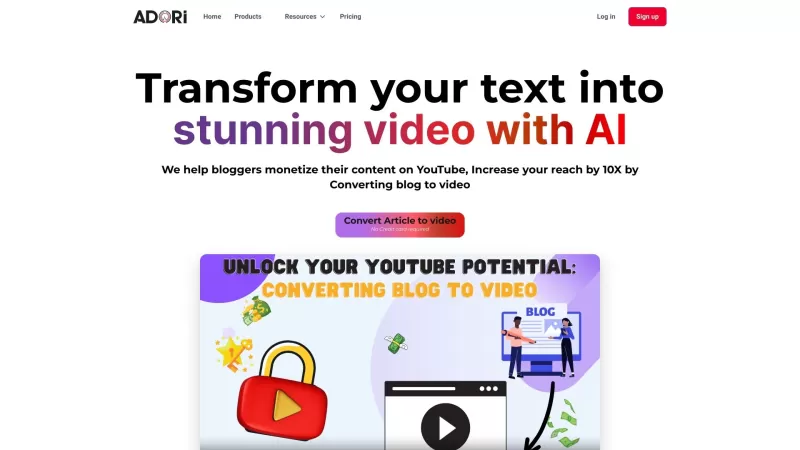
Ever wondered how to turn your blog posts into eye-catching videos that grab your audience's attention? With BlogToVideo, it's a breeze. This nifty tool uses AI to transform your written content into stunning videos in just minutes. It's like having a per
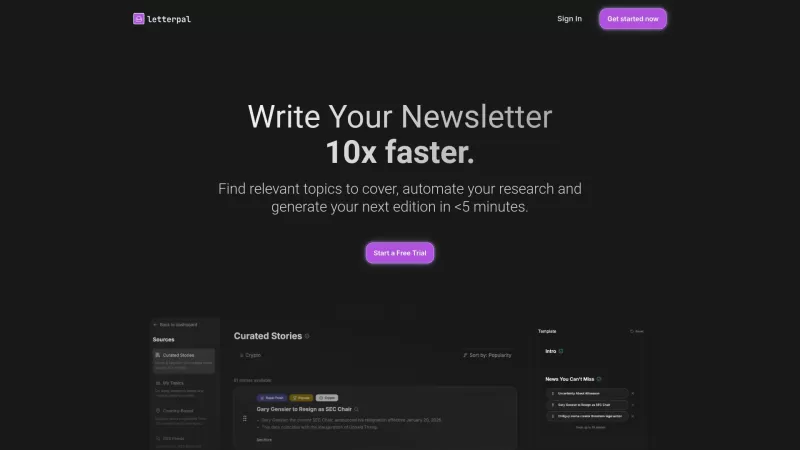
Ever felt the daunting task of crafting newsletters from scratch? Enter letterpal, a groundbreaking tool that leverages AI to make newsletter creation a breeze. It's like having a personal assistant that not only gathers the latest news but also compiles it into a beautifully formatted newsletter ta
HiClip Product Information
What is HiClip?
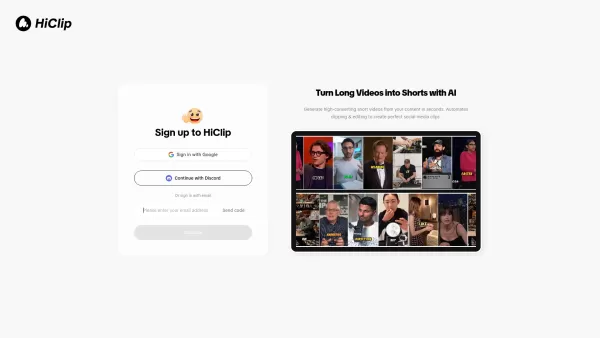
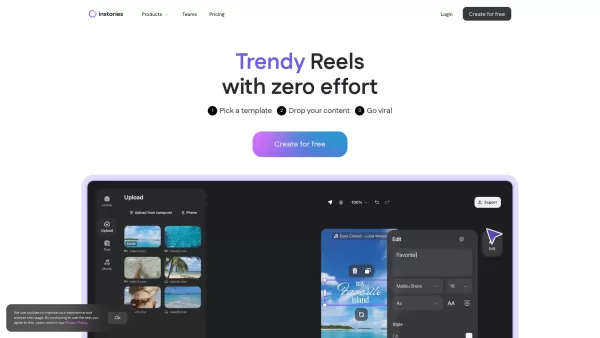
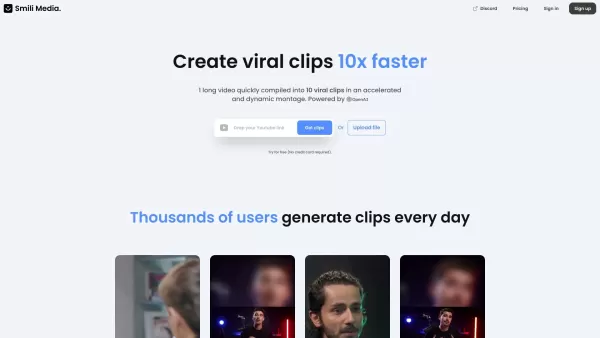
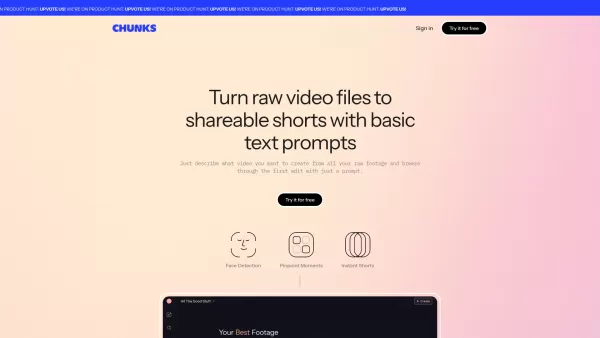
HiClip is an AI-powered video clipping tool that instantly converts long videos into popular short-form content such as Shorts, Reels, and TikToks. It uses artificial intelligence to pinpoint high-engagement moments, automatically add captions, and optimize video framing for top performance across social media channels. Designed to boost shares by 10x, HiClip automates the editing workflow, requiring no prior video editing experience.
How to use HiClip?
Using HiClip is simple: paste a video link from YouTube or Vimeo, or upload MP4/MOV files directly. The AI analyzes the video to extract the most engaging segments, creates multiple attention-grabbing clips, adds captions, and reframes them for different platforms. The finished clips are then ready for one-click publishing.
HiClip's Core Features
AI Clipping
AI Reframe
AI Caption
AI Analysis
One-click publish
HiClip's Use Cases
Create high-converting short videos from long-form content in seconds.
Repurpose YouTube videos into Instagram Reels with one-click conversion and auto-posting.
Automatically edit videos for TikTok, including auto-cropping to a 9:16 vertical format and generating captions with trending hashtag recommendations.
FAQ from HiClip
What video editing tasks can HiClip automate?
HiClip automates clip generation, highlight extraction, subtitle addition, and video reframing for any social platform using AI.
What input sources and output formats do you support?
HiClip accepts MP4 and MOV file uploads or links from YouTube and Vimeo. Exports are available in 10+ presets (like TikTok, Reels, Shorts) or custom resolutions.
How does HiClip understand which parts of my video are most engaging?
HiClip's proprietary Context-Aware Analysis™ monitors three engagement signals: 1. Visual dynamics (scene changes, on-screen text). 2. Audio cues (applause, speech emphasis, silence removal). 3. Semantic context (keyword density, topic shifts).
How to automatically edit videos for TikTok using AI?
HiClip applies TikTok best practices by: 1. Automatically cropping videos to a 9:16 vertical ratio. 2. Generating captions along with suggestions for trending hashtags.
HiClip Support Email & Customer service contact & Refund contact etc.
For more contact options, visit the contact us page()
HiClip Company
HiClip Company name: .
HiClip Company address: .
To learn more about HiClip, please visit the about us page().
HiClip Login
HiClip Login Link:
HiClip Sign up
HiClip Sign up Link:
HiClip Screenshot

2026 Latest Best Top-rated AI Object Removal Editors for portraits travel product shots! XIX.AI curates a powerful game-changing collection regularly updated with weekly rankings. These tools offer real-world tests to help you quickly remove unwanted elements, boost content quality, and save tons of time without compromising results. Must-try for anyone aiming to unlock their AI creation edge. Explore now!
 10 tools
 xix.ai

2026 Latest Best Top-rated AI Text to Speech Tools for Online Courses are curated by XIX.AI based on rigorous real-world tests and weekly updated rankings. These powerful tools help creators deliver crystal-clear audio content effortlessly, boosting writing efficiency and streamlining course production. Check out the free vs paid comparison to find your perfect fit. Explore now to unlock your AI edge in online education.
10 tools
xix.ai

2026 Latest Best Top-Rated AI Blog Title Tools for Higher Click Through Rates! XIX.AI has carefully curated a powerful, game-changing collection of top tools that go through rigorous real-world tests. You’ll find a free vs paid comparison, weekly updated rankings, and detailed insights to help you boost your blog’s traffic efficiently. Must-try options are highlighted to help you unlock your AI edge. Explore now!
10 tools
xix.ai

2026 Latest Best Top-rated AI Task Routing Tools for Support Workflows! XIX.AI has curated a highly powerful game-changing collection of must-try solutions, all undergoing rigorous real-world tests and updated weekly. These tools streamline workflows, boost productivity, and help teams deliver faster, more efficient support. Explore now to discover your perfect tool and unlock your AI edge!
17 tools
xix.ai

2026 Latest Best Top-Rated AI Citation and Paper Summary Tools Curated by XIX.AI. Get powerful game-changing solutions for quick content creation, improved writing efficiency, and boosting productivity. We offer a free vs paid comparison along with real-world tests and weekly updated rankings to help you find the must-try tool that fits your needs perfectly. Explore now to Unlock your AI edge.
10 tools
xix.ai

2026 Latest Best Top-Rated AI Productivity Tools for Daily Work! XIX.AI has curated a powerful, game-changing selection based on rigorous weekly updated rankings and real-world tests. You’ll find must-try options that boost writing efficiency, streamline content creation, and help you overcome daily work challenges. Get a free vs paid comparison to find the perfect fit for your needs. Explore now to unlock your AI edge!
9 tools
xix.ai


Just tried HiClip for my YouTube vlogs and it's a game-changer! The AI actually picked the most hilarious blooper moments I would've missed. Saves me hours of scrubbing through footage. Though I wonder if it'll ever get 'too good' and make editors obsolete? 😅 For now, 10/10!


