


 Home
HomeReady to Send
AI-Powered Email Replies with Ready to Send



Helps TikTok sellers, brands, MCNs, and TAPs discover winning products and find creators.

HelpLook is an AI-powered all-in-one knowledge base tool that helps businesses quickly build knowledge bases, help centers, and...

Your AI Workspace

302.AI is an enterprise-grade AI resource platform with pay-as-you-go pricing, API access to a full range of AI models, and ready-to-use online applications.

剧火AI — AI Screenwriter + Director, a One-Person Short Drama Studio In one sentence, what is it?
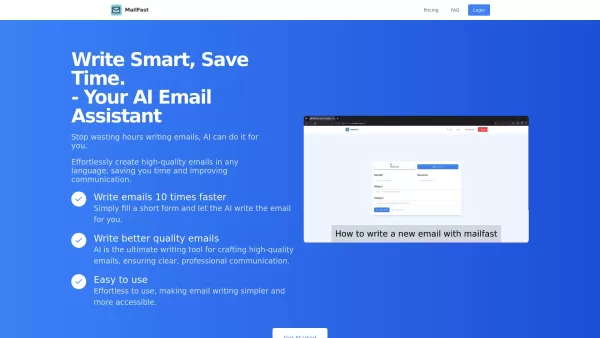
Ever found yourself staring at a blank email, wondering how to get your point across without sounding like a robot? Enter MailFast—an AI-powered email writing tool that's here to save the day. It's like having a personal email assistant that whips up high
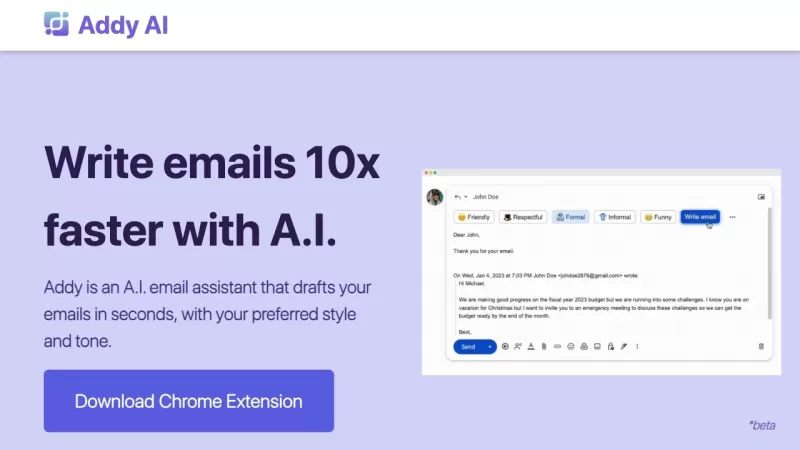
Ever wished you had a personal assistant to handle your emails? Meet Addy, your new AI-powered email buddy that can whip up emails in seconds, perfectly tailored to your style and tone. Whether you're crafting a formal business email or a casual note to a
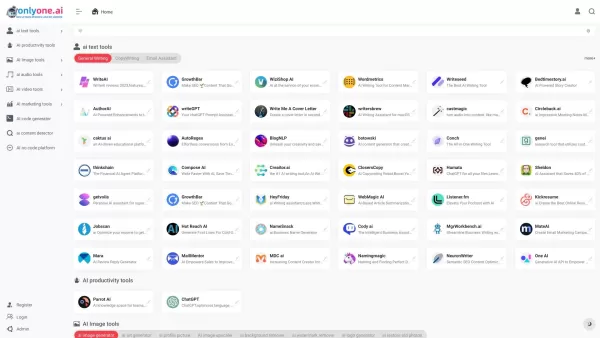
Only one AI is your go-to destination for a comprehensive collection of AI tools, boasting the largest directory on the web. Whether you're a tech enthusiast or a professional looking to streamline your workflow, this platform has something for every
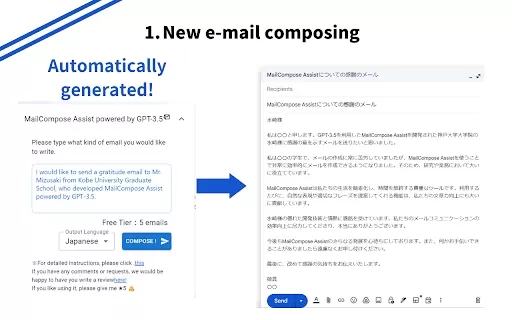
What is the Mail Composition Assist AI Chrome Extension? Mail Composition Assist is a tool designed to save you time when writing emails in Gmail and Outlook. It helps users navigate the complexities of formal language and culturally-specific email e
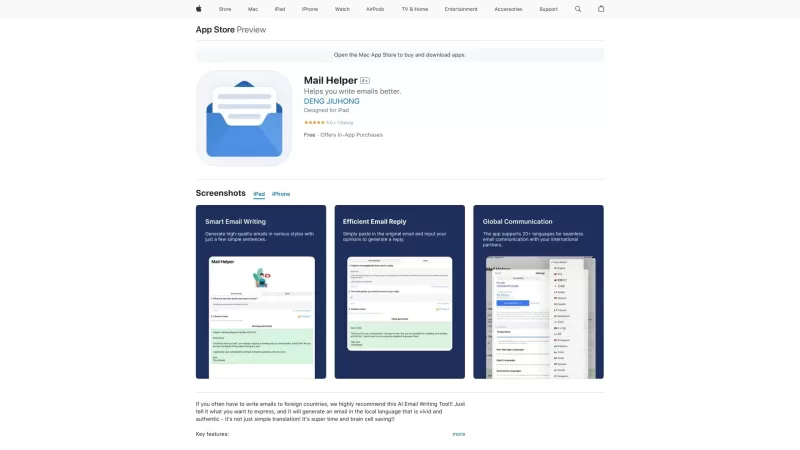
Ever found yourself drowning in a sea of emails, wishing for a lifeline? Enter Mail Helper, your personal on-the-go email assistant that's here to transform your email experience. It's not just about sending and receiving emails anymore; it's about doing
Ready to Send Product Information
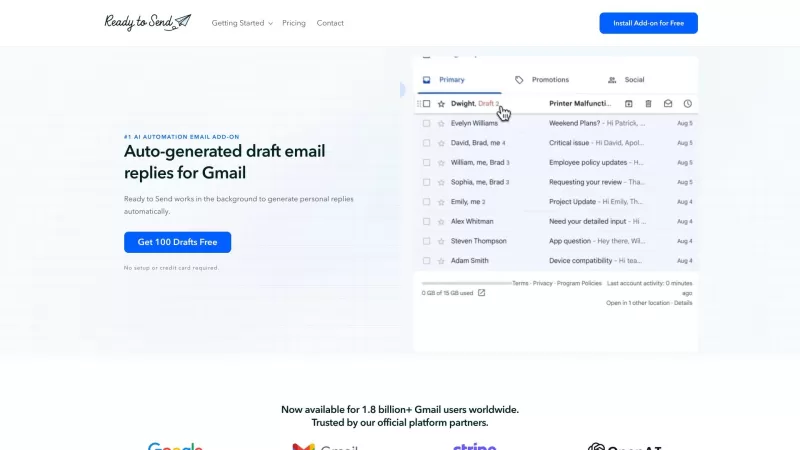
Ever found yourself staring at your inbox, overwhelmed by the sheer number of emails demanding your attention? That's where Ready to Send comes in—your new best friend for managing email chaos. This nifty Gmail add-on harnesses the power of AI to whip up draft replies for you, making your email management as smooth as butter. It's like having a personal assistant who knows just how you'd respond, saving you heaps of time and boosting your productivity. With Ready to Send, you can say goodbye to the endless cycle of drafting and rewriting emails, and hello to more personalized and contextually relevant responses that feel genuinely like they're in your own words.
How to Use Ready to Send?
Getting started with Ready to Send is a breeze. First, head over to the Google Workspace Marketplace and install the add-on. Once it's set up, it integrates seamlessly with your Gmail account. From there, Ready to Send gets to work, generating draft replies for those pesky new and unread emails that are just waiting for your response. You can then take a look at the drafts, tweak them to your liking, or send them as is. Plus, you have the option to set personalized email instructions and tailor your writing style for different contacts. It's all about making your email life easier and more efficient.
Ready to Send's Core Features
Automatic Draft Email Replies AI-Powered Response Generation Personalized and Contextual Responses Option to Review and Edit Drafts Seamless Integration with Gmail Support for 100+ LanguagesReady to Send's Use Cases
For professionals, Ready to Send is a game-changer, speeding up communication and freeing up time for more important tasks. Businesses can use it to auto-generate customer support responses, ensuring quick and consistent communication. And for those of us striving for the elusive Inbox Zero, Ready to Send can help us get there effortlessly. It's the tool you never knew you needed until you tried it.
FAQ from Ready to Send
- How do I install Ready to Send?
- Is my data private and secure?
- Does Ready to Send work on mobile devices?
- How does Ready to Send know which emails to respond to?
- Can I edit or delete the draft messages?
- Can I use Ready to Send to compose new emails?
- Can I personalize the auto-generated responses?
- Which language model does Ready to Send use?
- How is Ready to Send different from other AI writing assistants?
Ready to Send Support Email & Customer service contact & Refund contact etc.
More Contact, visit the contact us page(https://getreadytosend.com/pages/contact-us)
Ready to Send Company
Ready to Send Company name: Ready to Send .
More about Ready to Send, Please visit the about us page(https://getreadytosend.com/pages/about).
Ready to Send Pricing
Ready to Send Pricing Link: https://getreadytosend.com/pages/pricing
Ready to Send Facebook
Ready to Send Facebook Link: https://www.facebook.com/getReadyToSend
Ready to Send Youtube
Ready to Send Youtube Link: https://www.youtube.com/@getReadyToSend
Ready to Send Linkedin
Ready to Send Linkedin Link: https://www.linkedin.com/company/get-ready-to-send
Ready to Send Twitter
Ready to Send Twitter Link: https://twitter.com/getReadyToSend
Ready to Send Instagram
Ready to Send Instagram Link: https://www.instagram.com/getReadyToSend
Ready to Send Screenshot




2026 Latest Best Manga AI Background Generators Ranked Top-Rated! This curated collection showcases powerful game-changing tools perfect for creating high-quality chapter backgrounds, book covers, and promotional art. Every option has undergone rigorous real-world tests to ensure reliability. Get a free vs paid comparison along with detailed insights. Explore now to discover your perfect tool and unlock your AI edge in manga creation.
 6 tools
 xix.ai

2026 Latest Best Top-rated AI Object Removal Editors for portraits travel product shots! XIX.AI curates a powerful game-changing collection regularly updated with weekly rankings. These tools offer real-world tests to help you quickly remove unwanted elements, boost content quality, and save tons of time without compromising results. Must-try for anyone aiming to unlock their AI creation edge. Explore now!
10 tools
xix.ai

2026 Latest Best Top-rated AI Text to Speech Tools for Online Courses are curated by XIX.AI based on rigorous real-world tests and weekly updated rankings. These powerful tools help creators deliver crystal-clear audio content effortlessly, boosting writing efficiency and streamlining course production. Check out the free vs paid comparison to find your perfect fit. Explore now to unlock your AI edge in online education.
10 tools
xix.ai

2026 Latest Best Top-Rated AI Blog Title Tools for Higher Click Through Rates! XIX.AI has carefully curated a powerful, game-changing collection of top tools that go through rigorous real-world tests. You’ll find a free vs paid comparison, weekly updated rankings, and detailed insights to help you boost your blog’s traffic efficiently. Must-try options are highlighted to help you unlock your AI edge. Explore now!
10 tools
xix.ai

2026 Latest Best Top-rated AI Task Routing Tools for Support Workflows! XIX.AI has curated a highly powerful game-changing collection of must-try solutions, all undergoing rigorous real-world tests and updated weekly. These tools streamline workflows, boost productivity, and help teams deliver faster, more efficient support. Explore now to discover your perfect tool and unlock your AI edge!
17 tools
xix.ai

2026 Latest Best Top-Rated AI Citation and Paper Summary Tools Curated by XIX.AI. Get powerful game-changing solutions for quick content creation, improved writing efficiency, and boosting productivity. We offer a free vs paid comparison along with real-world tests and weekly updated rankings to help you find the must-try tool that fits your needs perfectly. Explore now to Unlock your AI edge.
10 tools
xix.ai


