


 Home
HomeReadme AI
Auto-Generate GitHub READMEs with AI



Helps TikTok sellers, brands, MCNs, and TAPs discover winning products and find creators.

HelpLook is an AI-powered all-in-one knowledge base tool that helps businesses quickly build knowledge bases, help centers, and...

Your AI Workspace

302.AI is an enterprise-grade AI resource platform with pay-as-you-go pricing, API access to a full range of AI models, and ready-to-use online applications.

剧火AI — AI Screenwriter + Director, a One-Person Short Drama Studio In one sentence, what is it?
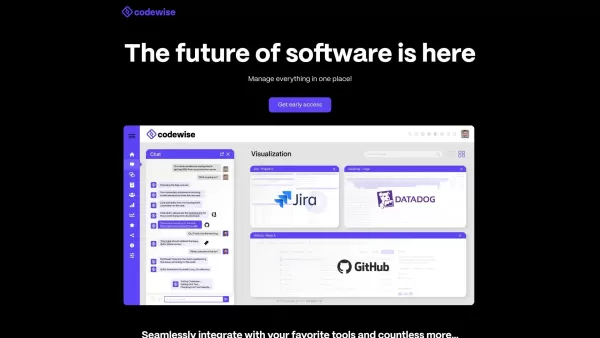
What is Codewise?Codewise AI is an intelligent coding assistant that harnesses artificial intelligence to streamline development workflows. It delivers features such as real-time code completion, automated bug-fixing support, and personalized code re
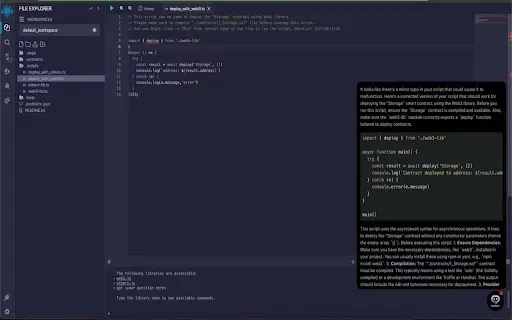
What is MicroGPT?MicroGPT is a powerful Chrome extension designed to elevate your coding workflow. It integrates smoothly with the Remix online IDE, offering real-time debugging, intelligent code completions, and instant documentation access. Powered
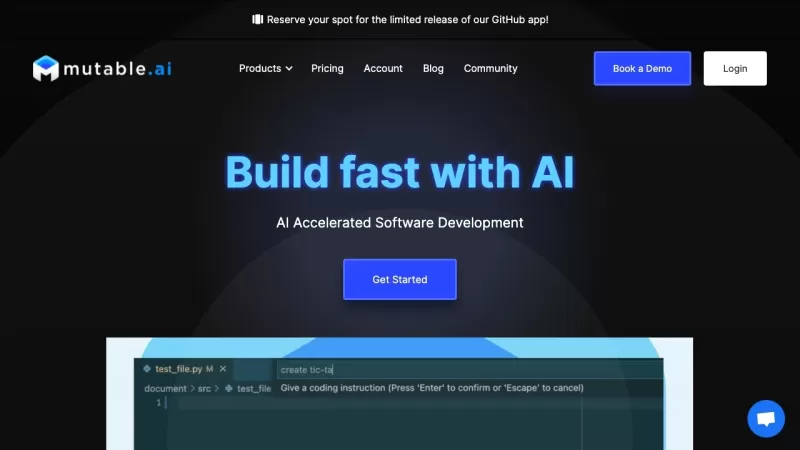
Ever heard of Mutable AI? It's a game-changer for developers looking to streamline their coding process. This nifty platform harnesses the power of AI to help you crank out high-quality code at a faster pace. It's like having a coding buddy who's always o
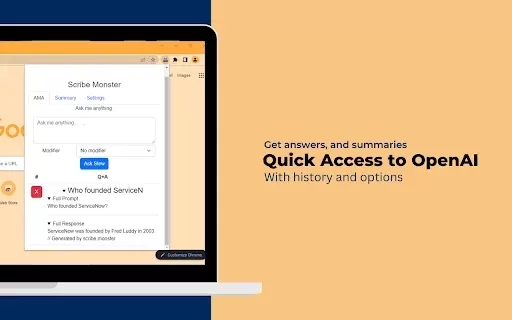
What is ScribeMonster?ScribeMonster is a Chrome extension built for developers seeking to streamline their workflow. By integrating directly into your coding environment, it allows you to generate scripts with OpenAI, edit code, and easily insert JSD
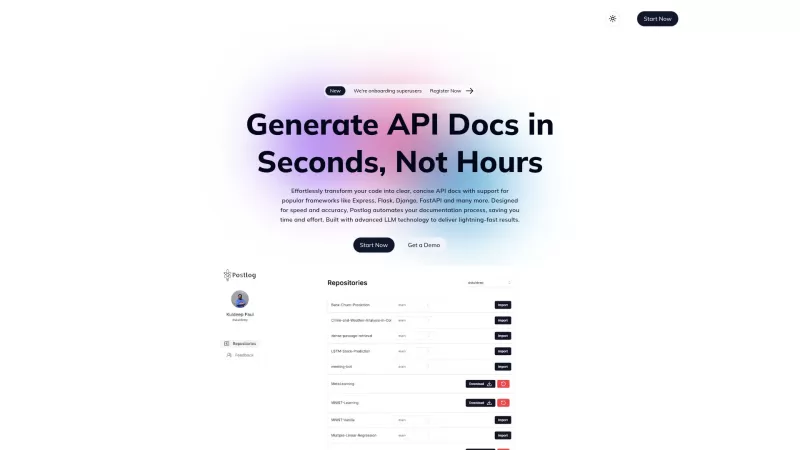
Ever wondered what Postlog is all about? Well, let me tell you—it's a game-changer for anyone dealing with API documentation. Postlog is this nifty tool that uses some seriously advanced LLM technology to whip up clear and concise API docs in no time. We'
Readme AI Product Information
What is Readme AI?
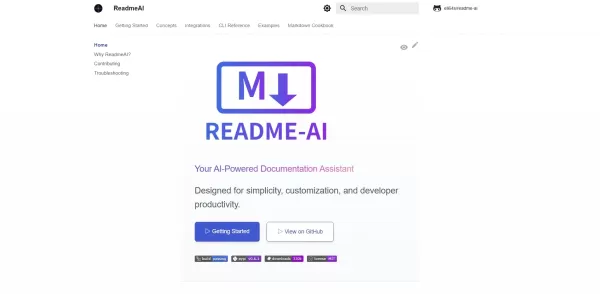
Readme AI is an AI-driven tool that automates the creation of professional README.md files for software projects. It connects to your GitHub repository to intelligently analyze your codebase, dependencies, and project structure. Users can customize the documentation by selecting specific sections—such as introduction, installation, usage, features, license, and badges—and the AI will produce a clear, well-organized README. Once generated, you can preview, edit, and commit the file directly to your repository. This streamlines documentation, saves developers time, ensures consistency, and boosts project visibility.
Who will use Readme AI?
- Software Developers
- Open Source Maintainers
- Project Managers
- Technical Writers
- Startup Teams
How to use Readme AI?
- Step 1: Go to the Readme AI web app and authorize access to your GitHub account.
- Step 2: Select a repository or upload your project files directly.
- Step 3: Pick the README sections you need (e.g., introduction, features, installation, usage, license, badges).
- Step 4: Click ‘Generate’ to let the AI create the draft content.
- Step 5: Review and make any edits to the generated sections.
- Step 6: Export the README.md file or commit it directly back to your repository.
Platform
- Web
Readme AI's Core Features & Benefits
The Core Features
- Automatic project overview generation
- AI-powered feature list creation
- Installation instructions writer
- Usage examples generator
- License section auto-creator
- Badge and dependency detection
The Benefits
- Saves time on documentation
- Ensures a consistent README format
- Improves project discoverability
- Reduces manual writing errors
- Enhances onboarding for new contributors
Readme AI's Main Use Cases & Applications
- Open source project documentation
- README creation for startup and SMB codebases
- Technical bootcamp assignments
- Internal developer tooling and team onboarding
- Client project handovers
Readme AI's Pros & Cons
The Pros
Automates the generation of comprehensive, code-based documentation.
Highly customizable with various styling options, badges, and templates.
Supports multiple AI backends, including OpenAI, Anthropic, Gemini, and Ollama.
Language-agnostic and works with any programming language or framework.
Open-source with an active GitHub repository and community support.
The Cons
No clear pricing details; may lack defined commercial support or licensing terms.
Limited UI examples and detailed interface walkthroughs in the documentation.
No mention of offline functionality or support for fully local AI models.
May rely on external AI services for full feature functionality.
FAQs of Readme AI
What is Readme AI?
Readme AI is a web-based, AI-powered tool that automatically generates detailed README.md files for your software projects.
How does Readme AI work?
It scans your repository’s code and metadata, then uses artificial intelligence to draft sections like the introduction, features, installation steps, usage examples, and license.
Which platforms does Readme AI support?
Readme AI operates as a web application and does not require separate desktop or mobile apps.
Is Readme AI free to use?
Yes, Readme AI is currently open source and free to use via its hosted web platform.
Can I customize generated content?
Absolutely. You can review and edit all AI-generated content before finalizing and exporting or committing it.
Does Readme AI integrate with GitHub?
Yes, it integrates seamlessly with GitHub. You can authorize access for direct README generation from your repositories.
Can I use Readme AI for private repositories?
Yes, you can grant Readme AI permission to access private repositories during the GitHub authorization process.
What languages does Readme AI support?
Currently, Readme AI generates documentation in English. Support for additional languages is on the roadmap.
How secure is my code with Readme AI?
Your code is handled securely; repository data is encrypted in transit and is not stored permanently by the service.
Where can I report issues or request features?
To report bugs or suggest new features, please open an issue on the official Readme AI GitHub repository.
Readme AI Company Information
Readme AI Screenshot


2026 Latest Best Top-rated AI Object Removal Editors for portraits travel product shots! XIX.AI curates a powerful game-changing collection regularly updated with weekly rankings. These tools offer real-world tests to help you quickly remove unwanted elements, boost content quality, and save tons of time without compromising results. Must-try for anyone aiming to unlock their AI creation edge. Explore now!
 10 tools
 xix.ai

2026 Latest Best Top-rated AI Text to Speech Tools for Online Courses are curated by XIX.AI based on rigorous real-world tests and weekly updated rankings. These powerful tools help creators deliver crystal-clear audio content effortlessly, boosting writing efficiency and streamlining course production. Check out the free vs paid comparison to find your perfect fit. Explore now to unlock your AI edge in online education.
10 tools
xix.ai

2026 Latest Best Top-Rated AI Blog Title Tools for Higher Click Through Rates! XIX.AI has carefully curated a powerful, game-changing collection of top tools that go through rigorous real-world tests. You’ll find a free vs paid comparison, weekly updated rankings, and detailed insights to help you boost your blog’s traffic efficiently. Must-try options are highlighted to help you unlock your AI edge. Explore now!
10 tools
xix.ai

2026 Latest Best Top-rated AI Task Routing Tools for Support Workflows! XIX.AI has curated a highly powerful game-changing collection of must-try solutions, all undergoing rigorous real-world tests and updated weekly. These tools streamline workflows, boost productivity, and help teams deliver faster, more efficient support. Explore now to discover your perfect tool and unlock your AI edge!
17 tools
xix.ai

2026 Latest Best Top-Rated AI Citation and Paper Summary Tools Curated by XIX.AI. Get powerful game-changing solutions for quick content creation, improved writing efficiency, and boosting productivity. We offer a free vs paid comparison along with real-world tests and weekly updated rankings to help you find the must-try tool that fits your needs perfectly. Explore now to Unlock your AI edge.
10 tools
xix.ai

2026 Latest Best Top-Rated AI Productivity Tools for Daily Work! XIX.AI has curated a powerful, game-changing selection based on rigorous weekly updated rankings and real-world tests. You’ll find must-try options that boost writing efficiency, streamline content creation, and help you overcome daily work challenges. Get a free vs paid comparison to find the perfect fit for your needs. Explore now to unlock your AI edge!
9 tools
xix.ai


