


 Home
HomeOtter.ai: Record and transcribe meetings



Helps TikTok sellers, brands, MCNs, and TAPs discover winning products and find creators.

HelpLook is an AI-powered all-in-one knowledge base tool that helps businesses quickly build knowledge bases, help centers, and...

Your AI Workspace

302.AI is an enterprise-grade AI resource platform with pay-as-you-go pricing, API access to a full range of AI models, and ready-to-use online applications.

剧火AI — AI Screenwriter + Director, a One-Person Short Drama Studio In one sentence, what is it?
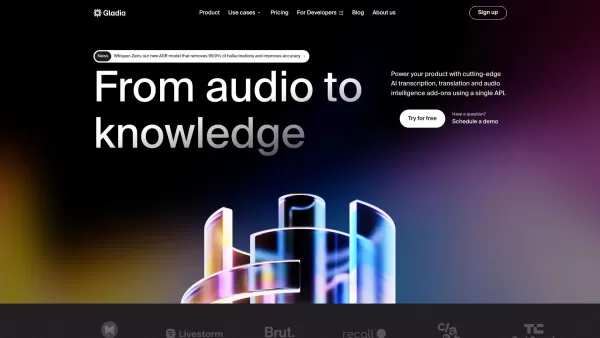
What is Gladia? Gladia offers an AI-driven Speech-to-Text API that delivers transcription, translation, and audio intelligence capabilities. It leverages an enhanced version of OpenAI's Whisper model for fast, precise, and scalable conversion of audi
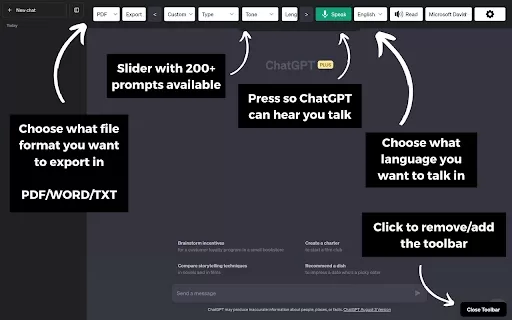
What is the ChatGPT Toolbar Companion Chrome Extension? The ChatGPT Toolbar Companion is a Chrome extension that elevates your ChatGPT interactions. It provides numerous features such as powerful prompts, text-to-speech, speech-to-text, auto-continue
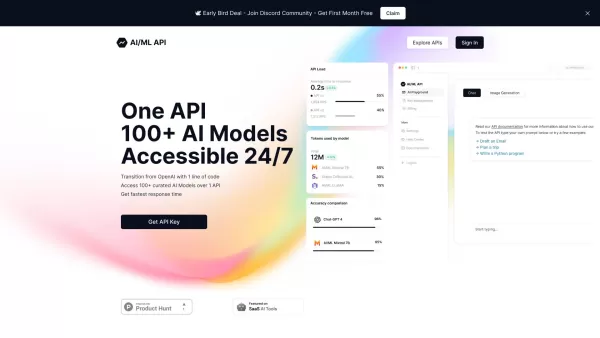
Ever wondered how to streamline your development process with AI? One API is your go-to solution, offering a gateway to over 100 AI models through a single, easy-to-use API. It's like having a Swiss Army knife for AI in your tech toolkit, ensuring you're
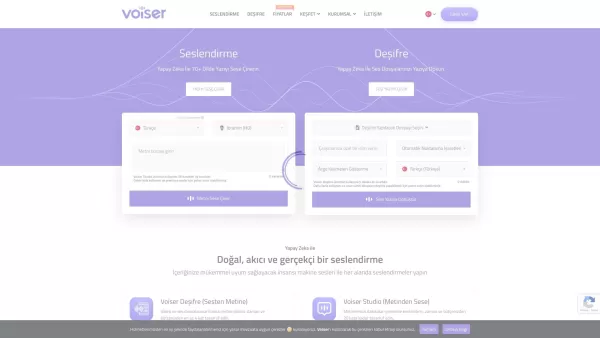
What is Voiser? Voiser is an advanced AI-powered tool that transforms written text into lifelike speech and converts audio files into accurate text. With over 550 voice options across 75+ languages, i
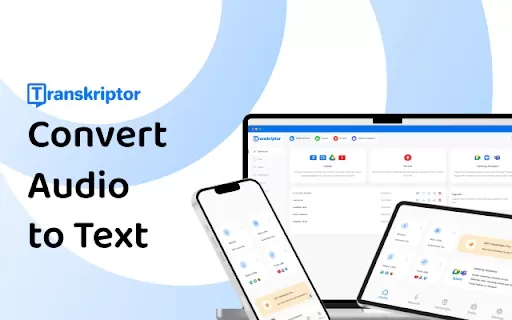
What is the Transkriptor AI Chrome Extension? Transkriptor is a browser extension that uses AI for fast and secure speech-to-text conversion, handling all audio and video formats. It transforms your recordings into written text, with capabilities lik
Otter.ai: Record and transcribe meetings Product Information
What is Otter.ai: Record and transcribe meetings?
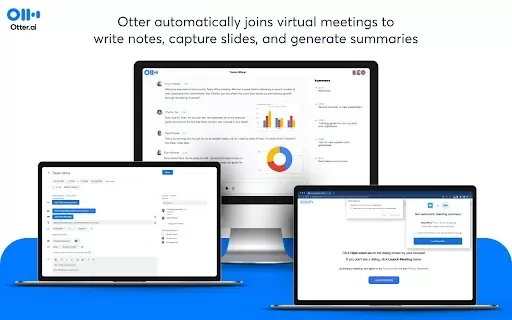
Otter.ai is an innovative platform that records and transcribes meetings, lectures, and conversations in real time. Its advanced AI technology captures spoken words and converts them into accurate text, making it easier to recall and share important information. Designed to boost productivity, it saves time and effort on note-taking. Users can highlight key points, generate summaries, and search transcripts—all from an intuitive interface, making it an essential tool for professionals and teams.
Who will use Otter.ai: Record and transcribe meetings?
- Professionals
- Students
- Educators
- Teams
- Freelancers
How to use the Otter.ai: Record and transcribe meetings?
- Step 1: Install the Otter.ai Chrome extension.
- Step 2: Sign up or log in to your Otter.ai account.
- Step 3: Start a new recording by clicking the microphone icon.
- Step 4: Mute or unmute audio inputs as needed.
- Step 5: Use the live transcription feature during your meeting.
- Step 6: Save and review your transcripts for highlights and summaries.
Platform
- Web
- Chrome
Otter.ai: Record and transcribe meetings's Core Features & Benefits
The Core Features
- Real-time transcription
- Audio recording
- Meeting summaries
- Highlighting key points
- Searchable transcripts
The Benefits
- Saves time on note-taking
- Improves collaboration
- Enhances information retention
- Provides easy access to meeting content
- Facilitates sharing among team members
Otter.ai: Record and transcribe meetings's Main Use Cases & Applications
- Meetings
- Lectures
- Interviews
- Brainstorming sessions
- Webinars
FAQs of Otter.ai: Record and transcribe meetings
What is Otter.ai?
Otter.ai is a platform that records and transcribes meetings and conversations.
Can I edit the transcripts?
Yes, users can edit transcripts to correct any errors.
What formats can the audio be saved in?
Audio can be recorded directly within Otter.ai and saved as text transcripts.
Can I share transcripts with others?
Yes, transcripts can be easily shared with team members via links or exported.
Is Otter.ai secure?
Yes, Otter.ai prioritizes user data security and privacy.
Can Otter.ai integrate with other applications?
Yes, Otter.ai integrates with applications like Zoom and Google Meet.
Does it support multiple languages?
Otter.ai currently supports English and is expanding its language options.
How do I access my transcripts later?
Transcripts are saved in your Otter.ai account and can be accessed anytime through your dashboard.
How accurate is the transcription?
Otter.ai offers high accuracy thanks to its advanced AI technology.
Is Otter.ai free to use?
Otter.ai offers a free version with limited features and paid plans for enhanced functionality.
Otter.ai: Record and transcribe meetings Company Information
- Otter.ai, Inc.
- https://otter.ai
- https://www.facebook.com/GetOtter.ai
- https://twitter.com/otter_ai
- https://www.instagram.com/otter_ai
- https://www.linkedin.com/company/otter-ai
Otter.ai: Record and transcribe meetings Screenshot
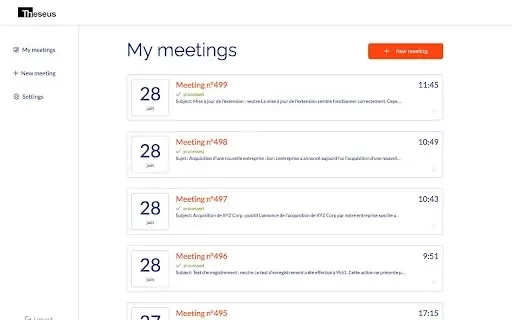
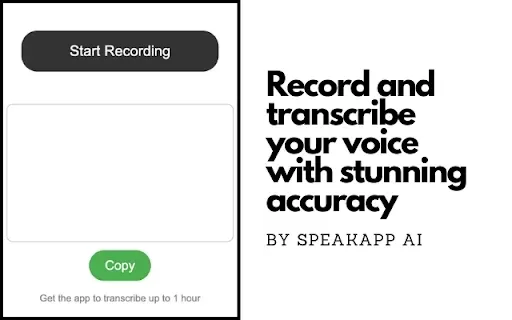

2026 Latest Best Top-rated AI Anomaly Detection Tools for KPI Monitoring in SaaS and Ecommerce teams! XIX.AI has curated a powerful, game-changing collection based on rigorous real-world tests and weekly updated rankings. You’ll find detailed free vs paid comparison insights to help you identify the must-try solution that boosts productivity and unlocks your AI edge. Explore now!
 10 tools
 xix.ai

2026 Latest Best Top-Rated AI Outline Generators for Long-Form SEO Articles, meticulously curated by XIX.AI. These powerful tools offer game-changing assistance in creating high-quality content quickly, boosting writing efficiency significantly. Get a free vs paid comparison along with real-world tests and detailed rankings to help you find the must-try option that suits your needs. Explore now to unlock your AI edge.
8 tools
xix.ai

2026 Latest Best AI Study Tools for Homework and Exam Prep! XIX.AI curates a top-rated list of powerful, game-changing tools that help students boost productivity, streamline homework completion, and ace exams through real-world tests. Get a free vs paid comparison, detailed rankings, and must-try options to unlock your AI edge. Explore now!
10 tools
xix.ai

2026 Latest Best AI Vocal Demo Tools for Songwriters, Hook Creators, and Multi-Language Content Teams! XIX.AI has curated a top-rated list of powerful game-changing tools that go through rigorous real-world tests. You’ll find detailed free vs paid comparison data, comprehensive rankings, and must-try options to help you boost writing efficiency and unlock your creative potential. Explore now to discover your perfect tool for all your content needs!
9 tools
xix.ai

2026 Latest Best Top-rated AI Competitive Research Tools for Small Businesses! XIX.AI has curated a highly powerful game-changing collection, updated weekly with rigorous real-world tests and detailed rankings. You can find a comprehensive free vs paid comparison to help you identify the must-try tools that boost your productivity and give you a competitive edge. Explore now to discover your perfect tool!
9 tools
xix.ai

2026 Latest Best Photoshop AI retouch tools for ecommerce apparel, skin cleanup, and color consistency! This top-rated curated list features powerful game-changing solutions that help you boost writing efficiency, streamline content creation, and achieve perfect visual results effortlessly. Each tool has undergone real-world tests through weekly updated rankings, complete with free vs paid comparison details. Backed by XIX.AI, it’s the must-try guide for anyone aiming to unlock your AI edge. Explore now!
10 tools
xix.ai


