


 Home
HomeO.Translator
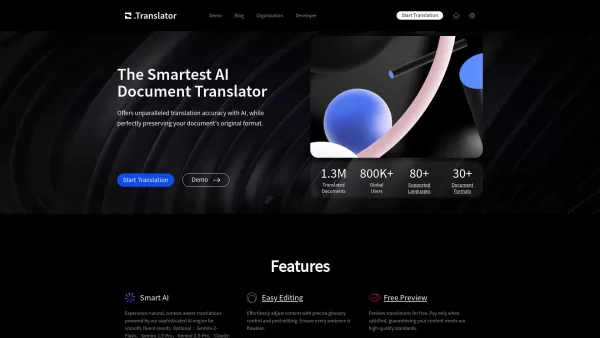
AI Document Translator for Flawless Translations



Helps TikTok sellers, brands, MCNs, and TAPs discover winning products and find creators.

HelpLook is an AI-powered all-in-one knowledge base tool that helps businesses quickly build knowledge bases, help centers, and...

Your AI Workspace

302.AI is an enterprise-grade AI resource platform with pay-as-you-go pricing, API access to a full range of AI models, and ready-to-use online applications.

剧火AI — AI Screenwriter + Director, a One-Person Short Drama Studio In one sentence, what is it?

SalesRobot isn't just another tool in your sales arsenal—it's your new best friend in the world of automated outreach. This cloud-based gem lets you juggle multiple cold outreach campaigns on LinkedIn and through email, all while sipping your morning
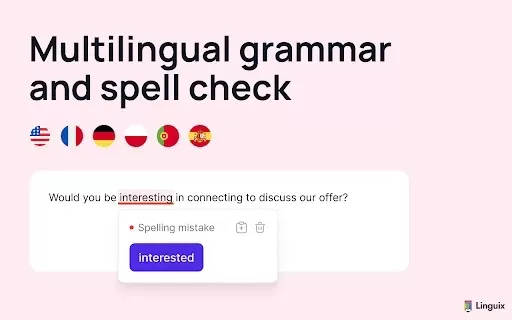
What is Linguix — Grammar Checker and AI Writing App?Linguix is an all-in-one grammar checker and AI-powered writing assistant that elevates your text across websites and applications. It supports multiple languages such as English, French, German, S
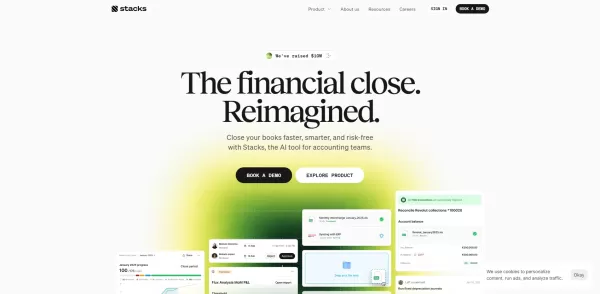
What is Stacks?Stacks is an AI-powered agent designed to orchestrate various productivity tools, automating tasks and boosting work efficiency. It seamlessly connects different applications, enabling users to execute complex workflows smoothly. From
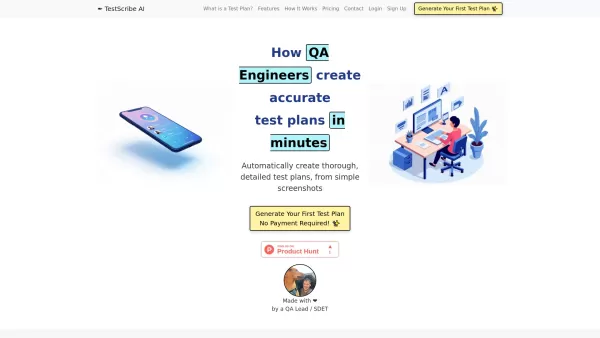
What is TestScribe AI? TestScribe AI revolutionizes software testing by automatically creating comprehensive test plans through artificial intelligence. This cloud-based solution helps testing teams and developers save countless hours on documentatio
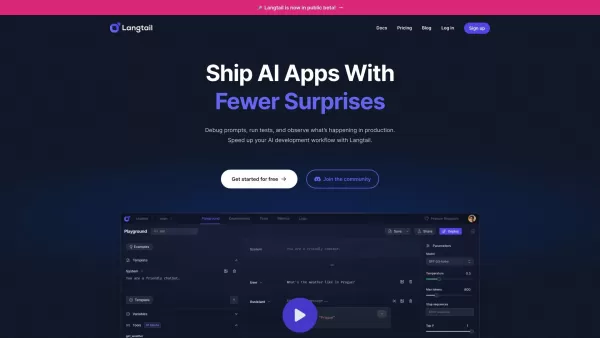
What is Langtail?Langtail is a powerful platform designed to streamline the management of Large Language Model (LLM) prompts, enhancing team collaboration and boosting the efficiency of AI development workflows. It's the go-to tool for developers and
O.Translator Product Information
O.Translator, or Precise AI Document Translator, is a cutting-edge translation platform that harnesses the power of artificial intelligence to deliver spot-on translations. What sets it apart is its ability to keep the original layout of various document types intact—whether you're dealing with PDFs, DOCX, or EPUB files. It's like having a multilingual assistant who not only speaks over 80 languages but also keeps everything looking just right. Plus, you get to peek at the translation for free before deciding to go all in. Privacy? Check. Security? Double-check. O.Translator makes sure your documents are in safe hands throughout the translation journey.
How to Use O.Translator?
Using O.Translator is a breeze. Just upload your document in one of the supported formats, choose the language you want to translate into, and hit submit. You'll get a free sneak peek at the translation, and if it's up to your standards, you can go ahead and finalize your order. Simple, right?
O.Translator's Core Features
AI-Powered Translations
With AI at its core, O.Translator delivers translations that are not just accurate but also contextually relevant. It's like having a pro translator on speed dial.
Supports Multiple Document Formats
From PDFs to DOCX and EPUB, O.Translator handles a variety of document types, making it your go-to tool for all your translation needs.
Privacy Guaranteed
Your documents are your business, and O.Translator treats them with the utmost confidentiality. Rest easy knowing your data is secure.
Free Preview of Translations
Why commit blindly? O.Translator lets you preview the translation for free, so you know exactly what you're getting before you pay a dime.
Collaboration Features for Teams
Working with a team? O.Translator has you covered with features that make collaborating on translated documents a smooth process.
O.Translator's Use Cases
Translating Business Documents for International Clients
Need to impress clients from around the globe? O.Translator helps you translate your business documents accurately, ensuring your message resonates across borders.
Editing Translated Content Directly Within the Platform
Got some tweaks to make? O.Translator allows you to edit the translated content right on the platform, saving you time and hassle.
FAQ from O.Translator
- What document formats and file sizes are supported?
- O.Translator supports a variety of formats like PDFs, DOCX, and EPUB. File size limits vary, so check the platform for specifics.
- Which languages are supported?
- With over 80 languages in its arsenal, O.Translator has you covered for translations across the globe.
- Can scanned PDFs be translated?
- Yes, O.Translator can handle scanned PDFs, turning them into translated documents that retain their original layout.
- How is the translation price calculated?
- The price depends on factors like document length, complexity, and the chosen language pair. O.Translator provides a clear breakdown before you finalize your order.
For more on O.Translator support, including email, customer service, and refund details, visit the contact us page.
Curious about the company behind O.Translator? Find the company name and address on the about us page.
Already a user? Log in to O.Translator via the login link.
New to O.Translator? Sign up and start translating with ease using the sign up link.
O.Translator Screenshot


2026 Latest Best Top-rated AI Object Removal Editors for portraits travel product shots! XIX.AI curates a powerful game-changing collection regularly updated with weekly rankings. These tools offer real-world tests to help you quickly remove unwanted elements, boost content quality, and save tons of time without compromising results. Must-try for anyone aiming to unlock their AI creation edge. Explore now!
 10 tools
 xix.ai

2026 Latest Best Top-rated AI Text to Speech Tools for Online Courses are curated by XIX.AI based on rigorous real-world tests and weekly updated rankings. These powerful tools help creators deliver crystal-clear audio content effortlessly, boosting writing efficiency and streamlining course production. Check out the free vs paid comparison to find your perfect fit. Explore now to unlock your AI edge in online education.
10 tools
xix.ai

2026 Latest Best Top-Rated AI Blog Title Tools for Higher Click Through Rates! XIX.AI has carefully curated a powerful, game-changing collection of top tools that go through rigorous real-world tests. You’ll find a free vs paid comparison, weekly updated rankings, and detailed insights to help you boost your blog’s traffic efficiently. Must-try options are highlighted to help you unlock your AI edge. Explore now!
10 tools
xix.ai

2026 Latest Best Top-rated AI Task Routing Tools for Support Workflows! XIX.AI has curated a highly powerful game-changing collection of must-try solutions, all undergoing rigorous real-world tests and updated weekly. These tools streamline workflows, boost productivity, and help teams deliver faster, more efficient support. Explore now to discover your perfect tool and unlock your AI edge!
17 tools
xix.ai

2026 Latest Best Top-Rated AI Citation and Paper Summary Tools Curated by XIX.AI. Get powerful game-changing solutions for quick content creation, improved writing efficiency, and boosting productivity. We offer a free vs paid comparison along with real-world tests and weekly updated rankings to help you find the must-try tool that fits your needs perfectly. Explore now to Unlock your AI edge.
10 tools
xix.ai

2026 Latest Best Top-Rated AI Productivity Tools for Daily Work! XIX.AI has curated a powerful, game-changing selection based on rigorous weekly updated rankings and real-world tests. You’ll find must-try options that boost writing efficiency, streamline content creation, and help you overcome daily work challenges. Get a free vs paid comparison to find the perfect fit for your needs. Explore now to unlock your AI edge!
9 tools
xix.ai


Just tried O.Translator for a client report, and the layout preservation is a game-changer! No more reformatting nightmares. The AI seems pretty accurate so far, though I'm still double-checking technical terms. Hoping it stays reliable for larger projects! 😅
O.Translator me sorprendió al mantener el formato original de mi documento PDF traducido. La IA capturó matices que otros traductores pasaron por alto, aunque a veces se excede con términos técnicos. ¡Una herramienta útil para trabajos internacionales! 🌍📄
O.Translator is like magic for documents! It translated my file super fast while keeping the format intact. Amazing feature! One tiny thing though - maybe more language options would be cool. 😊
この翻訳ツールは驚くほど正確で、レイアウトもそのまま維持されていてとても便利です!でも、もう少し専門的な単語にも対応してもらえたら完璧かもね🌟
¡Este traductor es increíble! Mantiene el formato de los documentos y traduce muy rápido. ¡Me encanta! Lo único es que algunas frases se sienten un poco forzadas. 😅


