


 Home
HomeOpenCat
OpenCat: Chat with Your API Keys



Helps TikTok sellers, brands, MCNs, and TAPs discover winning products and find creators.

HelpLook is an AI-powered all-in-one knowledge base tool that helps businesses quickly build knowledge bases, help centers, and...

Your AI Workspace

302.AI is an enterprise-grade AI resource platform with pay-as-you-go pricing, API access to a full range of AI models, and ready-to-use online applications.

剧火AI — AI Screenwriter + Director, a One-Person Short Drama Studio In one sentence, what is it?

Ever wondered what the buzz about Gemini is all about? Let me break it down for you. Gemini is this cool generative AI chatbot, crafted by the brains at Google DeepMind. It's like having a super-smart friend who's been around the internet block, soaking u

Ever wondered what it's like to dive into your wildest fantasies and roleplay scenarios without leaving your room? Well, Kink AI might just be the ticket you're looking for. This isn't your average chatbot; it's an early access platform designed to push t
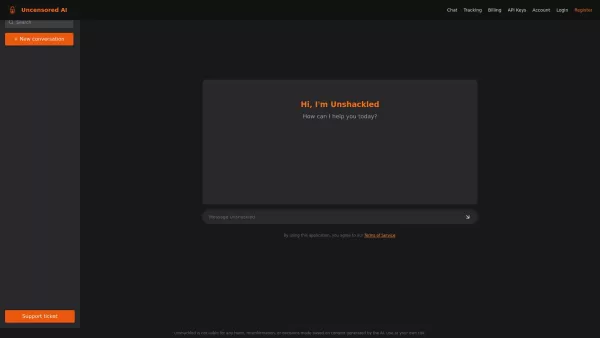
What is Unshackled AI? Unshackled Chat is an AI-driven chatbot enabling free, uncensored conversations. It offers a platform for unrestricted AI interaction, prioritizing open expression. Available mo
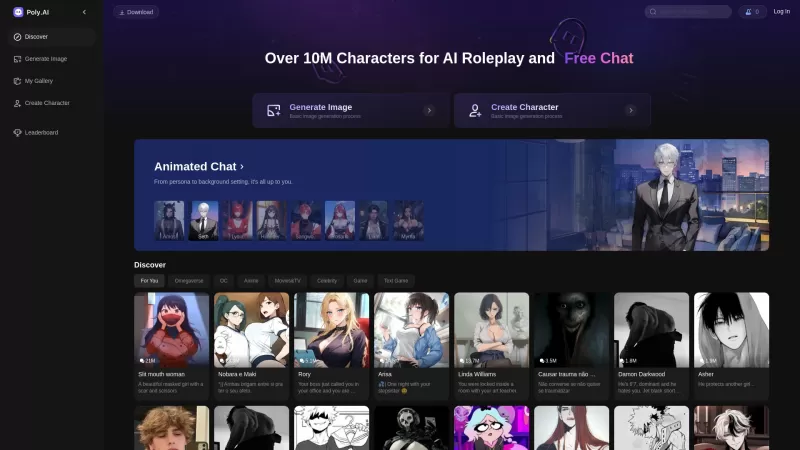
Poly AI is a dynamic platform that's redefining how we interact with artificial intelligence. Imagine diving into a world where you can chat with over 10 million characters, roleplay without limits, and even create your own AI companions. It's like steppi
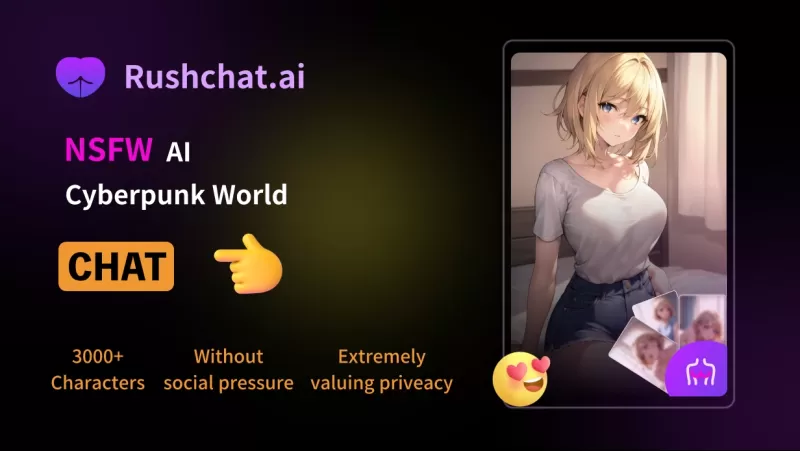
RushChat.AI is a unique platform that caters to those who seek deep, emotionally intense conversations with AI characters. It's all about letting go of any filters and diving into unrestricted dialogues that can take you on quite the emotional journey. Wh
OpenCat Product Information
What is OpenCat?
OpenCat is a native AI client for OpenAI and ChatGPT, delivering a seamless and efficient chat experience on iPhones, Macs, and iPads. It works with your own API keys and requires no login. The app features quick response times, a built-in prompt library, and cross-device sync to enhance your interaction with AI. Its intuitive design is built for a superior user experience.
Who will use OpenCat?
- Students
- Professionals
- AI Enthusiasts
- Developers
How to use OpenCat?
- Step 1: Download and install OpenCat from the App Store.
- Step 2: Launch the app and create an account or log in.
- Step 3: Configure your settings and add your API keys.
- Step 4: Explore the prompt library and customize your chat preferences.
- Step 5: Start interacting with AI models seamlessly.
Platform
- macOS
- iOS
OpenCat's Core Features & Benefits
The Core Features
- Fast response times
- Prompt library
- Cross-device synchronization
- Customizable settings
The Benefits
- Smoother chat experience
- Enhanced productivity
- No browser required
- Use your own secure API keys
OpenCat's Main Use Cases & Applications
- Educational assistance
- Professional task management
- AI research and development
- Personal productivity
OpenCat's Pros & Cons
The Pros
Supports multiple AI models for diverse conversational experiences.
Seamlessly integrates with iOS/macOS features like Siri and iCloud.
Offers multiple interaction modes, including voice, text, and images.
A free tier is available with many features, plus a flexible Pro subscription.
Prompt library and Markdown support boost usability.
The Cons
Not explicitly open-source.
Lacks support for Android and Windows platforms.
Limited information on community or developer support.
No visible GitHub repository for transparency or contributions.
Pricing details require a website visit; could be clearer in-app.
OpenCat's Pricing
Has free plan | YES |
|---|---|
Free trial details | 3-day free trial for Cloud AI |
Pricing model | Freemium |
Is credit card required | No |
Paid from | 2.99 USD |
Has lifetime plan | YES |
Billing frequency | Monthly |
Details of Pricing Plan
Free
Free
- Prompt Library
- Markdown Rendering
- Multiple AI Models
- Various extra features
OpenCat Pro
9.99 USD
- Keyboard Extension
- iCloud Sync
- Siri Integration
- Text to Speech
- Join Team
- Additional Pro features
Cloud AI
2.99 USD
- GPT Access – Fast, Multiple Models
- Voice Chat – Talk naturally
- Vision Chat – Discuss images
- Text to Image – Create images from prompts
- Keyboard Input – Use AI in all apps
- Integrations – Siri, Shortcuts
Discount:
Save 44% on Cloud AI (now $2.99, originally $19.99)
For the latest pricing, visit: https://opencat.app
FAQs of OpenCat
What is OpenCat?
OpenCat is a native AI client for OpenAI/ChatGPT, built specifically for iOS, macOS, and iPadOS devices.
How do I download OpenCat?
You can download OpenCat from the App Store on your iPhone, iPad, or Mac.
Do I need to log in to use OpenCat?
No, OpenCat lets you use your own API keys without requiring a login.
What platforms does OpenCat support?
OpenCat supports iOS, macOS, and iPadOS devices.
Can I use my own API keys with OpenCat?
Yes, you can use your own API keys with OpenCat.
Is there cross-device synchronization available?
Yes, OpenCat provides cross-device sync for a seamless experience.
What features does OpenCat offer?
OpenCat offers fast responses, a prompt library, customizable settings, and cross-device sync.
Who can benefit from using OpenCat?
Students, professionals, AI enthusiasts, and developers can all benefit from OpenCat.
Does OpenCat require an internet connection?
Yes, an internet connection is required to interact with AI models through OpenCat.
Is OpenCat free to use?
Please check the App Store for the most current pricing information for OpenCat.
OpenCat Company Information
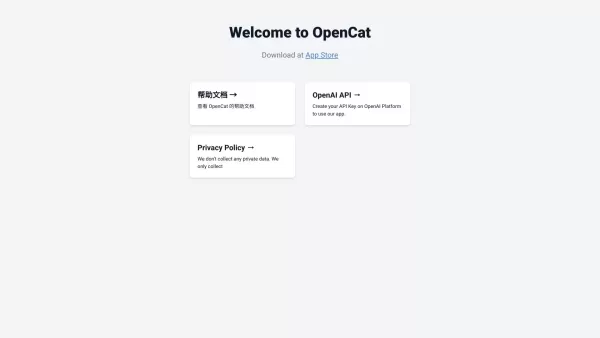
OpenCat Screenshot

2026 Latest Best Top-rated AI Object Removal Editors for portraits travel product shots! XIX.AI curates a powerful game-changing collection regularly updated with weekly rankings. These tools offer real-world tests to help you quickly remove unwanted elements, boost content quality, and save tons of time without compromising results. Must-try for anyone aiming to unlock their AI creation edge. Explore now!
 10 tools
 xix.ai

2026 Latest Best Top-rated AI Text to Speech Tools for Online Courses are curated by XIX.AI based on rigorous real-world tests and weekly updated rankings. These powerful tools help creators deliver crystal-clear audio content effortlessly, boosting writing efficiency and streamlining course production. Check out the free vs paid comparison to find your perfect fit. Explore now to unlock your AI edge in online education.
10 tools
xix.ai

2026 Latest Best Top-Rated AI Blog Title Tools for Higher Click Through Rates! XIX.AI has carefully curated a powerful, game-changing collection of top tools that go through rigorous real-world tests. You’ll find a free vs paid comparison, weekly updated rankings, and detailed insights to help you boost your blog’s traffic efficiently. Must-try options are highlighted to help you unlock your AI edge. Explore now!
10 tools
xix.ai

2026 Latest Best Top-rated AI Task Routing Tools for Support Workflows! XIX.AI has curated a highly powerful game-changing collection of must-try solutions, all undergoing rigorous real-world tests and updated weekly. These tools streamline workflows, boost productivity, and help teams deliver faster, more efficient support. Explore now to discover your perfect tool and unlock your AI edge!
17 tools
xix.ai

2026 Latest Best Top-Rated AI Citation and Paper Summary Tools Curated by XIX.AI. Get powerful game-changing solutions for quick content creation, improved writing efficiency, and boosting productivity. We offer a free vs paid comparison along with real-world tests and weekly updated rankings to help you find the must-try tool that fits your needs perfectly. Explore now to Unlock your AI edge.
10 tools
xix.ai

2026 Latest Best Top-Rated AI Productivity Tools for Daily Work! XIX.AI has curated a powerful, game-changing selection based on rigorous weekly updated rankings and real-world tests. You’ll find must-try options that boost writing efficiency, streamline content creation, and help you overcome daily work challenges. Get a free vs paid comparison to find the perfect fit for your needs. Explore now to unlock your AI edge!
9 tools
xix.ai


