


 Home
HomeKling 2.6 AI
AI Physics Video Generator with Audio



Helps TikTok sellers, brands, MCNs, and TAPs discover winning products and find creators.

HelpLook is an AI-powered all-in-one knowledge base tool that helps businesses quickly build knowledge bases, help centers, and...

Your AI Workspace

302.AI is an enterprise-grade AI resource platform with pay-as-you-go pricing, API access to a full range of AI models, and ready-to-use online applications.

剧火AI — AI Screenwriter + Director, a One-Person Short Drama Studio In one sentence, what is it?

What is AIShowX?AIShowX represents the next generation of creative tools - a comprehensive online platform powered by artificial intelligence that empowers anyone to produce professional-quality videos, images, and audio content with remarkable ease.
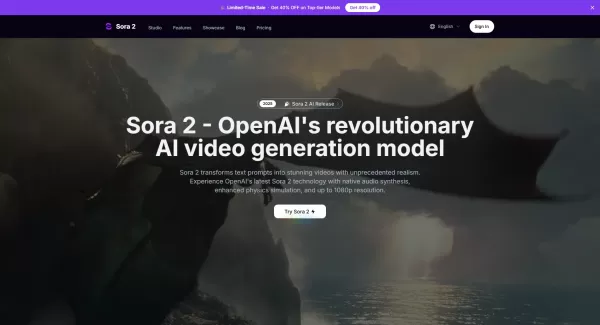
What is Sora 2 Video Generator?Sora 2 is an advanced AI video generation service built on OpenAI's Sora 2 model. It transforms text prompts and optional reference images into realistic short videos, typically lasting up to 20 seconds. Key features in
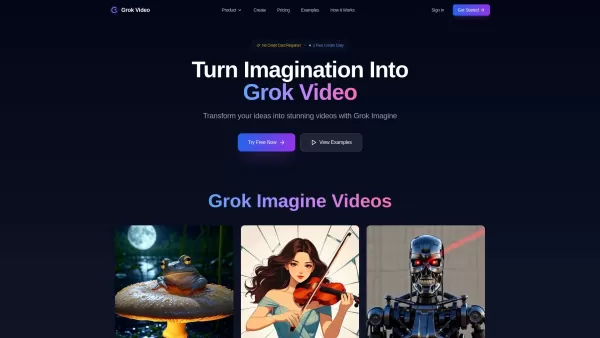
What is Grok Video AI? Grok Video AI revolutionizes content creation by transforming simple inputs into professional-quality videos. This cutting-edge platform leverages artificial intelligence to convert text descriptions and static images into dyn
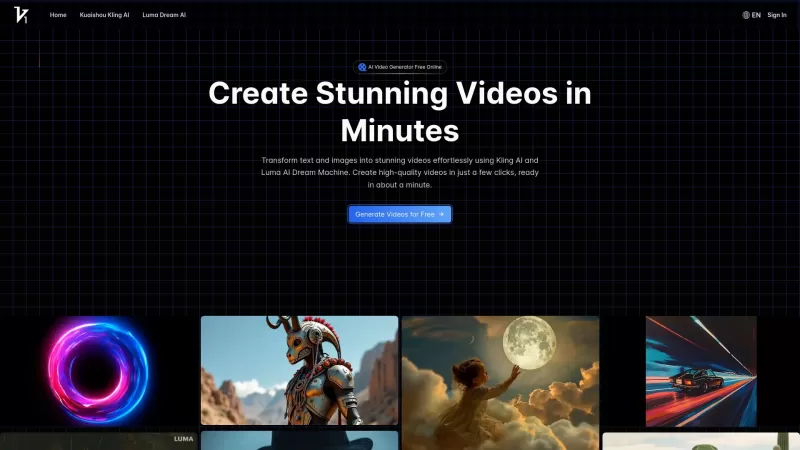
Vidful.ai is a game-changer for anyone looking to create engaging videos without breaking a sweat. This AI-powered platform is like your personal video wizard, turning your text and images into dynamic, professional-looking videos in no time. Whether you'
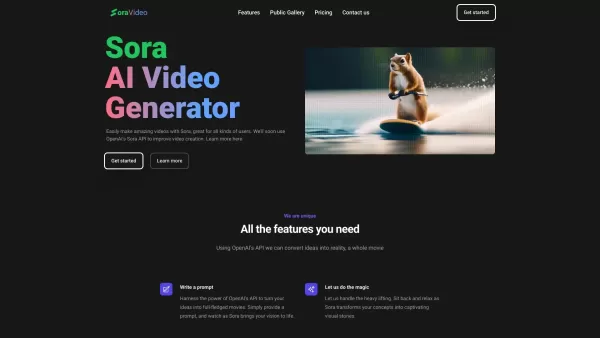
Ever wondered what Sora Video AI is all about? It's like having a magic wand for video creation! This tool, powered by OpenAI's official Sora technology, transforms your text into stunning videos with just a few clicks. Whether you're a creator, marketer,
Kling 2.6 AI Product Information
What is Kling 2.6 AI?
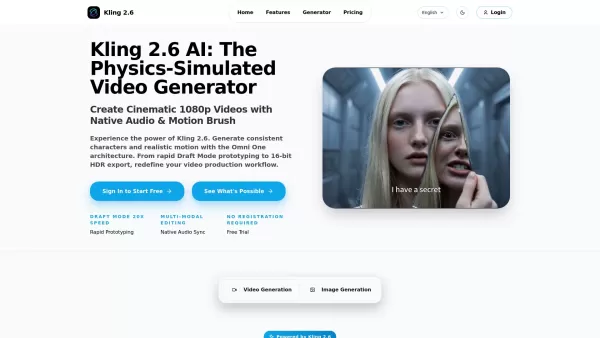
Kling 2.6 AI is a sophisticated video generation tool built on the Omni One architecture. It is engineered to produce professional, cinematic videos featuring integrated audio, 1080p resolution, and precise motion control. Its defining feature is a physics-simulated engine that guarantees natural movement, character consistency, and accurate text display. The platform facilitates quick idea testing via 'Draft Mode' and delivers high-quality 16-bit HDR exports with EXR support for professional editing. Additionally, its Multi-Modal Editing feature lets users revise videos using text or image prompts, while its native audio generation syncs sound effects and music to the on-screen action.
How to use Kling 2.6 AI?
Start by describing your idea and choosing a mode: 'Draft Mode' for quick testing or 'Pro Mode' for top quality. Then, configure camera settings such as aspect ratio, zoom, pan, and tilt, and pick a visual style. Generate your initial clips, and use Multi-Modal Editing to fine-tune them—replace elements, adjust details, or add synchronized audio. Finally, export your video in native 1080p, with the option for 16-bit EXR sequences for professional post-production.
Kling 2.6 AI's Core Features
Physics-Simulated Video Generation (Omni One architecture)
Native Audio Synchronization
1080p & 16-bit HDR Video Export
Consistent Characters & Precise Motion Control
Multi-Modal Editing
Rapid Prototyping with Draft Mode
Kling 2.6 AI's Use Cases
Crafting compelling cinematic visuals for marketing and advertising that drive engagement.
Generating professional product visuals with studio-quality lighting effects.
Enhancing VFX pipelines for production studios, offering EXR export and granular camera control.
Building cohesive brand campaigns for agencies by seamlessly swapping products and creating custom audio.
Storytelling and developing brand mascots with reliably consistent characters across multiple video segments.
FAQ from Kling 2.6 AI
What makes Kling 2.6 unique?
It is the first AI video platform with an integrated physics simulation engine (Omni One). This ensures objects follow real-world principles like gravity and collision, resulting in authentic motion free from distortions or artifacts.
Can I use it for professional VFX?
Yes. The tool supports 16-bit HDR and EXR export, providing the dynamic range and quality required for advanced color grading and compositing in professional pipelines.
How many credits does one video cost?
A standard video generation costs 10 credits. Draft Mode consumes far fewer credits, enabling cost-effective rapid prototyping. Higher-fidelity 1080p videos or longer durations may range from 10 to 30 credits based on your settings.
Kling 2.6 AI Support Email & Customer service contact & Refund contact etc.
For more ways to get in touch, please visit the contact us page().
Kling 2.6 AI Company
Kling 2.6 AI Company name: .
Kling 2.6 AI Company address: .
To learn more about Kling 2.6 AI, visit the about us page().
Kling 2.6 AI Login
Kling 2.6 AI Login Link:
Kling 2.6 AI Sign up
Kling 2.6 AI Sign up Link:
Kling 2.6 AI Pricing
Kling 2.6 AI Pricing Link: https://kling26.net/pricing
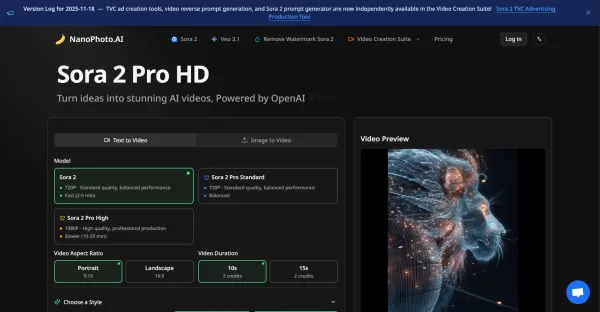
Kling 2.6 AI Screenshot

2026 Latest Best Top-rated AI Text to Speech Tools for Online Courses are curated by XIX.AI based on rigorous real-world tests and weekly updated rankings. These powerful tools help creators deliver crystal-clear audio content effortlessly, boosting writing efficiency and streamlining course production. Check out the free vs paid comparison to find your perfect fit. Explore now to unlock your AI edge in online education.
 10 tools
 xix.ai

2026 Latest Best Top-Rated AI Blog Title Tools for Higher Click Through Rates! XIX.AI has carefully curated a powerful, game-changing collection of top tools that go through rigorous real-world tests. You’ll find a free vs paid comparison, weekly updated rankings, and detailed insights to help you boost your blog’s traffic efficiently. Must-try options are highlighted to help you unlock your AI edge. Explore now!
10 tools
xix.ai

2026 Latest Best Top-rated AI Task Routing Tools for Support Workflows! XIX.AI has curated a highly powerful game-changing collection of must-try solutions, all undergoing rigorous real-world tests and updated weekly. These tools streamline workflows, boost productivity, and help teams deliver faster, more efficient support. Explore now to discover your perfect tool and unlock your AI edge!
17 tools
xix.ai

2026 Latest Best Top-Rated AI Citation and Paper Summary Tools Curated by XIX.AI. Get powerful game-changing solutions for quick content creation, improved writing efficiency, and boosting productivity. We offer a free vs paid comparison along with real-world tests and weekly updated rankings to help you find the must-try tool that fits your needs perfectly. Explore now to Unlock your AI edge.
10 tools
xix.ai

2026 Latest Best Top-Rated AI Productivity Tools for Daily Work! XIX.AI has curated a powerful, game-changing selection based on rigorous weekly updated rankings and real-world tests. You’ll find must-try options that boost writing efficiency, streamline content creation, and help you overcome daily work challenges. Get a free vs paid comparison to find the perfect fit for your needs. Explore now to unlock your AI edge!
9 tools
xix.ai

2026 Latest Best Top-Rated AI Systematic Review Tools for Research Screening are here on XIX.AI! This curated collection includes powerful, game-changing solutions that go through rigorous real-world tests to deliver accurate results. We also offer a free vs paid comparison along with weekly updated rankings to help you find the must-try option that boosts your research efficiency significantly. Explore now to unlock your AI edge in academic work!
11 tools
xix.ai


