


 Home
HomeKive - Chrome Extension



Helps TikTok sellers, brands, MCNs, and TAPs discover winning products and find creators.

HelpLook is an AI-powered all-in-one knowledge base tool that helps businesses quickly build knowledge bases, help centers, and...

Your AI Workspace

302.AI is an enterprise-grade AI resource platform with pay-as-you-go pricing, API access to a full range of AI models, and ready-to-use online applications.

剧火AI — AI Screenwriter + Director, a One-Person Short Drama Studio In one sentence, what is it?
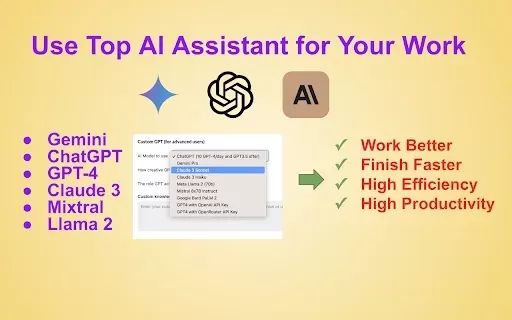
What is WorkGPT?WorkGPT is a comprehensive AI assistant built to optimize your daily tasks. By harnessing top AI models like ChatGPT, GPT-4, Gemini, and Claude, it delivers tailored support within Google Docs™, Slides™, Gmail™, and other apps. From c
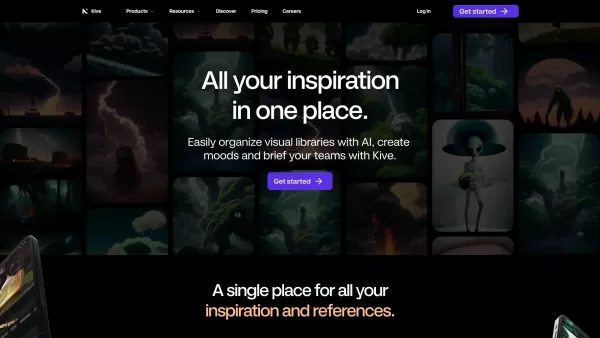
Ever found yourself drowning in a sea of visual assets, struggling to keep your creative work on track? That's where Kive swoops in to save the day! This AI-powered platform is a game-changer for creatives and teams, helping them manage their visual treas
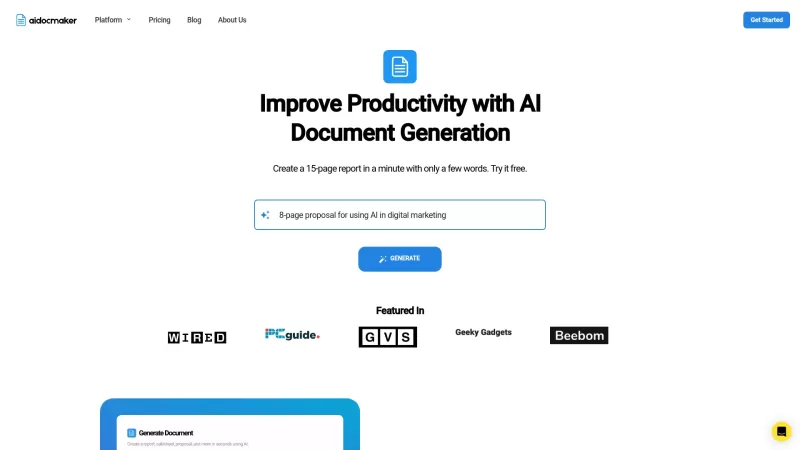
If you've ever found yourself staring at a blank document, wondering how you'll ever get it done, Aidocmaker.com might just be your new best friend. This AI-powered platform is like having a super-smart assistant at your fingertips, ready to help you gene

What is ArchitectAI?ArchitectAI is an innovative AI solution built for architects, interior designers, and landscape designers. It converts photos and sketches into contemporary design themes, delivering lifelike visualizations, automated styling, an
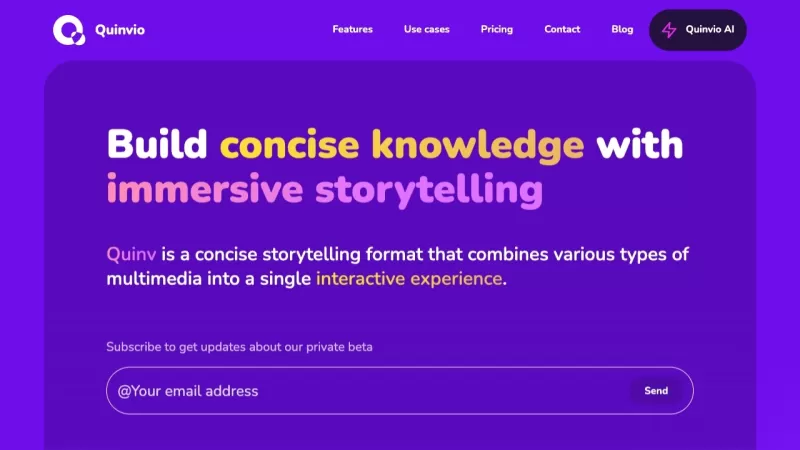
Ever found yourself stuck trying to create a slick presentation? Enter Quinvio, your new best friend in the world of slide decks and pitches. This isn't just any tool; it's an AI-powered wonder that transforms your ideas into professional presentations in
Kive - Chrome Extension Product Information
What is the Kive AI Chrome Extension?
Kive is an intelligent asset platform built for creators to gather all their creative references and assets in a single location. It uses AI-powered tagging, automatic sorting, and robust search tools to organize your content. The platform also supports team collaboration and helps users build visually engaging board presentations to share ideas clearly.
How to Use the Kive AI Chrome Extension
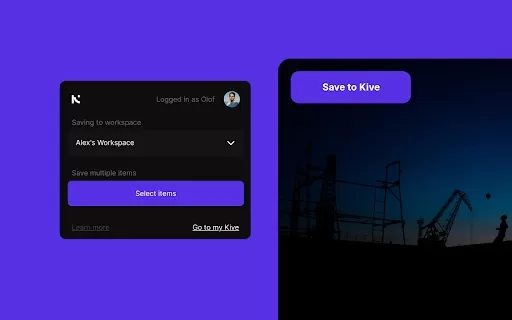
With the Save to Kive browser extension, you can save images and online content straight into your Kive workspace. Click the Save to Kive button on any image or right-click to access the option from the context menu. You can also use the Kive button in your browser to capture every image on a webpage. Inside Kive, you have the ability to create custom boards for organizing your creative ideas and share presentations with teammates and clients.
Kive AI Chrome Extension's Core Features
AI-driven tagging and organization
Automatic sorting into boards
Advanced search capabilities
Tools for team collaboration
Custom board presentation building
Kive AI Chrome Extension's Use Cases
Gathering visual research and inspiration
Managing creative assets for projects
Working with teams on design projects
Developing presentations for clients and stakeholders
FAQ from Kive
How do I save content to Kive?
How does Kive organize my saved content?
Can I create my own boards in Kive?
Kive - Chrome Extension Screenshot


2026 Latest Best Manga AI Background Generators Ranked Top-Rated! This curated collection showcases powerful game-changing tools perfect for creating high-quality chapter backgrounds, book covers, and promotional art. Every option has undergone rigorous real-world tests to ensure reliability. Get a free vs paid comparison along with detailed insights. Explore now to discover your perfect tool and unlock your AI edge in manga creation.
 6 tools
 xix.ai

2026 Latest Best Top-rated AI Object Removal Editors for portraits travel product shots! XIX.AI curates a powerful game-changing collection regularly updated with weekly rankings. These tools offer real-world tests to help you quickly remove unwanted elements, boost content quality, and save tons of time without compromising results. Must-try for anyone aiming to unlock their AI creation edge. Explore now!
10 tools
xix.ai

2026 Latest Best Top-rated AI Text to Speech Tools for Online Courses are curated by XIX.AI based on rigorous real-world tests and weekly updated rankings. These powerful tools help creators deliver crystal-clear audio content effortlessly, boosting writing efficiency and streamlining course production. Check out the free vs paid comparison to find your perfect fit. Explore now to unlock your AI edge in online education.
10 tools
xix.ai

2026 Latest Best Top-Rated AI Blog Title Tools for Higher Click Through Rates! XIX.AI has carefully curated a powerful, game-changing collection of top tools that go through rigorous real-world tests. You’ll find a free vs paid comparison, weekly updated rankings, and detailed insights to help you boost your blog’s traffic efficiently. Must-try options are highlighted to help you unlock your AI edge. Explore now!
10 tools
xix.ai

2026 Latest Best Top-rated AI Task Routing Tools for Support Workflows! XIX.AI has curated a highly powerful game-changing collection of must-try solutions, all undergoing rigorous real-world tests and updated weekly. These tools streamline workflows, boost productivity, and help teams deliver faster, more efficient support. Explore now to discover your perfect tool and unlock your AI edge!
17 tools
xix.ai

2026 Latest Best Top-Rated AI Citation and Paper Summary Tools Curated by XIX.AI. Get powerful game-changing solutions for quick content creation, improved writing efficiency, and boosting productivity. We offer a free vs paid comparison along with real-world tests and weekly updated rankings to help you find the must-try tool that fits your needs perfectly. Explore now to Unlock your AI edge.
10 tools
xix.ai


