


 Home
HomeJotMe
Multilingual Meeting Notes Platform



Helps TikTok sellers, brands, MCNs, and TAPs discover winning products and find creators.

HelpLook is an AI-powered all-in-one knowledge base tool that helps businesses quickly build knowledge bases, help centers, and...

Your AI Workspace

302.AI is an enterprise-grade AI resource platform with pay-as-you-go pricing, API access to a full range of AI models, and ready-to-use online applications.

剧火AI — AI Screenwriter + Director, a One-Person Short Drama Studio In one sentence, what is it?

What is Speech Translator?Speech Translator leverages Google's advanced speech recognition to deliver real-time translation for videos, audio, and live streams. This tool bridges language gaps, enabling seamless conversations and fostering clearer un
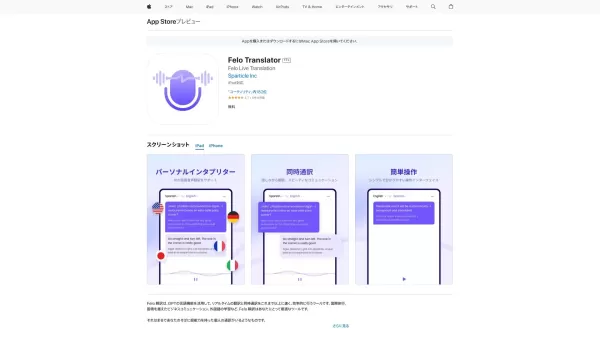
Ever found yourself in a situation where language barriers felt like towering walls? Enter Global Translator, your go-to platform that's tearing down those walls and building bridges across cultures. With its real-time translation, you can connect wi
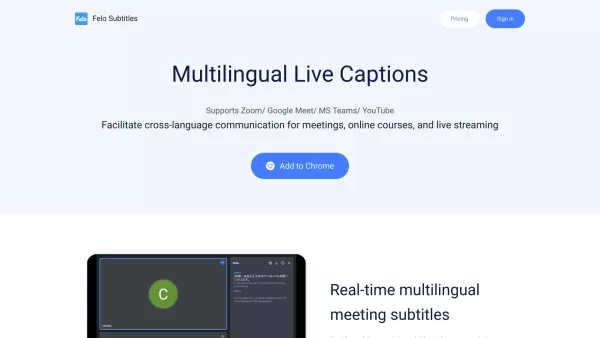
What is Felo Subtitles? Felo Subtitles is a real-time translation tool that fosters effortless multilingual communication.How to use Felo Subtitles? To use Felo Subtitles, install the Chrome extension
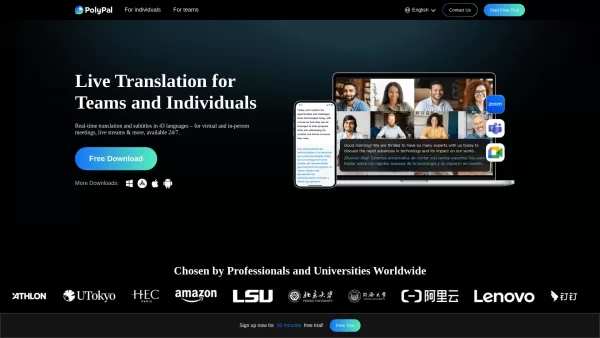
Ever found yourself in a meeting or a conference where language barriers feel like an insurmountable wall? Enter PolyPal, your new best friend for breaking down those communication barriers. It's not just any translation tool; it's a live translation
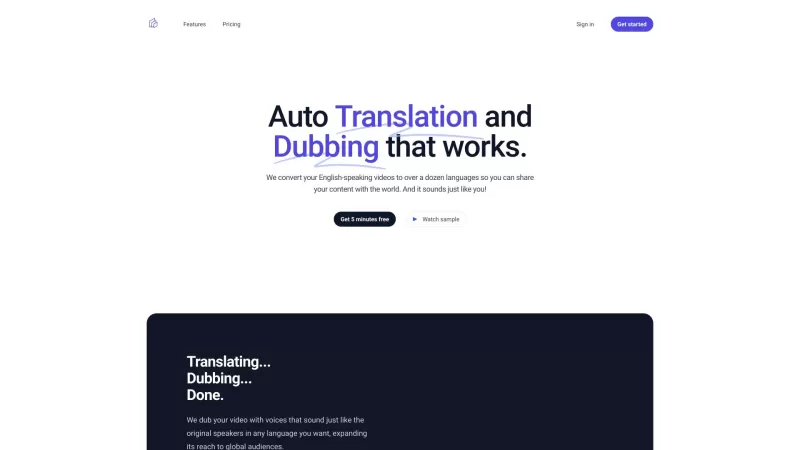
Ever wondered how to make your English-speaking videos resonate with audiences worldwide? That's where Auto Translation and Dubbing comes in—transforming your content into over a dozen languages, making it sound like it's coming straight from you!How to U
JotMe Product Information
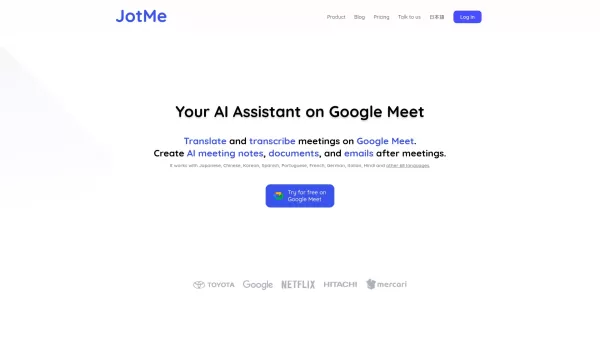
Ever found yourself in a meeting, nodding along but not understanding a word because of the language barrier? Enter JotMe, your new best friend for multilingual communication. This AI-powered platform is here to break down those language walls with real-time translation for a whopping 77 languages. But that's not all—JotMe also offers meeting notes in 10 different languages, making sure everyone's on the same page, no matter where they're from.
How to Use JotMe?
Getting started with JotMe is a breeze. Just hook it up with Google Meet, and watch it work its magic. It'll translate and transcribe your meetings automatically, so you can focus on the discussion rather than the language. Plus, you can dive into AI-generated meeting notes and even whip up drafts of documents or emails based on the meeting's content. Pretty cool, right?
JotMe's Core Features
Real-time Translation of 77 Languages
With JotMe, you're not limited by language. It translates everything in real-time, ensuring you catch every word, no matter where it's coming from.
Meeting Notes in 10 Languages
After the meeting, JotMe provides detailed notes in 10 languages. It's like having a personal translator and note-taker rolled into one!
AI-Generated Meeting Summaries
Don't have time to go through hours of meeting recordings? JotMe's AI summarizes everything for you, so you can quickly get up to speed.
Draft Documents & Emails Post-Meeting
Need to follow up on the meeting? JotMe can generate drafts for documents and emails, saving you time and effort.
JotMe's Use Cases
Enhance Collaboration in Multilingual Meetings
Whether you're working with a global team or just have a diverse group, JotMe ensures everyone understands and participates fully.
Streamline Meeting Communication with Real-time Translation
Say goodbye to misunderstandings and hello to smooth, efficient communication during your meetings.
Generate Drafts of Documents and Emails Effortlessly
Post-meeting, JotMe helps you keep the momentum going by drafting necessary documents and emails, so you can focus on the next big thing.
FAQ from JotMe
- What languages does JotMe support for real-time translation?
- JotMe supports real-time translation for 77 languages.
- Can JotMe generate summaries of meetings automatically?
- Yes, JotMe can automatically generate summaries of your meetings.
- Is there a free trial available for JotMe?
- For information on a free trial, please check the JotMe website or contact their support.
- JotMe Support Email & Customer service contact & Refund contact etc.
Here is the JotMe support email for customer service: [email protected]. For more contact options, visit the contact us page.
- JotMe Login
JotMe Login Link: https://app.jotme.io/
- JotMe Pricing
JotMe Pricing Link: https://www.jotme.io/#pricing
- JotMe Linkedin
JotMe Linkedin Link: https://www.linkedin.com/company/jotme
- JotMe Twitter
JotMe Twitter Link: https://twitter.com/JotMe_io
JotMe Screenshot
Discover the 2026 best AI multilingual meeting notetakers at XIX.AI. Our curated, top-rated selection breaks language barriers in international B2B calls. Get accurate, real-time transcripts and summaries to boost productivity. Compare free vs paid tools with our weekly updated rankings. Unlock seamless global collaboration now.
 10 tools
 xix.ai

Discover the 2026 best cross-platform AI notetakers for seamless sync across Webex, Slack, and more. Explore XIX.AI's curated, top-rated picks with free vs. paid comparisons, real-world tests, and weekly updated rankings. Unlock game-changing productivity and perfect meeting capture. Find your ultimate sync solution now!
10 tools
xix.ai


¡JotMe es un salvavidas en las reuniones! No más asentir y sonreír sin tener idea de lo que se dice. Traduce todo en tiempo real, pero a veces las traducciones pueden estar un poco desfasadas. Aún así, es imprescindible para cualquiera que maneje varios idiomas. ¡Pruébalo! 😄
JotMe é um salva-vidas em reuniões! Nada mais de acenar e sorrir sem entender o que está sendo dito. Ele traduz tudo em tempo real, mas às vezes as traduções podem estar um pouco erradas. Ainda assim, é essencial para quem lida com vários idiomas. Experimente! 😄
JotMe는 회의에서 정말 도움이 돼요! 무슨 말인지 모르고 고개를 끄덕일 필요가 없어졌어요. 실시간으로 번역해주는데, 가끔 번역이 조금 어긋날 때가 있어요. 그래도 여러 언어를 다루는 사람에겐 필수 앱이에요. 한번 써보세요! 😄
JotMeは会議で命の恩人です!何が言われているかわからないままうなずく必要がなくなりました。リアルタイムで翻訳してくれるんですが、時々翻訳が少しずれることがあります。それでも、複数の言語を扱う人には必須のアプリです。試してみてください!😄
JotMe is a lifesaver in meetings! No more nodding and smiling while having no clue what's being said. It translates everything in real-time, but sometimes the translations can be a bit off. Still, it's a must-have for anyone dealing with multiple languages. Give it a go! 😄


