


 Home
HomeHitem3D
AI 3D Model Generator: Create from Image



Helps TikTok sellers, brands, MCNs, and TAPs discover winning products and find creators.

HelpLook is an AI-powered all-in-one knowledge base tool that helps businesses quickly build knowledge bases, help centers, and...

Your AI Workspace

302.AI is an enterprise-grade AI resource platform with pay-as-you-go pricing, API access to a full range of AI models, and ready-to-use online applications.

剧火AI — AI Screenwriter + Director, a One-Person Short Drama Studio In one sentence, what is it?
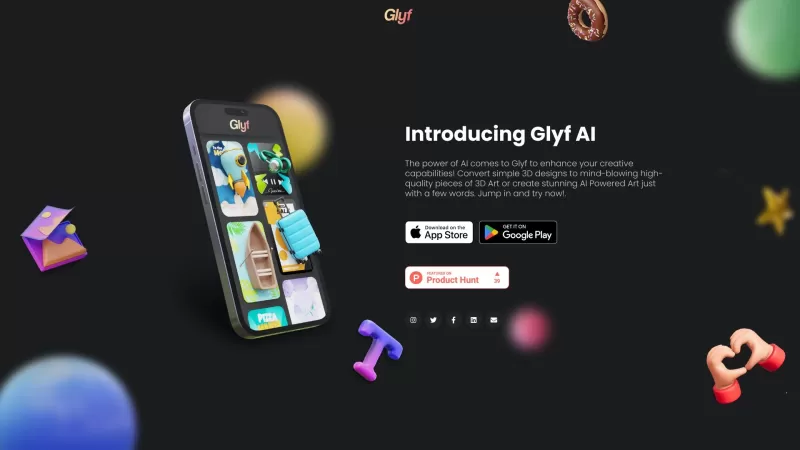
Ever wondered how you can turn your smartphone into a powerhouse for creating stunning 3D designs? Enter Glyf, an app that's revolutionizing the way we think about 3D art on mobile devices. Whether you're using an Android or iOS, Glyf harnesses the magic
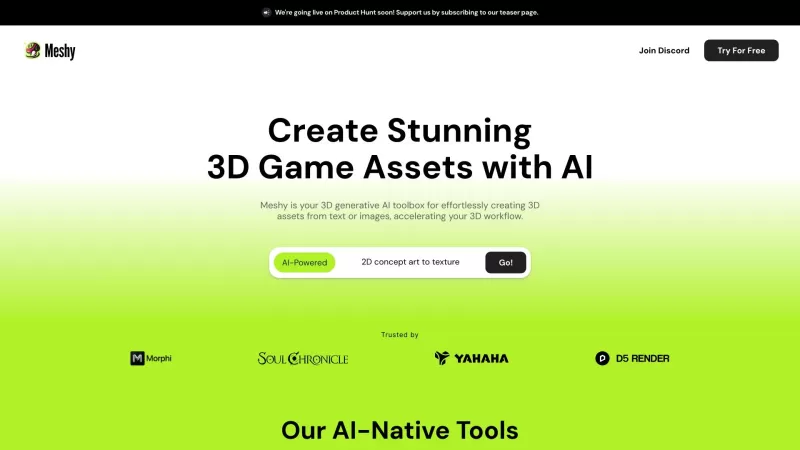
Ever wondered what magic tool could turn your scribbled ideas or flat images into something you can walk around in 3D space? Meet Meshy, the 3D AI toolkit that's like a wizard's wand for digital creators. It's designed to make the leap from 2D to 3D as sm
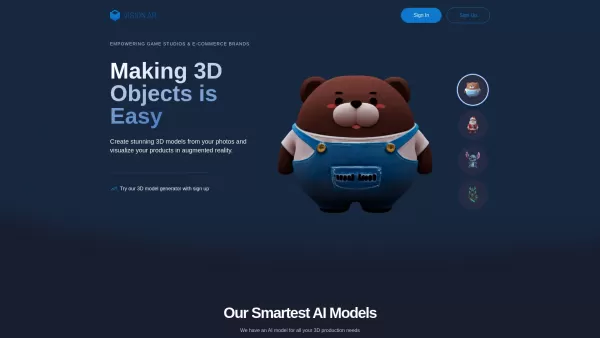
What is VisionAR? VisionAR is an AI-driven platform that converts 2D images into detailed 3D models. Users can create high-quality 3D models from 1 or 4 photos in about 2 minutes using V-Pix/V-Poly AI
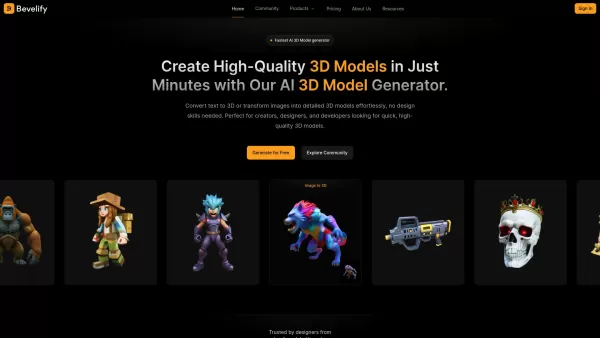
Ever wondered how you could whip up stunning 3D models without being a design guru? Enter Bevelify, the AI-powered tool that's transforming the way we create 3D models. With Bevelify, you can turn simple text descriptions or images into intricate 3D
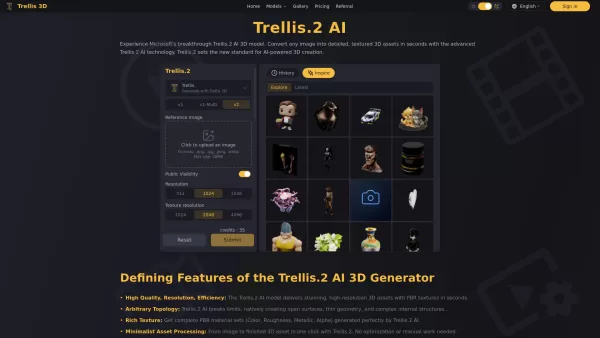
What is Trellis.2 AI 3D? Trellis.2 AI 3D is an online platform that uses artificial intelligence to generate 3D models. It offers various subscription plans with different credit amounts, queue priorities, and features like private, user-owned creati
Hitem3D Product Information
What is Hitem3D?
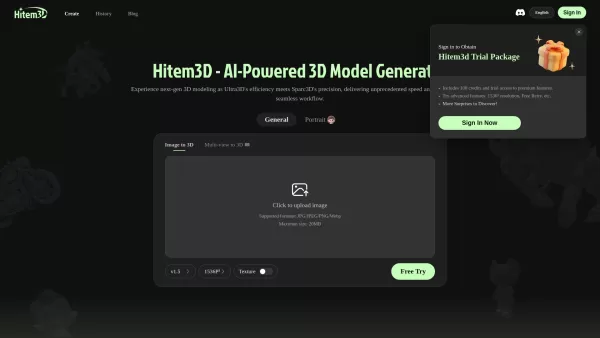
Hitem3D AI, crafted by Math Magic, leverages its proprietary high-precision AI model, Sparc3D, to create detailed 3D models from a single uploaded image. By merging the rapid processing of ULTRA3D with the geometric precision of Sparc3D, it supports JPG, JPEG, PNG, and WebP formats (up to 20MB file size). The resulting models are watertight, display realistic surfaces with clear details, and can be downloaded in GLB, OBJ, and STL formats—ideal for 3D printing, game development, visual effects, and product modeling.
How to use Hitem3D?
1. Upload an Image: After logging in, click "Upload Image" on the homepage and choose your source image. For optimal results, pick a clear image that fully shows the object. 2. Generate the Model: Once uploaded, click "Generate Model" to let Hitem3D analyze the image using the Sparc3D algorithm. Processing time varies with image complexity and server load. 3. View and Edit the Model: Preview your model in-browser and use built-in tools to scale, rotate, repair gaps, or adjust materials and textures. 4. Export the Model: After editing, click "Export Model," select your preferred format (OBJ, FBX, STL, GLB, etc.), and save it to your device for use in 3D software, game engines, or 3D printing.
Hitem3D's Core Features
Image to 3D Model: Upload a single image, and Hitem3D creates a high-definition 3D model with textures in one click. It supports multiple download formats and reconstructs people, animals, or objects while preserving original details and textures.
Model Editing and Optimization: Automatically repair missing parts and reduce polygon count for smoother performance. Includes basic tools for scaling and rotating the model.
Download and Sharing: Export models in OBJ, FBX, STL, and GLB formats for use in mainstream 3D software and game engines. Also supports online preview and sharing.
Materials and Textures: Generates high-precision texture maps and supports PBR materials for realistic lighting. Offers basic material editing features.
Hitem3D's Use Cases
Game Development: Quickly generate characters, props, and scene objects. Multi-view high-precision modeling helps speed up prototyping and asset creation.
E-commerce Display: Turn product photos into interactive 3D models for engaging presentations and an improved shopping experience.
Industrial Design: Create high-precision models from multiple angles for design validation, presentation, and communication.
AIGC Creation: Convert illustrations and concept designs into 3D models to expand creative potential and produce cross-modal works.
Education & Research: Easily build 3D teaching and demonstration models, lowering the learning curve and helping explain complex structures.
FAQ from Hitem3D
What is Hitem3D?
Hitem3D, built by Math Magic, is a 3D generation tool powered by the proprietary high-resolution AI model Sparc3D. Upload a single reference image to instantly produce studio-ready 3D assets with top-tier quality, making 3D creation accessible to all. This innovative tool helps game developers, designers, and 3D artists unlock creativity and accelerate workflows from concept to launch.
How to use Hitem3D?
With Hitem3D, generating a 3D model is as simple as uploading one image. Supported formats are .JPG, .JPEG, .PNG, and .WebP, with a maximum file size of 20MB.
Are the 3D models generated on Hitem3D private?
Yes. By default, all models you generate remain private and visible only to you. You can create a share link from the model details page to make them public.
Hitem3D Support Email & Customer service contact & Refund contact etc.
For additional contact options, visit the contact us page()
Hitem3D Company
Hitem3D Company name: .
Hitem3D Company address: .
Learn more about Hitem3D on the about us page().
Hitem3D Login
Hitem3D Login Link:
Hitem3D Sign up
Hitem3D Sign up Link:
Hitem3D Screenshot




2026 Latest Best Top-rated AI Object Removal Editors for portraits travel product shots! XIX.AI curates a powerful game-changing collection regularly updated with weekly rankings. These tools offer real-world tests to help you quickly remove unwanted elements, boost content quality, and save tons of time without compromising results. Must-try for anyone aiming to unlock their AI creation edge. Explore now!
 10 tools
 xix.ai

2026 Latest Best Top-rated AI Text to Speech Tools for Online Courses are curated by XIX.AI based on rigorous real-world tests and weekly updated rankings. These powerful tools help creators deliver crystal-clear audio content effortlessly, boosting writing efficiency and streamlining course production. Check out the free vs paid comparison to find your perfect fit. Explore now to unlock your AI edge in online education.
10 tools
xix.ai

2026 Latest Best Top-Rated AI Blog Title Tools for Higher Click Through Rates! XIX.AI has carefully curated a powerful, game-changing collection of top tools that go through rigorous real-world tests. You’ll find a free vs paid comparison, weekly updated rankings, and detailed insights to help you boost your blog’s traffic efficiently. Must-try options are highlighted to help you unlock your AI edge. Explore now!
10 tools
xix.ai

2026 Latest Best Top-rated AI Task Routing Tools for Support Workflows! XIX.AI has curated a highly powerful game-changing collection of must-try solutions, all undergoing rigorous real-world tests and updated weekly. These tools streamline workflows, boost productivity, and help teams deliver faster, more efficient support. Explore now to discover your perfect tool and unlock your AI edge!
17 tools
xix.ai

2026 Latest Best Top-Rated AI Citation and Paper Summary Tools Curated by XIX.AI. Get powerful game-changing solutions for quick content creation, improved writing efficiency, and boosting productivity. We offer a free vs paid comparison along with real-world tests and weekly updated rankings to help you find the must-try tool that fits your needs perfectly. Explore now to Unlock your AI edge.
10 tools
xix.ai

2026 Latest Best Top-Rated AI Productivity Tools for Daily Work! XIX.AI has curated a powerful, game-changing selection based on rigorous weekly updated rankings and real-world tests. You’ll find must-try options that boost writing efficiency, streamline content creation, and help you overcome daily work challenges. Get a free vs paid comparison to find the perfect fit for your needs. Explore now to unlock your AI edge!
9 tools
xix.ai


