


 Home
HomeGalileo



Helps TikTok sellers, brands, MCNs, and TAPs discover winning products and find creators.

HelpLook is an AI-powered all-in-one knowledge base tool that helps businesses quickly build knowledge bases, help centers, and...

Your AI Workspace

302.AI is an enterprise-grade AI resource platform with pay-as-you-go pricing, API access to a full range of AI models, and ready-to-use online applications.

剧火AI — AI Screenwriter + Director, a One-Person Short Drama Studio In one sentence, what is it?

Ever wondered what the buzz about Gemini is all about? Let me break it down for you. Gemini is this cool generative AI chatbot, crafted by the brains at Google DeepMind. It's like having a super-smart friend who's been around the internet block, soaking u
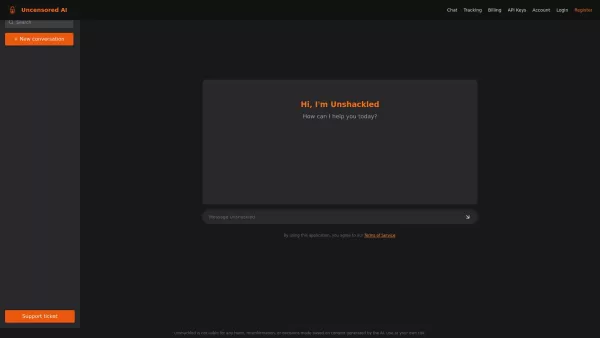
What is Unshackled AI? Unshackled Chat is an AI-driven chatbot enabling free, uncensored conversations. It offers a platform for unrestricted AI interaction, prioritizing open expression. Available mo
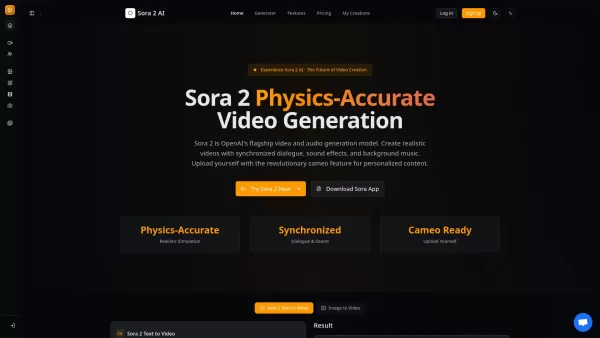
What is Sora 2? Sora 2 is OpenAI's premier AI model for generating video and audio, marking a milestone for video creation comparable to the impact of GPT-3.5. It stands as the most sophisticated AI video generation platform available, featuring prec
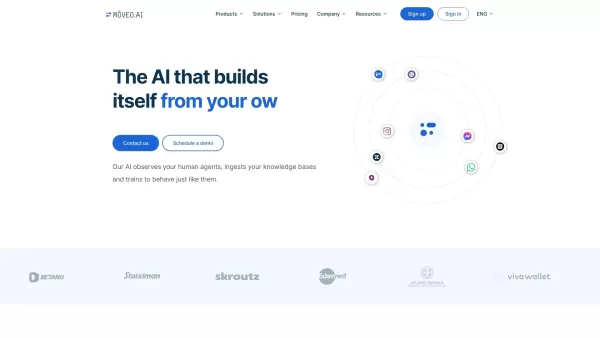
Ever wondered how you could streamline your customer support and make it feel like you've got a team of super-efficient agents working around the clock? Enter Mοveo AI, the game-changer in customer service automation. This isn't just any AI; it's a p

What is DigiMirror? DigiMirror is an AI-driven virtual try-on tool that lets users see how clothes fit them instantly. Upload your photo and a clothing item, and advanced AI creates a lifelike image.
Galileo Product Information
What is Galileo?
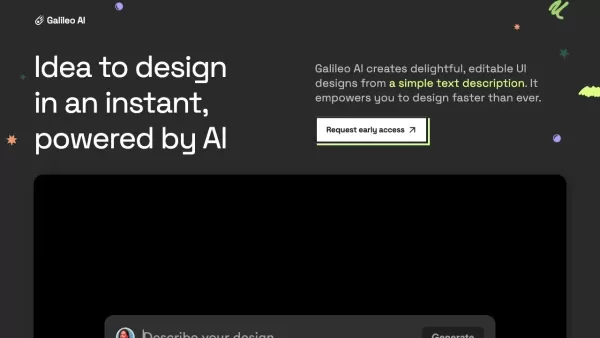
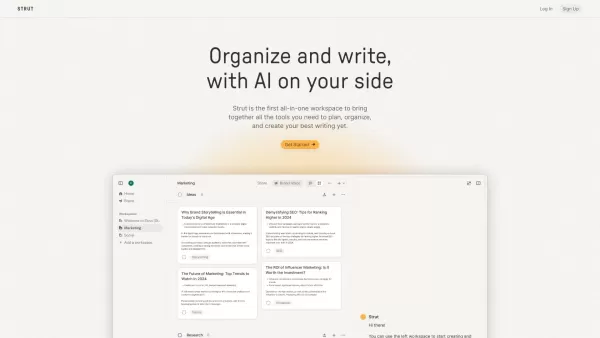
Galileo AI is an innovative UI design platform that uses generative artificial intelligence to produce high-quality, editable designs from simple text descriptions and natural language prompts. It empowers users to turn their creative ideas into fully realized UI components swiftly and effectively. Featuring real-time theme editing and instant design transformation, Galileo AI assists designers, developers, and businesses in streamlining their design workflows and boosting creativity, delivering impressive results at remarkable speed.
Who will use Galileo?
- UI/UX designers
- Web developers
- Graphic designers
- Product managers
- Startup founders
- Marketing professionals
- E-commerce businesses
- Corporate teams
How to use Galileo?
- Step 1: Create an account on usegalileo.ai
- Step 2: Log into your account
- Step 3: Begin a new project by entering a design prompt
- Step 4: Customize the generated UI design using the editor tools
- Step 5: Adjust the color scheme, layout, and components to your liking
- Step 6: Save and export your completed design
Platform
- Web
Galileo's Core Features & Benefits
The Core Features
- Generates UI designs from text prompts
- Editable high-fidelity designs
- Real-time theme editing
- Instant design transformation
The Benefits
- Accelerated design process
- High-quality outputs
- Enhanced creativity
- Increased productivity
Galileo's Main Use Cases & Applications
- Mobile app design
- Website design
- E-commerce platform UI
- Prototype creation
- Marketing materials design
- Corporate dashboard design
Galileo's Pros & Cons
The Pros
Produces high-quality user interface designs from simple text prompts.
Powered by advanced AI models (Google's Gemini models).
Free to use with generous monthly allowances.
Supports migration of existing user data from Galileo AI to Stitch.
Makes design accessible even for users without design expertise.
The Cons
Galileo AI is being phased out and users must transition to Stitch.
New subscriptions to Galileo AI are no longer available.
Limited information on customization options beyond the initial design generation.
Unclear long-term pricing or feature roadmap after the free tier.
FAQs of Galileo
What is Galileo AI?
Galileo AI is a platform that creates UI designs from text and image prompts using generative AI.
How does Galileo AI work?
You provide text or image prompts, and Galileo AI generates editable, high-fidelity UI designs based on those inputs.
Who can use Galileo AI?
UI/UX designers, web developers, graphic designers, product managers, startup founders, marketing professionals, e-commerce businesses, and corporate teams can all use Galileo AI.
What platforms are supported by Galileo AI?
Currently, Galileo AI is accessible via the web.
What are the main benefits of using Galileo AI?
The primary benefits include a faster design process, high-quality outputs, greater creative freedom, and improved productivity.
Can I edit the designs generated by Galileo AI?
Yes, the designs generated by Galileo AI can be edited using its built-in editor tools.
Is there a free version of Galileo AI?
Yes, Galileo AI offers a free version for users to try.
Can I customize the color scheme in Galileo AI?
Yes, you can customize the color scheme in real-time using the 'Edit Theme' feature.
What are some use cases for Galileo AI?
Use cases include mobile app design, website design, e-commerce platform UI, prototype creation, marketing material design, and corporate dashboard design.
What are some alternatives to Galileo AI?
Alternatives include Figma, Sketch, Adobe XD, and InVision.
Galileo Company Information
Website:
https://usegalileo.ai/Company Name:
Galileo AI, Inc.Support Email:
Facebook:
NAX(Twitter):
NAYouTube:
NAInstagram:
NATiktok:
NALinkedIn:
NA
Galileo Screenshot


2026 Latest Best Top-rated AI Object Removal Editors for portraits travel product shots! XIX.AI curates a powerful game-changing collection regularly updated with weekly rankings. These tools offer real-world tests to help you quickly remove unwanted elements, boost content quality, and save tons of time without compromising results. Must-try for anyone aiming to unlock their AI creation edge. Explore now!
 10 tools
 xix.ai

2026 Latest Best Top-rated AI Text to Speech Tools for Online Courses are curated by XIX.AI based on rigorous real-world tests and weekly updated rankings. These powerful tools help creators deliver crystal-clear audio content effortlessly, boosting writing efficiency and streamlining course production. Check out the free vs paid comparison to find your perfect fit. Explore now to unlock your AI edge in online education.
10 tools
xix.ai

2026 Latest Best Top-Rated AI Blog Title Tools for Higher Click Through Rates! XIX.AI has carefully curated a powerful, game-changing collection of top tools that go through rigorous real-world tests. You’ll find a free vs paid comparison, weekly updated rankings, and detailed insights to help you boost your blog’s traffic efficiently. Must-try options are highlighted to help you unlock your AI edge. Explore now!
10 tools
xix.ai

2026 Latest Best Top-rated AI Task Routing Tools for Support Workflows! XIX.AI has curated a highly powerful game-changing collection of must-try solutions, all undergoing rigorous real-world tests and updated weekly. These tools streamline workflows, boost productivity, and help teams deliver faster, more efficient support. Explore now to discover your perfect tool and unlock your AI edge!
17 tools
xix.ai

2026 Latest Best Top-Rated AI Citation and Paper Summary Tools Curated by XIX.AI. Get powerful game-changing solutions for quick content creation, improved writing efficiency, and boosting productivity. We offer a free vs paid comparison along with real-world tests and weekly updated rankings to help you find the must-try tool that fits your needs perfectly. Explore now to Unlock your AI edge.
10 tools
xix.ai

2026 Latest Best Top-Rated AI Productivity Tools for Daily Work! XIX.AI has curated a powerful, game-changing selection based on rigorous weekly updated rankings and real-world tests. You’ll find must-try options that boost writing efficiency, streamline content creation, and help you overcome daily work challenges. Get a free vs paid comparison to find the perfect fit for your needs. Explore now to unlock your AI edge!
9 tools
xix.ai


