


 Home
HomeFileSpeech
Convert Files to Speech



Helps TikTok sellers, brands, MCNs, and TAPs discover winning products and find creators.

HelpLook is an AI-powered all-in-one knowledge base tool that helps businesses quickly build knowledge bases, help centers, and...

Your AI Workspace

302.AI is an enterprise-grade AI resource platform with pay-as-you-go pricing, API access to a full range of AI models, and ready-to-use online applications.

剧火AI — AI Screenwriter + Director, a One-Person Short Drama Studio In one sentence, what is it?
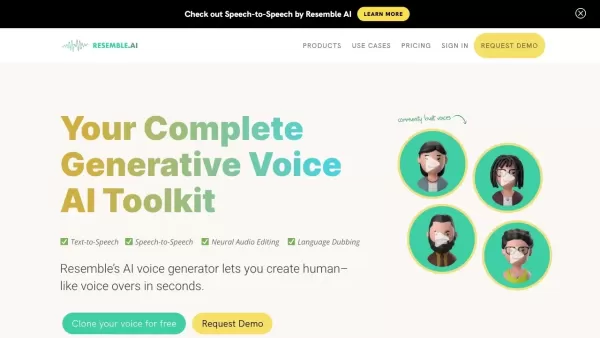
What is Resemble?Resemble AI is a cutting-edge platform featuring AI-powered voice generation technology, such as text-to-speech and speech-to-speech. It enables users to clone voices, build custom AI voices, and integrate them smoothly into diverse
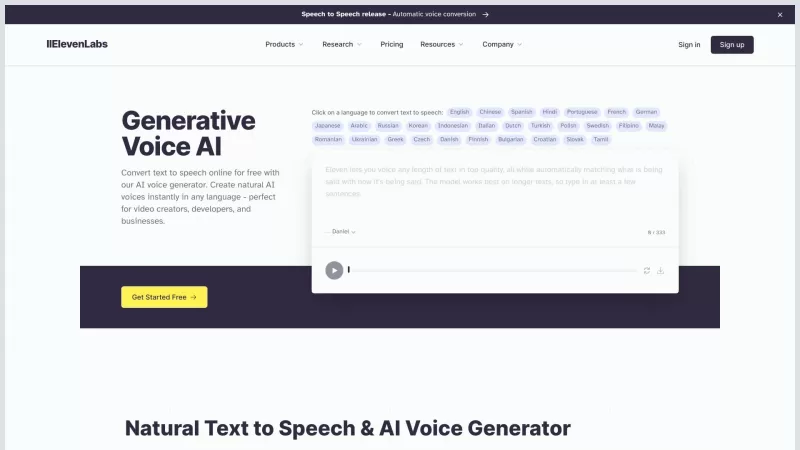
ElevenLabs is your go-to platform for transforming text into speech with an AI voice generator that's nothing short of revolutionary. Whether you're a video creator, developer, or just someone who loves to hear stories come to life, ElevenLabs has got you
Ever wondered about the magic of turning your voice into something entirely new or translating it into different languages on the fly? That's where AudioGenius.ai steps in—a game-changer in the world of AI voice cloning and translation. It's like having a

Voicefy isn't just another tool; it's a game-changer for anyone looking to bring their text to life. Imagine having the power to turn your written words into a symphony of realistic speech, with options in multiple languages and voices that sound so natur
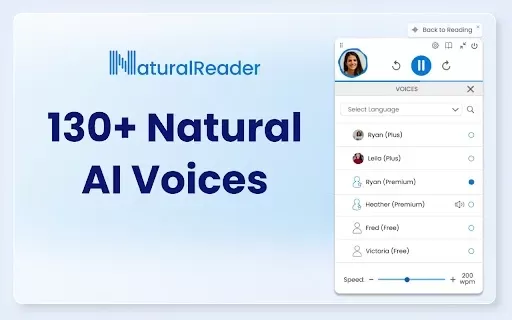
What is NaturalReader - AI Text to Speech?NaturalReader is an AI-powered tool that instantly converts text from websites, emails, and documents into clear, natural-sounding speech. With a selection of over 130 lifelike voices across 50+ languages and
FileSpeech Product Information
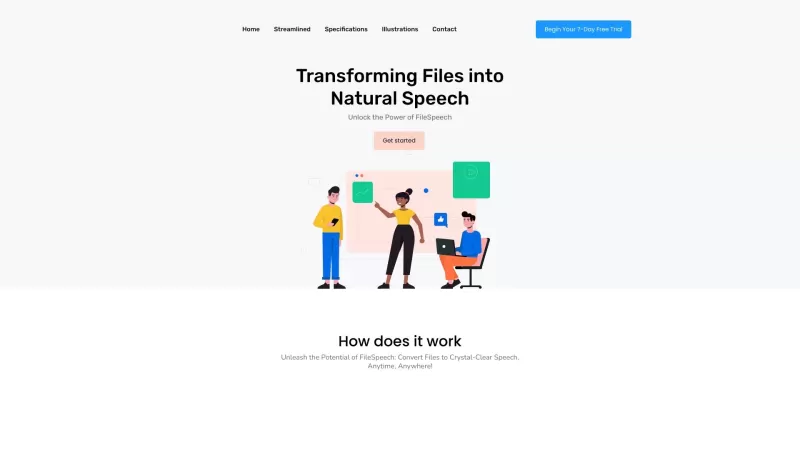
Ever stumbled upon a file and wished it could just speak to you? Enter FileSpeech, the nifty online tool that turns your documents into clear, natural speech. It's like magic! You simply upload your file, tweak the settings to your liking, and voilà—your file starts talking. With its cutting-edge speech synthesis engine, FileSpeech doesn't just read; it delivers fluent, accurate speech in multiple languages. And the best part? You can take it offline, ensuring you're never without your audio files, no matter where you are. It's all about efficiency and performance, tailored to make your life easier.
How to Use FileSpeech?
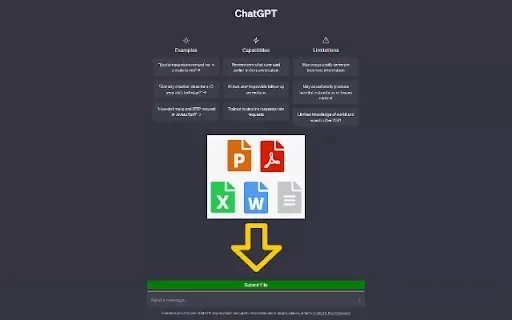
Using FileSpeech is a breeze. First, you'll want to upload your file. Whether it's tucked away in your iCloud, linked on a website, or a physical document you've just scanned with your camera, FileSpeech's got you covered. Once your file's in, dive into the customization options. Choose the language and pick a voice that resonates with you—FileSpeech boasts a variety of natural-sounding options. Hit that conversion button, and watch as the algorithms work their magic, transforming your text into crystal-clear speech. Once it's done, you can either download the audio or give it a listen right there in the app. It's as simple as that, making your content more accessible and engaging.
FileSpeech's Core Features
- **Seamless Import**: Upload files from anywhere—PDFs, website links, even scanned documents.
- **Personalization**: Select your preferred language and voice for that perfect speech output.
- **Advanced Conversion**: Thanks to sophisticated algorithms, your files turn into crystal-clear speech.
- **Convenience**: Access your converted speech through downloads or play it directly in the app.
- **Quality Speech Synthesis**: A state-of-the-art engine ensures spot-on pronunciation and intonation.
- **Multilingual Support**: Catering to diverse language structures across the globe.
- **Offline Access**: Listen to your files anytime, anywhere, without needing an internet connection.
- **Optimized Performance**: High efficiency and resource-friendly conversion processes.
FileSpeech's Use Cases
- **Education**: Make learning more accessible for visually impaired students by turning course materials into speech.
- **Content Creation**: Speed up your workflow by converting scripts to speech instead of recording them manually.
- **Language Learning**: Enhance your language skills with native-like pronunciation and improve your listening comprehension.
- **Customer Support**: Boost accessibility and efficiency by converting support articles into speech for quicker, clearer communication.
FAQ from FileSpeech
- What file types does FileSpeech support?
- Can I customize the voice and language for the speech output?
- Can I listen to the converted speech offline?
- Does FileSpeech support multiple languages?
- Is FileSpeech optimized for performance?
For any queries or support, you can reach out to FileSpeech at [email protected]. For more contact options, visit the contact us page.
FileSpeech is brought to you by a company based in Melbourne, Victoria, Australia, 3000. They're all about making your documents come alive with speech, and they're doing it right from the heart of Australia.
FileSpeech Screenshot


2026 Latest Best AI Vocal Demo Tools for Songwriters, Hook Creators, and Multi-Language Content Teams! XIX.AI has curated a top-rated list of powerful game-changing tools that go through rigorous real-world tests. You’ll find detailed free vs paid comparison data, comprehensive rankings, and must-try options to help you boost writing efficiency and unlock your creative potential. Explore now to discover your perfect tool for all your content needs!
 9 tools
 xix.ai

2026 Latest Best Top-rated AI Competitive Research Tools for Small Businesses! XIX.AI has curated a highly powerful game-changing collection, updated weekly with rigorous real-world tests and detailed rankings. You can find a comprehensive free vs paid comparison to help you identify the must-try tools that boost your productivity and give you a competitive edge. Explore now to discover your perfect tool!
9 tools
xix.ai

2026 Latest Best Photoshop AI retouch tools for ecommerce apparel, skin cleanup, and color consistency! This top-rated curated list features powerful game-changing solutions that help you boost writing efficiency, streamline content creation, and achieve perfect visual results effortlessly. Each tool has undergone real-world tests through weekly updated rankings, complete with free vs paid comparison details. Backed by XIX.AI, it’s the must-try guide for anyone aiming to unlock your AI edge. Explore now!
10 tools
xix.ai

2026 Latest Best Top-Rated AI Prompt Libraries for optimizing all types of ChatGPT workflows. XIX.AI has curated a powerful, game-changing collection that goes through rigorous real-world tests to ensure top performance. You can find detailed free vs paid comparisons and expert rankings to help you choose the must-try tools that boost your productivity and unlock your AI edge. Explore now!
11 tools
xix.ai

2026 Latest Best AI Quiz Builder Platforms for Teachers, Tutors, and Cohort-Based Learning Programs! XIX.AI has curated a top-rated list of powerful game-changing tools that go through real-world tests to deliver accurate rankings. These must-try platforms help boost writing efficiency, streamline content creation, and simplify quiz design across all learning scenarios. Explore now to discover your perfect tool for unlocking your AI edge in teaching!
13 tools
xix.ai

2026 Latest Best AI Pull Request Review Tools for GitHub Teams are here on XIX.AI! This top-rated curated list showcases powerful game-changing solutions that streamline refactoring, bug fixing, and security gap detection across all team workflows. Enjoy a free vs paid comparison along with real-world tests and detailed rankings to help you find the perfect tool that boosts productivity significantly. Explore now to unlock your AI edge!
12 tools
xix.ai


FileSpeech는 내 문서에 개인 나레이터가 있는 것 같아요! 사용법이 너무 쉬워서, 그냥 업로드하고 들으면 돼요. 목소리가 너무 자연스러워서 좀 섬뜩해요! 단점은 전문 용어에서 걸리는 경우가 있다는 거예요. 그래도 텍스트를 많이 다루는 사람에게는 필수죠! 🎤👍
FileSpeech é como ter um narrador pessoal para meus documentos! É super fácil de usar, basta carregar e ouvir. A voz é tão natural, quase assustadora! A única desvantagem é que às vezes tropeça em jargões técnicos. Ainda assim, é essencial para quem lida com muito texto! 🎤👍
FileSpeech is like having a personal narrator for my documents! It's super easy to use, just upload and listen. The voice is so natural, it's almost spooky! Only downside is it sometimes stumbles on technical jargon. Still, it's a must-have for anyone dealing with tons of text! 🎤👍
FileSpeechは、私のドキュメントに専用のナレーターがいるかのようです!使い方がとても簡単で、アップロードして聞くだけです。声が自然すぎて、ちょっと不気味!唯一の欠点は、専門用語でつまずくことがあることです。それでも、テキストをたくさん扱う人には必須ですね!🎤👍
FileSpeech is super handy! I used it to listen to a report while cooking, and it was like having a personal assistant read to me. The voice is pretty natural, though sometimes it stumbles on technical terms. Would be great if they added more voice options! 😊


