


 Home
HomeNaturalReader - AI Text to Speech
NaturalReader: AI Text-to-Speech for Chrome



Helps TikTok sellers, brands, MCNs, and TAPs discover winning products and find creators.

HelpLook is an AI-powered all-in-one knowledge base tool that helps businesses quickly build knowledge bases, help centers, and...

Your AI Workspace

302.AI is an enterprise-grade AI resource platform with pay-as-you-go pricing, API access to a full range of AI models, and ready-to-use online applications.

剧火AI — AI Screenwriter + Director, a One-Person Short Drama Studio In one sentence, what is it?
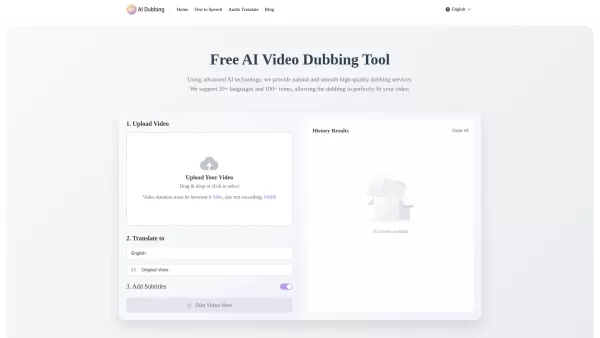
What is AI Dubbing?AI Dubbing is a free online tool that translates videos into various languages, generates speech from text scripts, and delivers precise lip synchronization through advanced AI. It provides natural and fluid high-quality voiceovers
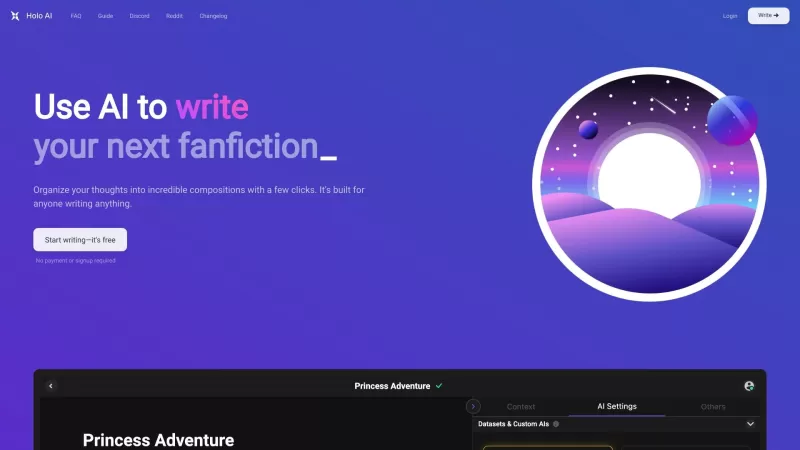
Ever wondered what Holo AI is all about? Well, let me break it down for you. Holo AI is this fantastic AI-powered platform that's all about letting your creativity soar. It's like having a personal assistant that helps you craft novels, whip up short stor
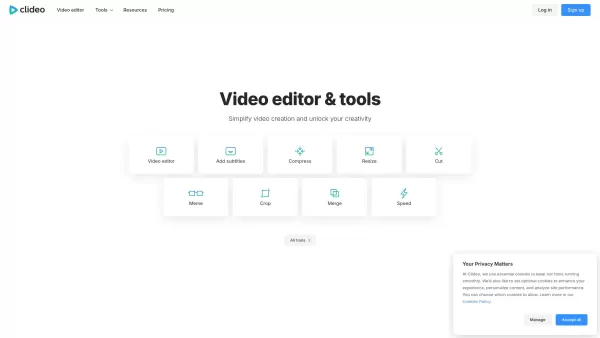
What is Clideo?Clideo is a versatile online editing suite that makes professional-grade video and image editing accessible to everyone. With an intuitive interface and robust features, it empowers users to create polished content without requiring te
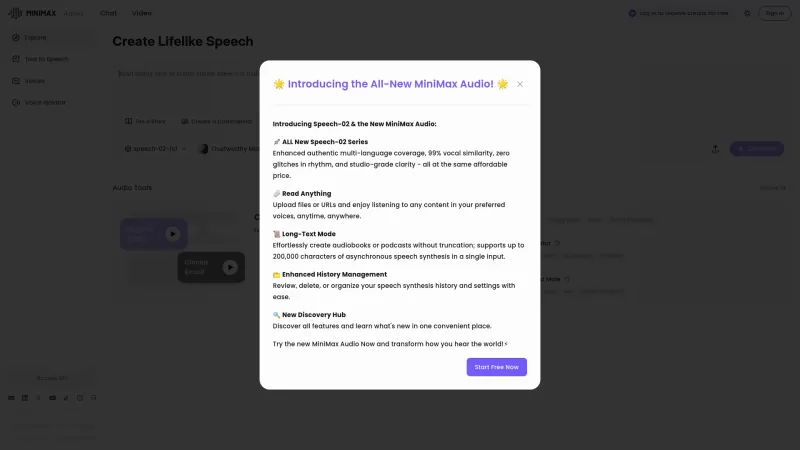
If you're into the world of audio technology, you've got to check out MiniMax Audio. This gem offers ultra-realistic AI voice synthesis that'll blow your mind. Imagine converting your text or URLs into natural-sounding speech in over 30 languages. It's pe
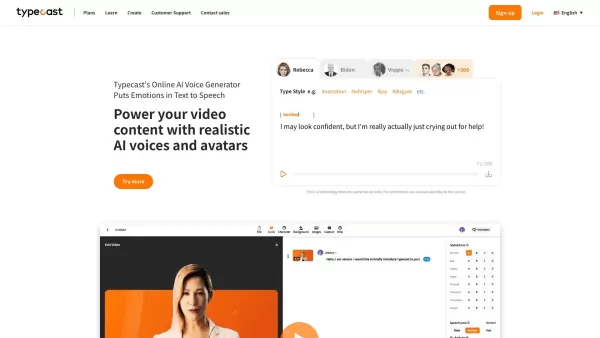
What is Typecast AI?Typecast is an AI-powered platform that converts text into realistic speech and creates virtual avatars. Leveraging advanced generative models and emotional speech synthesis, it allows creators to generate expressive, lifelike voi
NaturalReader - AI Text to Speech Product Information
What is NaturalReader - AI Text to Speech?
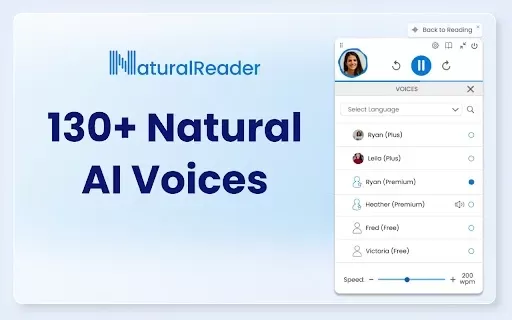
NaturalReader is an AI-powered tool that instantly converts text from websites, emails, and documents into clear, natural-sounding speech. With a selection of over 130 lifelike voices across 50+ languages and adjustable reading speeds, it helps those with reading challenges or anyone who wants to listen while multitasking, transforming almost any text format into accessible audio.
Who Uses NaturalReader - AI Text to Speech?
- Students
- Professionals
- People with dyslexia
- Busy adults
- Educators
Getting Started with NaturalReader - AI Text to Speech
- Step 1: Add the NaturalReader extension from the Chrome Web Store.
- Step 2: Pin the extension for quick access.
- Step 3: Select the text you wish to hear.
- Step 4: Click the NaturalReader icon and press play to listen instantly.
Platform
- Web
- Mac
- Windows
- iOS
- Android
- Chrome
NaturalReader - AI Text to Speech's Core Features & Benefits
The Core Features
- Advanced AI text-to-speech conversion
- Multiple natural voice selections
- Adjustable reading speeds
- Text highlighting as it reads
- Compatibility with various document types
The Benefits
- Boosts accessibility for all users
- Saves time and increases efficiency
- Assists with proofreading through listening
- Supports auditory learning preferences
- Includes multilingual functionality
NaturalReader - AI Text to Speech's Main Use Cases & Applications
- Listening to online articles while doing other tasks
- Improving study methods for students
- Reviewing documents by hearing them read aloud
- Providing accessibility aid for the visually impaired
FAQs of NaturalReader - AI Text to Speech
How does NaturalReader work?
It uses AI technology to read text out loud in natural-sounding voices.
Can I adjust the reading speed?
Yes, the reading speed can be customized in the settings.
Is it free to use?
NaturalReader has both free and premium versions.
What formats does it support?
It reads text from documents, emails, and web pages.
Is NaturalReader available on mobile?
Yes, dedicated apps are available for Android and iOS devices.
Does it support multiple languages?
Yes, it offers support for more than 50 languages.
Can I use it offline?
The browser extension requires internet access, while the mobile apps offer offline functionality.
Is it suitable for educational use?
Absolutely, it's widely used by students and teachers.
Does it have a proofreading feature?
Yes, the listening feature helps you catch errors when proofreading.
Where can I download it?
You can get it directly from the Chrome Web Store.
NaturalReader - AI Text to Speech Company Information
Website:
https://www.naturalreaders.comCompany Name:
Naturalsoft LtdSupport Email:
Facebook:
NAX(Twitter):
NAYouTube:
NAInstagram:
NATiktok:
NALinkedIn:
https://ca.linkedin.com/company/naturalreaders
NaturalReader - AI Text to Speech Screenshot

2026 Latest: Discover the best AI tools for comic speech bubbles on XIX.AI. Our top-rated, curated selection helps you create dynamic dialogue and text effortlessly. Compare free vs paid options with real-world tests and weekly updated rankings. Unlock your creative potential and start crafting today
 10 tools
 xix.ai


ok i gave the chrome extension a try and it's so useful for my dyslexia! reading long articles feels less overwhelming now 🇬🇧 voice is pretty natural too. kinda wish the free version had more voices tho 😅 anyone else using it for studying?
이 AI 텍스트 음성 변환 도구는 정말 놀라워요! 🎧 특히 다양한 언어와 목소리 선택지가 많아서 외국어 공부나 팟캐스트 제작에 딱이에요. 가끔 발음이 약간 어색할 때도 있지만, 전체적으로 자연스러운 느낌이에요. 문서 읽어주는 기능으로 눈 피로도 줄이고 좋네요~


