


 Home
HomeDoculator
AI Translation to 100+ Languages



Helps TikTok sellers, brands, MCNs, and TAPs discover winning products and find creators.

HelpLook is an AI-powered all-in-one knowledge base tool that helps businesses quickly build knowledge bases, help centers, and...

Your AI Workspace

302.AI is an enterprise-grade AI resource platform with pay-as-you-go pricing, API access to a full range of AI models, and ready-to-use online applications.

剧火AI — AI Screenwriter + Director, a One-Person Short Drama Studio In one sentence, what is it?
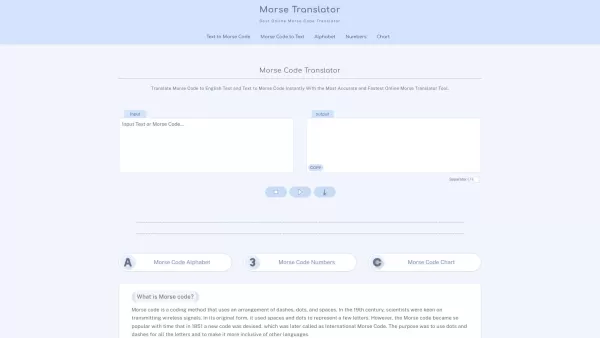
Morse code, that fascinating system of communication, uses a clever combination of dashes, dots, and spaces to represent letters, numbers, and symbols. It's been a staple in telegraphy, allowing messages to zip across wires with a rhythmic tap, tap, tap.
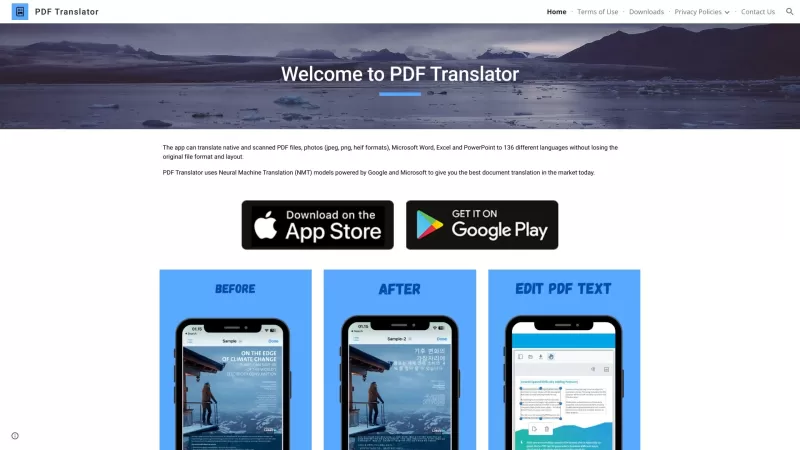
Ever found yourself staring at a PDF document, wishing you could read it in your native language? Well, let me introduce you to the PDF Translator—a nifty online tool that's like a linguistic superhero for your documents. It doesn't just translate; it tra
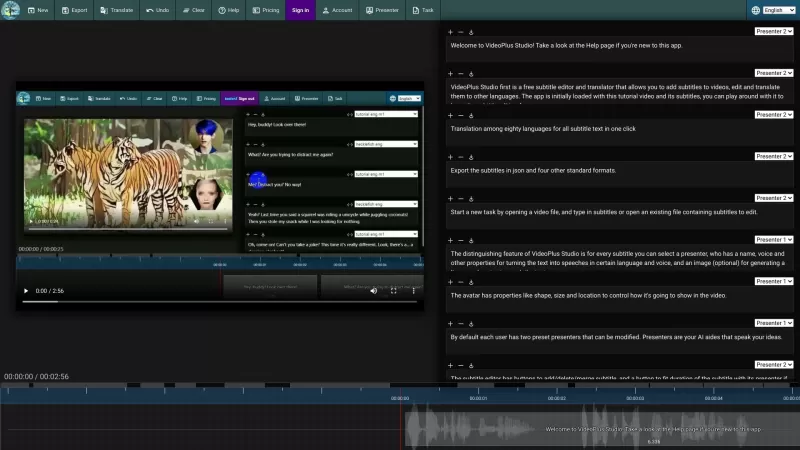
VideoPlus Studio is more than just your average subtitle editor; it's a game-changer for video creators. Imagine being able to not only add and tweak subtitles on your videos but also translate them into over 80 languages with just a click. That's right,
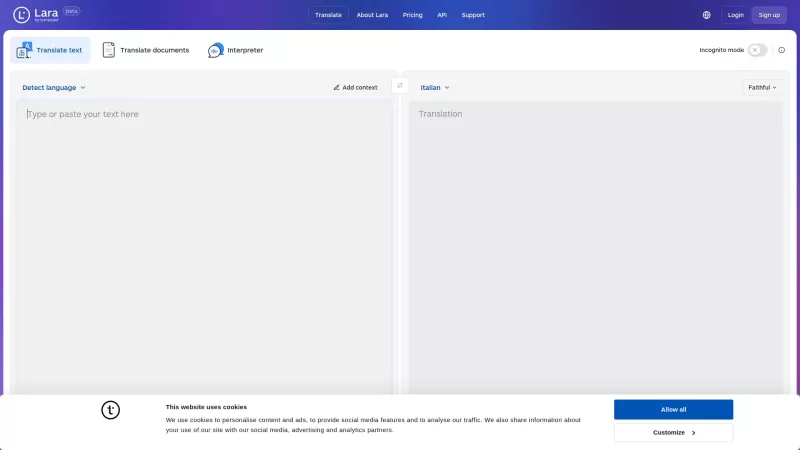
What is Lara Translate?Lara Translate is your go-to tool for top-notch translations, powered by the latest AI tech from Translated. Imagine getting translations that feel almost like they were done by a pro! It's not just about words; Lara Translate gets the context right, offering translations in t
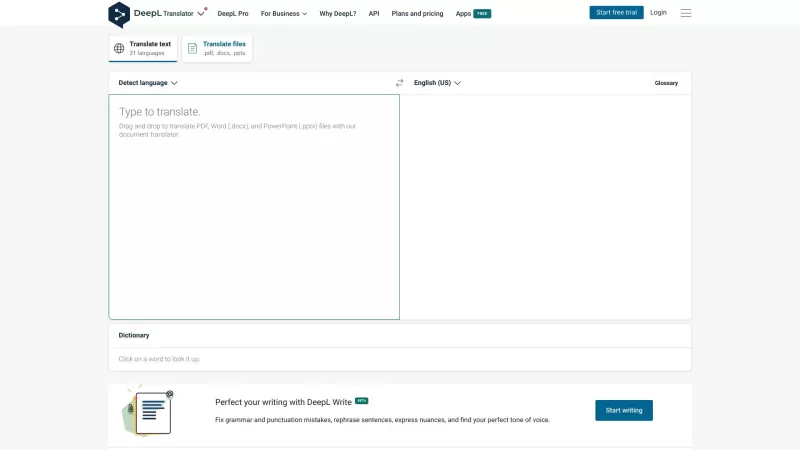
What is DeepL?DeepL is a top-notch translation tool that's seriously changing the game for both individuals and teams. It delivers instant, spot-on translations for all sorts of text and even whole documents. And guess what? It supports a ton of languages!How to Use DeepL?Using DeepL is a breeze! Ju
Doculator Product Information
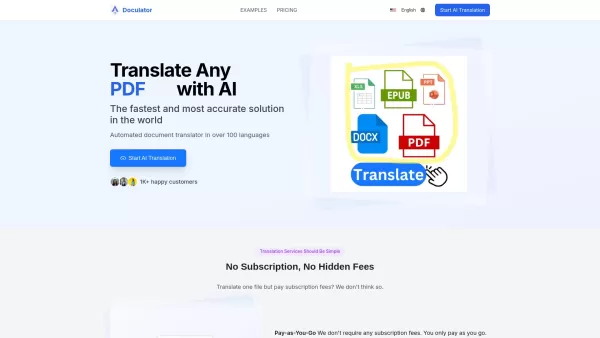
Ever found yourself needing to translate documents across different languages but dreading the hassle? Enter Doculator, your go-to solution for seamless, AI-powered document translation. Whether it's a hefty PDF, a Word doc, or even an Excel spreadsheet, Doculator has got you covered. With support for over 100 languages and a knack for handling more than 50 file formats, this tool is a game-changer for anyone needing quick, accurate translations.
How to Use Doculator?
Getting started with Doculator is a breeze. Just head over to their website, upload your document, pick the source and target languages, and choose from their advanced AI models. Once the magic happens, you can download your freshly translated file. It's that simple!
Doculator's Core Features
Translate to Any File Format, No Matter the Size
Doculator isn't picky about file formats. From PDFs and Word docs to PNGs, Excel files, and even MP4s, they handle it all. No file is too big or too small for their translation prowess.
No Subscription, No Hidden Fees
One of the best things about Doculator? No subscriptions or hidden fees. You pay as you go, making it a budget-friendly option for all your translation needs.
Doculator's Use Cases
- Financial and Banking Industry Translation Services
- Healthcare Translation Services
- Legal Translation Services
- Human Resource Translation Services
- Government and Defense Translation Services
- Patent Translation Services
- International Content Translation Services
FAQ from Doculator
- What file formats can you translate?
- Doculator supports over 50 file formats including doc, docx, pdf, xls, xlsx, ppt, pptx, epub, and more.
- Will USCIS accept your translations?
- Doculator ensures high-quality translations that meet the standards required by USCIS.
- Can I upload my documents electronically?
- Yes, you can upload your documents directly through the Doculator website.
- I don't have a scanner, how can I scan my document?
- Doculator provides guidance on how to scan documents without a scanner, typically through mobile apps.
- Is this secure?
- Doculator prioritizes security, using advanced encryption to protect your documents.
- Do you offer customer support?
- Yes, Doculator offers customer support through their email and contact page.
- How do I translate an entire PDF?
- Upload your PDF to Doculator, select the languages, and download the translated version once complete.
- Is Doculator free?
- Doculator operates on a pay-as-you-go model, with no free tier but no hidden fees either.
- Do you have translation use cases?
- Yes, Doculator serves various industries including finance, healthcare, legal, and more.
For any further assistance, you can reach out to Doculator's support team at [email protected]. For more contact options, visit their contact us page.
Interested in learning more about the company? Check out the about us page for details on Doculator's mission and values.
Ready to dive in? Log in to your Doculator account at Doculator Login or sign up if you're new to the service. And don't forget to check out their pricing to see how you can start translating today!
Doculator Screenshot

2026 Latest Best Manga AI Background Generators Ranked Top-Rated! This curated collection showcases powerful game-changing tools perfect for creating high-quality chapter backgrounds, book covers, and promotional art. Every option has undergone rigorous real-world tests to ensure reliability. Get a free vs paid comparison along with detailed insights. Explore now to discover your perfect tool and unlock your AI edge in manga creation.
 6 tools
 xix.ai

2026 Latest Best Top-rated AI Object Removal Editors for portraits travel product shots! XIX.AI curates a powerful game-changing collection regularly updated with weekly rankings. These tools offer real-world tests to help you quickly remove unwanted elements, boost content quality, and save tons of time without compromising results. Must-try for anyone aiming to unlock their AI creation edge. Explore now!
10 tools
xix.ai

2026 Latest Best Top-rated AI Text to Speech Tools for Online Courses are curated by XIX.AI based on rigorous real-world tests and weekly updated rankings. These powerful tools help creators deliver crystal-clear audio content effortlessly, boosting writing efficiency and streamlining course production. Check out the free vs paid comparison to find your perfect fit. Explore now to unlock your AI edge in online education.
10 tools
xix.ai

2026 Latest Best Top-Rated AI Blog Title Tools for Higher Click Through Rates! XIX.AI has carefully curated a powerful, game-changing collection of top tools that go through rigorous real-world tests. You’ll find a free vs paid comparison, weekly updated rankings, and detailed insights to help you boost your blog’s traffic efficiently. Must-try options are highlighted to help you unlock your AI edge. Explore now!
10 tools
xix.ai

2026 Latest Best Top-rated AI Task Routing Tools for Support Workflows! XIX.AI has curated a highly powerful game-changing collection of must-try solutions, all undergoing rigorous real-world tests and updated weekly. These tools streamline workflows, boost productivity, and help teams deliver faster, more efficient support. Explore now to discover your perfect tool and unlock your AI edge!
17 tools
xix.ai

2026 Latest Best Top-Rated AI Citation and Paper Summary Tools Curated by XIX.AI. Get powerful game-changing solutions for quick content creation, improved writing efficiency, and boosting productivity. We offer a free vs paid comparison along with real-world tests and weekly updated rankings to help you find the must-try tool that fits your needs perfectly. Explore now to Unlock your AI edge.
10 tools
xix.ai


This is exactly what I needed! Used Doculator to translate a client's 50-page PDF yesterday and it handled the technical terms surprisingly well. The formatting stayed perfect! 😍 Only wish there was a batch processing feature for multiple docs at once. Still, 10/10 would recommend for anyone dealing with international documents regularly.


