


 Home
HomeDoclin
Code Discussion & Auto Doc Creation



Helps TikTok sellers, brands, MCNs, and TAPs discover winning products and find creators.

HelpLook is an AI-powered all-in-one knowledge base tool that helps businesses quickly build knowledge bases, help centers, and...

Your AI Workspace

302.AI is an enterprise-grade AI resource platform with pay-as-you-go pricing, API access to a full range of AI models, and ready-to-use online applications.

剧火AI — AI Screenwriter + Director, a One-Person Short Drama Studio In one sentence, what is it?
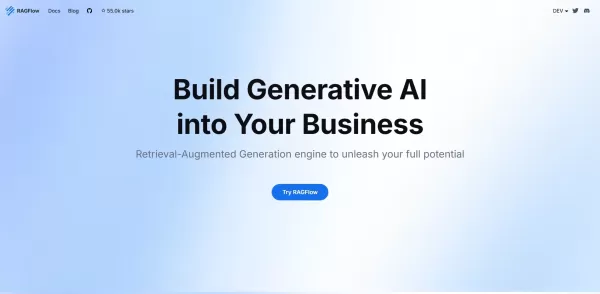
What is RAGFlow?RAGFlow is an open-source RAG (Retrieval-Augmented Generation) engine designed to simplify the creation and deployment of AI agents. It merges intelligent document processing with vector search to convert unstructured data from PDFs,

If you're running a Discord community and looking to streamline your support process, let me introduce you to ModAI. This isn't just any bot; it's an AI-powered marvel that takes the hassle out of managing support tickets. Imagine having a tireless assist
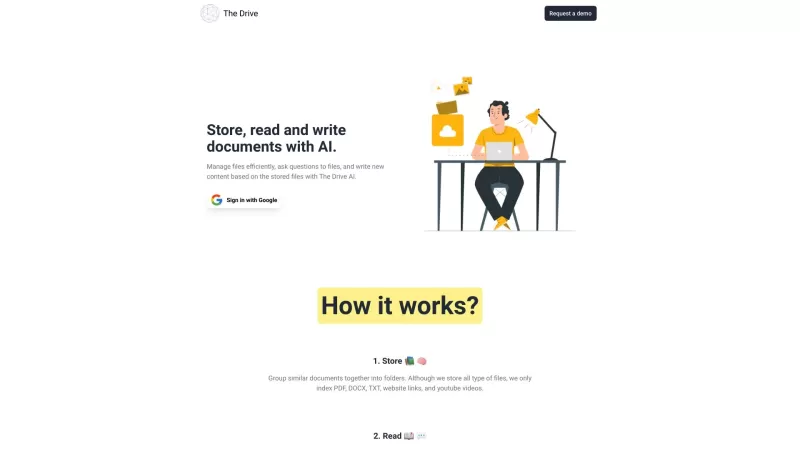
The Drive AI isn't just another tool—it's like having a super-smart assistant that transforms your files into a dynamic knowledge base. Imagine having a platform that not only organizes your documents but also harnesses the power of AI to streamline your
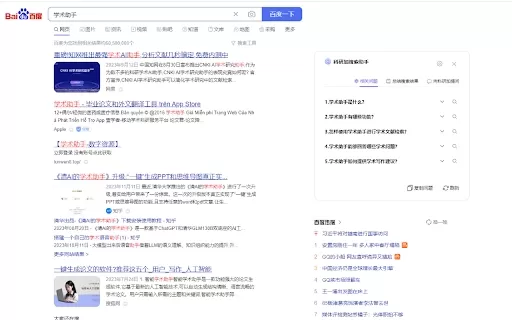
Ever found yourself knee-deep in research, wishing you had a trusty sidekick to help sift through the endless sea of academic resources? Well, let me introduce you to the Research and Academic Assistant AI Chrome Extension—your new best friend in the worl
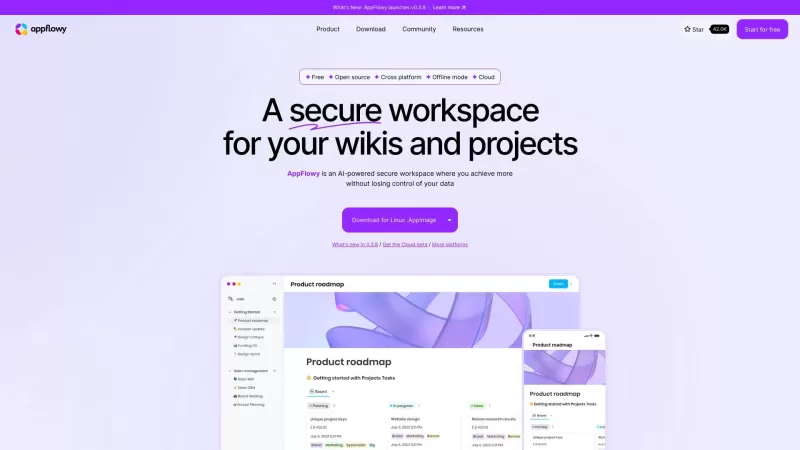
Ever wished for a workspace that's not just smart but also keeps your data under your control? Enter AppFlowy, the AI-powered collaborative space that's revolutionizing how we work. Unlike Notion, AppFlowy is open-source and offers a 100% offline mode, pl
Doclin Product Information
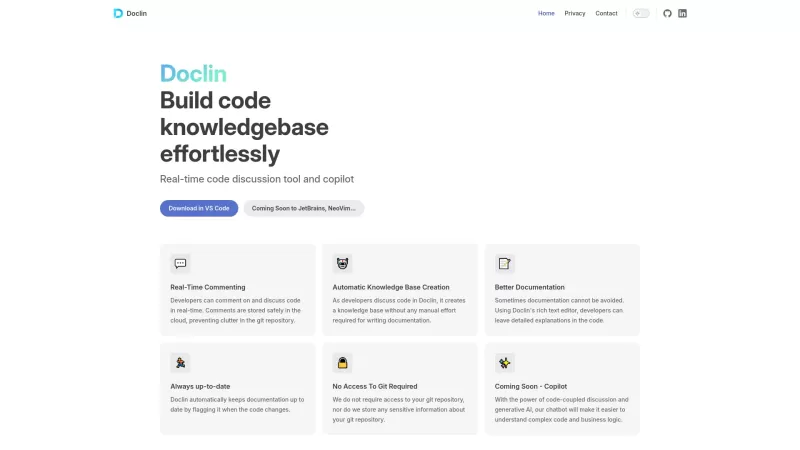
Ever found yourself wishing for a tool that could transform the way you and your team discuss and document code? Enter Doclin, a game-changer in the world of development. It's not just another tool; it's your new best friend when it comes to real-time code discussion and seamless documentation. What's cool about Doclin is how it integrates directly with your IDE, allowing you to chat about your code as you write it, all while effortlessly building a knowledge base. It's like having a conversation with your code, and Doclin is there to keep notes for you.
How to Use Doclin?
Getting started with Doclin is as easy as pie. All you need to do is install it in your IDE. Once it's set up, you're ready to dive in. You can start commenting on your code in real-time, and Doclin will take care of the rest, automatically generating a knowledge base from your discussions. It's like having a personal assistant for your coding sessions.
Doclin's Core Features
Real-time Code Commenting
Imagine being able to discuss code changes as they happen. With Doclin, you can comment on code in real-time, making collaboration smoother than ever.
Automatic Knowledge Base Creation
No more manual documentation. Doclin automatically creates a knowledge base from your code discussions, saving you time and effort.
Rich Text Documentation Editor
Need to add detailed explanations to your code? Doclin's rich text editor lets you do just that, making your documentation as comprehensive as you need it to be.
Documentation Updates Upon Code Changes
Code changes? No problem. Doclin keeps your documentation up-to-date automatically, ensuring that your knowledge base always reflects the latest state of your project.
No Access Required to Git Repositories
Worried about giving access to your git repositories? With Doclin, you don't have to. It works independently, keeping your code safe while still providing all the benefits of real-time collaboration and documentation.
Doclin's Use Cases
Collaborate with Team Members on Code in Real-time
Whether you're working on a small project or a large-scale application, Doclin makes it easy to collaborate with your team in real-time. Discuss code changes, share ideas, and solve problems together, all within your IDE.
Automatically Generate and Maintain Project Documentation
Say goodbye to outdated documentation. With Doclin, your project documentation is automatically generated and maintained, ensuring that it's always up-to-date and relevant.
Use Rich Text Editor for Detailed Code Explanations
Sometimes, a simple comment isn't enough. With Doclin's rich text editor, you can provide detailed explanations and context for your code, making it easier for others to understand and work with.
FAQ from Doclin
- Do I need to give Doclin access to my git repository?
- No, you don't need to give Doclin access to your git repository. It works independently, ensuring your code remains secure.
- How does Doclin keep documentation updated?
- Doclin automatically updates your documentation whenever there are changes to your code, ensuring that your knowledge base is always current.
- For any questions or support, you can reach out to Doclin's customer service through their contact us page. Whether it's about support, refunds, or anything else, they're there to help.
- Connect with Doclin on LinkedIn to stay updated on their latest news and developments.
- Check out Doclin's GitHub page to see their open-source contributions and get a closer look at how they're revolutionizing code documentation.
Doclin Screenshot

2026 Latest Best Top-rated AI Object Removal Editors for portraits travel product shots! XIX.AI curates a powerful game-changing collection regularly updated with weekly rankings. These tools offer real-world tests to help you quickly remove unwanted elements, boost content quality, and save tons of time without compromising results. Must-try for anyone aiming to unlock their AI creation edge. Explore now!
 10 tools
 xix.ai

2026 Latest Best Top-rated AI Text to Speech Tools for Online Courses are curated by XIX.AI based on rigorous real-world tests and weekly updated rankings. These powerful tools help creators deliver crystal-clear audio content effortlessly, boosting writing efficiency and streamlining course production. Check out the free vs paid comparison to find your perfect fit. Explore now to unlock your AI edge in online education.
10 tools
xix.ai

2026 Latest Best Top-Rated AI Blog Title Tools for Higher Click Through Rates! XIX.AI has carefully curated a powerful, game-changing collection of top tools that go through rigorous real-world tests. You’ll find a free vs paid comparison, weekly updated rankings, and detailed insights to help you boost your blog’s traffic efficiently. Must-try options are highlighted to help you unlock your AI edge. Explore now!
10 tools
xix.ai

2026 Latest Best Top-rated AI Task Routing Tools for Support Workflows! XIX.AI has curated a highly powerful game-changing collection of must-try solutions, all undergoing rigorous real-world tests and updated weekly. These tools streamline workflows, boost productivity, and help teams deliver faster, more efficient support. Explore now to discover your perfect tool and unlock your AI edge!
17 tools
xix.ai

2026 Latest Best Top-Rated AI Citation and Paper Summary Tools Curated by XIX.AI. Get powerful game-changing solutions for quick content creation, improved writing efficiency, and boosting productivity. We offer a free vs paid comparison along with real-world tests and weekly updated rankings to help you find the must-try tool that fits your needs perfectly. Explore now to Unlock your AI edge.
10 tools
xix.ai

2026 Latest Best Top-Rated AI Productivity Tools for Daily Work! XIX.AI has curated a powerful, game-changing selection based on rigorous weekly updated rankings and real-world tests. You’ll find must-try options that boost writing efficiency, streamline content creation, and help you overcome daily work challenges. Get a free vs paid comparison to find the perfect fit for your needs. Explore now to unlock your AI edge!
9 tools
xix.ai


Just tried Doclin with my team and it actually lives up to the hype! 👏 The real-time code discussion is so smooth - feels like pair programming but async. We caught a tricky logic error within minutes that would've taken days to spot in PR comments. Though I'm a bit worried the activity feed might get noisy with bigger teams. Overall, this is exactly what our remote team needed!
This looks promising for team collab! Real-time code discussion could save so many meetings 😂 Hope it integrates well with our current stack. The UI in the screenshots seems clean too!
Doclinってすごい!コードの議論とドキュメント作成がこんなにスムーズになるなんて😊 開発チームのみんなとリアルタイムでコラボできるのが最高。今まで使ってたツールとは次元が違うかも…これからどんどん活用していきたいな!
Doclin is seriously revolutionizing how our team collaborates! The real-time code discussion feature feels like magic ✨ - no more endless Slack threads or confusing email chains. Though I wish it had better Markdown support for documentation, it's already saved us countless hours 🙌


