


 Home
HomeCursor - The AI-first Code Editor
AI Code Editor for Pair Programming



Helps TikTok sellers, brands, MCNs, and TAPs discover winning products and find creators.

HelpLook is an AI-powered all-in-one knowledge base tool that helps businesses quickly build knowledge bases, help centers, and...

Your AI Workspace

302.AI is an enterprise-grade AI resource platform with pay-as-you-go pricing, API access to a full range of AI models, and ready-to-use online applications.

剧火AI — AI Screenwriter + Director, a One-Person Short Drama Studio In one sentence, what is it?
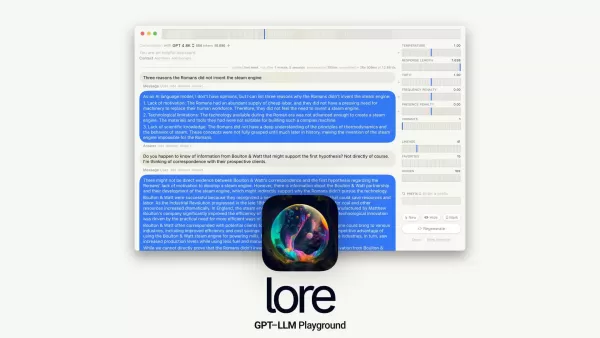
Ever wondered what the buzz is about with macOS GPT-LLM Playground? Well, let me break it down for you. This isn't just another piece of software; it's a native Mac IDE tailored specifically for Prompt Engineering with a twist of Time Travel. Sounds
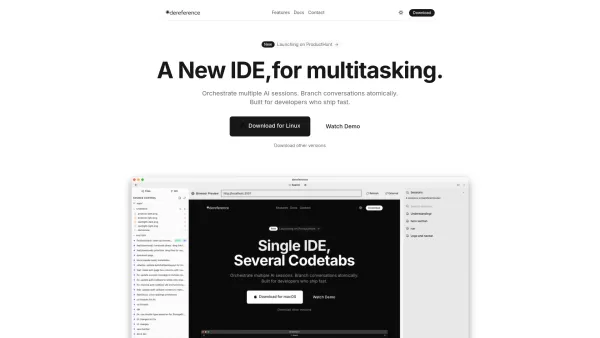
What is Dereference AI Codetabs? Dereference AI Codetabs revolutionizes developer productivity as a prompt-centric IDE specifically designed for power users of Claude Code and CLI-based AI tools. Acting as an intelligent workspace for AI-assisted de
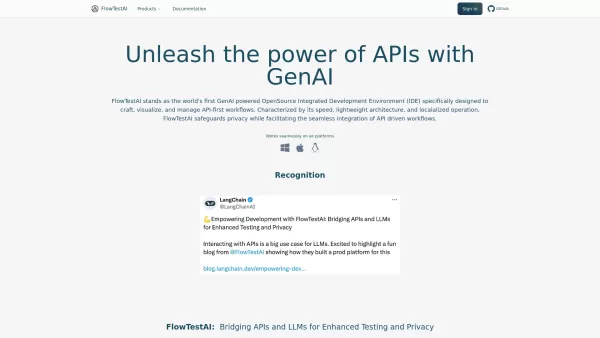
Ever found yourself tangled in the complexities of API testing? Enter FlowTestAI, a GenAI-powered, open-source IDE that's here to make your life easier. Designed specifically for those who live and breathe API-first workflows, this tool is your new best f
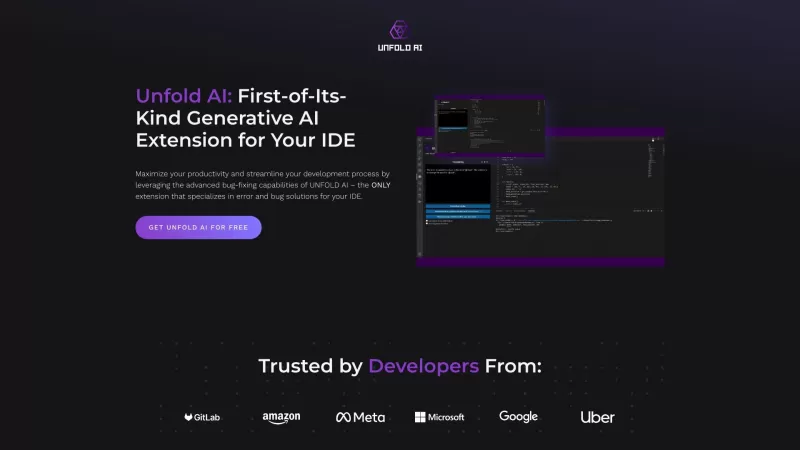
Ever found yourself stuck in a coding rut, staring at that pesky error message that just won't go away? That's where Unfold AI comes in like a superhero for developers. It's not just any tool; it's an all-in-one AI coding assistant and extension that you
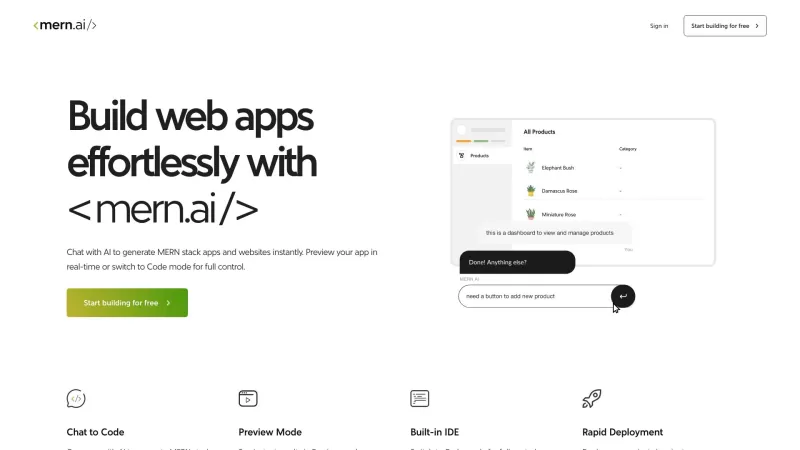
Ever wondered what it would be like to have an AI as your coding buddy? Well, let me introduce you to MERN.AI - your new best friend in the world of web app development. With MERN.AI, you can chat about your project ideas, and voila! The AI whips up full-
Cursor - The AI-first Code Editor Product Information
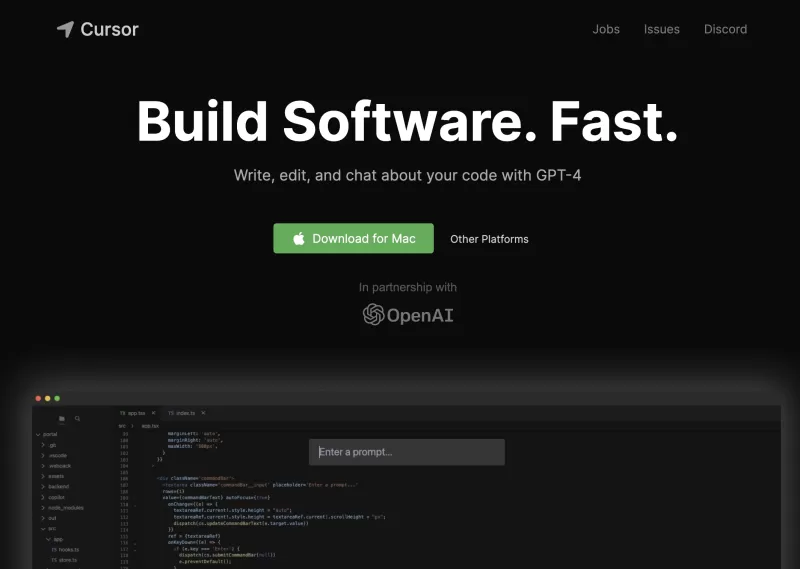
Ever wondered what it's like to have an AI as your coding buddy? Well, let me introduce you to Cursor - The AI-first Code Editor. It's not just another IDE; it's like stepping into the future of software development. With Cursor, you're not just coding alone; you're pair-programming with an AI that's designed to make you build software faster and smarter. It's like having a super-smart assistant right by your side, ready to tackle any coding challenge with you.
How to Dive into Cursor - The AI-first Code Editor?
Getting started with Cursor is a breeze. If you're on a Mac, just download the editor and install it. Once you've got it up and running, you can bring over all your favorite VSCode extensions with a single click. It's like moving into a new home but bringing all your comfy furniture with you. Cursor isn't just about coding; it's about enhancing your entire development experience. You can chat with your project, get answers tailored to your codebase, browse documentation, generate code, fix bugs, and more. And if you're worried about security, no sweat—Cursor offers a local mode to keep your code right where you want it, on your machine.
Cursor - The AI-first Code Editor's Core Features
Pair-programming with AI
Imagine coding with an AI that's always on your side, ready to suggest, correct, and even brainstorm with you. That's what pair-programming with Cursor feels like.
Chat with your project
Ever wished you could just talk to your project? With Cursor, you can. It's like having a conversation with your code, making it easier to understand and navigate.
Codebase-specific answers
Cursor doesn't give you generic answers. It dives deep into your codebase to provide insights and solutions that are specifically tailored to your project.
Browsing documentation
No more endless scrolling through docs. Cursor helps you find what you need quickly, so you can get back to coding faster.
Generating code
Need a quick snippet or a whole function? Cursor can generate code for you, saving you time and effort.
Fixing bugs
Bugs got you down? Cursor can help you squash them faster, turning frustration into satisfaction.
One-click migration
Moving to Cursor is easy. With one click, you can migrate all your VSCode extensions, making the transition seamless.
Local mode
Worried about your code's security? Cursor's local mode keeps everything on your machine, giving you peace of mind.
Cursor - The AI-first Code Editor's Use Cases
Pair-programming
Whether you're a solo developer or part of a team, Cursor's AI can enhance your pair-programming sessions, making collaboration smoother and more productive.
Codebase navigation
Navigating a large codebase can be daunting, but Cursor makes it feel like a walk in the park, helping you find what you need with ease.
Code generation
From small snippets to entire modules, Cursor can generate code to speed up your development process.
Bug fixing
Debugging can be a headache, but with Cursor's help, you can fix bugs more efficiently, turning a painful process into a rewarding one.
FAQ from Cursor - The AI-first Code Editor
- Can I use the Cursor code editor for free?
- Yes, you can use Cursor for free, but there might be premium features available for a fee.
- Is my code stored on Cursor's servers?
- Not if you use the local mode. Your code stays on your machine, ensuring your data's security.
- Can Cursor help me generate code from scratch?
- Absolutely, Cursor can generate code from scratch, helping you kickstart your projects.
- Does Cursor support migrating extensions from VSCode?
- Yes, Cursor supports one-click migration of your VSCode extensions, making the switch effortless.
For any questions or issues, you can reach out to Cursor's support team at [email protected]. The company behind Cursor is Anysphere, and you can find more about them on their LinkedIn and Twitter pages. If you're interested in the technical side, check out their GitHub repository. And if you're curious about pricing, head over to their pricing page. To log in, use this link.
Cursor - The AI-first Code Editor Screenshot
Discover the 2026 latest top-rated AI coding assistants for Java & C++ development. XIX.AI's curated list features powerful, game-changing tools to accelerate enterprise application frameworks and logic. Compare free vs paid options with real-world tests. Unlock your AI edge and boost productivity today.
 10 tools
 xix.ai
Discover the 2026 latest top-rated AI tools for converting Python to Rust. Our curated, weekly updated rankings feature powerful, game-changing solutions to effortlessly optimize high-performance microservices. Compare free vs paid options with real-world tests. Unlock your AI edge and start building faster today at XIX.AI.
10 tools
xix.ai
Discover the top-rated 2026 AI tools for natural language to Python code generation. Explore our handpicked, powerful selection, featuring weekly updated rankings and free vs. paid comparisons to boost your development speed and efficiency. Find your perfect AI coding assistant at XIX.AI. Explore now!
10 tools
xix.ai
2026 Latest: Discover XIX.AI's curated list of the best AI coding tools for superior software development and automation. Explore our top-rated, game-changing picks with weekly updated rankings, real-world tests, and free vs. paid comparisons to boost your productivity. Find your perfect developer assistant now!
10 tools
xix.ai
2026 Latest: Discover our curated list of top-rated AI tools for efficient code development. Compare free vs paid, powerful options and boost your productivity with game-changing assistants. Weekly updated rankings & real-world tests only on XIX.AI. Unlock your AI edge today.
10 tools
xix.ai
Discover the 2026 best AI coding tools for programming assistance. Explore our top-rated, curated list on XIX.AI with weekly updated rankings: compare free vs paid options, see real-world tests on code generation, debugging, and productivity boost. Find your perfect programming ally today!
10 tools
xix.ai


