


 Home
HomeDocGPT ChatPDF & GPT4 & ChatFile



Helps TikTok sellers, brands, MCNs, and TAPs discover winning products and find creators.

HelpLook is an AI-powered all-in-one knowledge base tool that helps businesses quickly build knowledge bases, help centers, and...

Your AI Workspace

302.AI is an enterprise-grade AI resource platform with pay-as-you-go pricing, API access to a full range of AI models, and ready-to-use online applications.

剧火AI — AI Screenwriter + Director, a One-Person Short Drama Studio In one sentence, what is it?
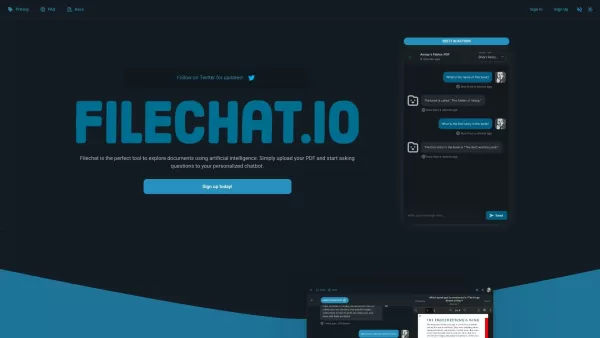
What is FileChat?FileChat.io is an AI-powered tool designed to help users interact with and analyze their documents. You can upload various file types such as PDFs, research papers, books, and manuals, then ask questions to a custom chatbot that deli
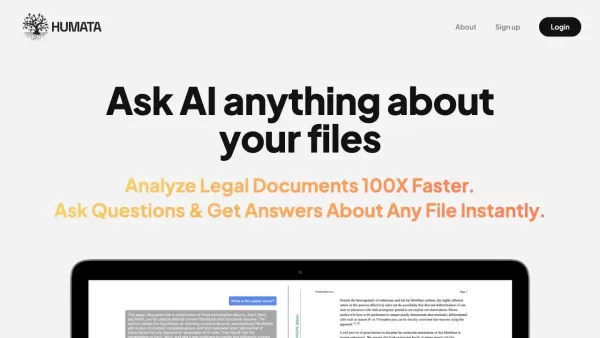
What is Humata AI?Humata AI is a powerful artificial intelligence tool that simplifies document analysis. By responding to questions in plain English, it helps you quickly find key information in technical papers, reports, and other files. From gener
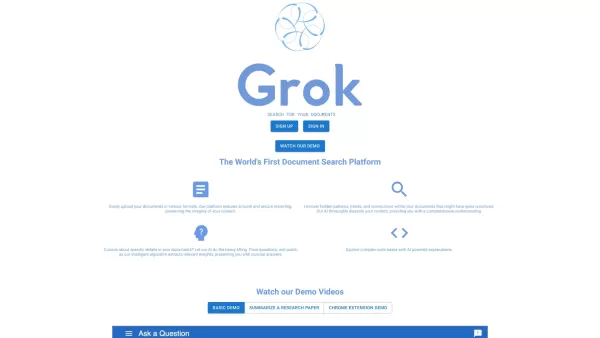
What is The Grok App?The Grok App is a sophisticated AI-powered platform that delivers powerful document search and in-depth analysis. Effortlessly upload a wide range of document types, and the AI engine works to reveal underlying patterns, trends,
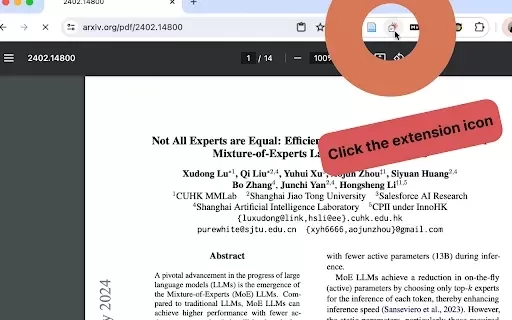
What is Doc to Claude?Doc to Claude is a Chrome extension that simplifies working with PDFs on Claude.ai. It enables one-click uploads of PDFs directly to the platform, bypassing manual downloads. You can also set custom prompts for Claude to analyze
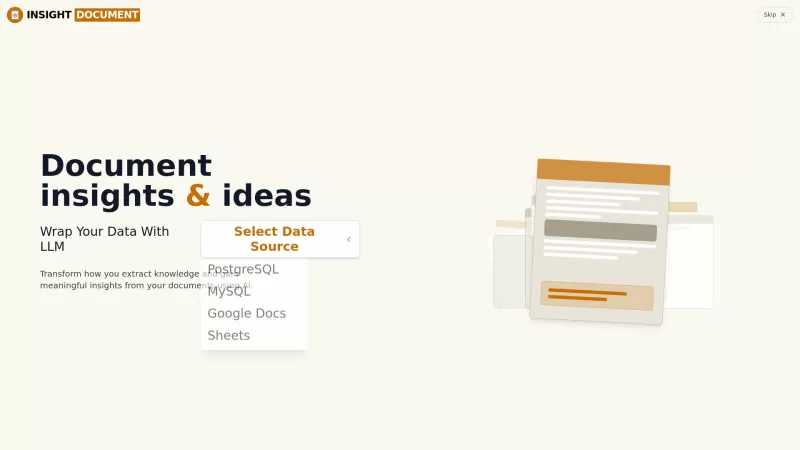
Ever found yourself drowning in a sea of documents, wishing there was a way to make sense of it all without breaking a sweat? Enter Insight Document, your new best friend in the world of data analysis. This AI-powered platform is like having a super-smart assistant that can dive into your unstructur
DocGPT ChatPDF & GPT4 & ChatFile Product Information
What is DocGPT ChatPDF & GPT4 & ChatFile?
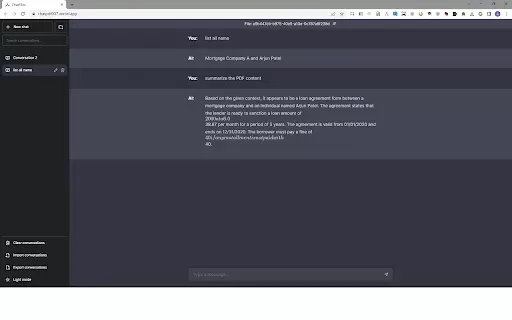
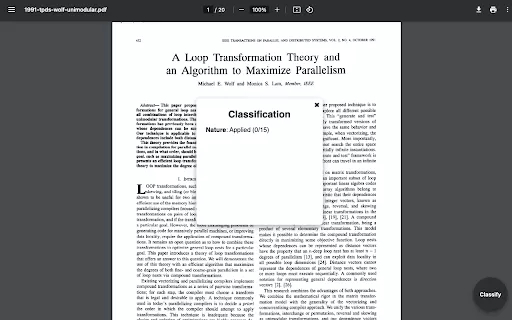
DocGPT ChatPDF & GPT4 & ChatFile is a powerful Chrome extension that lets you chat with your documents. Using advanced artificial intelligence, it allows you to upload PDFs and have natural conversations about their content. Ask questions, get detailed explanations, and quickly summarize or extract key information. This tool turns complex document analysis into a simple, chat-based process, making it perfect for students, researchers, and professionals who need to digest large amounts of text efficiently.
Who will use DocGPT ChatPDF & GPT4 & ChatFile?
- Students
- Researchers
- Professionals
- Educators
- Writers
How to use the DocGPT ChatPDF & GPT4 & ChatFile?
- Step 1: Install the DocGPT ChatPDF extension from the Chrome Web Store.
- Step 2: Upload your PDF file directly through the extension's interface.
- Step 3: Begin asking questions about the document's content.
- Step 4: Receive immediate, AI-generated answers based on the text.
Platform
- Google Chrome
DocGPT ChatPDF & GPT4 & ChatFile's Core Features & Benefits
The Core Features
- Upload and Process PDF Documents
- AI-Powered Conversational Interface
- Fast Information Retrieval
- In-Depth Document Analysis
The Benefits
- Simplified and intuitive document interaction
- Deeper comprehension of complex materials
- Significant time savings in finding information
- Easy-to-use, straightforward interface
DocGPT ChatPDF & GPT4 & ChatFile's Main Use Cases & Applications
- Assistance with academic research
- Efficient document summarization
- Quick data extraction and analysis
- Clarifying confusing or dense content
FAQs of DocGPT ChatPDF & GPT4 & ChatFile
What types of documents can I upload?
The extension is designed to work with PDF documents.
Is the extension free to use?
Yes, DocGPT ChatPDF is free to install from the Chrome Web Store.
Can I download my edited documents?
Currently, the tool allows for interactive Q&A but does not support downloading edited versions of the file.
How does AI interpret my questions?
The AI understands the context of your document to generate accurate and relevant responses.
Is my data secure?
Yes, your data is protected by strict privacy and security protocols.
Can I use it for large documents?
Yes, large documents are supported, but processing time may increase with file size.
Does it support other file formats?
At this time, the extension only supports PDF files.
Will it summarize my document?
Yes, you can request summaries of specific sections or the entire document.
What browsers is it compatible with?
It is built exclusively for the Google Chrome browser.
Can I ask multiple questions at once?
For the most accurate results, we recommend asking questions one at a time.
DocGPT ChatPDF & GPT4 & ChatFile Company Information
DocGPT ChatPDF & GPT4 & ChatFile Screenshot

2026 Latest Best Photoshop AI retouch tools for ecommerce apparel, skin cleanup, and color consistency! This top-rated curated list features powerful game-changing solutions that help you boost writing efficiency, streamline content creation, and achieve perfect visual results effortlessly. Each tool has undergone real-world tests through weekly updated rankings, complete with free vs paid comparison details. Backed by XIX.AI, it’s the must-try guide for anyone aiming to unlock your AI edge. Explore now!
 10 tools
 xix.ai

2026 Latest Best Top-Rated AI Prompt Libraries for optimizing all types of ChatGPT workflows. XIX.AI has curated a powerful, game-changing collection that goes through rigorous real-world tests to ensure top performance. You can find detailed free vs paid comparisons and expert rankings to help you choose the must-try tools that boost your productivity and unlock your AI edge. Explore now!
11 tools
xix.ai

2026 Latest Best AI Quiz Builder Platforms for Teachers, Tutors, and Cohort-Based Learning Programs! XIX.AI has curated a top-rated list of powerful game-changing tools that go through real-world tests to deliver accurate rankings. These must-try platforms help boost writing efficiency, streamline content creation, and simplify quiz design across all learning scenarios. Explore now to discover your perfect tool for unlocking your AI edge in teaching!
13 tools
xix.ai

2026 Latest Best AI Pull Request Review Tools for GitHub Teams are here on XIX.AI! This top-rated curated list showcases powerful game-changing solutions that streamline refactoring, bug fixing, and security gap detection across all team workflows. Enjoy a free vs paid comparison along with real-world tests and detailed rankings to help you find the perfect tool that boosts productivity significantly. Explore now to unlock your AI edge!
12 tools
xix.ai

2026 Latest Best Top-rated AI Text to Speech Tools for Natural Voiceovers are here on XIX.AI! This curated list features powerful, game-changing options that deliver crystal-clear voices for every use case, backed by real-world tests and weekly updated rankings. Get a free vs paid comparison to find the must-try solution that boosts your productivity instantly. Explore now to Unlock your AI edge!
11 tools
xix.ai

2026 Latest Best Manga AI Background Generators Ranked Top-Rated! This curated collection showcases powerful game-changing tools perfect for creating high-quality chapter backgrounds, book covers, and promotional art. Every option has undergone rigorous real-world tests to ensure reliability. Get a free vs paid comparison along with detailed insights. Explore now to discover your perfect tool and unlock your AI edge in manga creation.
6 tools
xix.ai


