


 Home
HomeColourlab



Helps TikTok sellers, brands, MCNs, and TAPs discover winning products and find creators.

HelpLook is an AI-powered all-in-one knowledge base tool that helps businesses quickly build knowledge bases, help centers, and...

Your AI Workspace

302.AI is an enterprise-grade AI resource platform with pay-as-you-go pricing, API access to a full range of AI models, and ready-to-use online applications.

剧火AI — AI Screenwriter + Director, a One-Person Short Drama Studio In one sentence, what is it?
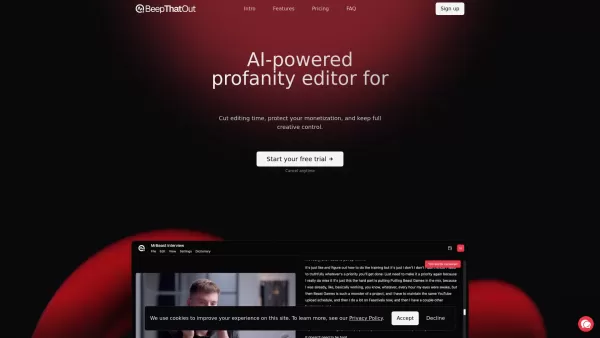
What is BeepThatOut? BeepThatOut is an AI-powered profanity editor that works directly in your browser, designed for YouTubers, podcasters, and content creators. It helps you slash editing time, protect your monetization, and maintain complete creati
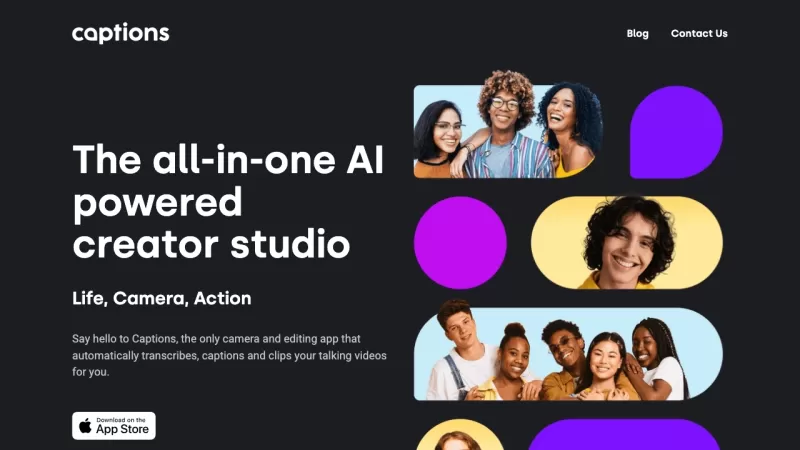
Ever wondered how to make your videos pop without breaking a sweat? Enter Captions, the AI-powered creative studio that's revolutionizing how we craft professional-grade videos with just a few taps. It's like having a whole production team in your pocket! With a suite of tools like video compression
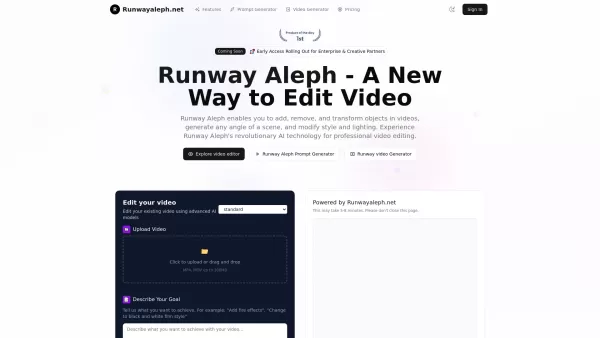
What is Runwayaleph.net?Runway Aleph represents the cutting edge of AI-powered video generation technology. This advanced system specializes in contextual video understanding and multi-faceted visual transformations. Users gain unprecedented creative
Colourlab Product Information
What is Colourlab?
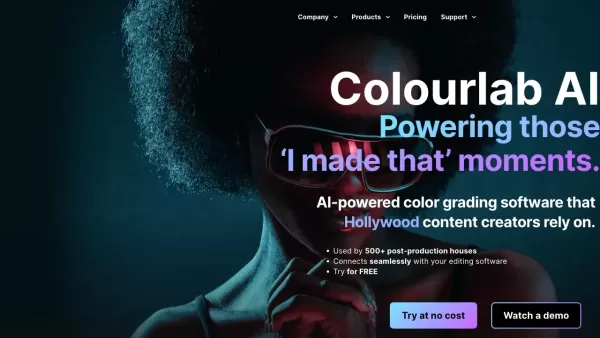
Colourlab AI is a powerful, AI-powered color grading tool that streamlines and elevates the color correction process for video editors and colorists. It uses sophisticated artificial intelligence to deliver precise color adjustments and ensure visually cohesive results. The software works hand-in-hand with major platforms like Adobe Premiere Pro and After Effects, offering a flexible solution for professional post-production. With its user-friendly interface and smart features like auto-exposure and color matching, Colourlab AI is a go-to resource for pros and hobbyists alike.
Who uses Colourlab?
- Filmmakers
- Colorists
- Video Editors
- Post-production Studios
- Content Creators
- Vloggers
How to use Colourlab?
- Step 1: Import your video clips into Colourlab AI.
- Step 2: Verify your camera and project settings.
- Step 3: Use the auto-exposure tool to balance the shot.
- Step 4: Apply AI color matching for a uniform look across clips.
- Step 5: Manually refine colors and tones as desired.
- Step 6: Export to Adobe Premiere Pro or After Effects for further editing.
- Step 7: Render and export your final graded project.
Platform
- Web
- Mac
- Windows
Colourlab's Core Features & Benefits
Core Features
- AI-driven color grading
- Automatic exposure correction
- Direct integration with Adobe Premiere Pro and After Effects
- Intuitive, easy-to-use interface
- Precise AI color matching
Key Benefits
- Saves significant time in post-production
- Guarantees consistent visual quality
- Reduces manual, repetitive work
- Offers greater creative flexibility
- Boosts overall workflow efficiency
Main Use Cases & Applications
- Documentary film color grading
- Feature film post-production
- Commercial and advertising video editing
- Music video color correction
- YouTube and online content creation
Colourlab's Pros & Cons
Pros
Delivers real-time color grading performance entirely on your local machine
Supports all professional color spaces, including ACES and HDR
Functions seamlessly as both a plugin and a standalone desktop application
Pro version includes advanced color emulation tools
Trusted by leading film studios and industry professionals
Drastically cuts down time spent on manual grading and shot matching
Cons
Not open source; no public code repository available
Optimization for Windows with Nvidia and AMD GPUs is still in progress
Some advanced capabilities are locked behind the Pro version
Colourlab's Pricing
Has free plan | YES |
|---|---|
Free trial details | 15-day free trial, no credit card required |
Pricing model | Free Trial |
Is credit card required | No |
Paid from | 14 USD |
Has lifetime plan | YES |
Billing frequency | Monthly |
Details of Pricing Plan
Creator
14 USD
- Auto Color
- AI Color Matching
- AI References
- Timeline Intelligence™
- Library of Show Looks
Pro
39 USD
- Everything in Creator +
- Blackmagic SDI support
- Tangent control support
- Look Designer with native interface
Studio
49 USD
- Everything in Pro +
- Look Designer plug-ins for Resolve™ (Win/MacOS/Linux)
- Look Designer plug-in for Premiere Pro & AE (MacOS/Windows)
- Grainlab plug-in for Resolve™ (Win/MacOS/Linux)
Discount:
Use code ibc2023 for 50% off on Look Designer, valid for 3 days only
For the latest prices, please visit: https://colourlab.ai
FAQs About Colourlab
What platforms does Colourlab AI support?
Colourlab AI is available on Web, Mac, and Windows platforms.
Can I use Colourlab AI with Adobe Premiere Pro?
Yes, Colourlab AI integrates seamlessly with Adobe Premiere Pro.
Is Colourlab AI good for beginners?
Absolutely. Its intuitive interface makes it accessible for both beginners and experienced professionals.
Does Colourlab AI have automatic color matching?
Yes, it features AI-driven automatic color matching to ensure consistency across your project.
What video file formats does Colourlab AI support?
Colourlab AI supports a wide array of industry-standard video file formats.
How does the auto-exposure tool work?
The auto-exposure tool analyzes your clip and automatically adjusts the exposure to a neutral baseline.
Can I tweak colors manually in Colourlab AI?
Yes, you have full manual control to fine-tune colors after any automatic adjustments.
What are the subscription options for Colourlab AI?
Colourlab AI offers monthly and annual plans, with discounts available for annual subscriptions.
Is there learning material or support for Colourlab AI?
Yes, you can access a knowledge base, video tutorials, and customer support.
Is there a free trial for Colourlab AI?
Yes, a free trial is available for new users to test all the features.
Colourlab Company Information
Colourlab Screenshot

2026 Latest Best Top-rated AI Object Removal Editors for portraits travel product shots! XIX.AI curates a powerful game-changing collection regularly updated with weekly rankings. These tools offer real-world tests to help you quickly remove unwanted elements, boost content quality, and save tons of time without compromising results. Must-try for anyone aiming to unlock their AI creation edge. Explore now!
 10 tools
 xix.ai

2026 Latest Best Top-rated AI Text to Speech Tools for Online Courses are curated by XIX.AI based on rigorous real-world tests and weekly updated rankings. These powerful tools help creators deliver crystal-clear audio content effortlessly, boosting writing efficiency and streamlining course production. Check out the free vs paid comparison to find your perfect fit. Explore now to unlock your AI edge in online education.
10 tools
xix.ai

2026 Latest Best Top-Rated AI Blog Title Tools for Higher Click Through Rates! XIX.AI has carefully curated a powerful, game-changing collection of top tools that go through rigorous real-world tests. You’ll find a free vs paid comparison, weekly updated rankings, and detailed insights to help you boost your blog’s traffic efficiently. Must-try options are highlighted to help you unlock your AI edge. Explore now!
10 tools
xix.ai

2026 Latest Best Top-rated AI Task Routing Tools for Support Workflows! XIX.AI has curated a highly powerful game-changing collection of must-try solutions, all undergoing rigorous real-world tests and updated weekly. These tools streamline workflows, boost productivity, and help teams deliver faster, more efficient support. Explore now to discover your perfect tool and unlock your AI edge!
17 tools
xix.ai

2026 Latest Best Top-Rated AI Citation and Paper Summary Tools Curated by XIX.AI. Get powerful game-changing solutions for quick content creation, improved writing efficiency, and boosting productivity. We offer a free vs paid comparison along with real-world tests and weekly updated rankings to help you find the must-try tool that fits your needs perfectly. Explore now to Unlock your AI edge.
10 tools
xix.ai

2026 Latest Best Top-Rated AI Productivity Tools for Daily Work! XIX.AI has curated a powerful, game-changing selection based on rigorous weekly updated rankings and real-world tests. You’ll find must-try options that boost writing efficiency, streamline content creation, and help you overcome daily work challenges. Get a free vs paid comparison to find the perfect fit for your needs. Explore now to unlock your AI edge!
9 tools
xix.ai


