


 Home
HomeCaptions
AI Video Creation with Captions Studio



Helps TikTok sellers, brands, MCNs, and TAPs discover winning products and find creators.

HelpLook is an AI-powered all-in-one knowledge base tool that helps businesses quickly build knowledge bases, help centers, and...

Your AI Workspace

302.AI is an enterprise-grade AI resource platform with pay-as-you-go pricing, API access to a full range of AI models, and ready-to-use online applications.

剧火AI — AI Screenwriter + Director, a One-Person Short Drama Studio In one sentence, what is it?

Ever wondered what lies beneath the fabric? Well, Undress AI promises to give you a peek with its deepnude technology. It's like having a digital artist at your fingertips, ready to create those "what if" scenarios without any of the hassle. This tool isn

What is Celebrity AI?CelebrityAI revolutionizes digital content creation with its cutting-edge artificial intelligence platform that generates lifelike celebrity videos and voice messages. Using sophisticated technologies including deep neural networ

If you're diving into the world of AI and need a tool to streamline your interactions with models like ChatGPT, Claude, and Gemini, let me introduce you to TaoPrompt. This isn't just another AI tool; it's a professional prompt generator that's designed to
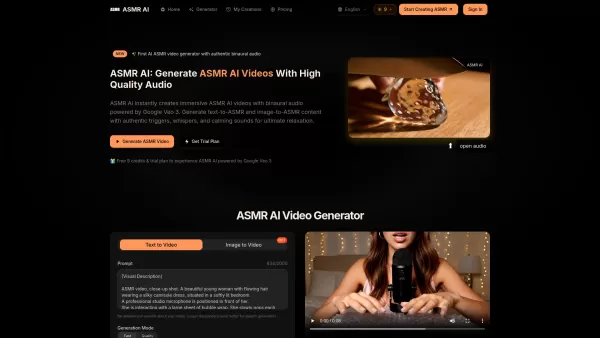
What is ASMR AI?ASMR AI represents the cutting edge of digital relaxation technology - an AI-driven platform specializing in hyper-realistic ASMR video generation. Harnessing the power of Google's Veo 3 technology, it crafts immersive binaural audio
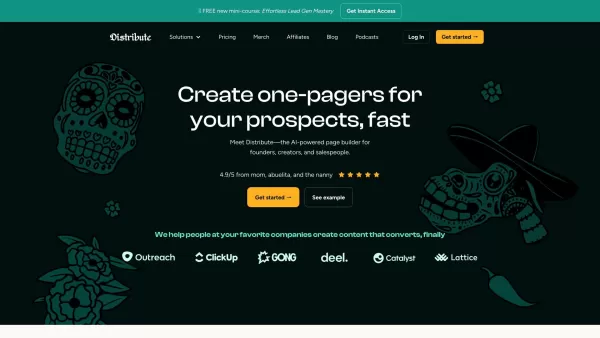
So, what’s this whole Distribute | Death To Whitepapers thing about? Think of it as your secret weapon for creating killer content—fast. In under 10 minutes, you can whip up something truly valuable, whether it’s a sleek one-pager, a micro-website, or eve
Captions Product Information
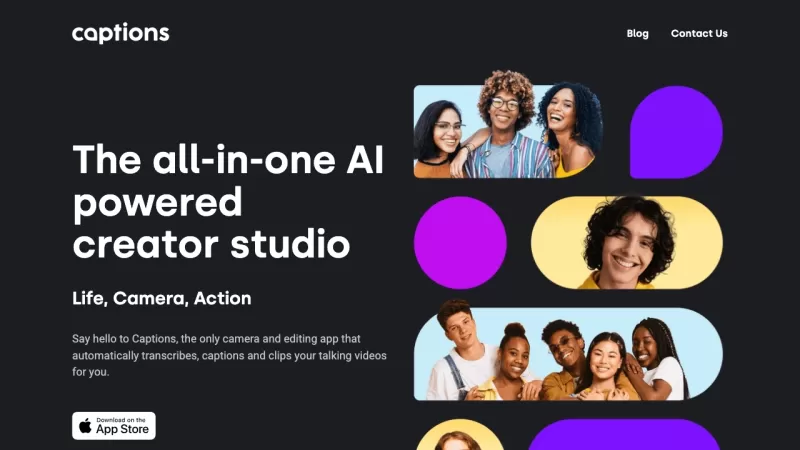
Ever wondered how to make your videos pop without breaking a sweat? Enter Captions, the AI-powered creative studio that's revolutionizing how we craft professional-grade videos with just a few taps. It's like having a whole production team in your pocket! With a suite of tools like video compression, eye contact correction, and subtitles generation, Captions makes storytelling a breeze. Plus, it's got audio translation, script writing, and even composes music for your background tracks. Talk about a one-stop shop for video magic!
Using Captions is as easy as pie. Just download the app or fire up the desktop version, and you're good to go. Pick your video or audio files, and then dive into the plethora of features. Want to shrink that hefty video file? No problem. Need to fix that awkward glance away from the camera? Captions has your back. Add some subtitles, translate your captions into 28 languages, whip up a script, or even let AI compose the perfect background tune. The interface is so intuitive, you'll be creating like a pro in no time.
Core Features of Captions
- Video compression to keep your files lean and mean.
- Eye contact correction to keep your viewers engaged.
- Automatic subtitles and captions from your audio.
- Translation of audio and captions into 28 languages—talk about going global!
- Script generation that's as easy as giving it a prompt or some reference material.
- AI-powered music composition for those perfect background vibes.
- Color grading and scheme generation to make your videos visually stunning.
- Background removal to keep the focus where you want it.
- Rotoscoping for those tricky object cutouts.
- Sound effects and track selection to add that extra punch.
- Metadata generation to optimize your video distribution.
- Voice dubbing in multiple languages for a truly international reach.
- Automatic extraction of those viral-worthy clips to keep your content buzzing.
Who Can Use Captions?
- Content creators looking to produce professional videos without the hassle.
- Social media influencers wanting to captivate their audience.
- Marketing pros aiming to tell their brand story more effectively.
- Language learners and educators in need of translated audio and captions.
- Professionals needing scripts for presentations or productions.
- Video editors looking to up their game in visual editing and cinematography.
- Podcasters and audio producers wanting to polish their recordings.
- Businesses keen on optimizing video distribution and engaging viewers.
FAQ from Captions
- What types of files does Captions support?
- Can I use Captions on both mobile and desktop?
- Is Captions suitable for beginners?
- Can I translate my video's audio into multiple languages?
- Does Captions provide royalty-free music?
- Captions Discord: Here's where you can join the conversation: https://discord.com/invite/captions. For more Discord messages, click [here(/discord/captions)].
- Captions Support Email & Customer Service Contact & Refund Contact: Got questions or need support? Reach out at [email protected]. For more contact options, visit the contact us page.
- Captions Company: Want to know more about us? Check out the about us page.
- Captions Youtube: Dive into our video content at https://www.youtube.com/@captionsai.
- Captions Tiktok: Get a quick glimpse of what we're about on https://www.tiktok.com/@captionsapp.
- Captions Linkedin: Connect with us professionally at https://www.linkedin.com/company/captionsapp/.
- Captions Twitter: Keep up with the latest updates at https://twitter.com/getcaptionsapp.
- Captions Instagram: See our visual storytelling at https://www.instagram.com/getcaptionsapp/.
Captions Screenshot
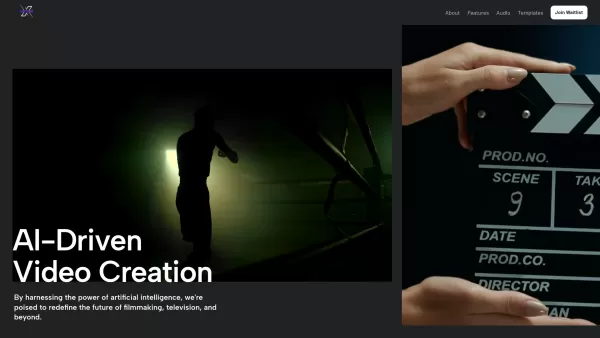
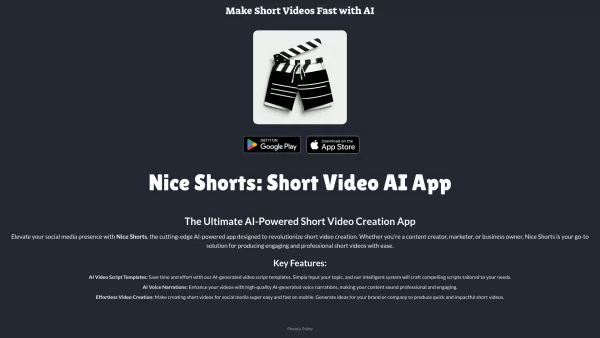
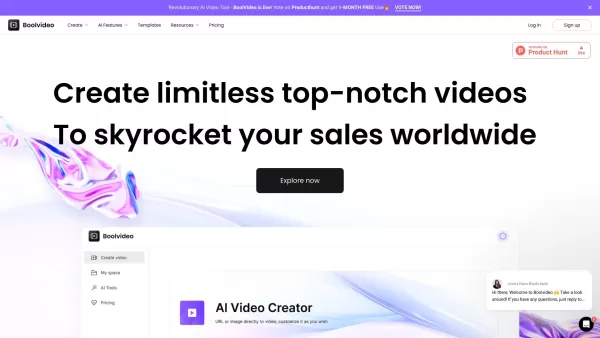
2026 Latest: Discover our top-rated AI caption writing tools for exceptional Xiaohongshu post creation. XIX.AI's curated list features must-try, powerful solutions for generating trending, high-engagement content and streamlining your entire workflow. Explore free vs paid options with rankings and expert tips to enhance your social impact. Unlock your AI edge now.
 10 tools
 xix.ai


