


 Home
HomeChipper
React Chat Library: AI Messages, Multi-Agent, Streams & UI



Helps TikTok sellers, brands, MCNs, and TAPs discover winning products and find creators.

HelpLook is an AI-powered all-in-one knowledge base tool that helps businesses quickly build knowledge bases, help centers, and...

Your AI Workspace

302.AI is an enterprise-grade AI resource platform with pay-as-you-go pricing, API access to a full range of AI models, and ready-to-use online applications.

剧火AI — AI Screenwriter + Director, a One-Person Short Drama Studio In one sentence, what is it?
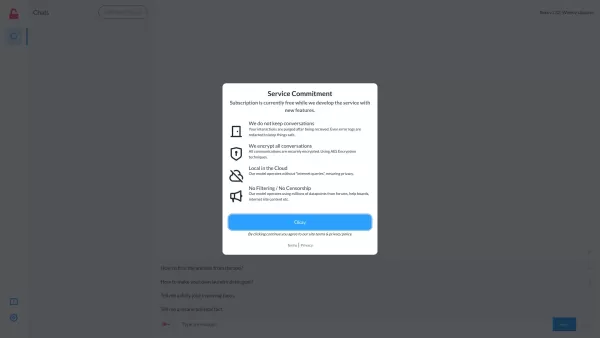
What is NoFilterGpt.com?NoFilterGPT is an advanced AI chat service offering an unfiltered and anonymous platform for open conversations. It enables users to engage in completely unrestricted dialogue with no content filtering, fostering genuine and h
What is PulpSense | Empowering Businesses?PulpSense provides AI-driven solutions designed to enhance your business's operational efficiency. Our services encompass tailored project management systems, custom CRM development, hiring systems, lead gene
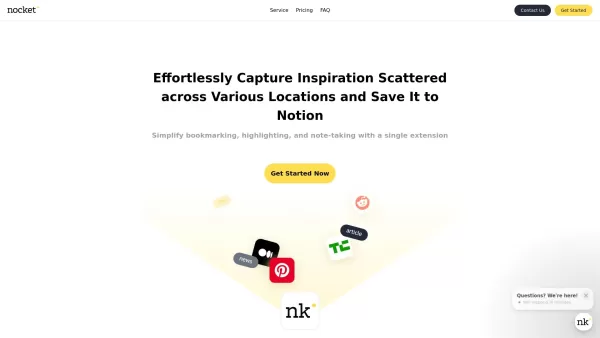
What is Nocket?Nocket.io is a user-friendly browser extension that transforms how you interact with web content. It enables you to bookmark pages, highlight text, and take notes right in your browser. You can easily save your discoveries to Notion, a
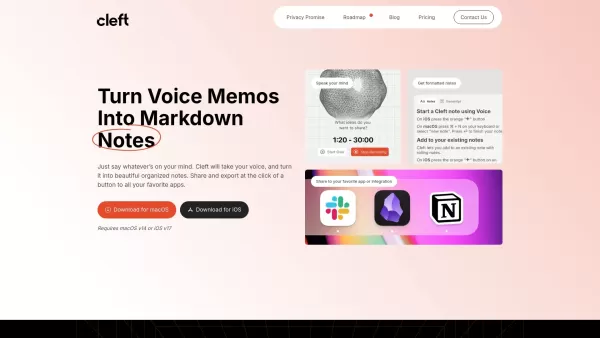
What is Cleft Notes?Cleft Notes is a cutting-edge application that leverages advanced AI to transform your voice recordings into structured, text-based notes. It enables you to capture ideas anytime, anywhere, ensuring you never lose a thought. The a
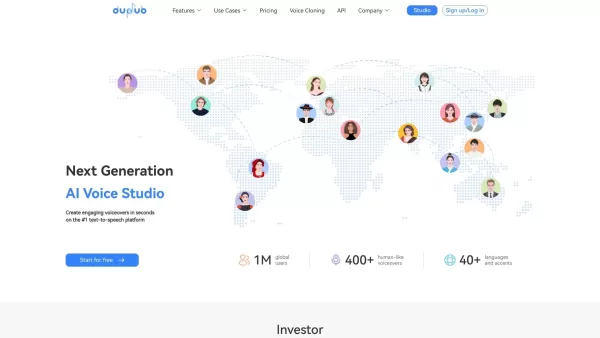
What is DupDub?DupDub is an all-in-one AI content creation platform. It features cutting-edge text-to-speech and video generation tools that make producing digital content faster and more effective. With access to over 50 expressive voices, real-time
Chipper Product Information
What is Chipper?
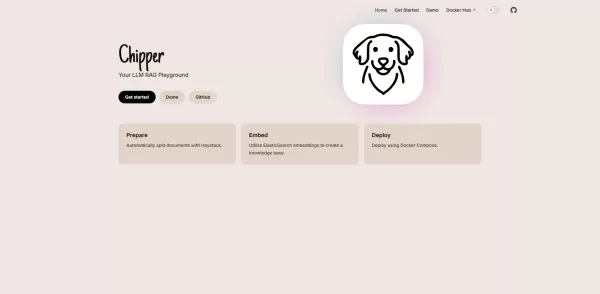
Chipper is a fully open-source React component library that streamlines building conversational interfaces powered by large language models. It provides real-time streaming of AI responses, built-in chat history and context management, support for multiple agents in a single conversation, file attachment handling, and theme customization. Developers can integrate any LLM backend through simple props, extend functionality with plugins, and apply custom styling using CSS-in-JS for seamless branding and responsive designs.
Who will use Chipper?
- Frontend developers creating AI-powered chat interfaces
- Startups and enterprises integrating LLMs into their products
- Product teams prototyping conversational agents
- Educational platforms developing interactive tutoring bots
- Researchers experimenting with multi-agent dialogue systems
How to use Chipper
- Step 1: Install Chipper via npm or yarn in your React project.
- Step 2: Import the main ChatInterface component from 'chipper'.
- Step 3: Configure props for your LLM endpoint, streaming settings, and agents.
- Step 4: Render the ChatInterface component within your application layout.
- Step 5: Customize themes, avatars, and plugin slots using props or CSS-in-JS.
- Step 6: Handle user input, message events, and API calls within the provided callbacks.
- Step 7: Deploy your React application with Chipper to any web hosting service.
Platform
- Web
Chipper's Core Features & Benefits
Core Features
- Customizable React chat UI components
- Real-time streaming of LLM responses
- Multi-agent conversation support
- Theme and layout customization
- Message attachments and file uploads
- Conversation history and context management
Benefits
- Accelerates AI chatbot UI development
- Fully customizable design to match your branding
- Open-source and community-driven
- Minimal setup with seamless integration
- Supports any LLM backend via simple props
- Lightweight and easily extendable architecture
Chipper's Main Use Cases & Applications
- Embed AI chatbots into internal dashboards and tools
- Build customer support conversational interfaces
- Develop educational and tutoring chat applications
- Prototype research assistants for knowledge exploration
- Create multi-agent dialogue demonstrations and proofs of concept
Chipper's Pros & Cons
Pros
Open source with a publicly accessible GitHub repository.
Integrates with Haystack for automated document processing.
Uses ElasticSearch embeddings for knowledge base creation.
Supports easy deployment with Docker Compose.
Cons
No explicit pricing or commercial support information is available.
No dedicated mobile apps or browser extensions are linked.
Limited direct user interface details or live demo features are provided on the main page.
FAQs of Chipper
What is Chipper?
Chipper is an open-source React chat UI library for building customizable, streaming conversational interfaces with LLM integration.
How do I install Chipper?
Install Chipper via npm using `npm install chipper` or via yarn using `yarn add chipper`.
Does Chipper support streaming responses?
Yes, Chipper offers built-in support for real-time streaming of AI model outputs.
Can I customize the chat theme?
Absolutely. Chipper supports full theming and layout customization through CSS-in-JS or your preferred styling method.
Which LLM backends are supported?
Chipper works with any LLM API endpoint; you simply pass your backend URL and streaming options via props.
Is Chipper mobile-friendly?
Yes, the components are designed to be responsive and work on both desktop and mobile web browsers.
Can I add file attachments to chat messages?
Yes, Chipper includes built-in support for file uploads and attachments.
How do I contribute to the project?
Contributions are welcome! Please submit issues and pull requests on the official GitHub repository.
What license does Chipper use?
Chipper is released under the MIT License.
Where can I find documentation?
Complete documentation is available at https://chipper.tilmangriesel.com/docs
Chipper Company Information
Chipper Screenshot

2026 Latest Best Top-rated AI Object Removal Editors for portraits travel product shots! XIX.AI curates a powerful game-changing collection regularly updated with weekly rankings. These tools offer real-world tests to help you quickly remove unwanted elements, boost content quality, and save tons of time without compromising results. Must-try for anyone aiming to unlock their AI creation edge. Explore now!
 10 tools
 xix.ai

2026 Latest Best Top-rated AI Text to Speech Tools for Online Courses are curated by XIX.AI based on rigorous real-world tests and weekly updated rankings. These powerful tools help creators deliver crystal-clear audio content effortlessly, boosting writing efficiency and streamlining course production. Check out the free vs paid comparison to find your perfect fit. Explore now to unlock your AI edge in online education.
10 tools
xix.ai

2026 Latest Best Top-Rated AI Blog Title Tools for Higher Click Through Rates! XIX.AI has carefully curated a powerful, game-changing collection of top tools that go through rigorous real-world tests. You’ll find a free vs paid comparison, weekly updated rankings, and detailed insights to help you boost your blog’s traffic efficiently. Must-try options are highlighted to help you unlock your AI edge. Explore now!
10 tools
xix.ai

2026 Latest Best Top-rated AI Task Routing Tools for Support Workflows! XIX.AI has curated a highly powerful game-changing collection of must-try solutions, all undergoing rigorous real-world tests and updated weekly. These tools streamline workflows, boost productivity, and help teams deliver faster, more efficient support. Explore now to discover your perfect tool and unlock your AI edge!
17 tools
xix.ai

2026 Latest Best Top-Rated AI Citation and Paper Summary Tools Curated by XIX.AI. Get powerful game-changing solutions for quick content creation, improved writing efficiency, and boosting productivity. We offer a free vs paid comparison along with real-world tests and weekly updated rankings to help you find the must-try tool that fits your needs perfectly. Explore now to Unlock your AI edge.
10 tools
xix.ai

2026 Latest Best Top-Rated AI Productivity Tools for Daily Work! XIX.AI has curated a powerful, game-changing selection based on rigorous weekly updated rankings and real-world tests. You’ll find must-try options that boost writing efficiency, streamline content creation, and help you overcome daily work challenges. Get a free vs paid comparison to find the perfect fit for your needs. Explore now to unlock your AI edge!
9 tools
xix.ai


Just tried Chipper for a side project and it's a game-changer! The real-time streaming feels so smooth, and having chat history built-in saved me tons of time. Love that it's fully open-source too. Makes prototyping AI chat features way less painful. 😅


