


 Home
HomeAsync - Chrome Extension
Add voice notes to emails and work apps.



Helps TikTok sellers, brands, MCNs, and TAPs discover winning products and find creators.

HelpLook is an AI-powered all-in-one knowledge base tool that helps businesses quickly build knowledge bases, help centers, and...

Your AI Workspace

302.AI is an enterprise-grade AI resource platform with pay-as-you-go pricing, API access to a full range of AI models, and ready-to-use online applications.

剧火AI — AI Screenwriter + Director, a One-Person Short Drama Studio In one sentence, what is it?

Ever wondered how to turn your jumbled thoughts and complex queries into something you can actually grasp? Enter The Visualizer, your new best friend in the world of learning and creativity. This nifty tool takes your written queries, URLs, and even PDFs,
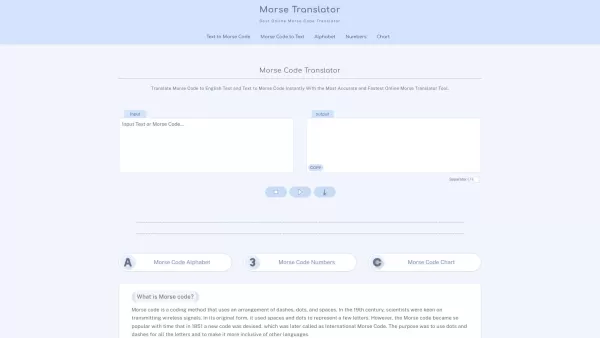
Morse code, that fascinating system of communication, uses a clever combination of dashes, dots, and spaces to represent letters, numbers, and symbols. It's been a staple in telegraphy, allowing messages to zip across wires with a rhythmic tap, tap, tap.

Ever find yourself staring at a blank screen, trying to craft the perfect email or nail that final paper? Enter Linguix, your new best friend in the world of writing. This free writing assistant isn't just another tool; it's like having a personal ed
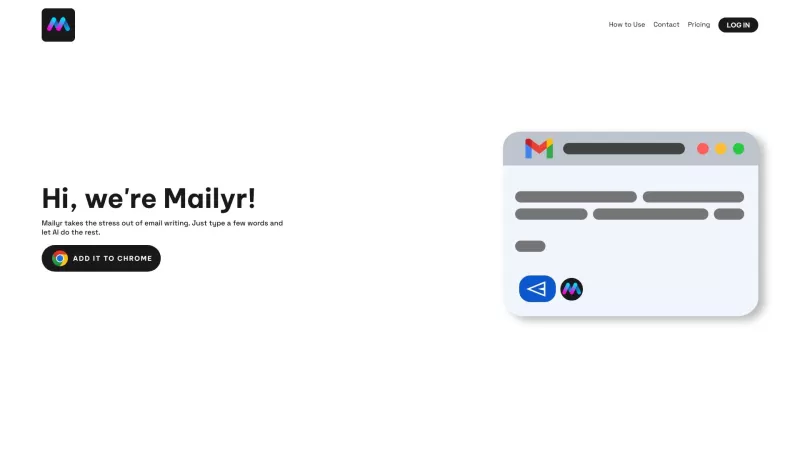
Discover Mailyr: Your AI-Powered Email AssistantEver found yourself staring at a blank email, wondering how to start? Well, Mailyr's got your back! This nifty tool harnesses the power of AI to help you craft emails with barely any effort on your part.How to Get Started with Mailyr?Getting started wi
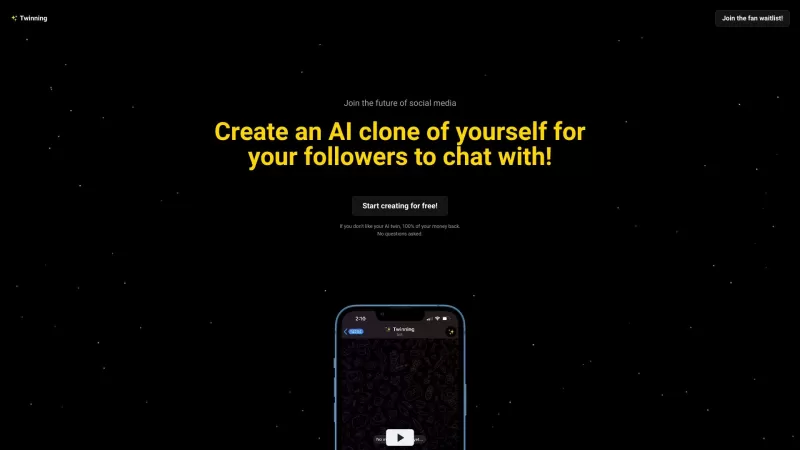
Ever wondered what it would be like to have a digital clone of yourself, chatting away with your fans while you kick back and relax? Well, Twinning is here to turn that dream into reality! It's a nifty platform designed for influencers who want to create
Async - Chrome Extension Product Information
Ever wished you could add a more personal touch to your emails or streamline your communication on work apps? Enter Async, a nifty Chrome extension that lets you do just that by adding voice notes to your digital interactions. It's like giving your emails and work projects a voice—literally!
How to Use Async AI Chrome Extension?
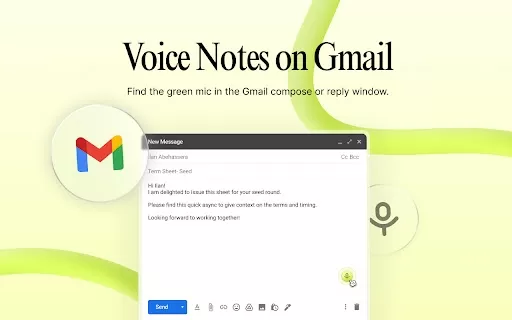
Getting started with Async is a breeze. First, you'll want to install the Gmail & Chrome extension. Once you've got it set up, using it in Gmail is as simple as hitting record to reply to an email with a voice note. Not only does Async transcribe your voice note, but it also adds timestamp reactions and AI-generated summaries to keep things organized. And if you're working on something in Chrome, you can add a voiceover to your project and share it effortlessly with your team. It's like having a personal assistant for your digital workspace!
Async AI Chrome Extension's Core Features
Voice Notes for Gmail
Imagine being able to respond to emails with the warmth and clarity of your own voice. Async makes this possible, turning your spoken words into text for easy reading.
Voice Notes for Chrome
Whether you're collaborating on a project or just need to add some context to a document, Async lets you record voice notes directly in Chrome, making your work more dynamic and engaging.
Transcription of Voice Notes
No need to type out your thoughts—Async transcribes your voice notes, saving you time and ensuring your message is clear.
Timestamp Reactions
With Async, you can add reactions to specific parts of your voice notes, making it easier for others to understand your feedback or emotions at different points in your message.
AI Summaries
Long voice notes? No problem. Async's AI generates summaries, so your recipients can quickly grasp the key points without listening to the entire recording.
Async AI Chrome Extension's Use Cases
Adding a Personal Touch to Emails
Sometimes, text just doesn't cut it. With Async, you can add that personal touch to your emails, making your communication feel more human and connected.
Enhancing Collaboration and Communication on Work Apps
In the fast-paced world of work, clear communication is key. Async helps you collaborate more effectively by allowing you to add voice notes to your projects, ensuring everyone is on the same page.
Quickly Sharing Ideas and Feedback
Got a sudden burst of inspiration or need to give quick feedback? Record a voice note with Async and share your thoughts in a snap.
FAQ from Async
- How does the voice note transcription work?
- Async uses advanced speech-to-text technology to convert your voice notes into written text, making them accessible and easy to read.
- Can I customize the timestamp reactions?
- Yes, you can personalize the timestamp reactions to better fit your communication style and needs.
- Is Async available on other browsers?
- Currently, Async is designed to work seamlessly with Chrome, but keep an eye out for future updates that might expand its compatibility.
Async - Chrome Extension Screenshot


2026 Latest Best Top-rated AI Text to Speech Tools for Natural Voiceovers are here on XIX.AI! This curated list features powerful, game-changing options that deliver crystal-clear voices for every use case, backed by real-world tests and weekly updated rankings. Get a free vs paid comparison to find the must-try solution that boosts your productivity instantly. Explore now to Unlock your AI edge!
 11 tools
 xix.ai

2026 Latest Best Manga AI Background Generators Ranked Top-Rated! This curated collection showcases powerful game-changing tools perfect for creating high-quality chapter backgrounds, book covers, and promotional art. Every option has undergone rigorous real-world tests to ensure reliability. Get a free vs paid comparison along with detailed insights. Explore now to discover your perfect tool and unlock your AI edge in manga creation.
6 tools
xix.ai

2026 Latest Best Top-rated AI Object Removal Editors for portraits travel product shots! XIX.AI curates a powerful game-changing collection regularly updated with weekly rankings. These tools offer real-world tests to help you quickly remove unwanted elements, boost content quality, and save tons of time without compromising results. Must-try for anyone aiming to unlock their AI creation edge. Explore now!
10 tools
xix.ai

2026 Latest Best Top-rated AI Text to Speech Tools for Online Courses are curated by XIX.AI based on rigorous real-world tests and weekly updated rankings. These powerful tools help creators deliver crystal-clear audio content effortlessly, boosting writing efficiency and streamlining course production. Check out the free vs paid comparison to find your perfect fit. Explore now to unlock your AI edge in online education.
10 tools
xix.ai

2026 Latest Best Top-Rated AI Blog Title Tools for Higher Click Through Rates! XIX.AI has carefully curated a powerful, game-changing collection of top tools that go through rigorous real-world tests. You’ll find a free vs paid comparison, weekly updated rankings, and detailed insights to help you boost your blog’s traffic efficiently. Must-try options are highlighted to help you unlock your AI edge. Explore now!
10 tools
xix.ai

2026 Latest Best Top-rated AI Task Routing Tools for Support Workflows! XIX.AI has curated a highly powerful game-changing collection of must-try solutions, all undergoing rigorous real-world tests and updated weekly. These tools streamline workflows, boost productivity, and help teams deliver faster, more efficient support. Explore now to discover your perfect tool and unlock your AI edge!
17 tools
xix.ai


Async is a game-changer for emails! Adding voice notes makes my messages feel so personal, like chatting face-to-face. Super easy to use, but sometimes the recording lags a bit. Still, it’s a fun way to spice up boring work chats! 😎


