


 Home
HomeAI Image To Image



Helps TikTok sellers, brands, MCNs, and TAPs discover winning products and find creators.

HelpLook is an AI-powered all-in-one knowledge base tool that helps businesses quickly build knowledge bases, help centers, and...

Your AI Workspace

302.AI is an enterprise-grade AI resource platform with pay-as-you-go pricing, API access to a full range of AI models, and ready-to-use online applications.

剧火AI — AI Screenwriter + Director, a One-Person Short Drama Studio In one sentence, what is it?

What is Banana AI - Free AI Photo Editor?Banana AI is a free, AI-driven photo editor that uses Google's Nano Banana technology (Gemini 2.5 Flash Image) to transform your pictures with simple text commands. Easily remove unwanted objects, swap backgro

What is Deepfake Maker Nano Banana AI? Nano Banana AI is an advanced artificial intelligence platform that generates stunning images from text descriptions and facilitates seamless image-to-image transformations. This cutting-edge AI model revolution

What is Line Art Maker?Line Art Maker is an intuitive application that effortlessly transforms your photos into stunning line drawings. Powered by sophisticated algorithms, it precisely identifies outlines and turns your images into detailed sketches

What is TranslateImages?AI Image Translator is an advanced tool that precisely translates text embedded in images, keeping the original layout and format intact. It supports over a dozen languages, such as English, Hindi, Arabic, Chinese, Japanese, K

What is Nano Banana | Nanana AI? Nanana AI is the leading AI image generator and AI image editor on the market. It taps into the full potential of Google's revolutionary Nano Banana model to offer unmatched image creation and editing power. As an ear
AI Image To Image Product Information
What is AI Image To Image?
AI Image To Image is a sophisticated editing tool that lets you upload existing pictures and transform them using artificial intelligence. It merges your visual input with text prompts to produce uniquely styled, high-quality images while keeping the original's core elements intact. Supporting various file formats and aspect ratios, it offers artists, designers, and creators a flexible solution for sparking inspiration, crafting content, and achieving professional-grade results. The platform delivers instant transformations, flexible inputs, intelligent AI editing, and cloud storage for your creations.
Who will use AI Image To Image?
- Digital artists
- Graphic designers
- Content creators
- Photographers
- Marketing professionals
- Hobbyists exploring AI art
How to use the AI Image To Image?
- Step 1: Upload your reference image(s) in a supported format (WebP, PNG, JPG, JPEG), up to 5MB in size.
- Step 2: Enter a text prompt to guide the AI's transformation.
- Step 3: Select your preferred aspect ratio and resolution.
- Step 4: Choose to display the output publicly or keep it private (privacy requires an upgrade).
- Step 5: Click 'Generate' to start the AI transformation (this uses credits).
- Step 6: View and save the resulting high-fidelity image.
- Step 7: Access all your generated images anytime via the platform's free cloud storage.
Platform
- Web
AI Image To Image's Core Features & Benefits
The Core Features
- High-quality AI image transformations with precise prompt control
- Support for multiple image formats and aspect ratios
- Combined text and image inputs
- Instant image generation in roughly 15 seconds
- Free daily credits, with optional paid plans for more usage
- Cloud storage for generated content
- Integrated suite of AI tools for images and videos
The Benefits
- Easily create professional edits and stylized images
- Jumpstart projects using existing images—no need to start from scratch
- User-friendly interface with fast processing
- Flexible for both personal and commercial projects
- Free version includes daily credits
- Enhance creativity, productivity, and content quality
AI Image To Image's Main Use Cases & Applications
- Adding artistic effects to photos
- Developing varied design concepts from initial sketches
- Refining artwork while maintaining the original composition
- Creating consistent branded visuals
- Producing unique AI-generated images for blogs and social media
- Experimenting with creative style transformations
AI Image To Image's Pros & Cons
The Pros
Free daily credits with no initial sign-up required
High-fidelity outputs with versatile input options
Integrated AI suite for both images and videos
Fast generation speeds and an intuitive interface
Commercial license included with paid plans
The Cons
The free plan has limited daily credits
No indication of being open-source
No dedicated mobile applications currently available
Refunds are not offered due to the digital nature of the product
AI Image To Image's Pricing
Has free plan | YES |
|---|---|
Free trial details | |
Pricing model | Freemium |
Is credit card required | No |
Paid from | 9.9 USD |
Has lifetime plan | No |
Billing frequency | Monthly |
Details of Pricing Plan
Free
0 USD
- 15 credits per day
- Image to Image
- Text to Image
- Shared Queue
Basic
9.9 USD
- 1000 credits per month
- Image to Image
- Text to Image
- Image to Video
- Text to Video
- Priority Queue
Plus
23.9 USD
- 4000 credits per month
- Image to Image
- Text to Image
- Image to Video
- Text to Video
- Priority Queue
Pro
39.9 USD
- 8000 credits per month
- Image to Image
- Text to Image
- Image to Video
- Text to Video
- Priority Queue
Discount:
20% off when billed annually
For the latest prices, please visit: https://imagetoimage.tech/
FAQs of AI Image To Image
What is Image to Image?
A creative AI platform providing top-tier image-to-image technology alongside a suite of image and video generation tools.
Can I try your service for free?
Yes, the platform offers a free plan with limited usage and free daily credits.
Can I change my plan later?
Yes, you can upgrade or downgrade your plan at any time.
Can I cancel my plan?
Yes, you can cancel anytime; your remaining credits will be available until the end of the billing cycle.
Will my unused credits roll over to the next month?
No, unused credits do not carry over to the next month.
Can I use the images and videos I generate for commercial purposes?
Yes, commercial licenses are included with all paid subscription plans.
Is my payment information safe on this website?
Yes, payments are securely processed via Stripe with strong encryption.
What's the refund policy?
Refunds are not available due to the digital nature of the product.
Which image formats are supported for uploads?
Supported formats are WebP, PNG, JPG, and JPEG, with a maximum file size of 5MB.
How long does image generation take?
Image generation typically takes around 15 seconds.
AI Image To Image Company Information
- imagetoimage.tech
- https://imagetoimage.tech/

How to install?
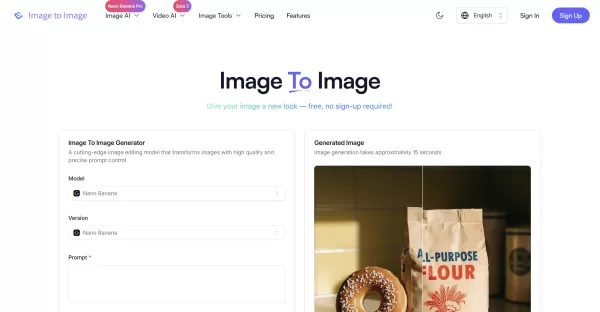
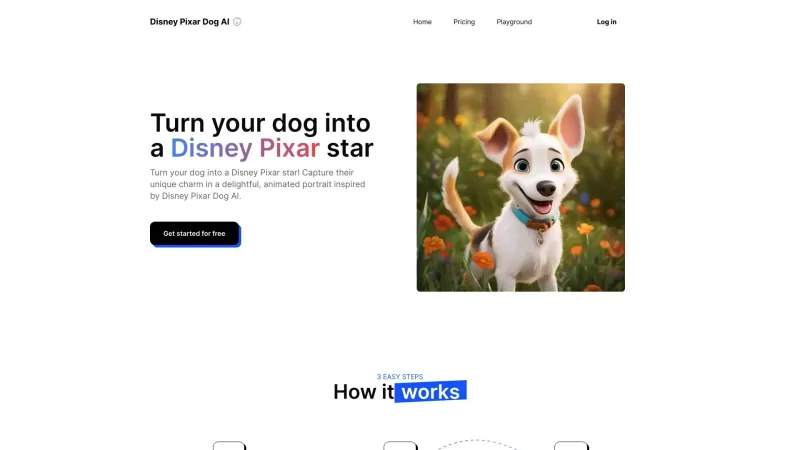
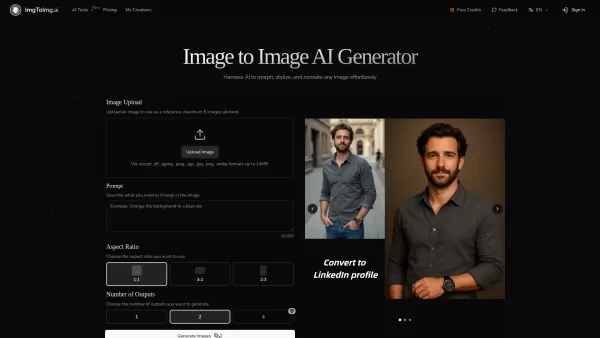
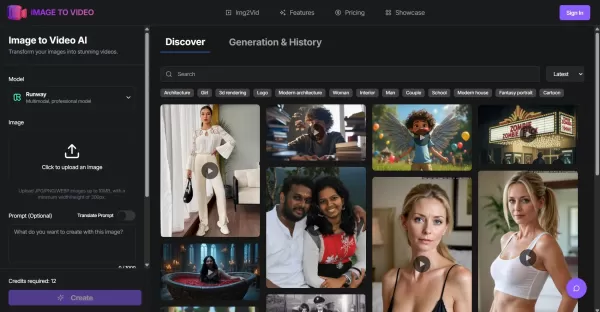
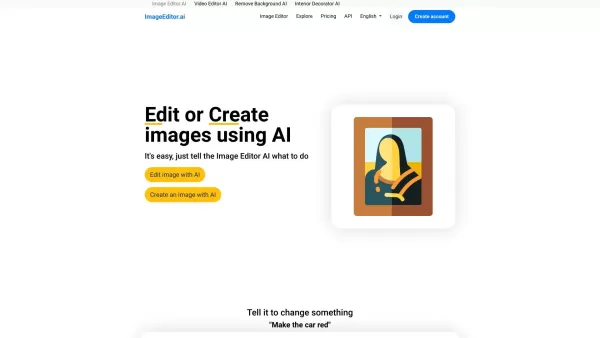
AI Image To Image Screenshot

2026 Latest Best AI Quiz Builder Platforms for Teachers, Tutors, and Cohort-Based Learning Programs! XIX.AI has curated a top-rated list of powerful game-changing tools that go through real-world tests to deliver accurate rankings. These must-try platforms help boost writing efficiency, streamline content creation, and simplify quiz design across all learning scenarios. Explore now to discover your perfect tool for unlocking your AI edge in teaching!
 13 tools
 xix.ai

2026 Latest Best AI Pull Request Review Tools for GitHub Teams are here on XIX.AI! This top-rated curated list showcases powerful game-changing solutions that streamline refactoring, bug fixing, and security gap detection across all team workflows. Enjoy a free vs paid comparison along with real-world tests and detailed rankings to help you find the perfect tool that boosts productivity significantly. Explore now to unlock your AI edge!
12 tools
xix.ai

2026 Latest Best Top-rated AI Text to Speech Tools for Natural Voiceovers are here on XIX.AI! This curated list features powerful, game-changing options that deliver crystal-clear voices for every use case, backed by real-world tests and weekly updated rankings. Get a free vs paid comparison to find the must-try solution that boosts your productivity instantly. Explore now to Unlock your AI edge!
11 tools
xix.ai

2026 Latest Best Manga AI Background Generators Ranked Top-Rated! This curated collection showcases powerful game-changing tools perfect for creating high-quality chapter backgrounds, book covers, and promotional art. Every option has undergone rigorous real-world tests to ensure reliability. Get a free vs paid comparison along with detailed insights. Explore now to discover your perfect tool and unlock your AI edge in manga creation.
6 tools
xix.ai

2026 Latest Best Top-rated AI Object Removal Editors for portraits travel product shots! XIX.AI curates a powerful game-changing collection regularly updated with weekly rankings. These tools offer real-world tests to help you quickly remove unwanted elements, boost content quality, and save tons of time without compromising results. Must-try for anyone aiming to unlock their AI creation edge. Explore now!
10 tools
xix.ai

2026 Latest Best Top-rated AI Text to Speech Tools for Online Courses are curated by XIX.AI based on rigorous real-world tests and weekly updated rankings. These powerful tools help creators deliver crystal-clear audio content effortlessly, boosting writing efficiency and streamlining course production. Check out the free vs paid comparison to find your perfect fit. Explore now to unlock your AI edge in online education.
10 tools
xix.ai


