


 Home
HomeAI Graph Maker
AI Graph and Chart Creation Tool



Helps TikTok sellers, brands, MCNs, and TAPs discover winning products and find creators.

HelpLook is an AI-powered all-in-one knowledge base tool that helps businesses quickly build knowledge bases, help centers, and...

Your AI Workspace

302.AI is an enterprise-grade AI resource platform with pay-as-you-go pricing, API access to a full range of AI models, and ready-to-use online applications.

剧火AI — AI Screenwriter + Director, a One-Person Short Drama Studio In one sentence, what is it?

What is Bubbly?BubblyAI is a comprehensive platform that transforms data analysis for businesses. By leveraging advanced AI algorithms, it automates extracting actionable insights from complex datasets, empowering users to make confident, data-driven
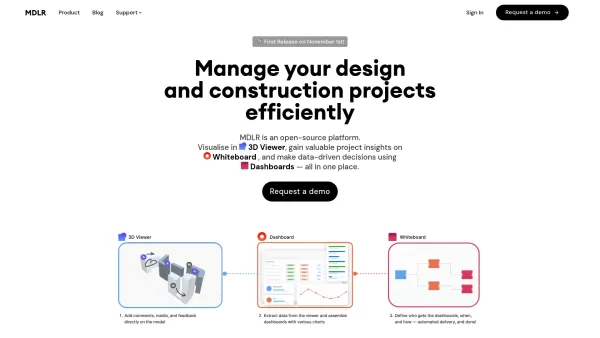
Ever wondered how to make your project management in the AEC industry not just easier, but downright exciting? Let me introduce you to MDLR, an AI-driven platform that's changing the game for architects, engineers, and construction professionals. It's lik
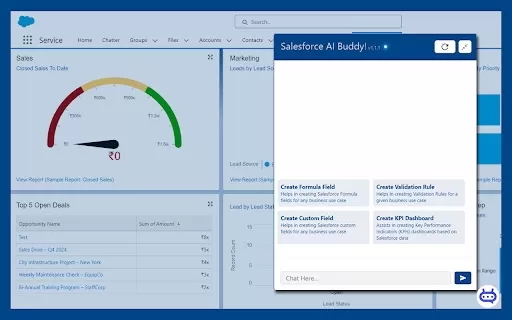
Ever wished you had a trusty sidekick to tackle those pesky Salesforce tasks? Enter Salesforce AI Buddy, the Chrome extension that's like having a tech-savvy friend by your side. This nifty tool is a game-changer for anyone diving into the world of Salesf

What is Ajelix AI Excel Tools?Ajelix provides intelligent, AI-powered tools designed to automate processes within Excel and Google Sheets, simplifying data analytics, visualization, and business intelligence for professionals and teams. Empower your
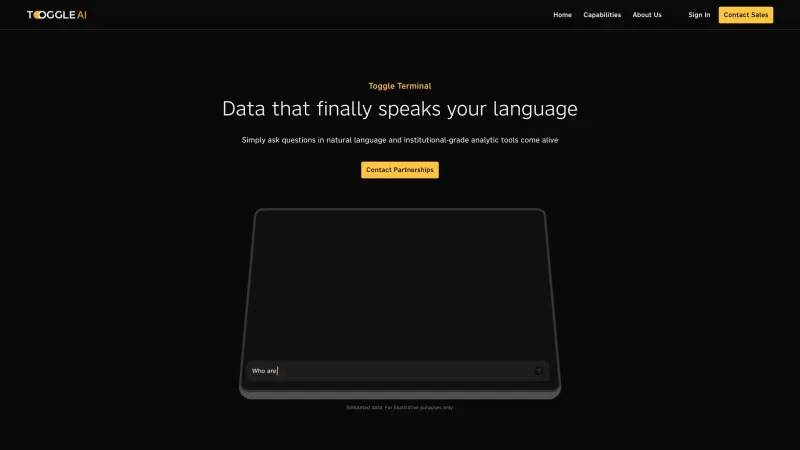
Toggle AI, or Toggle Terminal, is a game-changer in the world of data analytics. It's like having a conversation with your data, where you can ask questions in plain English and get insightful answers without needing to be a coding wizard or a spreadsheet
AI Graph Maker Product Information
Ever wished you could whip up stunning charts and graphs without diving into complex software? Enter AI Graph Maker, your go-to AI-powered tool for transforming raw data into eye-catching visuals. Whether you're a seasoned pro or just starting out, this tool's got you covered with a variety of chart formats like bar charts, pie charts, line charts, and more. It's like having a personal data visualization artist at your fingertips!
How to Use AI Graph Maker?
Using AI Graph Maker is a breeze. Just toss in your data, pick the graph type that catches your eye—whether it's a sleek bar chart, a colorful pie chart, or a smooth line chart—and hit 'Generate with AI'. After that, feel free to tweak your graph to perfection. Once you're happy with it, you can download it or share it with the world. It's that simple!
AI Graph Maker's Core Features
AI-Driven Chart Generation
AI Graph Maker uses the magic of artificial intelligence to create your charts, making the process almost effortless. It's like having a smart assistant who knows exactly how to make your data look good.
Supports Various Graph Types
From bar charts to pie charts, line charts, and beyond, AI Graph Maker offers a smorgasbord of options to fit your data visualization needs. You'll never run out of ways to present your information.
User-Friendly Interface
Navigating AI Graph Maker is as easy as pie. Its intuitive design means you can focus on your data, not on figuring out how to use the tool.
Customizable Styles and Content
Want to add a personal touch? AI Graph Maker lets you customize everything from colors to fonts, ensuring your graphs reflect your unique style.
Multi-Format Export Options
Once you've crafted your perfect graph, you can export it in various formats. Whether you need a PNG for a presentation or a PDF for a report, AI Graph Maker has you covered.
AI Graph Maker's Use Cases
Create a Sales Data Bar Chart to Visualize Quarterly Performance
Imagine you're a sales manager looking to impress your team with clear, concise visuals. AI Graph Maker can turn your quarterly sales data into a compelling bar chart that highlights your team's performance at a glance.
Generate a Timeline for Project Management
Project managers, rejoice! AI Graph Maker can help you create a timeline that keeps everyone on track. It's a great way to visualize project milestones and deadlines.
Design a Mind Map for Brainstorming Sessions
Need to spark some creativity? Use AI Graph Maker to design a mind map that captures all your brainstorming ideas in a visually engaging way.
FAQ from AI Graph Maker
- How to Create Graphs Using the AI Graph Maker Tool?
- Just enter your data, choose your preferred graph type, and click 'Generate with AI'. Customize as needed, then download or share your graph.
- Can I Customize the Style and Content of the Generated Graphs?
- Absolutely! AI Graph Maker offers a range of customization options, from colors and fonts to the content itself.
- Can I Export the Generated Graphs?
- Yes, you can export your graphs in multiple formats like PNG, PDF, and more.
- How to Contact Technical Support or Get Help with Your AI Graph Maker?
- Reach out to AI Graph Maker's support team at [email protected] for any assistance or questions.
AI Graph Maker Company
The brains behind this innovative tool? None other than AI Graph Maker itself. They're dedicated to making data visualization as easy and effective as possible.
AI Graph Maker Login
Ready to dive in? Log into your AI Graph Maker account at https://aigraphmaker.net/user/login and start creating.
AI Graph Maker Github
For the tech-savvy among you, check out AI Graph Maker's GitHub page at https://github.com/aigraphmaker to see what's under the hood.
AI Graph Maker Screenshot
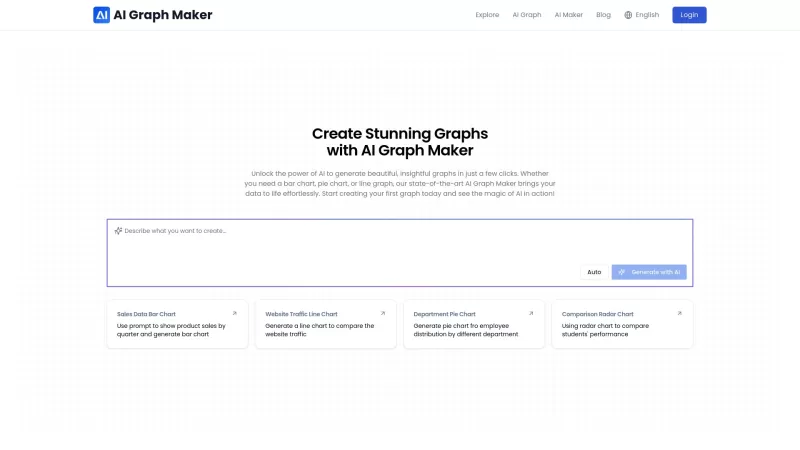

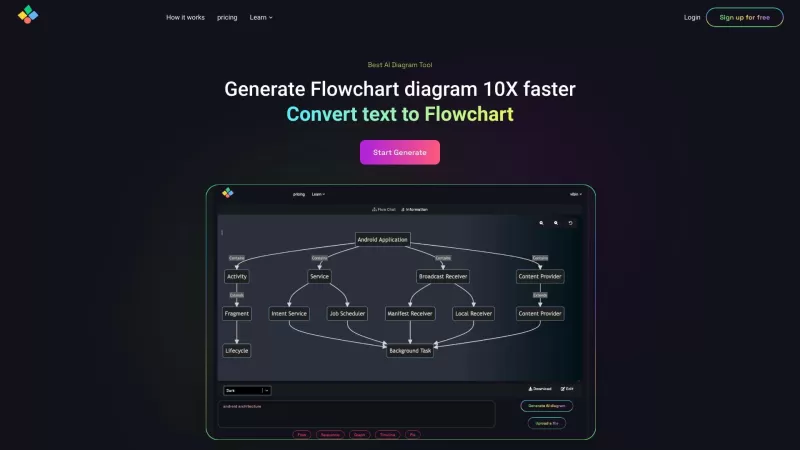

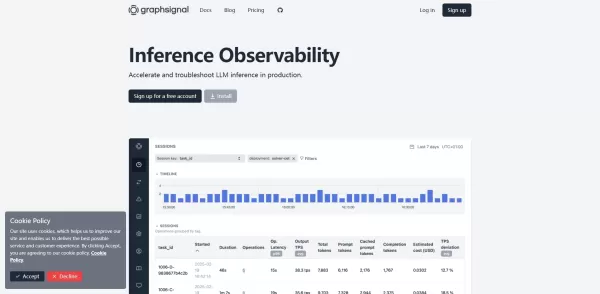

Discover the 2026 best AI chart makers for analysts at XIX.AI. Our curated list features top-rated, powerful tools to instantly create publication-ready graphs and heatmaps. Compare free vs paid options with real-world tests. Unlock your data visualization edge now.
 10 tools
 xix.ai


Just tried AI Graph Maker and it's a game-changer! As someone who's not great with data viz tools, this made creating charts so easy. The AI suggestions were spot-on and saved me tons of time. The only thing I'd love to see is more customization options for colors and fonts. Definitely recommending this to my team! 📊✨
Wow, AI Graph Maker just saved my presentation! Turned my messy spreadsheet into a slick infographic in seconds 😍 The best part? No design skills needed. Though I wonder if bigger datasets might slow it down...
This AI Graph Maker is a game-changer! 😍 I turned my boring data into a slick bar chart in seconds, no hassle. Super intuitive, even for a newbie like me. Only gripe? Wish it had more quirky templates for fun presentations. Still, highly recommend for quick, professional visuals!


