


 Home
HomeYouTube Create
Enhance your videos easily with YouTube Create.



Helps TikTok sellers, brands, MCNs, and TAPs discover winning products and find creators.

HelpLook is an AI-powered all-in-one knowledge base tool that helps businesses quickly build knowledge bases, help centers, and...

Your AI Workspace

302.AI is an enterprise-grade AI resource platform with pay-as-you-go pricing, API access to a full range of AI models, and ready-to-use online applications.

剧火AI — AI Screenwriter + Director, a One-Person Short Drama Studio In one sentence, what is it?
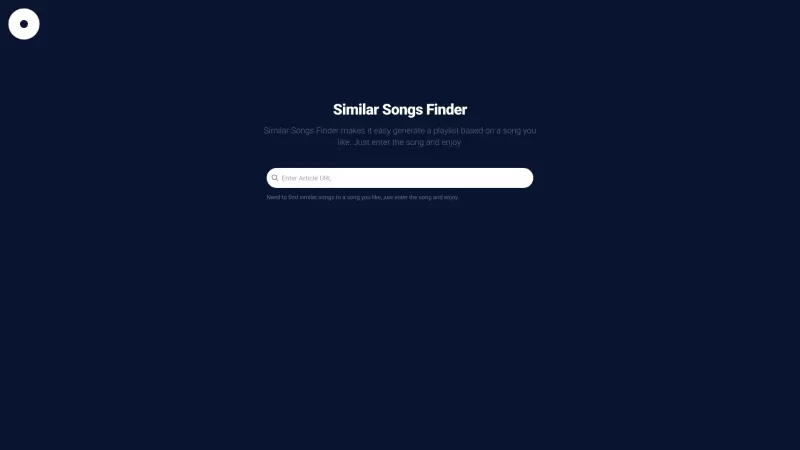
Ever find yourself stuck in a musical rut, listening to the same songs over and over? Well, let me introduce you to your new best friend: Similar Songs Finder. This nifty online tool is a Spotify Playlist Generator that's designed to shake up your playlis
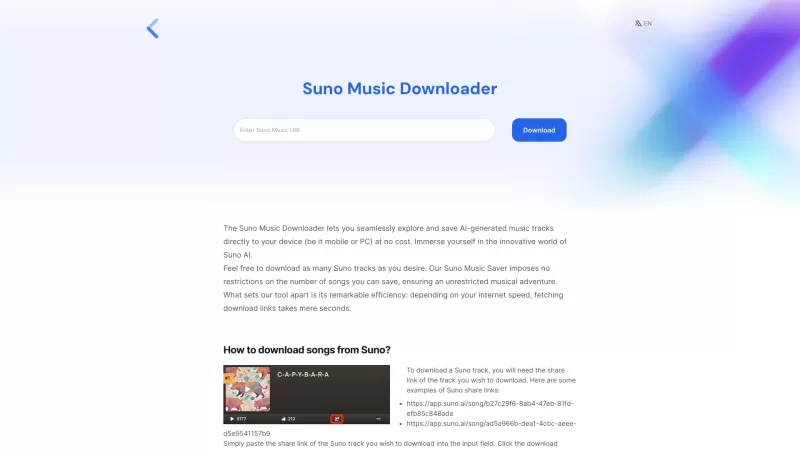
Suno Downloader is this nifty, free tool that lets you grab those catchy Suno AI songs. You know, those tunes that you just can't get out of your head? Now, you can have them right on your device, no strings attached!How to Use Suno Downloader?Using it is
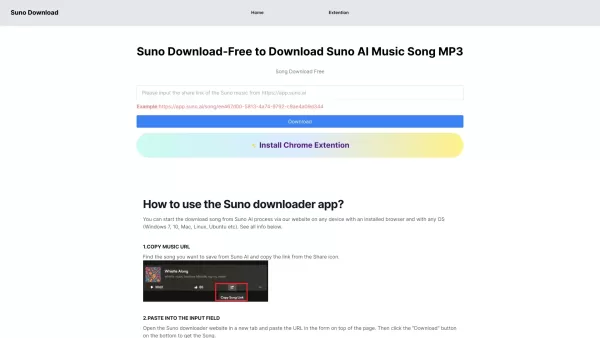
Ever heard of Suno Download? It's your go-to spot for diving into a world of free music downloads and streaming. Whether you're in the mood for the latest hits, full albums, or even music videos, Suno Download has got you covered. It's like your personal music library, just a click away. How to Get
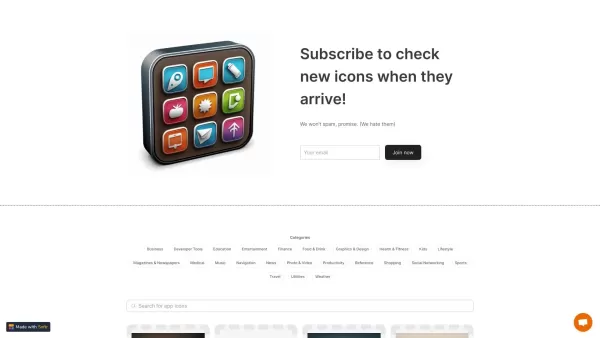
What is Icon Maker?Icon Maker is a powerful online tool that uses artificial intelligence to create professional app icons quickly and efficiently. It is perfect for generating icons for mobile apps, websites, or branding projects, offering a variety
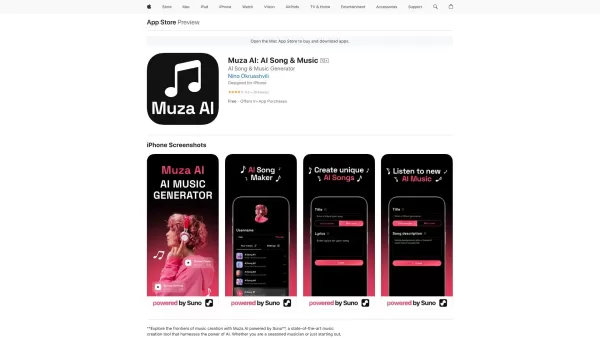
Ever wondered what it's like to have a creative partner that never sleeps? Meet Muza AI: AI Song & Music—your new go-to tool for whipping up everything from soothing instrumentals to catchy vocal tracks. With its cutting-edge AI, Muza AI helps you cr
YouTube Create Product Information
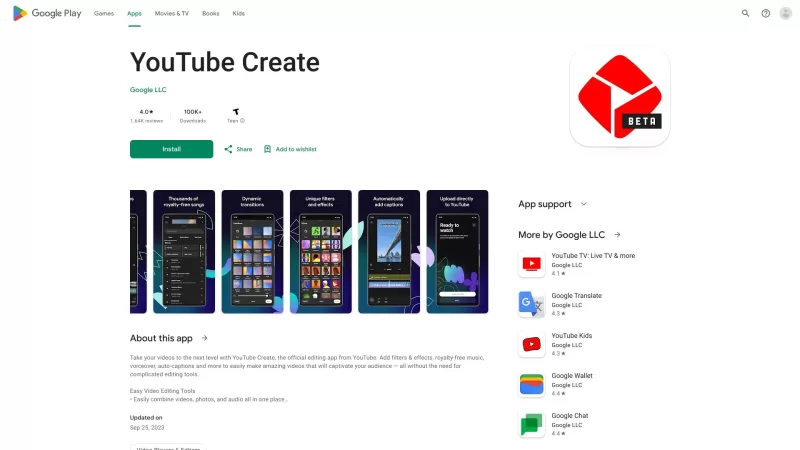
Ever wondered how to make your YouTube videos stand out without breaking a sweat? Enter YouTube Create, a nifty tool that's like having a mini video production studio right at your fingertips. It's designed to help you jazz up your videos with all sorts of cool features—think filters, effects, royalty-free music, voiceovers, and even auto-captions. Whether you're a seasoned content creator or just starting out, YouTube Create is your go-to for turning those raw clips into something truly special.
How to Get Started with YouTube Create?
Getting started with YouTube Create is as easy as pie. First, you'll need to sign into your YouTube account—yep, the one you're probably already using to watch those endless cat videos. Once you're in, just hit the 'Create' button, and you're on your way. You can either upload a fresh video or pick one from your YouTube library. Then, dive into the editing tools. Want to add a splash of color with filters? Or maybe some funky effects? Go for it! Once you're happy with your masterpiece, hit preview, make any last-minute tweaks, and then save it. Voila! Your video is ready to wow your audience.
Dive into YouTube Create's Core Features
Filters & Effects
Want to give your videos that extra oomph? YouTube Create's filters and effects are here to save the day. Whether you're going for a vintage vibe or a futuristic feel, there's something for every mood and style.
Royalty-Free Music
Struggling to find the perfect soundtrack? No worries! YouTube Create comes packed with a library of royalty-free music tracks. Just pick one that vibes with your video, and you're good to go. No copyright drama here!
Voiceover
Need to add some narration or commentary? YouTube Create lets you record voiceovers directly in the app. It's super simple and makes your videos feel more personal and engaging.
Auto-Captions
Making your content accessible is a breeze with YouTube Create's auto-captions feature. It automatically generates captions for your videos, making them more inclusive and reaching a wider audience.
When to Use YouTube Create?
Create Stunning Videos for Your YouTube Channel
If you're looking to up your game on YouTube, YouTube Create is your secret weapon. It helps you craft videos that not only look professional but also keep viewers hooked.
Enhance Your Video Content for Social Media Platforms
Got a hot new video you want to share across social media? Use YouTube Create to add those extra touches that'll make your content pop on Instagram, TikTok, or wherever else you hang out online.
Make Professional-Looking Videos for Presentations or Personal Use
Whether it's for a work presentation or a family slideshow, YouTube Create can help you create videos that look polished and professional. No need to hire a video editor when you've got this tool in your arsenal.
FAQ from YouTube Create
- Is YouTube Create free to use?
- Yes, it's free! Just sign into your YouTube account and start creating.
- Can I edit videos that are not uploaded to YouTube?
- Currently, YouTube Create is designed to work with videos that are either uploaded or already in your YouTube library.
- Can I add my own music to the videos?
- While YouTube Create offers a library of royalty-free music, you can't upload your own tracks at the moment.
- Are the auto-captions accurate?
- The auto-captions are pretty good, but like any automated system, they might need a bit of tweaking for perfection.
- Is there a limit on the duration of videos I can edit?
- There's no strict limit, but longer videos might take more time to process and edit.
YouTube Create Screenshot

2026 Latest Best Top-rated AI Object Removal Editors for portraits travel product shots! XIX.AI curates a powerful game-changing collection regularly updated with weekly rankings. These tools offer real-world tests to help you quickly remove unwanted elements, boost content quality, and save tons of time without compromising results. Must-try for anyone aiming to unlock their AI creation edge. Explore now!
 10 tools
 xix.ai

2026 Latest Best Top-rated AI Text to Speech Tools for Online Courses are curated by XIX.AI based on rigorous real-world tests and weekly updated rankings. These powerful tools help creators deliver crystal-clear audio content effortlessly, boosting writing efficiency and streamlining course production. Check out the free vs paid comparison to find your perfect fit. Explore now to unlock your AI edge in online education.
10 tools
xix.ai

2026 Latest Best Top-Rated AI Blog Title Tools for Higher Click Through Rates! XIX.AI has carefully curated a powerful, game-changing collection of top tools that go through rigorous real-world tests. You’ll find a free vs paid comparison, weekly updated rankings, and detailed insights to help you boost your blog’s traffic efficiently. Must-try options are highlighted to help you unlock your AI edge. Explore now!
10 tools
xix.ai

2026 Latest Best Top-rated AI Task Routing Tools for Support Workflows! XIX.AI has curated a highly powerful game-changing collection of must-try solutions, all undergoing rigorous real-world tests and updated weekly. These tools streamline workflows, boost productivity, and help teams deliver faster, more efficient support. Explore now to discover your perfect tool and unlock your AI edge!
17 tools
xix.ai

2026 Latest Best Top-Rated AI Citation and Paper Summary Tools Curated by XIX.AI. Get powerful game-changing solutions for quick content creation, improved writing efficiency, and boosting productivity. We offer a free vs paid comparison along with real-world tests and weekly updated rankings to help you find the must-try tool that fits your needs perfectly. Explore now to Unlock your AI edge.
10 tools
xix.ai

2026 Latest Best Top-Rated AI Productivity Tools for Daily Work! XIX.AI has curated a powerful, game-changing selection based on rigorous weekly updated rankings and real-world tests. You’ll find must-try options that boost writing efficiency, streamline content creation, and help you overcome daily work challenges. Get a free vs paid comparison to find the perfect fit for your needs. Explore now to unlock your AI edge!
9 tools
xix.ai


This tool looks like a game-changer for my dull DIY tutorials! Finally something to make editing less of a headache. Though I wonder how it handles niche audio issues 🤔. Will definitely give it a try this weekend! 👍


