


 Home
HomeXtractly
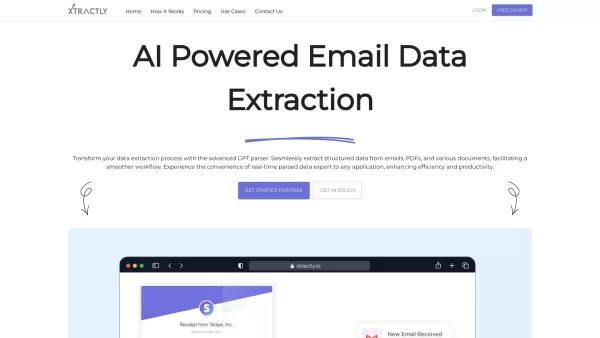
Extract Data from Emails and Documents Easily



Helps TikTok sellers, brands, MCNs, and TAPs discover winning products and find creators.

HelpLook is an AI-powered all-in-one knowledge base tool that helps businesses quickly build knowledge bases, help centers, and...

Your AI Workspace

302.AI is an enterprise-grade AI resource platform with pay-as-you-go pricing, API access to a full range of AI models, and ready-to-use online applications.

剧火AI — AI Screenwriter + Director, a One-Person Short Drama Studio In one sentence, what is it?
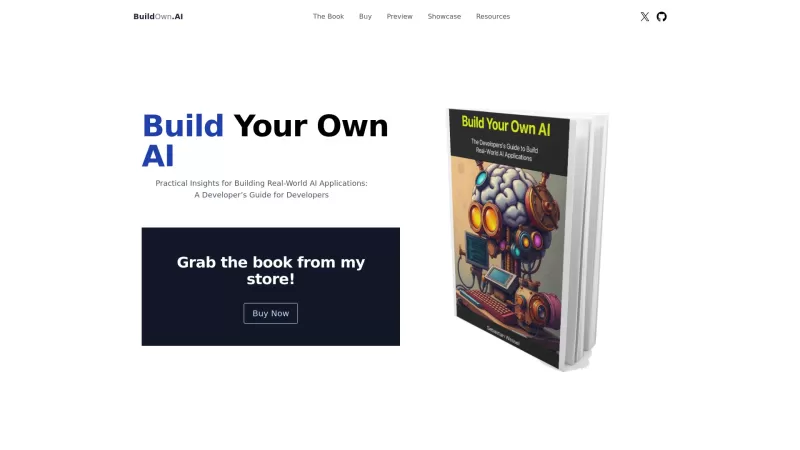
Build Your Own AI is your go-to resource for diving into the world of AI development. It's all about giving developers the tools and know-how to create real-world AI applications, with a special focus on Large Language Models (LLMs) and the art of prompt engineering. Whether you're a seasoned coder
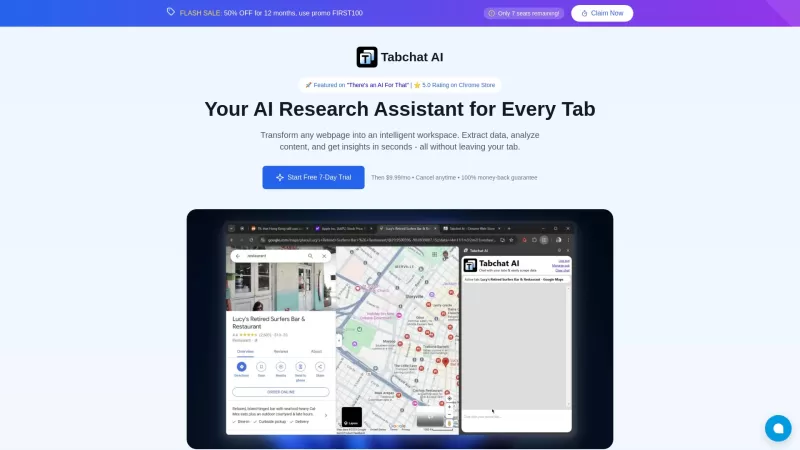
Ever found yourself juggling multiple tabs, wishing you could just talk to them to get the info you need? Well, Tabchat AI might just be your new best friend. It's a nifty Chrome extension that lets you chat with your active browsing tabs and even scrape
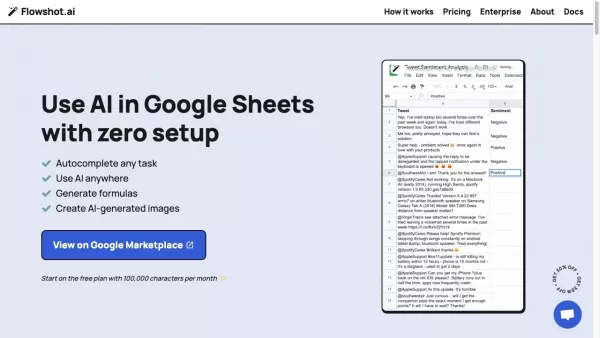
Ever wished you could supercharge your Google Sheets with the power of AI? Enter Flowshot—an AI plugin that's like having a smart assistant right in your spreadsheets. It's not just about making your work easier; it's about transforming how you work. With features like AI prompts, autocomplete for t

Ever found yourself staring at a PDF, wishing you could magically transform its contents into something more usable? Well, let me introduce you to Convert PDF to JSON, an AI-powered marvel that turns those static PDF files into structured JSON data. It's
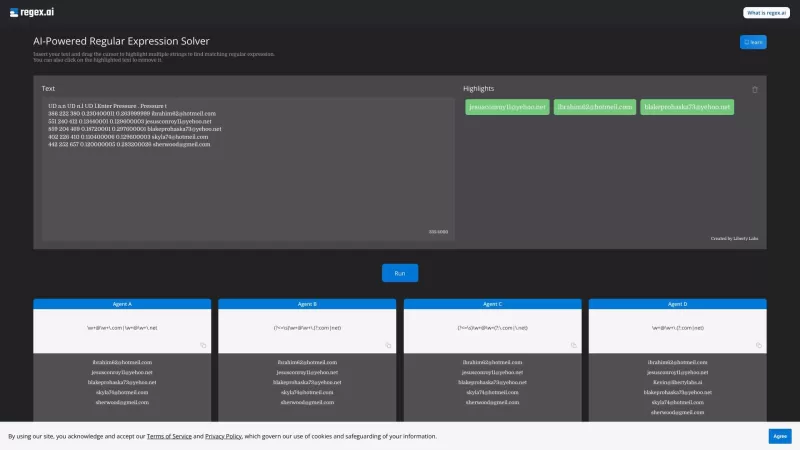
Ever found yourself wrestling with those pesky regular expressions? Well, let me introduce you to Regex.ai, your new best friend in the world of regex. It's not just another tool; it's an AI-powered wizard that generates and solves regular expressions for
Xtractly Product Information
Ever found yourself buried under a mountain of emails, PDFs, and documents, just trying to pull out the data you need? That's where Xtractly comes in like a breath of fresh air. This advanced GPT parser is like your personal data extraction wizard, making it a breeze to sift through all those documents and pull out structured data effortlessly. It's all about making your workflow smoother and less of a headache.
How to Use Xtractly?
Getting started with Xtractly is as easy as pie. Just follow these three simple steps:
- Set Up Your Extraction: Tailor Xtractly to your needs. Decide what data you want to extract and how you want it formatted.
- Import Your Data: Whether it's emails or documents, just upload them to Xtractly. It's like magic—watch as your data gets sorted out.
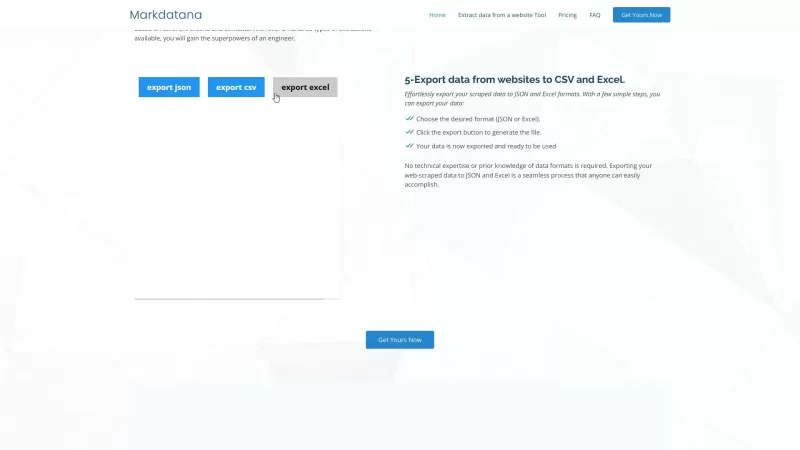
- Export Your Extracted Data: Once Xtractly has worked its magic, export the data in the format that suits you best. It's that simple!
Xtractly's Core Features
AI-Powered Data Extraction
With the power of AI, Xtractly doesn't just extract data—it understands it. It's like having a smart assistant who knows exactly what you're looking for.
Email Parsing
Those endless emails? Xtractly can dive right in, pulling out the important bits without you having to sift through them manually. It's a game-changer.
PDF and OCR Engine
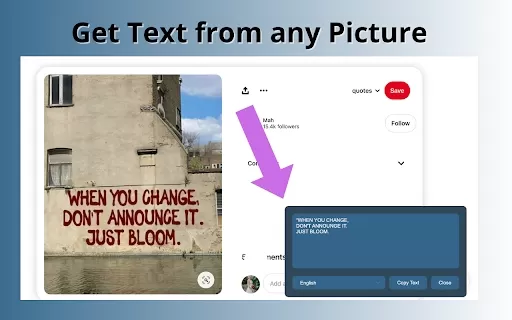
Got a pile of PDFs? No problem. Xtractly's OCR engine reads them like a pro, extracting data even from scanned documents. It's like having X-ray vision for your documents.
Data Protection
Worried about security? Don't be. Xtractly takes data protection seriously, ensuring your information stays safe and sound.
Xtractly's Use Cases
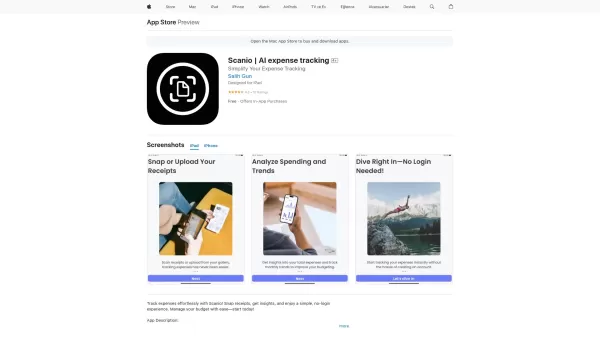
- Invoices, Receipts, and Purchase Orders: Turn those pesky documents into organized data in no time.
- Order Confirmations: Keep track of your orders without the hassle.
- Delivery Tracking: Stay on top of your deliveries with ease.
- Contracts: Extract key information from contracts to streamline your process.
- Leads: Manage your leads more efficiently with Xtractly's help.
- CVs and Resumes: Quickly extract candidate information for better hiring decisions.
FAQ from Xtractly
- What types of documents can Xtractly parse?
- Xtractly can handle emails, PDFs, and a variety of other document types. It's versatile!
- Can Xtractly extract data from scanned documents?
- Absolutely! Thanks to its OCR engine, Xtractly can read and extract data from scanned documents like a champ.
- How long is the data retained by Xtractly?
- Xtractly keeps your data for as long as you need it, but always with your consent and control.
- Is Xtractly's data extraction secure?
- Yes, Xtractly prioritizes your data security, using top-notch measures to keep your information safe.
- Can Xtractly integrate with other apps?
- Definitely! Xtractly plays well with others, allowing seamless integration with various applications to enhance your workflow.
Xtractly Screenshot
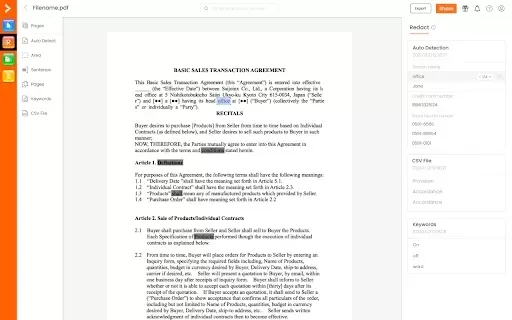

2026 Latest Best Manga AI Background Generators Ranked Top-Rated! This curated collection showcases powerful game-changing tools perfect for creating high-quality chapter backgrounds, book covers, and promotional art. Every option has undergone rigorous real-world tests to ensure reliability. Get a free vs paid comparison along with detailed insights. Explore now to discover your perfect tool and unlock your AI edge in manga creation.
 6 tools
 xix.ai

2026 Latest Best Top-rated AI Object Removal Editors for portraits travel product shots! XIX.AI curates a powerful game-changing collection regularly updated with weekly rankings. These tools offer real-world tests to help you quickly remove unwanted elements, boost content quality, and save tons of time without compromising results. Must-try for anyone aiming to unlock their AI creation edge. Explore now!
10 tools
xix.ai

2026 Latest Best Top-rated AI Text to Speech Tools for Online Courses are curated by XIX.AI based on rigorous real-world tests and weekly updated rankings. These powerful tools help creators deliver crystal-clear audio content effortlessly, boosting writing efficiency and streamlining course production. Check out the free vs paid comparison to find your perfect fit. Explore now to unlock your AI edge in online education.
10 tools
xix.ai

2026 Latest Best Top-Rated AI Blog Title Tools for Higher Click Through Rates! XIX.AI has carefully curated a powerful, game-changing collection of top tools that go through rigorous real-world tests. You’ll find a free vs paid comparison, weekly updated rankings, and detailed insights to help you boost your blog’s traffic efficiently. Must-try options are highlighted to help you unlock your AI edge. Explore now!
10 tools
xix.ai

2026 Latest Best Top-rated AI Task Routing Tools for Support Workflows! XIX.AI has curated a highly powerful game-changing collection of must-try solutions, all undergoing rigorous real-world tests and updated weekly. These tools streamline workflows, boost productivity, and help teams deliver faster, more efficient support. Explore now to discover your perfect tool and unlock your AI edge!
17 tools
xix.ai

2026 Latest Best Top-Rated AI Citation and Paper Summary Tools Curated by XIX.AI. Get powerful game-changing solutions for quick content creation, improved writing efficiency, and boosting productivity. We offer a free vs paid comparison along with real-world tests and weekly updated rankings to help you find the must-try tool that fits your needs perfectly. Explore now to Unlock your AI edge.
10 tools
xix.ai


